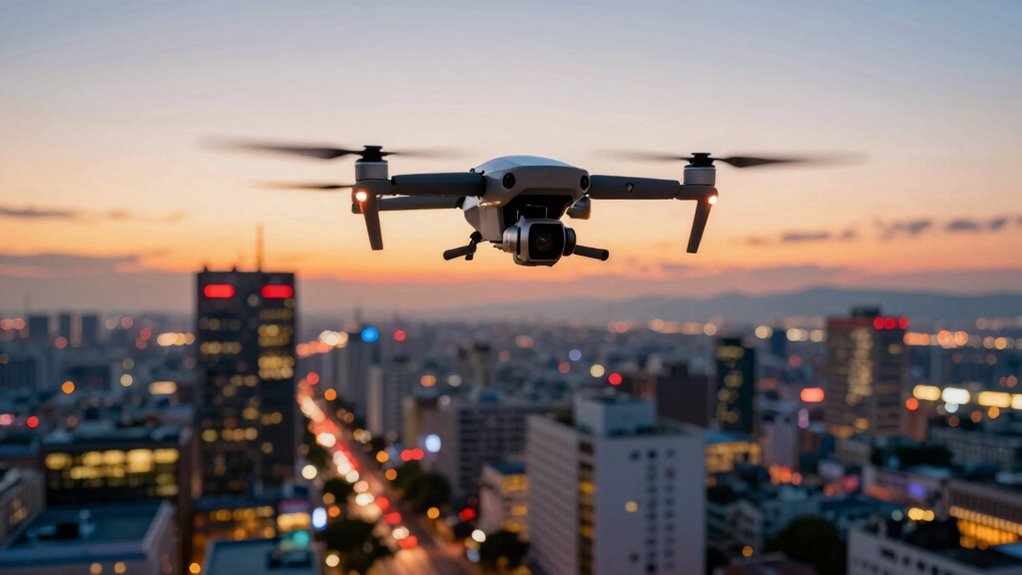
Excessive movement in your drone footage can make it shaky and chaotic, distracting viewers from your subject. Fast and abrupt shifts challenge stabilization and often cause motion blur, which reduces detail and looks unprofessional. Too much movement also ruins the smooth, cinematic feel you’re aiming for. To improve your videos, you need to control your drone’s motion and balance your camera settings. Keep exploring to discover how to create steady, engaging footage that captures your audience’s attention.

Get the latest gadgets delivered free — and shop member deals
- Fast, free delivery on millions of items
- Access to Prime Big Deal Days deals on October 6–7
- Prime Video, Amazon Music and more included
Key Takeaways
- Excessive movement causes shaky footage, making videos difficult to watch and less professional.
- Rapid or abrupt drone movements increase motion blur, reducing image clarity and detail.
- Excessive motion can distract viewers, diverting attention from the main subject or scene.
- Overly dynamic shots can appear chaotic, reducing overall video stability and viewer engagement.
- Lack of controlled movement hinders stabilization, resulting in jittery footage that diminishes quality.
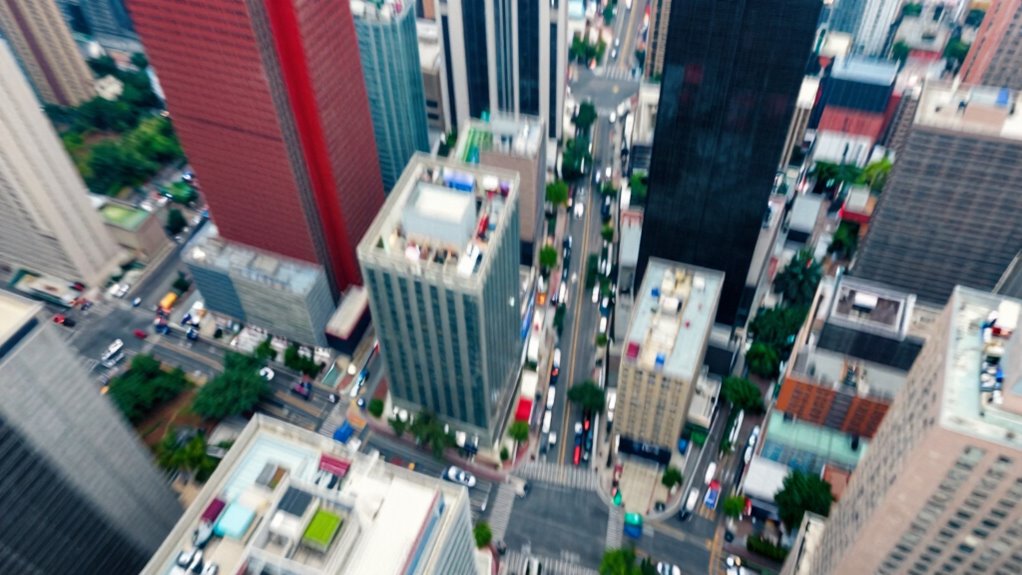
While dynamic movement can add excitement to your drone footage, too much motion often does more harm than good. When your drone is constantly shifting direction or speed, it becomes challenging to maintain smoothness, and your footage may end up feeling chaotic rather than engaging. One key factor that influences this is camera stabilization. Without proper stabilization, even minor drone movements translate into shaky images, making your videos uncomfortable to watch. Modern drones often come equipped with gimbals or electronic stabilization systems that help counteract unwanted vibrations and jitters. If you neglect to use these features, your footage will suffer from instability, and viewers might struggle to focus on the content rather than the distracting motion. Additionally, camera stabilization techniques can significantly improve your footage quality by reducing unwanted movement. Another aspect to consider is motion blur, which becomes a significant problem when there’s excessive movement. Motion blur occurs when the camera’s shutter speed isn’t fast enough to freeze rapid motion, resulting in streaks or smudges across your footage. When your drone is moving quickly or making sharp turns, motion blur can obscure details and reduce the overall clarity of your shots. This visual distraction diminishes the professional quality of your video and can make it difficult for viewers to appreciate the scene. To combat this, you should adjust your camera settings, increasing shutter speed to minimize blur during fast movements. However, simply increasing shutter speed isn’t always enough. Too much movement combined with high shutter speeds can make your footage feel overly cold or mechanical, lacking the natural feel you want. Striking a balance is essential. Slow, deliberate movements paired with stable camera work produce more visually pleasing results. When you’re intentionally adding movement, do so gradually and smoothly, avoiding abrupt jerks or rapid shifts. This approach not only reduces motion blur but also enhances camera stabilization, giving your footage a polished, cinematic look. Proper planning of your drone shots and understanding how to control drone movement can help you achieve smoother, more professional results. Being mindful of natural motion can help maintain viewer engagement and make your footage more immersive. Additionally, practicing controlled flight techniques can greatly improve the overall quality of your videos by ensuring consistent and predictable camera behavior.
As an affiliate, we earn on qualifying purchases.
Frequently Asked Questions
How Can I Stabilize My Drone Footage Effectively?
To stabilize your drone footage effectively, use camera gimbals and flight stabilizers. These tools keep your camera steady during flight, reducing unwanted movement and jitter. Always guarantee your gimbal is properly calibrated before flying, and consider using smooth, controlled movements when maneuvering your drone. Additionally, avoid sudden turns or quick altitude changes, which can introduce instability. Properly utilizing these stabilization tools will give you smooth, professional-looking footage.
What Camera Settings Improve Smoothness During Movement?
Imagine your drone gliding smoothly through the sky. To achieve this, use camera stabilization to keep footage steady during movement. Adjust your shutter speed to match your flight speed; a faster shutter speed reduces motion blur, making your video look crisp. By combining these settings, you’ll create fluid, professional-looking shots that feel natural and immersive, even when your drone moves swiftly through dynamic scenes.
Are There Specific Drone Models Better for Stable Video?
Certain drone models excel at delivering stable videos, especially when you incorporate helpful drone accessories like gimbals and landing gear. When flight planning, choose models with advanced stabilization features and GPS-assisted flight modes, which minimize unwanted movement. These tools and planning strategies help you maintain smooth footage, even during complex maneuvers. Research models with built-in stabilization and compatibility with your accessories to make sure you capture professional-quality, steady videos effortlessly.
How Does Weather Affect Drone Movement and Video Quality?
Did you know that wind interference can cause drone movements to increase by up to 60%, degrading video quality? Weather dramatically impacts your drone’s stability—strong winds make it harder to maintain steady shots, while temperature effects can affect battery life and responsiveness. High winds push your drone off course, creating shaky footage, and extreme temperatures can reduce flight time, making it tougher to capture smooth, high-quality videos.
What Post-Processing Techniques Enhance Shaky Drone Footage?
To improve shaky drone footage, you should use post-processing techniques like applying optical flow stabilization, which smooths out motion. Additionally, guarantee your gimbal is well-calibrated before editing, as this helps correct minor jitters. Software like Adobe Premiere Pro or DaVinci Resolve offers stabilization tools that leverage optical flow. Combining these methods, you’ll produce cleaner, more professional-looking drone videos with less noticeable shake.
drone camera stabilization system
As an affiliate, we earn on qualifying purchases.
As an affiliate, we earn on qualifying purchases.
Conclusion
To wrap up, excessive movement in your drone footage can distract viewers and diminish the quality of your videos. Keeping your movements smooth and controlled guarantees your shots look professional and engaging. Did you know that viewers are 80% more likely to stay engaged with steady footage? So, next time you’re flying, remember: less is more. Focus on stability, and your videos will stand out with clarity and elegance.
As an affiliate, we earn on qualifying purchases.
As an affiliate, we earn on qualifying purchases.
Fall Picks
fall essentials
As an affiliate, we earn on qualifying purchases.