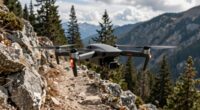
To make small locations look huge with a drone, use strategic angles, altitude, and lens choices. Fly low and close to emphasize foreground features, while shooting from higher altitudes to create a sense of vastness. Incorporate wide-angle lenses for perspective distortion, making nearby objects appear larger and background elements seem farther away. Play with vantage points and composition, such as leading lines, to guide the eye across the scene. Keep exploring how these techniques can transform your shots into grand, awe-inspiring views.
Key Takeaways
- Use high vantage points and wide-angle lenses to exaggerate size disparity and create a sense of vastness.
- Fly the drone close to the scene and shoot upward to emphasize nearby features.
- Incorporate leading lines and strategic composition to guide the viewer’s eye across the scene.
- Adjust altitude and angle to manipulate perspective distortion and enhance scale.
- Combine aerial perspective techniques to make small areas appear expansive and grand.
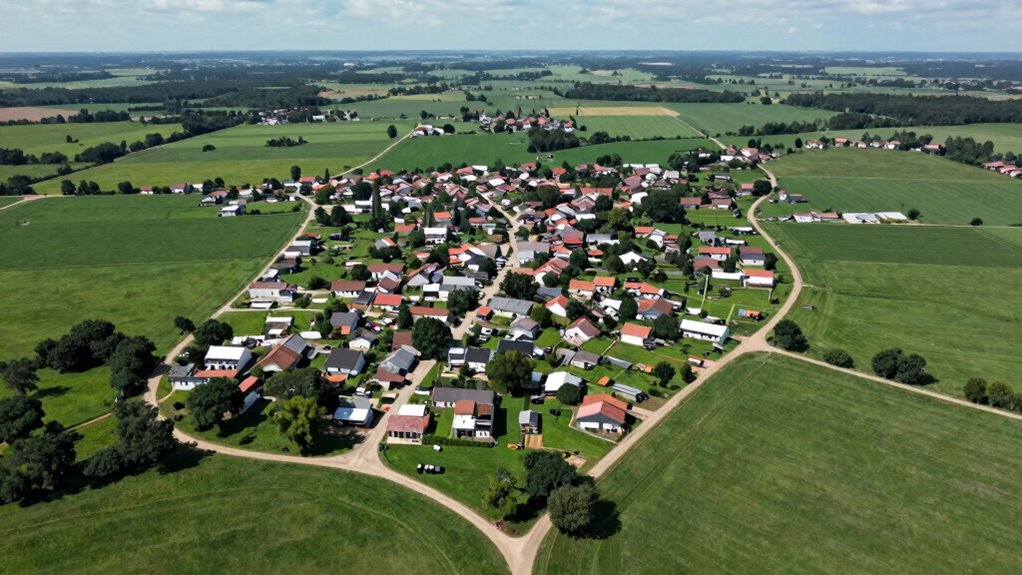
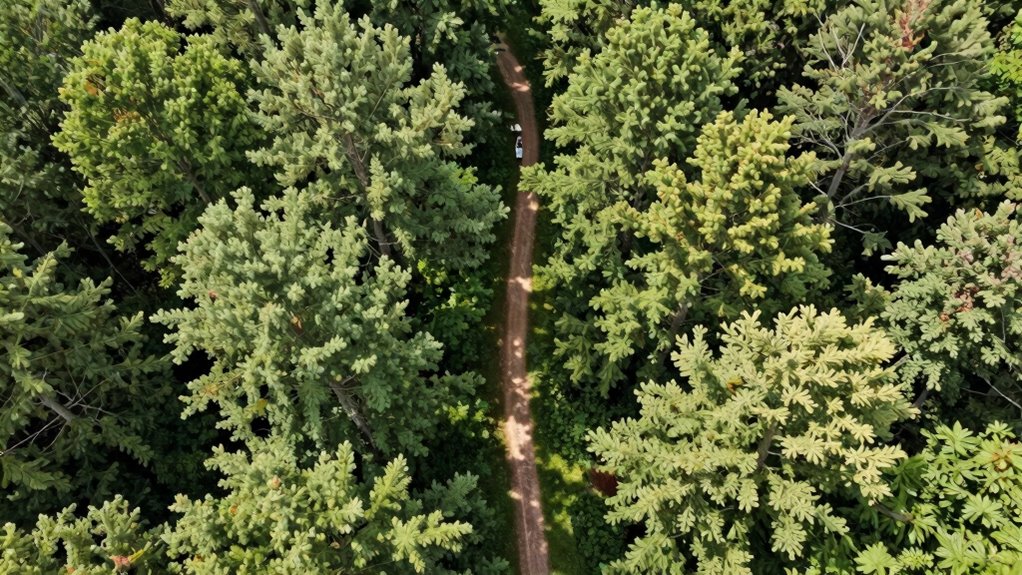
When you want to make small locations appear larger and more impressive, using a drone is one of the most effective techniques. Drones give you the ability to capture aerial perspectives that human eyes can’t easily see from the ground. By elevating your viewpoint, you can create a sense of vastness and scale that transforms a modest space into something more grandiose. This perspective isn’t just about height; it’s about how the scene is perceived. When you shoot from above, you leverage aerial perspective to emphasize the size differences between objects and surroundings, making even tiny locations seem expansive.
One key to this is understanding perspective distortion. When you fly your drone close to a small location and then shoot from a higher altitude, you can manipulate how the scene appears. Perspective distortion occurs when objects closer to the camera seem larger than those farther away. By adjusting your drone’s altitude and angle, you can exaggerate this effect, creating a visual illusion of more space. For example, if you position your drone low and shoot upwards, nearby buildings or features will look more prominent, while distant elements appear smaller, enhancing the sense of depth and scale.
Adjust drone altitude and angle to exaggerate perspective distortion, making small scenes appear larger and more expansive.
To maximize this effect, choose a vantage point that accentuates the size disparity within the scene. For instance, flying your drone over a tiny park or courtyard and capturing it from a high angle will give viewers a sense of vastness. Incorporate leading lines, like pathways or fences, that draw the eye into the scene and emphasize distance. This technique tricks the brain into perceiving a larger area because the lines guide the viewer’s gaze across more space, even if the actual location remains small.
Additionally, consider the use of wide-angle lenses on your drone’s camera if possible. Wide lenses exaggerate perspective distortion, making foreground objects appear larger and background elements seem farther away. This visual trickery enhances the illusion of size, giving your viewers a feeling that the space is more sprawling than it truly is. Combining a strategic aerial perspective with calculated perspective distortion allows you to craft images that amplify the scale of small locations, making them appear remarkably bigger and more impressive in photos or videos.
In essence, understanding and harnessing aerial perspective and perspective distortion with your drone empowers you to transform ordinary spaces into extraordinary visual stories. You don’t need a massive area to create a sense of grandeur—just the right angle, altitude, and lens, and you can make small locations look huge. For example, mastering aerial perspective can significantly improve the impact of your shots.

DJI Air 3S Wide-Angle Lens
Adopts a precise optical design that expands the FOV of the wide-angle camera to 114°, offering a wider…
As an affiliate, we earn on qualifying purchases.
As an affiliate, we earn on qualifying purchases.
Frequently Asked Questions
What Drone Camera Settings Are Best for Landscape Shots?
For stunning landscape shots, set your drone camera to a low ISO for clarity and use a narrow aperture like f/8 to f/11 for depth. Choose wide camera angles to capture expansive views, and shoot in RAW format for flexibility. Afterward, apply post-processing techniques like contrast adjustments and sharpening to enhance details, making your landscapes look even more impressive and expansive.
How Do Weather Conditions Affect Drone Photography?
Weather conditions profoundly impact your drone photography. Weather patterns like rain, fog, or strong winds can reduce visibility, cause instability, or damage your drone. Lighting conditions, such as bright sunlight or overcast skies, affect how your shots turn out—bright light enhances details, while overcast offers softer shadows. Always check the weather forecast before flying, and adapt your settings to optimize image quality under current weather patterns.
Can Drones Capture Interior Spaces Effectively?
Yes, drones can effectively capture interior spaces by optimizing interior lighting and enhancing space perception. You adjust your drone’s camera settings for low-light conditions, ensuring clear, detailed shots. You position your drone carefully to showcase the room’s dimensions, creating a sense of openness. You use wide-angle lenses to emphasize spaciousness, and you plan your flight to highlight key areas, making small spaces appear larger and more inviting through strategic angles and lighting.
What Legal Restrictions Apply to Drone Filming?
You need to be aware of privacy concerns and airspace regulations when drone filming. Privacy issues arise if you capture private properties or individuals without permission, risking legal trouble. Airspace regulations, governed by local authorities and aviation agencies, restrict where and how high you can fly. Always check regional rules, obtain necessary permits, and respect privacy to guarantee your drone filming remains legal and safe.
How Can I Stabilize Footage During Windy Conditions?
You can stabilize your footage during windy conditions by using gimbal stabilization, which actively adjusts the camera to counteract movement. Also, enable wind compensation settings on your drone if available, as they help reduce vibrations and maintain steady footage. Additionally, flying at lower altitudes and using smooth, controlled movements minimizes the impact of gusts, giving you clearer, more professional-looking shots even in challenging weather.
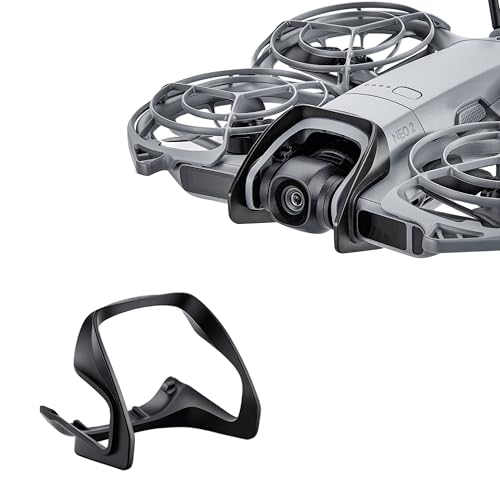
STARTRC Gimbal Bumper Guard for DJI Neo 2 Accessories, ABS Anti-Collision Protection Guard Bar for DJI Neo 2 Drone Camera
Designed for DJI Neo 2: Designed according to the neo 2 drone body structure, it can well protect…
As an affiliate, we earn on qualifying purchases.
As an affiliate, we earn on qualifying purchases.
Conclusion
By mastering drone shots, you can make even the tiniest locations seem grand and impressive. Experiment with angles, altitude, and perspective to truly make your scenes pop. Remember, a good drone shot can turn a small space into a breathtaking landscape — it’s all about perspective. So don’t be afraid to think outside the box; with a bit of practice, you’ll have viewers thinking you’ve captured a whole lot more than what’s really there.

Camera Stabilizer, High Technology Drone Camera Gimbal Metal Brushless Gimbal Board BGC 2.2 for 3/3+ / 4 Camera RC Drone Quadcopter Part (Black) Gimbal Drone
[Ready-to-fly 12v Rtf Version] This complete rtf (ready-to-fly) gimbal comes fully assembled with all necessary components including screws…
As an affiliate, we earn on qualifying purchases.
As an affiliate, we earn on qualifying purchases.
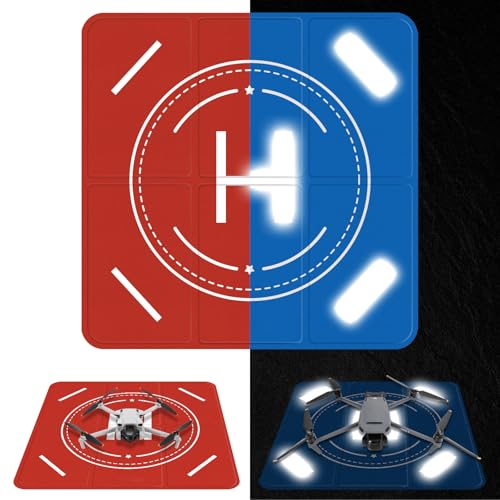
FPVtosky Nighttime Reflective Drone Landing Pad, Fast-fold Double Sided Waterproof Landig Pad Weighted for DJI Lito X1/Mini 5 Pro/ 4/3 Pro/Mini 4k / Mavic 4 / Air 3s/ Avata 2/ Neo/Flip
Waterproof & Easy to Clean: The landing pad is made of high-quality double-sided PU leather, waterproof and dustproof,…
As an affiliate, we earn on qualifying purchases.
As an affiliate, we earn on qualifying purchases.