
When your drone shows an SD card error and can’t record, start by checking the battery to guarantee it’s fully charged and in good condition. Then, inspect and clean the SD card for dirt or damage, and format it using the drone’s recommended file system. Make sure your firmware is up to date, and consider using a higher-class SD card for better performance. If issues persist, exploring more solutions can help you quickly get back to flying smoothly.

Get the latest gadgets delivered free — and shop member deals
- Fast, free delivery on millions of items
- Access to Prime Big Deal Days deals on October 6–7
- Prime Video, Amazon Music and more included
Key Takeaways
- Check and recharge the drone’s battery to ensure proper power for recording functions.
- Format the SD card using the drone’s recommended file system to prevent compatibility issues.
- Inspect the SD card for physical damage, dirt, or dust, and clean it gently if needed.
- Update the drone’s firmware to the latest version to fix bugs affecting SD card communication.
- Use high-quality, compatible SD cards with proper class ratings for reliable recording performance.
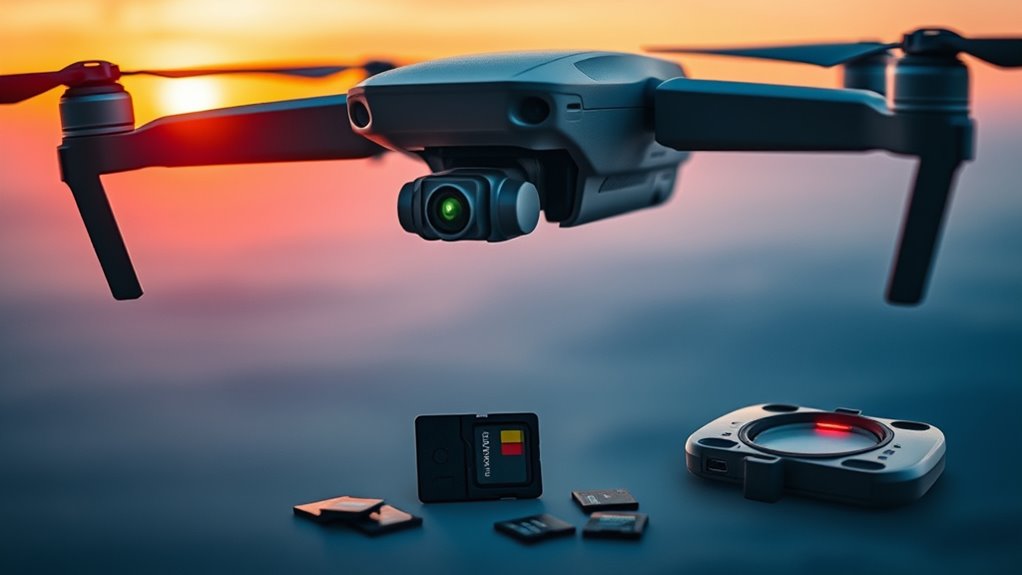
Experiencing a drone SD card error can be frustrating, especially when you’re keen to capture or review your footage. The last thing you want is to miss out on those perfect shots or to find out that your recordings are inaccessible. Often, these errors stem from simple issues like insufficient battery life, outdated firmware, or problems with the SD card itself. Addressing these factors promptly can save you time and prevent future recording failures.
First, check your drone’s battery life. A low or depleted battery can cause the drone to malfunction or stop recording unexpectedly. Many drones require a certain level of power to operate all functions correctly, including recording to the SD card. If your battery is running low, recharge it fully before attempting to record again. Also, avoid using third-party or damaged batteries, as they can sometimes cause power inconsistencies that interfere with recording. Ensuring your drone’s battery is healthy and fully charged is a quick, effective way to eliminate one common cause of SD card errors.
Check your drone’s battery and recharge fully to prevent recording issues and SD card errors.
Next, consider whether your drone’s firmware is up to date. Firmware updates often include bug fixes, security patches, and improvements that enhance overall performance, including compatibility with SD cards. An outdated firmware can cause communication issues between the drone and the SD card, leading to errors or failed recordings. Connect your drone to its official app or software and check for available updates. Following the manufacturer’s instructions carefully to install these updates can resolve known bugs and improve stability, reducing the chances of encountering SD card errors during your flights.
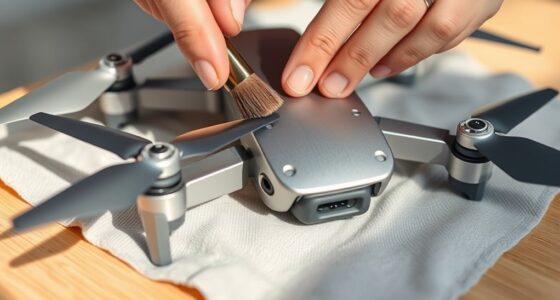
Another step is to inspect the SD card itself. Remove it from your drone and check for physical damage, dirt, or dust. If the card appears dirty, gently clean it with a soft cloth. Make sure it’s formatted correctly—preferably using your drone’s recommended file system, often exFAT or FAT32. Sometimes, SD cards become corrupted or incompatible, especially if they’ve been used across multiple devices. If issues persist, try switching to a different SD card, preferably one with a higher class rating for better speed and reliability.
Finally, keep in mind that proper handling and storage of your SD cards can prevent many errors. Avoid ejecting the card while the drone is still powered on, and always format the card within the drone or through its official app before use. Regularly updating your drone’s firmware, maintaining good battery health, and using quality SD cards can drastically reduce errors, ensuring smooth recording and seamless review of your footage. Additionally, being aware of SD card specifications and choosing the right capacity and class can further improve performance. When you follow these steps, you’ll be better equipped to troubleshoot SD card errors quickly and get back to capturing stunning aerial shots.
As an affiliate, we earn on qualifying purchases.
Frequently Asked Questions
How Do I Recover Lost Footage From a Corrupted SD Card?
To recover lost footage from a corrupted SD card, start by stopping use of the card to prevent further damage. Use data recovery software like Recuva or Stellar Data Recovery to scan for and retrieve corrupted files. Connect your SD card to your computer with a reader, run the software, and follow the prompts. This process helps restore your footage by recovering data from corrupted files efficiently.
Can Updating My Drone’s Firmware Fix SD Card Errors?
Some might think firmware updates don’t impact SD card issues, but they often improve SD card compatibility and fix bugs causing recording errors. Updating your drone’s firmware can resolve SD card errors by ensuring your device recognizes and interacts properly with your SD card. Regularly check for firmware updates from the manufacturer, as they often include essential improvements that help prevent recording problems and enhance overall drone performance.
What SD Card Brands Are Most Reliable for Drones?
You should choose SD cards from brands known for reliability, like SanDisk, Samsung, and Kingston. These brands are praised for their durability and consistent performance, reducing the risk of errors during recording. Always opt for cards with high write speeds and appropriate storage capacity for your drone. By selecting trusted brands, you guarantee your SD card’s durability and improve your chances of successful, uninterrupted flights.
How Do I Prevent SD Card Errors During Flight?
To prevent SD card errors during flight, you should regularly format your SD card before each use, ensuring it’s properly prepared for recording. Check that your storage capacity isn’t exceeded by deleting unnecessary files or upgrading to a larger capacity card. Also, avoid removing or inserting the SD card during flight, as this can cause errors. Following these steps helps keep your SD card functioning smoothly and prevents recording issues.
Is It Safe to Reuse a Damaged SD Card in My Drone?
Reusing a damaged SD card is like putting a cracked mirror in your drone—it’s risky. Damaged SD card durability is compromised, which can lead to data loss or failure during flight. Reuse safety drops markedly, risking corrupted footage and potential drone malfunctions. It’s best to replace a damaged SD card with a new one to guarantee reliable recording and protect your gear. Don’t gamble with compromised storage; prioritize safety and quality.
high speed SD card for drone recording
As an affiliate, we earn on qualifying purchases.
As an affiliate, we earn on qualifying purchases.
Conclusion
Sometimes, when you think your drone’s SD card might be the problem, a simple fix or a lucky coincidence can save the day. Maybe you just needed to reinsert the card, or perhaps a quick restart did the trick. Keep a backup of your files, and remember, small glitches often come with unexpected solutions. So next time your drone stalls, don’t lose hope—sometimes, the fix is just around the corner, waiting to surprise you.
As an affiliate, we earn on qualifying purchases.
As an affiliate, we earn on qualifying purchases.
Fall Picks
fall essentials
As an affiliate, we earn on qualifying purchases.