To fly your drone indoors in tight spaces, start by mastering the controls, including gesture commands and stabilizing features like altitude hold. Practice in open areas first, then gradually move to more confined spots. Focus on slow, deliberate movements and use visual cues, like wall patterns or ceiling features, to keep your orientation. Always prioritize safety with protective gear and obstacle checks. Keep exploring these tips to build confidence and become an indoor flying expert.
Key Takeaways
- Utilize gesture controls and obstacle detection modes for intuitive, safe navigation in confined indoor areas.
- Practice in clutter-free spaces to build confidence and refine precise, slow movements.
- Use visual cues like wall patterns or color markers to maintain orientation and improve spatial awareness.
- Adjust camera and control sensitivity settings for smoother hover and accurate positioning.
- Keep the environment clear of obstacles and wear protective gear to ensure safety during indoor flights.
Understanding Your Drone’s Controls and Features

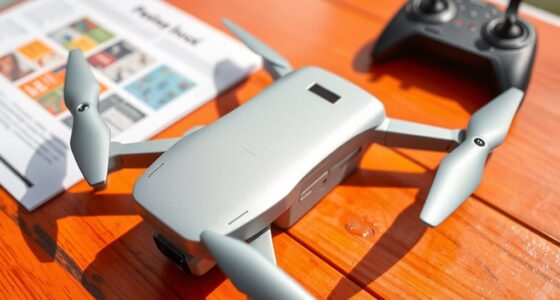
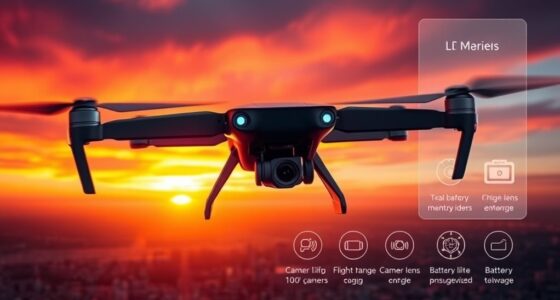
To fly your indoor drone effectively, you need to understand its controls and features. Gesture controls allow you to operate your drone with simple hand movements, making navigation intuitive and hands-free. Practice different gestures to command takeoff, landing, or camera angles. Equally important are the camera settings, which influence how your footage looks. Adjust the resolution, frame rate, and stabilization options to suit your environment. Familiarize yourself with these features before flying indoors to avoid surprises. Many drones also include modes like altitude hold or obstacle detection—get comfortable with these functions as they can help you maintain stability in tight spaces. Mastering controls and features ensures a smoother flight experience and helps you capture better footage indoors. Additionally, understanding your drone’s connectivity options can enhance your ability to control it precisely in confined areas. Being aware of smart home integration capabilities can also improve your drone’s operation, especially in environments with automated or connected systems. For optimal indoor flying, it’s also helpful to understand the navigation sensors that assist with obstacle avoidance and stability. Learning about the sensor calibration process can further improve your drone’s responsiveness and flight safety indoors. Knowing how to properly update firmware can also ensure your drone operates with the latest features and security enhancements, especially when flying in complex indoor environments.
Starting With Small, Open Spaces to Build Confidence

Starting your indoor drone flights in small, open spaces helps you gain confidence and control. Focus on areas free of indoor obstacles like furniture or hanging decor, so you can practice basic maneuvers without worry. Keep weather considerations in mind—avoid flying near open windows or vents that cause drafts, which can affect stability. Starting in a spacious area allows you to get comfortable with your drone’s responses and develop smooth control. As you become more confident, gradually introduce simple challenges, like maneuvering around small objects or corners. Remember, patience is key. Practicing in a controlled environment helps prevent crashes and builds your skills for tighter indoor spaces later on. Understanding your drone’s flight characteristics and how it responds to different conditions can further improve your control and confidence. Being aware of indoor flight safety guidelines can also help ensure a safe and enjoyable flying experience. Additionally, familiarizing yourself with environmental factors such as lighting and airflow can enhance your overall flying skills. Recognizing how indoor space limitations impact drone maneuverability can also help you adapt your flying techniques effectively, and paying attention to drone weight and size can influence your handling strategy.
Mastering Precise Movements and Slow Speeds
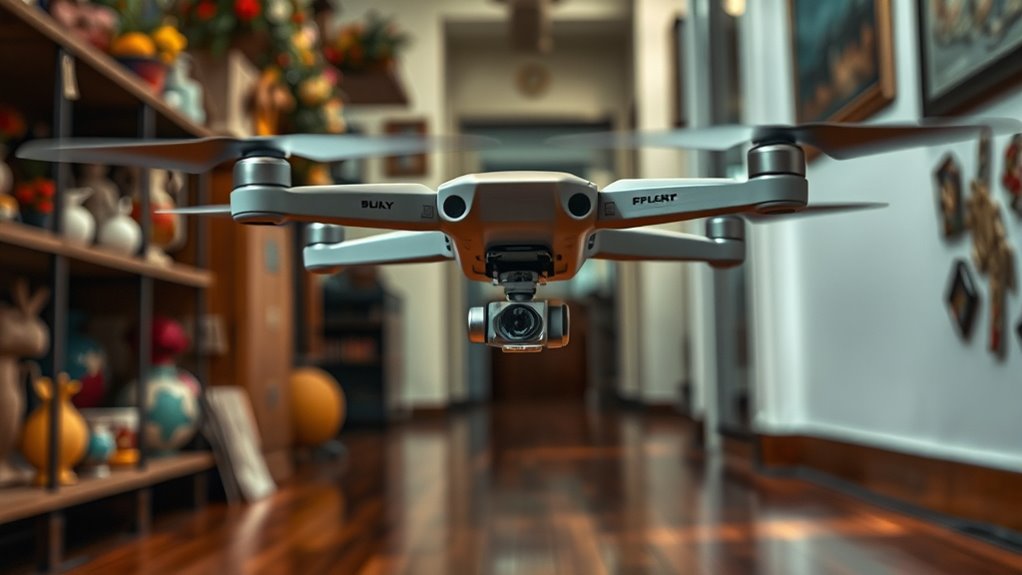
To improve your control, start by fine-tuning your drone’s sensitivity settings so you can make small, deliberate adjustments. Practice maintaining smooth hoverings to develop a steady hand, and use visual aids like markers or grid lines to judge distances accurately. These techniques help you master precise movements and fly at slow speeds with greater confidence. Additionally, understanding the concept of free floating can help you anticipate and counteract drift caused by environmental factors like air currents. Adjusting your control sensitivity settings appropriately can further enhance your ability to execute delicate maneuvers. Moreover, utilizing energy-efficient European cloud servers can support your drone’s data processing needs, ensuring reliable control and real-time feedback during complex flights. Maintaining awareness of environmental factors is crucial for consistent performance in tight spaces.
Fine-Tuning Control Sensitivity
Fine-tuning your drone’s control sensitivity is essential for mastering precise movements and slow speeds. Proper control calibration ensures your drone responds accurately to your inputs, especially when maneuvering through tight spaces. Adjusting sensitivity settings helps you refine propagation patterns, making movements smoother and more predictable. When calibrating, focus on minimizing lag and overcorrection, giving you better control at low speeds. Test different sensitivity levels to find what works best for your flying style and environment. Keep in mind, small adjustments can drastically improve your ability to perform delicate maneuvers. Consistent calibration helps develop muscle memory and confidence, enabling you to navigate tight spots with precision and ease. Regularly monitor your settings to maintain optimal responsiveness and adapt to changing conditions.
Practicing Smooth Hovering
Practicing smooth hovering is essential for developing precise control at slow speeds. Focus on maintaining a steady altitude and minimizing sudden movements, which helps improve your drone’s camera stabilization and overall flight stability. To enhance your skills, practice in an environment with minimal disturbances, but also challenge yourself by gently introducing wind or air currents to develop wind compensation techniques. Keep your control inputs slow and deliberate, avoiding overcorrections that can cause jittery motion. As you become more comfortable, work on small adjustments to keep the drone perfectly still, which is vital for capturing clear footage or maneuvering tight spaces. Consistent practice will build your confidence, making smooth, controlled hovering second nature.
Using Visual Aids Effectively
Using visual aids can greatly enhance your ability to make precise movements and control slow speeds. By incorporating color coding and visual markers, you create clear references that improve spatial awareness. This helps you navigate tight spaces with confidence and avoid obstacles. To maximize effectiveness:
- Use contrasting colors to distinguish between different drone parts or zones
- Place visual markers on walls or floors at key points for orientation
- Implement color-coded lines or tapes on the floor for guiding movement
- Use markers to indicate safe distances or stopping points
- Regularly update visual cues as your skill improves to challenge yourself
- Additionally, integrating visual indicators such as clear visual cues can help you develop consistent control strategies, making subtle adjustments easier and reducing guesswork. Visual cues also assist in developing muscle memory, which is crucial for precise piloting indoors. These techniques make subtle adjustments easier and reduce guesswork, ensuring smoother, more accurate piloting indoors. Visual aids turn complex maneuvers into manageable tasks, especially at slow speeds.
Using Visual References for Better Navigation

To navigate your indoor drone more accurately, relying on visual references can make a significant difference. Using visual cues like furniture edges, wall patterns, or ceiling features helps your brain interpret the drone’s position relative to its surroundings. These cues enhance your depth perception, allowing you to judge distances better and avoid collisions. Keep your eyes steady on key points in the environment to maintain a clear sense of orientation. Focus on consistent visual markers to gauge movement, especially in tight spaces. Consistent visual cues can help your brain process spatial information more effectively, making your flight smoother and safer. Additionally, practicing with stable, recognizable visual references can build your confidence and improve your overall flying skills. By sharpening your ability to interpret visual cues, you’ll improve control and stability, making indoor flying safer and more precise. Understanding how to interpret spatial awareness enhances your navigation skills and reduces the risk of crashes. Developing your environmental awareness can further enhance your ability to adapt to different indoor spaces. Remember, your eyes are your best tools for understanding space and maintaining smooth navigation.
Practicing Hovering and Stabilization Techniques
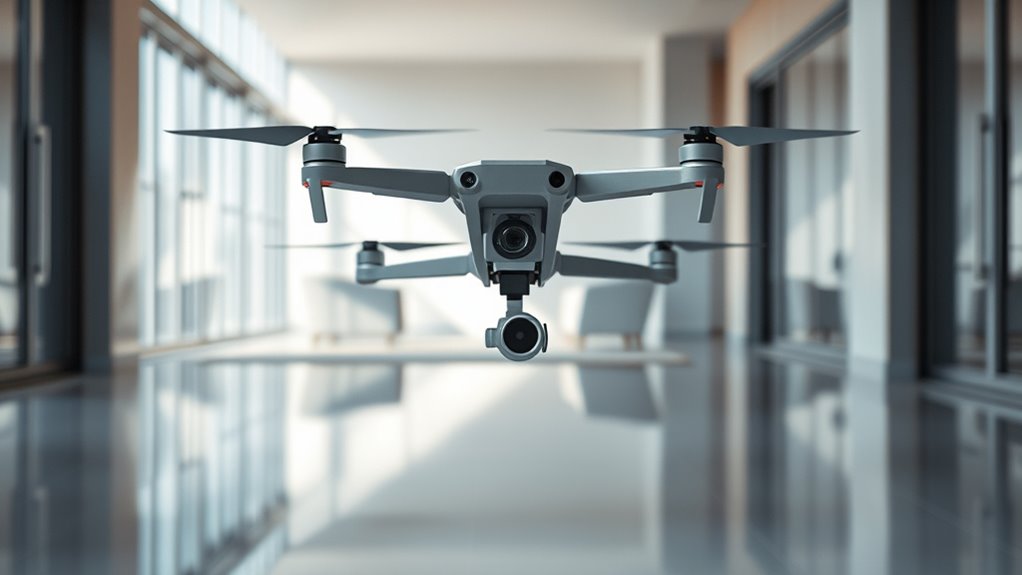
Mastering hover and stabilization is essential for safe and precise indoor drone flying. To improve, focus on maintaining steady altitude and orientation, especially when facing challenges like wind resistance or sudden movements. Practice small adjustments with your controls to keep the drone stable, avoiding overcorrection. Good camera stabilization during hover ensures clear footage and reduces shaky footage. Use smooth throttle and yaw inputs to prevent drifting. Repetition builds muscle memory and confidence in controlling your drone’s position. Additionally, understanding trusted resources can provide valuable tips and guidance to enhance your flying skills.
Managing Battery Life and Flight Time Effectively
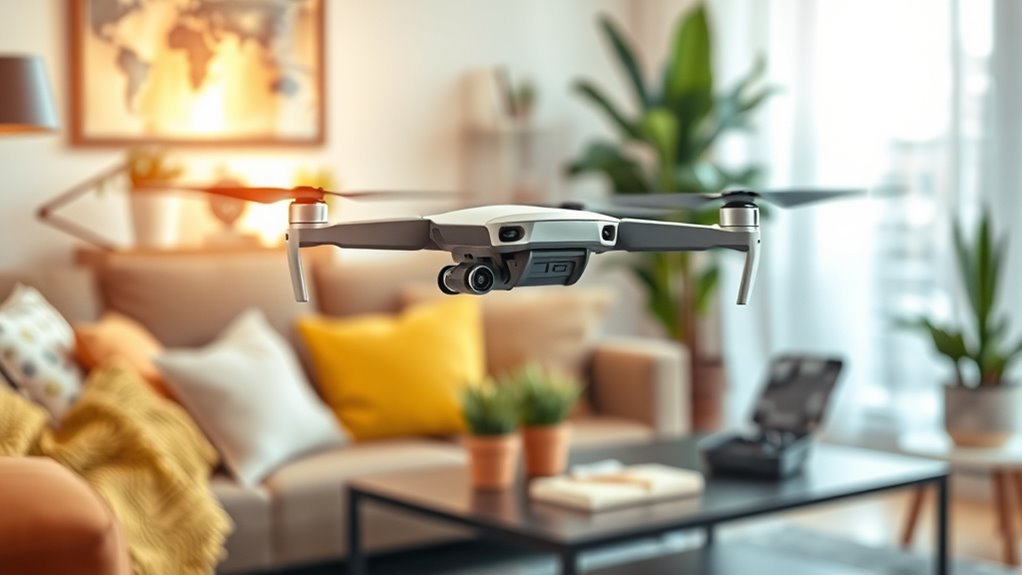
Once you’ve practiced controlling your drone’s stability, managing its battery life becomes the next essential step to extend your flight sessions. To maximize flight time, focus on battery conservation by flying smoothly and avoiding abrupt maneuvers that drain power quickly. Keep your flights short and plan your routes to minimize unnecessary movements. Effective charging strategies also play a vital role—always use the recommended charger and avoid overcharging, which can degrade battery health over time. Consider investing in extra batteries so you can swap them out during sessions, ensuring continuous flying without wasting time on recharging. Monitoring your battery levels closely helps prevent unexpected power loss, giving you more control and confidence during indoor flights. Proper management of battery life ensures you get the most out of each session.
Implementing Safety Measures to Protect Your Drone and Environment

Implementing safety measures is essential to protect both your drone and your surroundings during indoor flights. Wearing protective gear, like goggles and padded gloves, helps prevent injuries if something goes wrong. Establish clear emergency procedures, such as how to safely land your drone if it malfunctions or crashes. Keep the flying area free of clutter to reduce collision risks and avoid damaging furniture or walls. Regularly inspect your drone’s propellers and sensors for damage. Use a designated flying space with soft surfaces or padding to cushion potential crashes. Always stay alert and maintain control to prevent accidents. These safety precautions ensure your indoor flying experience remains fun and accident-free.
- Wear protective gear for added safety
- Know emergency procedures beforehand
- Clear the area of obstacles and clutter
- Regularly check drone components for damage
- Use soft surfaces or padding as a protective barrier
Frequently Asked Questions
How Can I Improve My Drone’s Obstacle Avoidance in Tight Spaces?
To improve your drone’s obstacle avoidance in tight spaces, start by calibrating the sensors regularly to guarantee accurate detection. Plan your flight path carefully, choosing routes that minimize sudden movements and tight turns. Use the drone’s obstacle avoidance features actively, keeping an eye on the real-time sensor data. Practice in different confined areas to build your confidence and help the drone better navigate complex environments.
What Are the Best Camera Settings for Indoor Drone Filming?
To get the best indoor drone footage, focus on camera stability and lighting adjustments. Use a gimbal or stabilization settings to keep your shots smooth, especially in tight spaces. Adjust camera settings like ISO, shutter speed, and white balance to match your indoor lighting, ensuring clear, vibrant footage. Practice slow, steady movements to avoid shaky results, and test different settings to find what works best for your environment.
How Do I Troubleshoot Connectivity Issues During Indoor Flights?
Ever experience sudden disconnects mid-flight? You’re likely facing signal interference or battery management issues. To troubleshoot, check for nearby electronic devices that could disrupt your signal and reposition your drone to minimize interference. Confirm your batteries are fully charged and replaced if they’re old. Keep an eye on your signal strength through your controller’s display, and reset your connection if needed. Staying proactive helps maintain a steady, smooth indoor flight.
Are There Specific Drone Models Better Suited for Indoor Flying?
You should choose drone models specifically designed for indoor flying, like those with smaller sizes and stable flight features. Look for drones with longer battery life to maximize your flying sessions, especially since indoor spaces limit charging options. Make sure the drone complies with indoor flying regulations in your area to keep your flights safe and legal. These models help you navigate tight spaces confidently and enjoy longer, uninterrupted indoor flights.
How Can I Reduce Noise and Vibrations When Flying Indoors?
Did you know that reducing propeller noise by 30% can greatly improve indoor flying experience? To cut down vibrations, you should use vibration dampening pads or mounts, which absorb shocks and stabilize the drone. Opt for quieter propellers designed for indoor use and guarantee they are balanced properly. These steps help minimize propeller noise and vibrations, making your indoor flights smoother and less disruptive.
Conclusion
As you refine your skills, remember that mastering indoor drone flying is like learning to dance in a candlelit room—delicate, precise, and rewarding. With patience and practice, you’ll navigate tight spaces with the grace of a seasoned performer, avoiding obstacles and keeping your drone safe. Embrace each flight as a step toward confidence, turning your indoor adventures into a mesmerizing display of control and finesse. Soon, you’ll be gliding through your space with effortless ease.