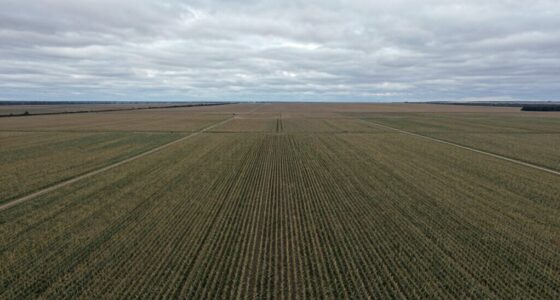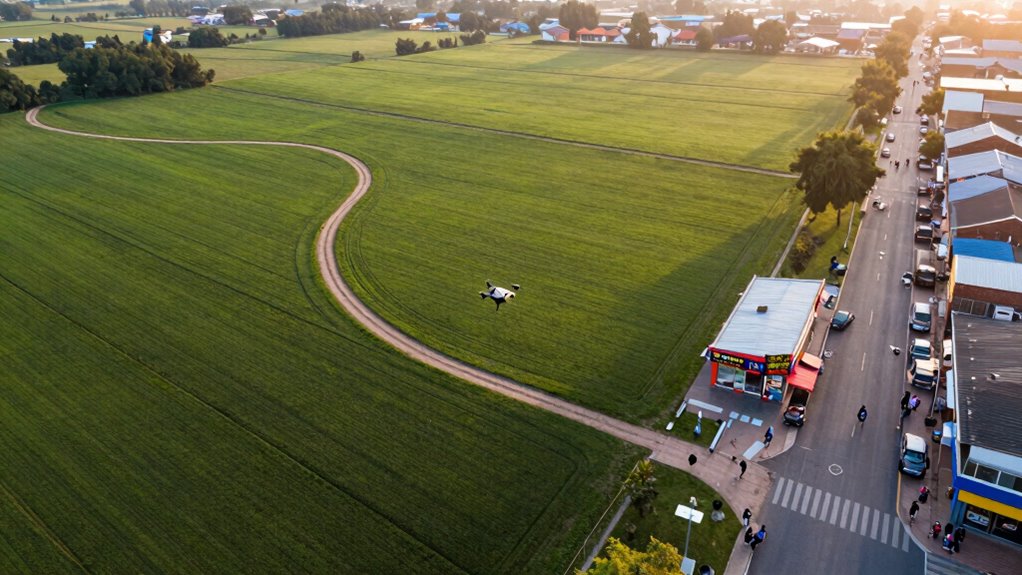

To match drone and ground footage naturally, focus on maintaining consistent color grading, stabilization, and shot composition. Adjust exposure, contrast, and color tones to create uniformity, and use stabilization tools to smooth out camera movements. Plan your shots with complementary angles and perspective, ensuring lighting conditions are similar for seamless integration. By carefully coordinating these elements, your footage will flow smoothly and feel cohesive. Keep exploring these techniques to perfect your cinematic transition even further.

Get the latest gadgets delivered free — and shop member deals
- Fast, free delivery on millions of items
- Access to Prime Big Deal Days deals on October 6–7
- Prime Video, Amazon Music and more included
Key Takeaways
- Match lighting conditions and exposure settings during shooting to ensure consistent brightness and shadows across both footage types.
- Use similar color grading adjustments to unify tones and create a seamless visual flow.
- Plan shot composition and angles to maintain perspective continuity between drone and ground footage.
- Stabilize footage with gimbals or post-production tools for smooth, cohesive motion.
- Incorporate shot matching principles and visual continuity to create natural transitions and cohesive scenes.
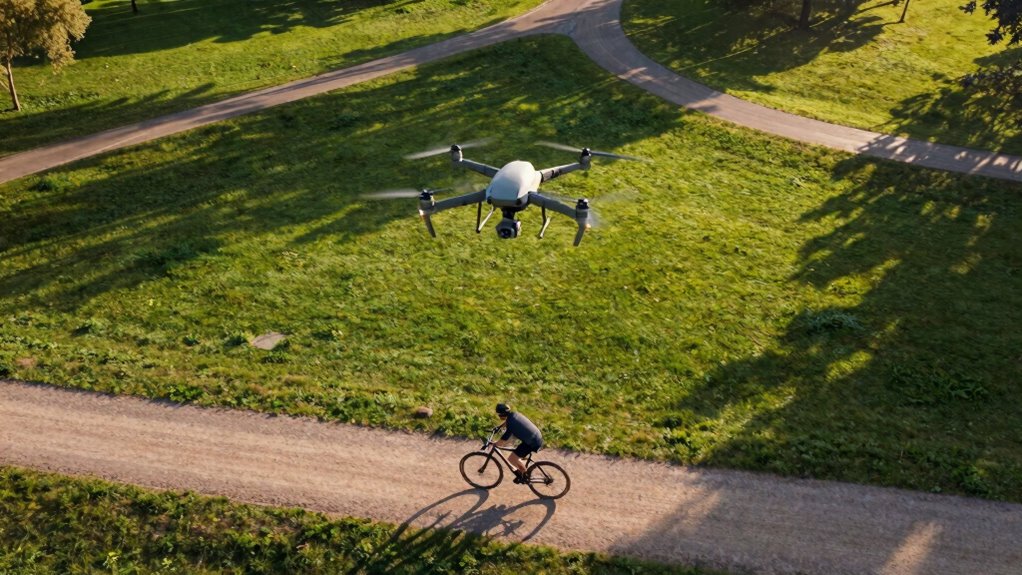
Capturing seamless footage that blends drone and ground shots can considerably elevate your videos, but achieving a natural match between the two isn’t always straightforward. One of the most critical steps is ensuring consistent color grading across all shots. When footage from different sources is mismatched in color, it immediately feels disconnected. To avoid this, start by analyzing the color profiles of both your drone and ground footage. Use a color grading software to adjust exposure, contrast, and color tones so they align. Subtle tweaks can make a significant difference, helping the footage appear as part of the same scene rather than separate clips stitched together. Remember, consistency in color helps your audience stay immersed and makes the transition between shots feel more organic. Additionally, understanding color grading techniques can significantly improve how well your footage matches. Effective color grading not only brings uniformity but also enhances the overall mood and tone of your video. Incorporating shot matching principles during editing can further streamline this process and ensure a more cohesive look. Paying attention to visual continuity during shooting can also help reduce the amount of correction needed in post-production, making your workflow more efficient.
Consistent color grading ensures seamless blending of drone and ground footage for a natural, immersive video experience.
Another essential aspect to consider is camera stabilization. Drone footage often benefits from gimbal stabilization, but ground shots can vary in steadiness depending on the camera setup. If your ground footage appears jittery or shaky compared to the smooth drone shots, viewers will notice the disparity. To mitigate this, you can use stabilization tools during editing, such as warp stabilizer effects or similar features in your editing software. These tools help smooth out unwanted movements, making your ground footage match the fluidity of the drone shot. If you’re shooting on a handheld camera, consider investing in stabilization gear like gimbals or steadicams to improve shot stability from the start. Consistent stabilization across all footage creates a cohesive visual flow that feels more natural. Also, taking note of camera movement during shooting can help you plan shots that are easier to stabilize and match later in post-production.
Lighting conditions also play a vital role. Drone footage captured during different times of the day than your ground shots will have varying light qualities and shadows, which can disrupt the seamless look. To address this, try to shoot under similar lighting conditions or adjust the exposure and shadows during editing. Sometimes, matching the overall brightness and contrast can help your clips feel like they belong to the same environment. Additionally, pay attention to the framing and perspective. Ensuring your ground shots are shot from angles that complement the drone’s perspective will make the transition between shots less jarring.
Finally, understanding shot composition can also help create a more cohesive visual story, making the transition between drone and ground footage feel more intuitive. Ultimately, matching drone and ground footage naturally involves a combination of careful planning during shooting and precise adjustments in post-production. Focus on consistent color grading, stabilize your footage effectively, and consider lighting and perspective to create a harmonious visual experience. When each element aligns, your video will flow seamlessly, giving viewers the impression that both shots are part of a single, cohesive scene.
As an affiliate, we earn on qualifying purchases.
Frequently Asked Questions
How Do Lighting Conditions Affect Footage Matching?
Lighting conditions play a pivotal role in footage matching. You need to take into account lighting contrast to guarantee both shots blend seamlessly; mismatched contrast makes footage appear disjointed. Additionally, maintaining shadow consistency is essential—shadows should fall in the same direction and have similar softness and intensity. Adjusting these elements in post-production helps create a natural shift, making drone and ground footage appear as part of the same scene.
What Editing Software Is Best for Seamless Transitions?
Think of your editing software as the bridge connecting your shots. For seamless shifts, Adobe Premiere Pro and DaVinci Resolve shine with robust post-production techniques and precise audio synchronization tools. They let you blend drone and ground footage effortlessly, ensuring the flow feels natural. With these programs, you gain control over color grading, timing, and sound, transforming your footage into a cohesive story that captures viewers’ attention and feels like a single, unified shot.
How Can Color Grading Improve Footage Consistency?
Color grading greatly improves footage consistency by applying color correction that balances tones and exposure across shots. You can unify drone and ground footage by matching their color palettes, ensuring seamless shift. When you focus on shot consistency, your footage looks more professional and cohesive. Use tools like curves and color wheels to fine-tune hues, contrast, and brightness, creating a harmonious visual flow that makes your entire project feel polished and intentional.
What Camera Settings Should Be Used for Matching Shots?
You should use manual camera settings to match shots effectively. Set your shutter speed to double your frame rate for smooth footage, and adjust ISO to maintain consistent exposure. Use camera stabilization to minimize shake and guarantee steady shots, which helps blend drone and ground footage seamlessly. Additionally, select lenses with minimal distortion to avoid mismatched perspectives, making your footage look more natural and cohesive.
How to Handle Perspective Differences Between Drone and Ground Footage?
You should adjust camera angles to align the perspective of drone and ground footage, making them appear more seamless. Focus on matching shot composition by framing subjects similarly and maintaining consistent lines and horizons. Use editing techniques to subtly correct perspective differences, like skewing or warping footage if needed. By paying close attention to how the shots are composed and angles chosen, you create a more natural, cohesive shift between drone and ground footage.
color grading software for video
As an affiliate, we earn on qualifying purchases.
As an affiliate, we earn on qualifying purchases.
Conclusion
To seamlessly blend drone and ground footage, remember it’s all about your eye and patience. Think of it as a dance—each shot leading gently into the next, creating harmony out of chaos. When you match angles, lighting, and movement with care, your footage tells a story that feels fluid and natural. So, trust your instincts, tweak with precision, and let your footage sing in perfect unison—because, in the end, harmony is just a moment away.
As an affiliate, we earn on qualifying purchases.
As an affiliate, we earn on qualifying purchases.
Halloween Picks
halloween
As an affiliate, we earn on qualifying purchases.