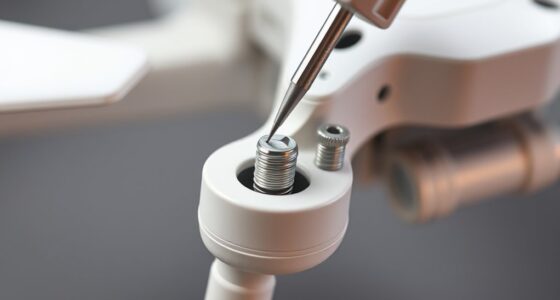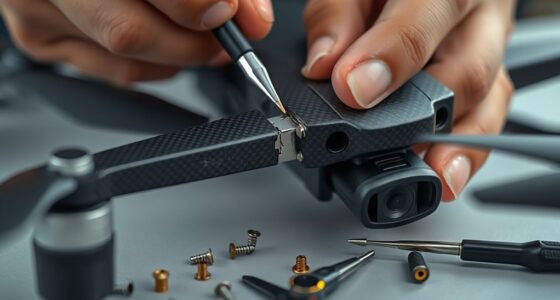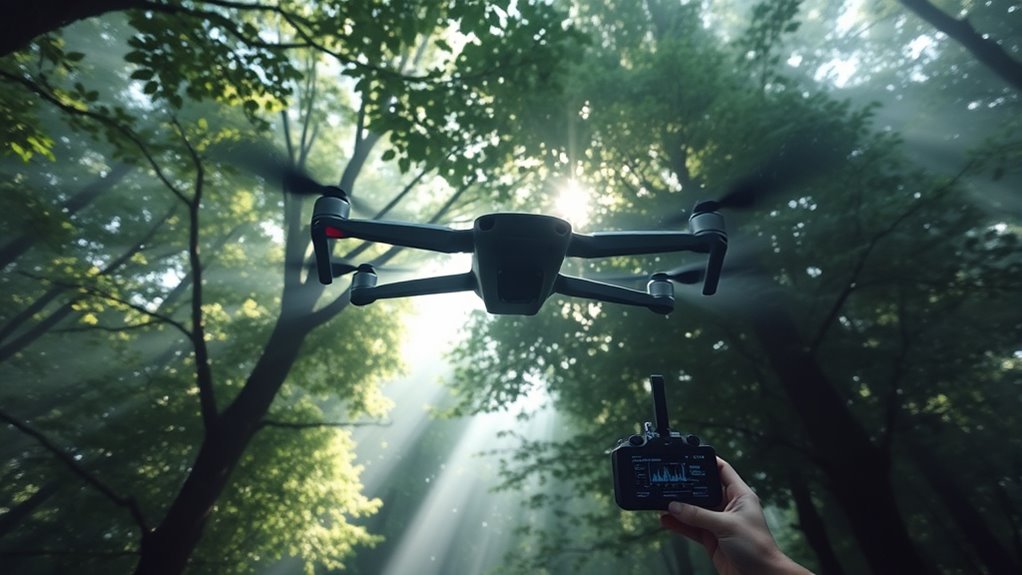

To improve your drone’s satellite connection, start by flying in open areas with a clear line of sight to the sky. Allow several minutes for the GPS to acquire a strong lock before taking off. Avoid flying near interference sources like tall buildings, metal objects, or power lines. Keep the drone away from dense foliage and structures that block signals. Using a high-quality GPS module and regularly updating firmware can also boost reliability—stick around for more tips to keep your flights steady.
Listen free for 30 days with Audible
Thousands of audiobooks and originals — cancel anytime.
As an affiliate, we earn on qualifying purchases.
Key Takeaways
- Choose open areas with a clear line of sight to the sky before flight for optimal satellite reception.
- Allow several minutes for the drone to acquire a strong GPS lock prior to takeoff.
- Avoid flying near electromagnetic interference sources like radio towers, power lines, or large metal objects.
- Use drones with multi-constellation GPS modules for better satellite lock and reliability.
- Regularly update firmware and perform pre-flight checks to ensure GPS components function correctly.
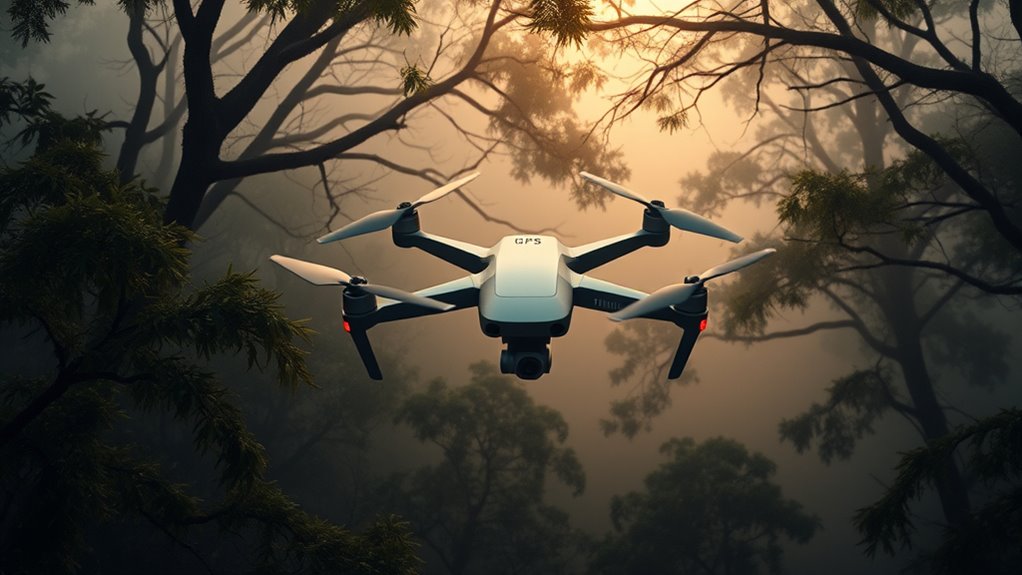
GPS problems can profoundly disrupt your drone flights, causing it to lose navigation accuracy or even crash. One of the most common issues you’ll face is GPS signal interference, which can come from various sources such as dense urban environments, thick foliage, or even electromagnetic signals from nearby power lines and radio transmitters. When your drone encounters GPS signal interference, it struggles to maintain a reliable connection to satellites, leading to erratic movements or a complete loss of control. Satellite lock issues are also prevalent, especially when your drone cannot acquire or hold onto enough satellites to determine its precise location. This can happen if you’re flying in an area with poor satellite visibility, such as inside a cave, under dense trees, or near tall buildings that block satellite signals.
To improve your satellite connection, start by choosing open areas with a clear line of sight to the sky. Avoid flying under thick tree canopies or inside structures where satellite signals can be obstructed. Before takeoff, give your drone sufficient time to acquire a strong satellite lock—usually a few minutes—so it can establish a solid navigation foundation. Many drones have a visual indicator for satellite status; ensure that your drone shows a full signal lock before initiating flight. If you notice your drone struggling to lock onto satellites or experiencing frequent signal drops, consider resetting the GPS module or restarting your drone to reset the satellite connection process.
Minimizing GPS signal interference is vital. Keep your drone away from sources of electromagnetic interference, like radio towers, power lines, and large metal objects. If you’re flying in a crowded urban environment, try to find spots with fewer reflective surfaces and open spaces. Additionally, updating your drone’s firmware can help improve GPS reliability, as manufacturers often release patches that address known satellite lock issues or signal interference problems. Using a drone with a higher number of supported satellites can also enhance connection stability, especially in challenging environments. High-quality GPS modules often feature multi-constellation compatibility, which improves satellite lock accuracy and reliability.
Lastly, always check your drone’s GPS status during pre-flight. If the satellite lock isn’t stable or shows a low number of satellites, wait until it improves before launching. This extra caution helps prevent mid-flight GPS disruptions that could lead to crashes or loss of control. By being mindful of interference sources, selecting ideal flying locations, and maintaining your drone’s firmware and hardware, you can considerably reduce GPS signal interference and satellite lock issues—keeping your flights safer and more reliable.
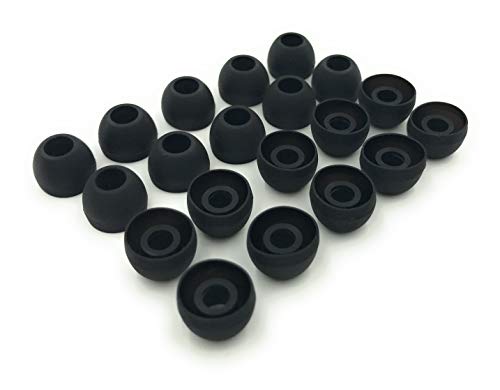
Earbudz 10 Pairs Medium Earbud Tips Silicone Replacement Ear Bud Tips – Black
- Package Includes: 10 pairs of medium black tips
- Compatibility: Fits 3.9mm - 4.8mm connectors
- Device Compatibility: Compatible with various brands and models
As an affiliate, we earn on qualifying purchases.
Frequently Asked Questions
How Does Weather Affect Drone GPS Signals?
Weather can profoundly affect your drone’s GPS signals, as conditions like rain, fog, or snow cause signal obstruction and satellite interference. These weather elements weaken the connection between your drone and satellites, leading to signal loss or inaccuracies. When flying in bad weather, be aware that your drone’s GPS may struggle, so keep an eye on the signal strength and avoid flying in heavy rain or stormy conditions for better satellite connection.
Can GPS Issues Cause Drone Crashes?
Yes, GPS issues can cause drone crashes. When you experience GPS signal interference or satellite lock issues, your drone might lose its precise positioning. This can lead to unexpected movements or loss of control, increasing the risk of crashes. To prevent this, guarantee a clear view of the sky, avoid interference sources, and keep your drone’s firmware updated. Addressing GPS problems promptly helps maintain safe flight and stability.
Do Different Drone Brands Experience Varying GPS Problems?
Did you know that over 60% of drone users report GPS inaccuracies? Different drone brands do experience varying GPS problems, often due to factors like brand compatibility and sensor accuracy. Some brands offer advanced GPS systems that minimize signal loss, while others struggle with interference. To guarantee reliable satellite connections, always choose a drone with proven sensor accuracy and check compatibility with your environment for peak performance.
How Often Should I Update My Drone’s Firmware for GPS Accuracy?
You should update your drone’s firmware whenever a new version is released to maintain ideal GPS accuracy. Regular firmware updates fix bugs, improve satellite connection stability, and enhance overall performance. Check your drone manufacturer’s website or app monthly for updates. Installing these updates promptly ensures your drone remains reliable during flights, minimizing GPS issues and helping you achieve precise navigation and better control.
Are There Legal Restrictions Related to Drone GPS Jamming?
Yes, there are legal restrictions related to GPS jamming. Most countries prohibit GPS jamming devices because they interfere with drone navigation and can pose safety risks. Engaging in GPS jamming can lead to hefty fines or legal action. Always verify you’re aware of local laws before considering any jamming equipment. Instead, focus on improving your drone’s satellite connection and following regulations to avoid legal issues.

Silicone Earbud Tips Replacement Earbuds Cap Eartips Tips Eargels 9 Pairs S M L
- Fits Most In-Ear Earphones: Compatible with 3.8mm-5.1mm holes
- 9 Pairs of Ear Tips: Includes 3 sizes, 3 pairs each
- Complete Cleaning Kit: Includes cleaning cloth and plastic bag
As an affiliate, we earn on qualifying purchases.
Conclusion
By following these tips, you can turn your drone’s GPS issues into a thing of the past. Remember, a strong satellite connection is your drone’s lifeline—without it, your flight can turn into a chaotic mess faster than you can say “lost signal.” Keep your eyes on the sky, stay prepared, and you’ll enjoy smooth, confident flying every time. Don’t let GPS problems ground your adventures—stay connected and soar like an eagle!

Quadafy 60Pack Earbuds Replacement Tips Silicone, 10 Colors 3 Sizes S/M/L
- Premium Material: High-quality, comfortable rubber tips
- Easy to Use: Quick and simple replacement
- Practical Design: Enhanced sound isolation and fit
As an affiliate, we earn on qualifying purchases.

JLab JBuds Mini, True Wireless Earbuds, Bluetooth Multipoint, IP55 Sweat Resistant, Be Aware Audio, Teal
- Playtime per Earbud: 5.5 hours each
- Total Listening Time: Up to 20 hours with case
- EQ Presets: Signature, Balanced, Bass Boost
As an affiliate, we earn on qualifying purchases.
Flea & tick season Picks
flea and tick prevention
As an affiliate, we earn on qualifying purchases.