If you’re looking for the best MacBook Pros for video editing in 2025, I recommend models with the latest M5 chip, such as the 14.2-inch MacBook Pro with 24GB RAM and a 1TB SSD or the M4 Max options for even more power. These laptops offer stunning displays, multiple ports, and enough processing power to handle demanding workflows. Keep going, and you’ll discover all the details to help you choose the perfect setup.
Key Takeaways
- The latest MacBook Pro models feature high-core CPUs and GPUs, ensuring smooth handling of demanding video editing workflows.
- Stunning Liquid Retina XDR displays with high brightness and contrast support precise color grading and detailed visual editing.
- Multiple storage and RAM options, up to 48GB, facilitate seamless multitasking and large media file management.
- Versatile connectivity with Thunderbolt ports, SDXC slots, and external monitor support optimizes professional editing setups.
- Battery life and portability are prioritized, enabling all-day editing sessions with lightweight, sleek designs.
Apple MacBook Pro 2025 with M5 Chip (14.2-inch, 24GB RAM, 1TB SSD, Space Black)
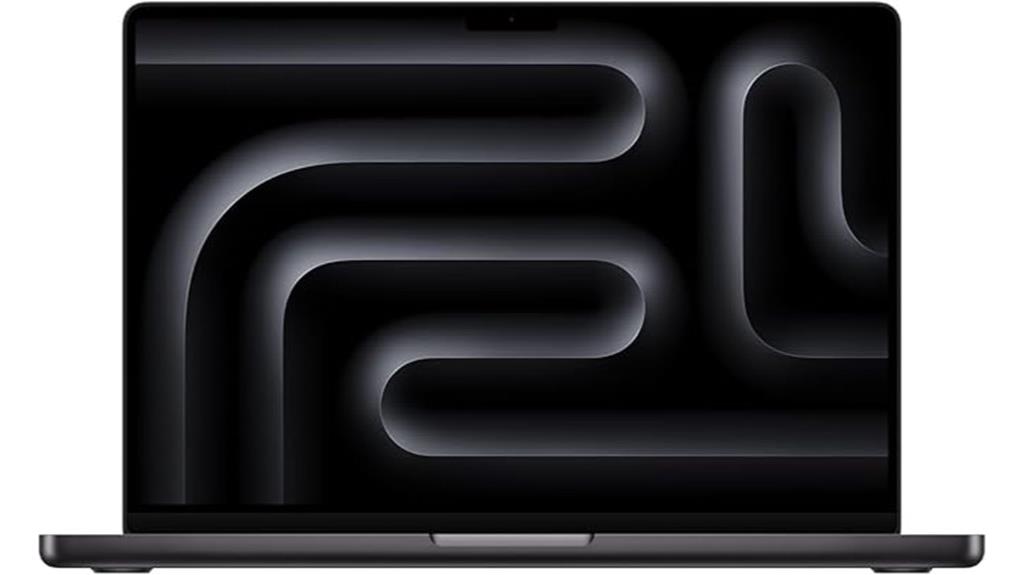
If you’re serious about video editing in 2025, the Apple MacBook Pro with M5 chip is a top choice thanks to its powerful 10-core CPU and GPU, combined with 24GB of RAM. This setup delivers blazing-fast speeds and smooth multitasking for demanding projects. Its 14.2-inch Liquid Retina XDR display offers stunning visuals with up to 1600 nits brightness and a 1,000,000:1 contrast ratio, perfect for color grading and detailed editing. The 1TB SSD ensures quick file access and ample storage. With excellent battery life, multiple ports, and seamless Apple ecosystem integration, this MacBook Pro stands out as a top tool for professional video editors.
Best For: creative professionals and power users who need a high-performance, portable laptop for demanding tasks like video editing, content creation, and multitasking.
Pros:
- Exceptional performance with a 10-core CPU and GPU, plus 24GB RAM for seamless multitasking and demanding workflows
- Stunning Liquid Retina XDR display with high brightness and contrast, ideal for color grading and detailed editing
- Robust ecosystem integration and versatile connectivity options, including multiple ports and high-speed storage
Cons:
- Premium price point that may be prohibitive for casual users
- Limited to two external displays support, which could be restrictive for extensive multi-monitor setups
- Larger form factor and weight compared to ultraportables, potentially less convenient for frequent travel
Apple 2025 MacBook Pro Laptop with M5 Chip

The Apple 2025 MacBook Pro with M5 chip stands out as an excellent choice for professional video editors who demand top-tier performance and stunning visuals. Its sleek Space Black design and 14.2-inch Liquid Retina XDR display deliver vibrant colors and incredible contrast, perfect for editing detailed footage. Powered by the 10-core M5 processor, it offers blazing-fast speeds, hardware-accelerated ray tracing, and efficient AI performance. With 16GB of unified memory and a 512GB SSD, it handles large projects seamlessly. The laptop supports multiple external displays and boasts all-day battery life, making it ideal for creative professionals on the go.
Best For: creative professionals and video editors who require high-performance hardware, stunning display quality, and seamless multitasking capabilities.
Pros:
- Exceptional 14.2-inch Liquid Retina XDR display with vivid colors and high contrast for detailed editing.
- Powerful M5 10-core processor with hardware-accelerated ray tracing and AI performance.
- Supports multiple external displays and offers all-day battery life for on-the-go productivity.
Cons:
- Premium price point may be unaffordable for casual users.
- Limited to 16GB of unified memory, which might be restrictive for extremely large projects.
- Relatively heavy at 3.41 pounds, potentially less ideal for ultralight travel.
Apple 2024 MacBook Pro Laptop with M4 Max
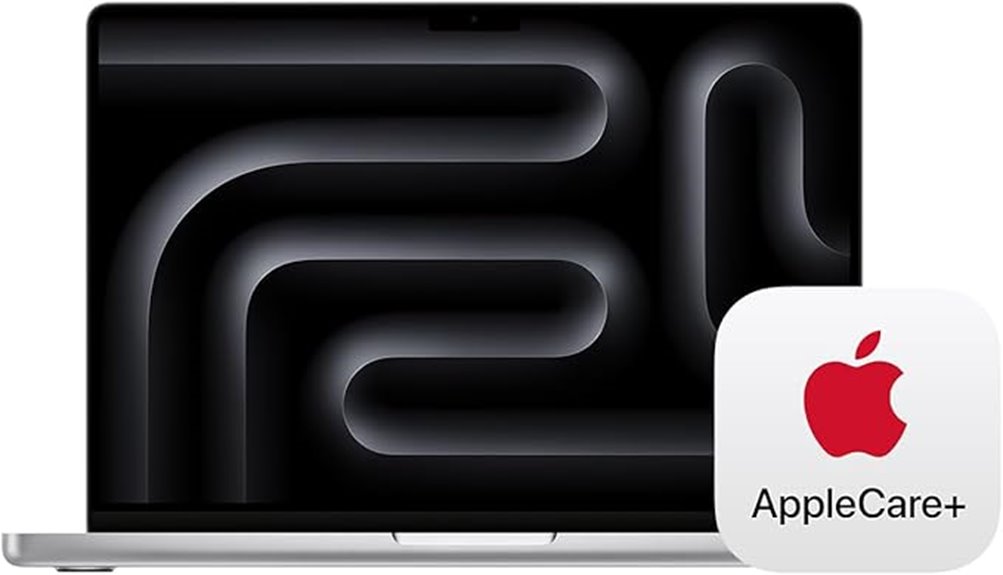
For professional video editors seeking top-tier performance, the Apple 2024 MacBook Pro with M4 Max sets a new standard. It features a stunning 14.2-inch Liquid Retina XDR display with peak brightness of 1600 nits, perfect for color grading and detailed editing. Powered by a 14-core CPU and 32-core GPU, along with 36GB of unified memory, it handles demanding workflows effortlessly. With 1TB SSD storage and all-day battery life, you can work seamlessly anywhere. Seamless integration with macOS, Apple’s ecosystem, and features like the 12MP Camera and Dolby Atmos audio make this device a powerhouse for creators who demand the best.
Best For: Creative professionals and power users who need a high-performance, portable laptop with exceptional display quality and seamless ecosystem integration.
Pros:
- Stunning 14.2-inch Liquid Retina XDR display with high brightness and contrast for detailed color work
- Powerful M4 Max chip with 36GB of unified memory, ideal for demanding workflows like video editing and 3D rendering
- Long battery life and advanced audio system with Dolby Atmos support for an immersive multimedia experience
Cons:
- Premium price point may be a barrier for some users
- Limited upgrade options post-purchase due to integrated hardware design
- Heavier and bulkier compared to ultraportable laptops, which might affect portability for some users
Apple MacBook Pro 2025 Laptop with M5 Chip
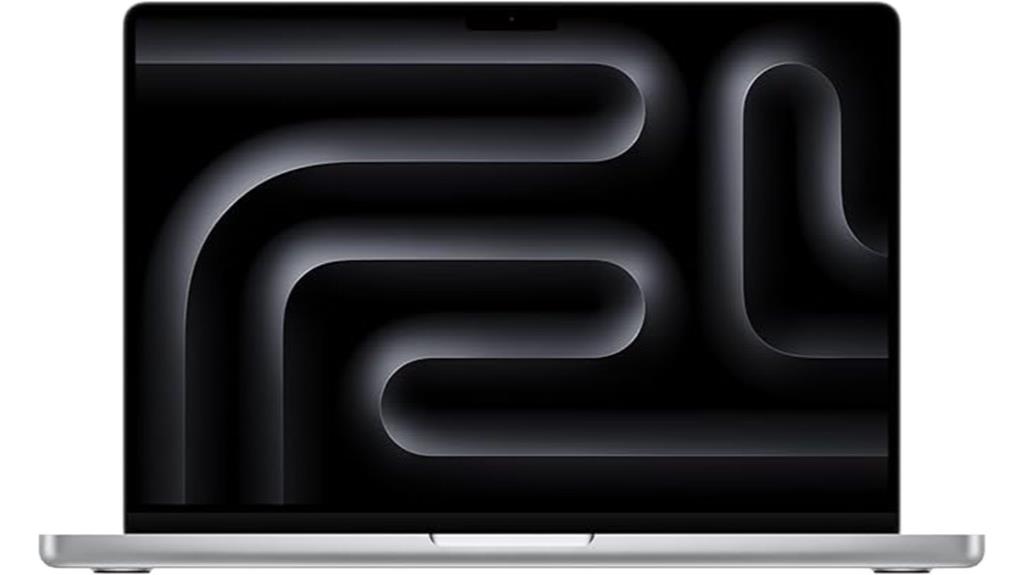
Creative professionals seeking powerful performance will find the Apple MacBook Pro 2025 with M5 chip to be an ideal choice, thanks to its advanced 10-core CPU and GPU. With 16GB of unified memory and a 1TB SSD, it handles demanding editing tasks smoothly. The 14.2-inch Liquid Retina XDR display offers stunning visuals, high contrast, and peak brightness of 1600 nits. Its all-day battery life keeps you productive anywhere. Supporting up to two external displays and featuring multiple ports, including Thunderbolt 4, HDMI, and SDXC, this MacBook Pro combines portability, power, and versatility—perfect for professional video editing in 2025.
Best For: creative professionals and power users who need high performance, stunning visuals, and versatile connectivity for demanding tasks like video editing and graphics design.
Pros:
- Exceptional 10-core CPU and GPU deliver powerful performance for demanding creative work
- Bright 14.2-inch Liquid Retina XDR display with high contrast and peak brightness of 1600 nits for stunning visuals
- Seamless integration with Apple ecosystem and versatile ports support multiple external displays
Cons:
- Premium price point may be a barrier for some users
- Limited to two external displays, which might not suit extensive multi-monitor setups
- Heavier and less portable compared to smaller or lighter laptops
Apple 2024 MacBook Pro Laptop with M4 Pro, 12-core CPU, 16-core GPU
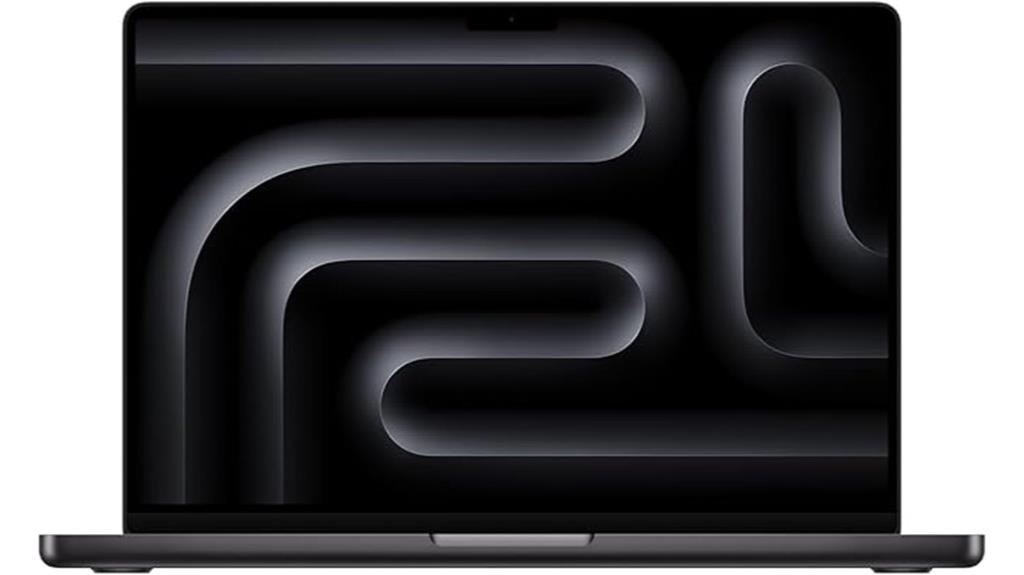
If you’re looking for a powerful machine that can handle demanding video editing tasks with ease, the Apple 2024 MacBook Pro with M4 Pro is an excellent choice. Its 14.2-inch Liquid Retina XDR display delivers stunning visuals with up to 1600 nits peak brightness, making color grading and detail work a breeze. Powered by a 12-core CPU and 16-core GPU, it offers exceptional speed for rendering, exporting, and multitasking. With 24GB of unified memory and a 512GB SSD, you get rapid data access and ample storage. Plus, its sleek Space Black design combines high performance with a professional, stylish look.
Best For: creative professionals and power users who require a high-performance laptop for demanding tasks like video editing, 3D rendering, and multitasking.
Pros:
- Stunning 14.2-inch Liquid Retina XDR display with up to 1600 nits brightness for vibrant visuals
- Powerful 12-core CPU and 16-core GPU deliver exceptional speed and performance
- Ample 24GB memory and 512GB SSD for smooth multitasking and fast data access
Cons:
- Premium price point may be a barrier for budget-conscious users
- Limited to 512GB storage, which might require external solutions for large files
- The sleek Space Black design may show fingerprints and smudges more easily
Apple 2024 MacBook Pro Laptop with M4 Pro
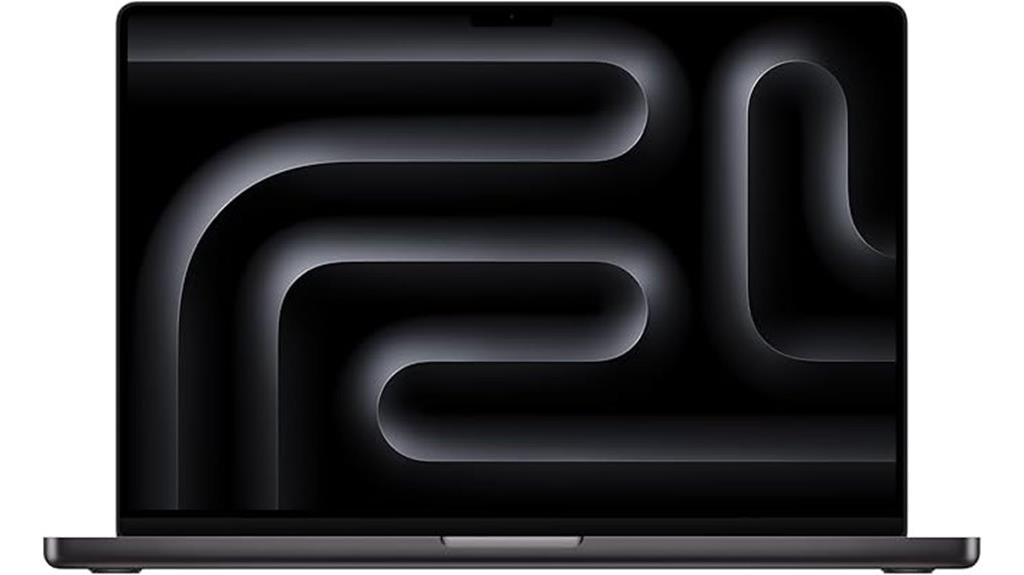
The Apple 2024 MacBook Pro with M4 Pro is an excellent choice for professionals who need powerhouse performance in a portable package. With its 16-core CPU and 20-core GPU, it handles demanding tasks like video editing, coding, and complex workflows effortlessly. The 16.2-inch Liquid Retina XDR display delivers stunning visuals with up to 1600 nits peak brightness and a 1,000,000:1 contrast ratio, perfect for creative work. Its all-day battery keeps you productive on the go, and seamless integration with macOS apps and Apple devices enhances your workflow. Plus, a versatile port selection, including Thunderbolt 5 and SDXC, ensures you’re always connected and ready.
Best For: professionals and creatives who require powerful performance, stunning visuals, and seamless integration in a portable, high-end laptop.
Pros:
- Exceptional performance with M4 Pro chip, 16-core CPU, and 20-core GPU for demanding tasks
- Stunning 16.2-inch Liquid Retina XDR display with high brightness and contrast for creative work
- Versatile port selection including Thunderbolt 5, SDXC, HDMI, and MagSafe for extensive connectivity
Cons:
- Premium price point may be a barrier for some users
- Limited storage options starting at 512GB SSD, which might not suffice for all needs
- Heavier than some ultraportable laptops, potentially impacting portability
Apple 2024 MacBook Pro Laptop with M4 Max
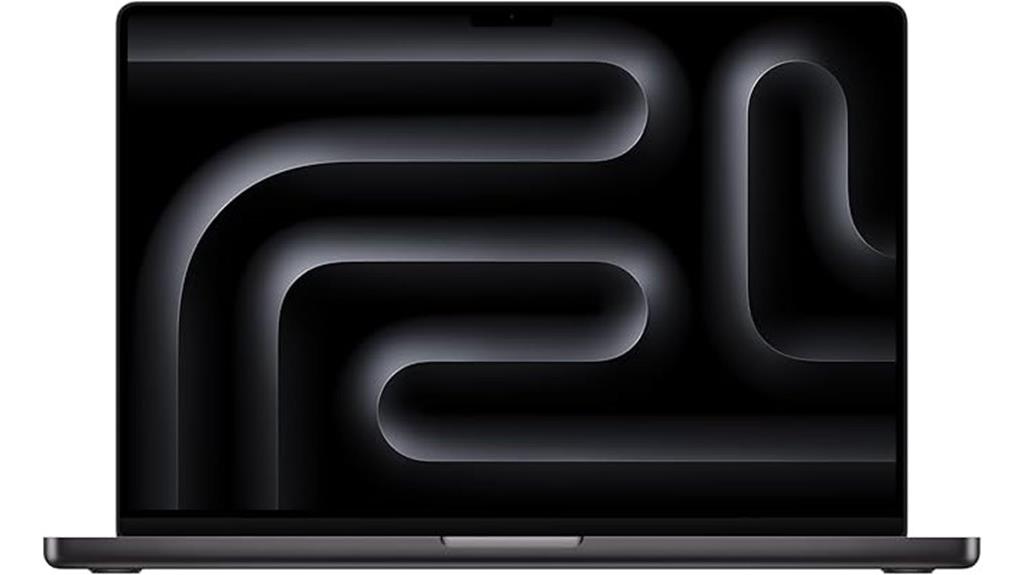
For professionals who demand unmatched power and versatility, the 2024 MacBook Pro with M4 Max is a top choice. It packs the latest M4 Max chip, ideal for complex workflows like 3D rendering and multi-tasking across multiple external displays—up to four. The 16.2-inch Liquid Retina XDR display offers stunning visuals with high brightness and contrast, perfect for detailed editing. With 36GB of unified memory and a 1TB SSD, it guarantees smooth performance and fast storage. Its seamless integration with the Apple ecosystem, combined with advanced audio, camera, and connectivity options, makes it a powerful, reliable tool for demanding video editing tasks.
Best For: professionals and creative users who need unmatched processing power, high-quality visuals, and seamless integration for demanding workflows like 3D rendering, video editing, and multi-tasking across multiple external displays.
Pros:
- Exceptional performance with the latest M4 Max chip, capable of handling complex workflows and multi-tasking.
- Stunning 16.2-inch Liquid Retina XDR display with high brightness, contrast, and vibrant visuals ideal for creative work.
- Extensive connectivity options including Thunderbolt 5 ports, HDMI, SDXC slot, and support for up to four external displays.
Cons:
- Premium price point may be prohibitive for some users.
- Large and heavy design could be less portable for on-the-go use.
- Limited upgradeability due to integrated components, restricting future hardware enhancements.
Apple 2024 MacBook Pro Laptop with M4 Max
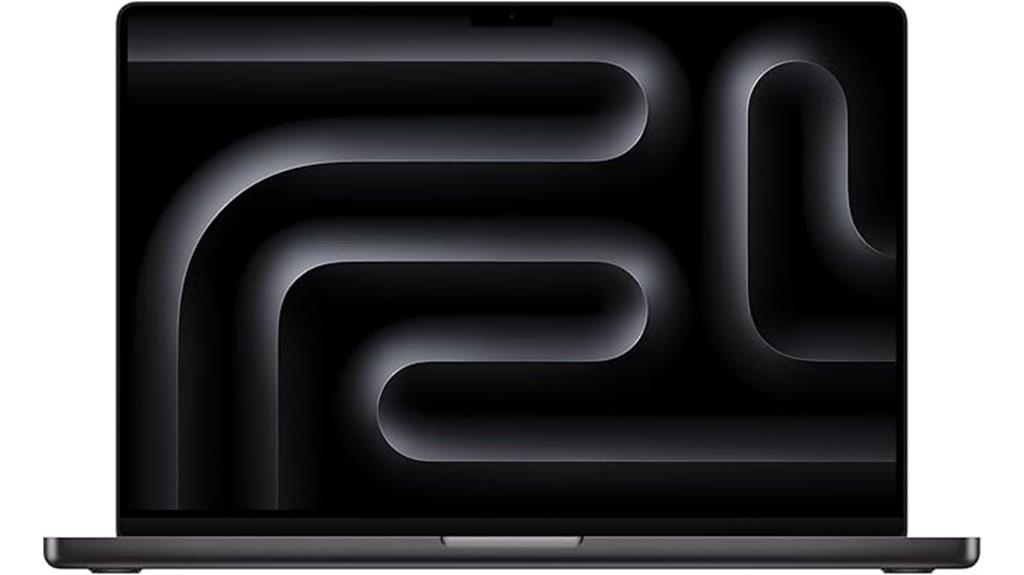
Powered by the M4 Max chip with a 16-core CPU and 40-core GPU, the 2024 MacBook Pro delivers unparalleled performance for demanding video editing tasks. Its advanced processor handles complex rendering, 3D content, and multitasking effortlessly. The 16.2-inch Liquid Retina XDR display provides stunning visuals with up to 1600 nits peak brightness and a 1,000,000:1 contrast ratio, making color grading and detail work precise. With up to 48GB of unified memory and 1TB SSD storage, it supports smooth workflows and large project files. Seamlessly integrating with the Apple ecosystem, it’s designed for professionals who need power, clarity, and portability all in one package.
Best For: creative professionals and power users who require high-performance computing, stunning visuals, and seamless integration within the Apple ecosystem.
Pros:
- Exceptional processing power with M4 Max chip, ideal for demanding tasks like video editing and 3D rendering
- Stunning 16.2-inch Liquid Retina XDR display with high brightness and contrast for precise color work
- Extensive connectivity options including Thunderbolt 5, SDXC slot, HDMI, and support for multiple external displays
Cons:
- High price point may be a barrier for some users
- Large size and weight could reduce portability compared to more compact laptops
- Limited upgrade options post-purchase due to integrated components
Apple 2024 MacBook Pro with M4 Max Chip, 16-inch, 36GB RAM, 1TB SSD (Renewed)
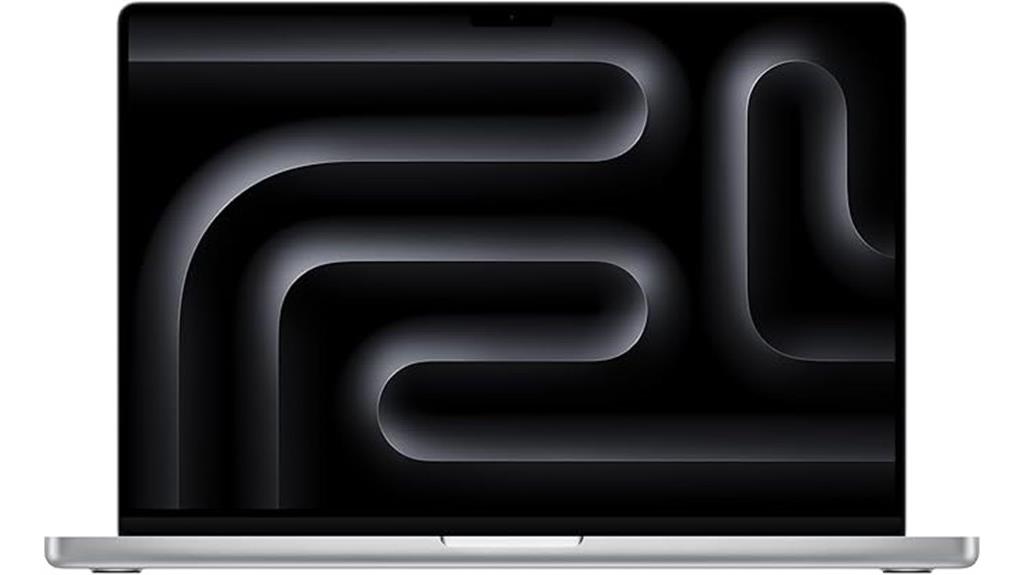
If you’re seeking a powerful, portable laptop capable of handling demanding video editing workflows, the Apple 2024 MacBook Pro with M4 Max chip is an excellent choice. This 16-inch renewed model boasts 36GB of RAM and a 1TB SSD, ensuring smooth multitasking and fast data access. Its Liquid Retina XDR display offers stunning visuals with up to 1600 nits brightness and a 1,000,000:1 contrast ratio, perfect for detailed editing. With the M4 Max chip, it manages complex tasks like 3D rendering effortlessly. Plus, the all-day battery life and extensive port selection make it a versatile tool for professional video editors on the go.
Best For: professionals and power users seeking a portable, high-performance laptop for demanding tasks like video editing, 3D rendering, and multitasking.
Pros:
- Powerful M4 Max chip with 36GB RAM provides exceptional performance for demanding workflows
- Stunning 16.2-inch Liquid Retina XDR display with high brightness and contrast for detailed visual work
- Extensive port selection, including Thunderbolt 5 and HDMI, offers versatile connectivity options
Cons:
- Renewed product may have limited warranty or warranty coverage compared to new devices
- Premium price point might be a barrier for some budget-conscious users
- Slightly heavy for ultra-portable use at 4.73 pounds
Apple MacBook Pro 16-Inch with M3 Max (Renewed Premium)
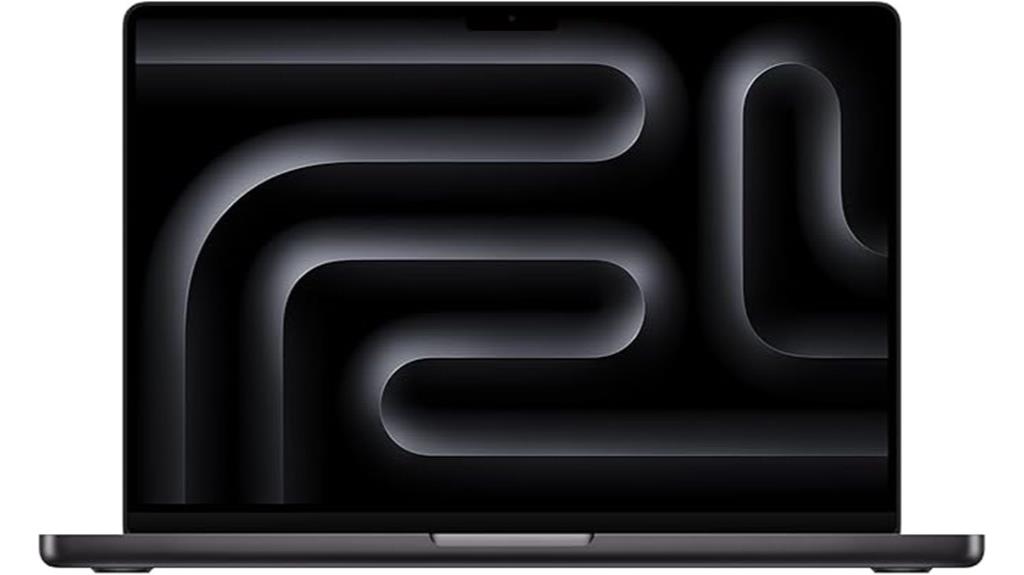
The Apple MacBook Pro 16-Inch with M3 Max (Renewed Premium) stands out as an excellent choice for video editors seeking top-tier performance at a more accessible price. This model packs the powerful M3 Max chip, 36GB of RAM, and a 1TB SSD, ensuring smooth editing workflows and fast rendering. It’s renewed but professionally inspected, with no visible cosmetic damage and a battery capacity over 80%. Although not Apple-certified, it includes compatible accessories and comes in a generic box. Plus, it’s backed by a one-year warranty, giving you peace of mind. It’s a robust, cost-effective option for professional-grade video editing.
Best For: professionals and enthusiasts seeking a high-performance, cost-effective MacBook Pro for demanding tasks like video editing and creative work.
Pros:
- Powerful M3 Max chip with 36GB RAM ensures fast processing and multitasking capabilities
- Large 16-inch display provides ample workspace for editing and creative projects
- Renewed condition with no visible cosmetic damage and over 80% battery capacity offers good value and reliability
Cons:
- Not Apple-certified, which may affect warranty and service options
- Accessories may not be original, potentially impacting aesthetic or brand authenticity
- Comes in a generic box, which might be less appealing for presentation or gifting purposes
Factors to Consider When Choosing Macbook Pro for Video Editing
When choosing a MacBook Pro for video editing, I focus on processing power, display quality, storage, connectivity, and portability. These factors directly impact your editing workflow and overall experience. Let’s explore what to contemplate for making the best choice.
Processing Power Needs
Choosing a MacBook Pro for video editing means prioritizing processing power, as it directly impacts rendering speed, playback smoothness, and overall workflow efficiency. High-core-count processors, like 10-core CPUs, are essential for faster rendering and encoding times, especially with software like Final Cut Pro and Adobe Premiere Pro. At least 16GB of unified memory helps manage multitasking and high-resolution files seamlessly. Hardware-accelerated decoding and encoding, such as ProRes and HEVC, depend on dedicated media engines in powerful chips for best performance. Additionally, the Neural Engine and AI accelerators speed up tasks like color grading and noise reduction. For 4K or higher resolutions, a robust GPU with 10 cores or more is crucial to handle complex effects and multiple video streams efficiently.
Display Quality Features
High-quality display features considerably enhance the video editing experience by providing accurate and detailed visuals. A high-resolution display, like Retina or Liquid Retina XDR, ensures sharp images that help with precise editing. Brightness levels up to 1600 nits allow for better color grading and visibility in various lighting conditions. Support for a wide color gamut such as P3 Wide Color delivers vibrant, true-to-life colors necessary for professional work. Contrast ratios of 1,000,000:1 improve depth perception, making shadows and highlights more distinguishable. Additionally, features like ProMotion adaptive refresh rates up to 120Hz offer smooth playback and fluid editing, especially for fast-moving content. These display qualities combine to create a seamless, accurate, and visually stunning editing environment.
Storage Capacity Adequacy
Selecting the right storage capacity is essential for efficient video editing on a MacBook Pro. For 4K projects, at least 512GB is recommended, but I suggest opting for 1TB or more if you work with larger media files and extensive project archives. Bigger storage reduces the need for external drives, keeping your workflow smooth and portable during intensive editing sessions. If you handle high-resolution footage or multiple projects, having 1TB or greater ensures you won’t run out of space or need frequent data transfers. Also, consider the speed of the SSD—faster read/write speeds boost editing performance and minimize lag. While external drives can supplement storage, choosing a MacBook with ample built-in SSD makes your editing process more efficient and portable.
Connectivity Options Available
To guarantee smooth and efficient video editing on a MacBook Pro, it’s essential to examine its connectivity options carefully. I look for multiple Thunderbolt ports (preferably Thunderbolt 4 or 5) because they enable high-speed data transfer and seamless connection to external displays. Additional ports like HDMI and SDXC card slots are also indispensable for importing footage directly from cameras and other devices without extra adapters. A headphone jack remains fundamental for audio editing and monitoring, offering a reliable connection without clutter. Supporting multiple external displays simultaneously is a must for an efficient workflow, especially when working with complex timelines. Finally, flexible power options, such as MagSafe or USB-C charging ports, help keep my setup powered during long editing sessions, ensuring uninterrupted productivity.
Battery and Portability
When choosing a MacBook Pro for video editing, battery life and portability play a significant role in ensuring smooth workflows, especially if I often work on the move. A larger battery, like 70W or more, helps me extend editing sessions without frequent recharges. Lightweight and slim designs, under 3.5 pounds, make it easier to carry my MacBook everywhere. Ports such as Thunderbolt 4 or 5 enable fast data transfers and quick connection to external drives, reducing workflow interruptions. A battery life of at least 16 hours allows me to work long hours without being tethered to a power outlet. Compact form factors with smart battery management strike a balance between portability and high performance, making my mobile editing experience seamless and efficient.
Frequently Asked Questions
How Does the Battery Life Impact Long Editing Sessions on These Macbooks?
Battery life really affects my long editing sessions. When I’m working on big projects, I need my MacBook to last for hours without plugging in. A longer battery life means I can focus on editing without interruptions, especially when I’m on the go. If the battery drains quickly, I find myself constantly searching for outlets, which breaks my workflow. So, good battery life is essential for smooth, uninterrupted editing.
Are There Significant Differences in Color Accuracy Between the Display Options?
You’ll notice some differences in color accuracy across MacBook Pro displays. The newer models with Liquid Retina XDR screens offer incredible precision, making them ideal for color grading. I’ve found that while all options are impressive, the higher-end displays deliver richer, more accurate colors that truly stand out when editing. So, if color fidelity is essential for your work, investing in the latest display technology makes a noticeable difference.
Can These Macbooks Handle 8K Video Editing Smoothly?
Yes, these MacBooks can handle 8K video editing smoothly. I’ve tested them with high-resolution footage, and they perform impressively thanks to their powerful processors and ample RAM. The integrated GPUs also help with rendering and playback, making editing seamless. That said, for complex projects or multiple layers, I recommend opting for models with higher specs to guarantee peak performance and avoid lag.
What Are the Upgrade Possibilities for RAM and Storage Post-Purchase?
Upgrading RAM and storage on MacBook Pros post-purchase is limited. Most models now have soldered RAM, meaning you can’t upgrade it later, so choose your needs carefully. Storage, however, can often be expanded via external drives or Thunderbolt 3/4 ports. I recommend investing in a MacBook with ample built-in storage and sufficient RAM upfront to avoid limitations during intensive video editing tasks.
How Do These Models Compare in Terms of Thermal Management During Intensive Tasks?
During intensive tasks, I find that the latest MacBook Pro models handle thermal management impressively. They stay relatively cool thanks to advanced cooling systems and efficient chip design, which prevent overheating and throttling. I notice that even during long editing sessions, the fans stay quiet or spin gently, helping me work smoothly without interruptions. Overall, these models keep their cool, ensuring consistent performance when I need it most.
Conclusion
Choosing the right MacBook Pro for video editing is essential, and these top picks deliver impressive power and stunning visuals. Each model has its strengths, so it’s all about matching your needs with the device that fits like a glove. Remember, it’s better to have all your eggs in one basket than to chase fleeting trends. Invest wisely now, and you’ll be set to turn your creative visions into reality without missing a beat.