
To upgrade your older drone for compliance, you’ll need to select a compatible FAA-approved Remote ID module suited for your drone’s size and weight. Before installation, power down your drone, locate the designated mounting area, and follow the manufacturer’s instructions to securely connect and mount the module, ensuring clear antenna placement. After installation, power up your drone and verify the Remote ID signal with compatible apps. Keep going to discover detailed steps for a smooth setup process.
Key Takeaways
- Select a FAA-compliant Remote ID module compatible with your drone’s size and weight.
- Power down the drone and locate an appropriate mounting area inside the fuselage or on the body.
- Connect the module securely following the manufacturer’s installation instructions, ensuring antenna placement is unobstructed.
- Power up the drone post-installation and verify Remote ID broadcast using compatible apps or ground control software.
- Ensure the module is functioning correctly to meet FAA regulations and maintain compliance for safe operations.
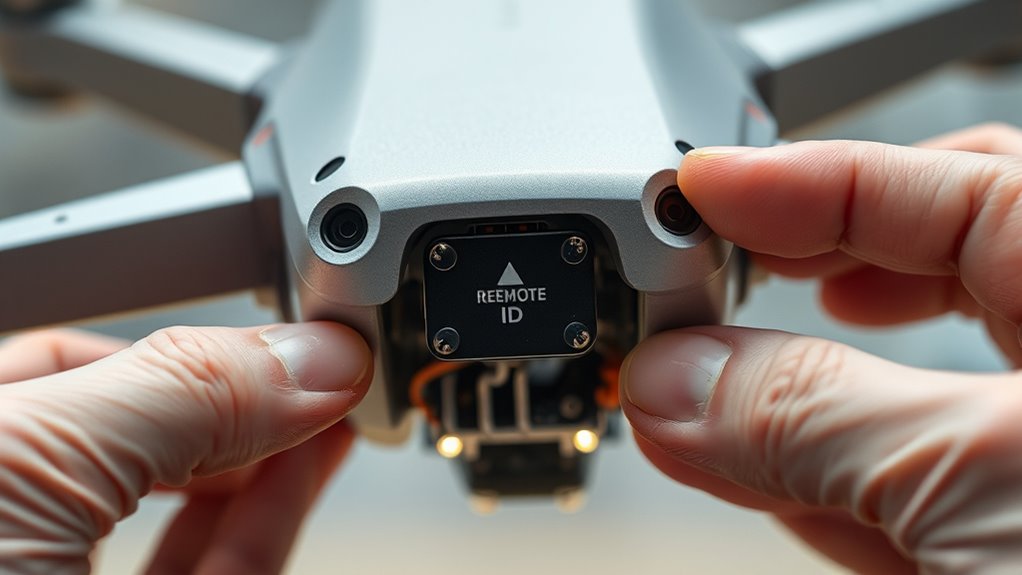
Have you ever wondered how to guarantee your drone complies with legal requirements and enhances safety? Upgrading your older drone with a Remote ID module is the key. The Federal Aviation Administration (FAA) has established clear regulations to ensure drones operate safely within the national airspace, primarily through the implementation of Drone Identification. This system enables authorities, other drone operators, and the public to identify who is flying a drone, where it’s located, and how high it’s flying. If your drone was manufactured before these regulations took effect, you’ll need to retrofit it with a Remote ID module to stay compliant and avoid penalties.
Integrating a Remote ID module into your drone involves understanding FAA Regulations thoroughly. These regulations specify that most drones operating in controlled airspace or beyond visual line of sight must broadcast identification information via a Remote ID system. This broadcast includes details like your drone’s serial number, location, altitude, and control station position. By upgrading your drone, you’re not just adhering to the law; you’re actively contributing to a safer flying environment. The process begins with selecting a compatible Remote ID module designed for your drone’s size and weight. Many third-party manufacturers produce light, easy-to-install modules that meet FAA standards, so it’s important to verify their compliance before purchasing.
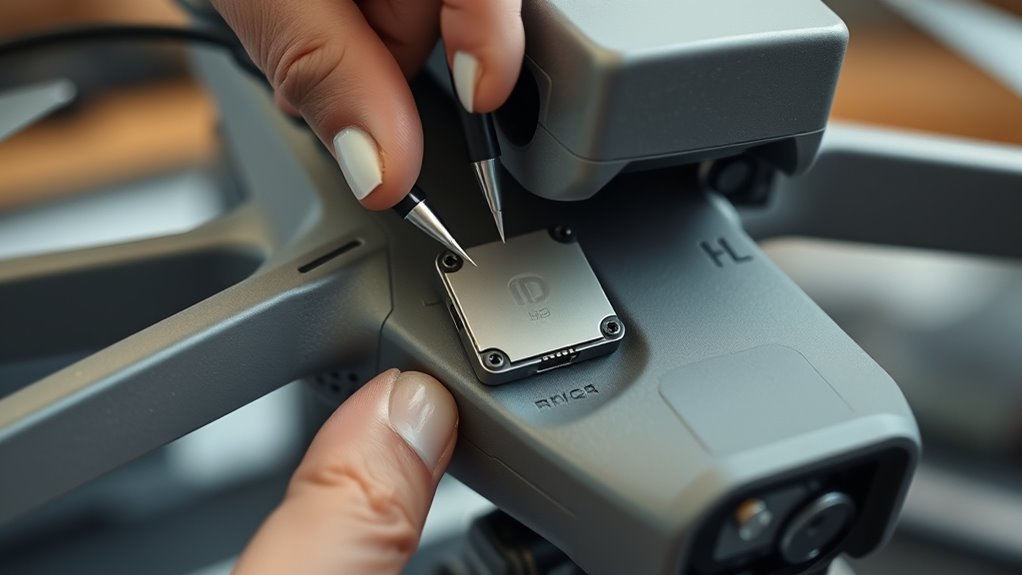
Once you’ve acquired the appropriate Remote ID device, installation is straightforward but must be done carefully. Power down your drone, locate the designated area for installation—often inside the fuselage or on the body—and connect the module according to the manufacturer’s instructions. Some modules connect directly to your drone’s flight controller, while others may attach externally. During installation, ensure the module is securely mounted and that its antenna is unobstructed for maximum broadcast range. Additionally, considering the use of European cloud servers for data management can enhance the security and reliability of your drone’s operation. After installing, power up your drone and verify the Remote ID function by checking the broadcast signal through compatible apps or ground control software.
Frequently Asked Questions
Will Installing a Remote ID Module Void My Drone’s Warranty?
Installing a remote ID module may affect your drone’s warranty, especially if it involves DIY installation. Manufacturers often consider unauthorized modifications as voiding warranty implications. To avoid issues, check your drone’s warranty policy beforehand, or consider professional installation. If you’re confident with DIY projects, guarantee you follow instructions precisely, but remember, any alteration might still impact your warranty coverage.
Can I Install a Remote ID Module Myself or Need Professional Help?
They say, “A stitch in time saves nine,” so you might think DIY installation is straightforward. You can attempt a DIY remote ID module upgrade if you’re comfortable with electronics and follow instructions carefully. However, for a safer, guaranteed result, professional assistance guarantees proper installation without risking damage or voiding your warranty. Consider your skills and confidence before choosing between DIY or professional help.
How Does Remote ID Impact Drone Flight Range and Performance?
Remote ID can slightly impact your drone’s flight range and performance, especially if antenna placement isn’t ideal. Poor antenna placement may cause signal interference, reducing communication quality and range. To minimize these issues, position antennas away from metal parts and electronic components. Keep an eye on signal strength during flights, and adjust antenna placement if you notice interference or a drop in performance to guarantee smooth, reliable operation.
Are There Legal Penalties for Not Complying With Remote ID Requirements?
Yes, there are legal consequences if you don’t comply with remote ID requirements. You could face enforcement actions like fines, penalties, or even drone operation restrictions. Federal authorities take non-compliance seriously to guarantee safety and accountability. Ignoring these rules can lead to legal penalties, so it’s vital that you upgrade your drone accordingly. Staying compliant helps you avoid enforcement actions and keeps your drone flying legally.
What Are the Cost Considerations for Upgrading Older Drones With Remote ID?
Think of upgrading your drone with remote ID as investing in its future. You should do a thorough cost analysis and budget planning to understand expenses. Costs vary based on the module type and installation complexity, ranging from affordable add-ons to more expensive systems. Planning ahead helps you avoid surprises and guarantees your drone stays compliant without breaking the bank, making your investment both smart and sustainable.
Conclusion
Upgrading your drone with a Remote ID module not only keeps you compliant but also enhances safety for everyone. Did you know that over 25% of drones in use today are older models that lack Remote ID technology? Upgrading might seem small, but it’s a big step toward responsible flying and avoiding potential fines. Stay ahead of regulations and keep your flights legal—and safe—by installing that module today.