
Applying high-quality skins and decals to your drone generally won’t impact its performance or signal. When you choose lightweight, non-conductive materials and apply them correctly, they conform smoothly without adding bulk or causing imbalances. Properly installed skins won’t interfere with radio or video signals, helping your drone fly and transmit just as well. Want to learn more about selecting the best skins to keep your drone flying smoothly?
Key Takeaways
- High-quality, lightweight skins typically do not impact drone performance or signal strength.
- Properly applied decals conform smoothly, avoiding increased drag or imbalance.
- Non-conductive materials prevent interference with radio and video signals.
- Thick or poorly applied skins may cause minor flight issues or signal disruptions.
- Selecting suitable, lightweight skins ensures aesthetics without compromising functionality.
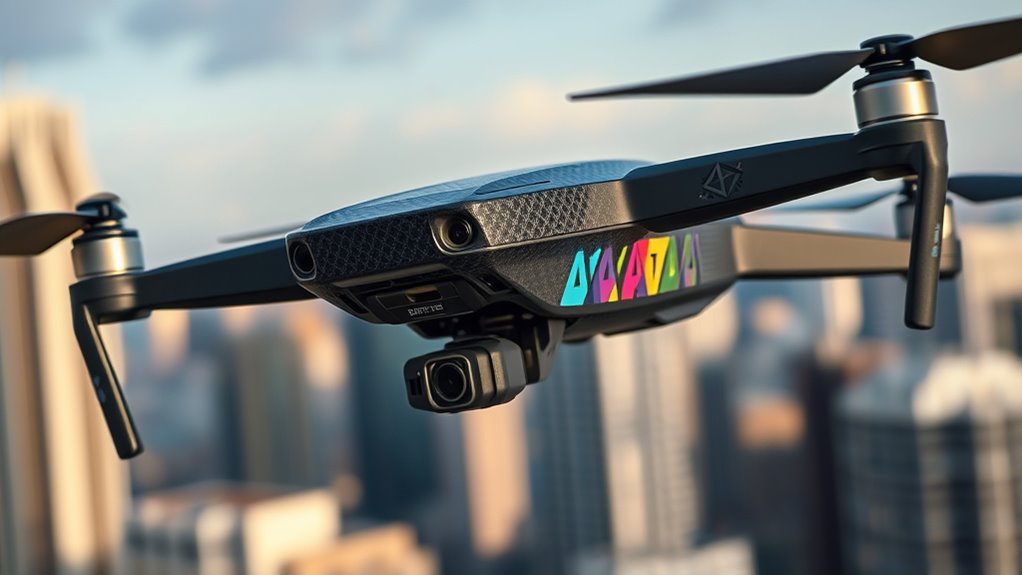
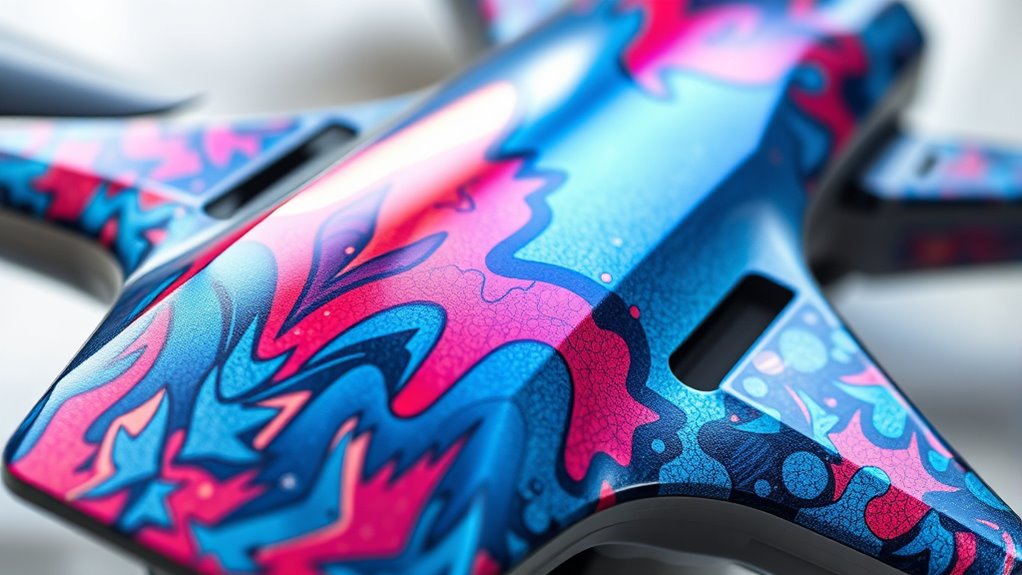
Drone skins and decals are a popular way to customize and protect your drone, allowing you to express your personal style while safeguarding the device from scratches and minor damage. When you choose to add skins or decals, you’re not just making your drone stand out visually; you’re also engaging in aesthetic customization that can reflect your personality or brand identity. Whether you’re flying for fun, photography, or professional work, these skins can turn a plain drone into a unique piece of equipment that catches the eye. If you’re running a business or promoting a cause, decals with logos or branding elements serve as mobile advertisements, turning your drone into a moving billboard that increases visibility during flights. This dual purpose—personal expression and brand promotion—makes skins a versatile accessory.
You might wonder if applying these skins impacts your drone’s performance or signal strength. The good news is that most high-quality skins are designed to be lightweight and aerodynamic, meaning they shouldn’t substantially affect flight capabilities. When properly applied, they conform smoothly to the surface of your drone without adding bulk or disrupting airflow. This means your drone can maintain its agility and speed, especially if the decals are thin and flexible. However, if you opt for thick, bulky, or poorly applied skins, you could encounter minor issues, such as increased drag or slight imbalance, which might affect flight time or maneuverability. It’s essential to select skins made from lightweight materials and ensure they’re applied correctly to avoid these problems.
Lightweight, well-applied skins won’t affect your drone’s flight or signals significantly.
In terms of signal interference, most reputable skins are crafted from non-conductive materials, so they generally don’t interfere with your drone’s radio or video signals. If you’re using high-quality decals, chances are they won’t block or weaken your signals, allowing you to fly confidently without worrying about connectivity issues. If you’re considering advanced materials, ensure they are non-conductive to prevent any potential interference, especially over antennas or sensors. Proper placement of skins and decals is vital—keep them clear of critical components to preserve ideal performance.
Ultimately, choosing the right skins and decals involves balancing aesthetics, branding, and functionality. When you select lightweight, non-conductive options and apply them carefully, you can enjoy a personalized or promotional look without sacrificing your drone’s performance. These skins not only protect your device from minor damage but also enable you to make a bold statement or promote your brand effectively during every flight. As long as you’re mindful of the materials and placement, you can confidently enhance your drone’s appearance and visibility while maintaining its flight efficiency.

for DJI Neo 2 Glow in The Dark Drone Skin Sticker, Scratch-Resistant Waterproof Luminous Night Flying Decals, Cool Neon Protective Drone Stickers, DJI Neo 2 Accessories, Blue
Custom Fit for DJI Neo 2 Drone – Precisely designed drone skin sticker for DJI Neo 2, perfect…
As an affiliate, we earn on qualifying purchases.
As an affiliate, we earn on qualifying purchases.
Frequently Asked Questions
Do Drone Skins Impact Battery Life?
Yes, drone skins can impact battery life by affecting battery efficiency, especially if they’re heavy or poorly fitted. Adding skins increases weight, which can cause your drone to work harder, draining the battery faster. To avoid reducing flight time, choose lightweight skins and ensure they’re applied smoothly. Keep weight considerations in mind, as even small changes can influence how long your drone stays airborne.
Can Decals Cause Overheating During Flight?
Decals generally don’t cause overheating during flight, but if they’re thick or layered, they can add thermal insulation, trapping heat. This might lead to slight temperature increases, especially under direct sunlight. Additionally, some decals provide visual camouflage, which can be advantageous for stealth. To prevent overheating, choose thin, high-quality decals and avoid applying them in hot conditions. Regularly monitor your drone’s temperature for peak performance.
Are Certain Materials More Aerodynamic Than Others?
Certain materials are more aerodynamic than others, acting like a smooth sail guiding your drone through the air. Materials with high efficiency in aerodynamic properties minimize drag and boost flight stability. Think lightweight, streamlined options like carbon fiber or specialized plastics. These materials reduce air resistance, helping your drone glide effortlessly. Choosing the right material enhances performance, making your flights smoother, faster, and more efficient—just like a well-oiled machine slicing through the sky.
Do Skins Interfere With GPS Signal Accuracy?
Yes, drone skins can interfere with GPS signal accuracy if they’re made of materials with high conductivity, like certain metals. These materials may cause signal interference by disrupting the radio frequencies used for GPS. To avoid this, choose skins made from non-conductive materials, such as vinyl or plastic, which are less likely to affect your drone’s signal. Always check the material specifications before applying skins to guarantee superior GPS performance.
How Do Decals Affect Drone Weight and Handling?
Decals add minimal weight, so they don’t substantially impact your drone’s handling. However, they can slightly increase aerodynamic drag, which might affect flight efficiency. Proper placement ensures weight distribution stays balanced, maintaining stable handling. If you choose lightweight decals and apply them smoothly, you’ll enjoy personalized style without sacrificing performance. Just remember, the key is keeping the added weight and drag minimal for ideal control and flight time.

FSIDIWT Skin Stickers Compatible with DJI Mini 4 Pro, Waterproof Sticker Decal Skin DIY Accessory for DJI Mini 4 Pro Drone and RC 2 Controller (G)
【Mini 4 Pro Skin Stickers】Specially designed for DJI Mini 4 Pro Drone and RC 2 Remote Controller. MIni…
As an affiliate, we earn on qualifying purchases.
As an affiliate, we earn on qualifying purchases.
Conclusion
In the end, applying skins and decals doesn’t substantially impact your drone’s performance or signal. For example, a hobbyist tested a bright orange skin versus a matte black one and found no noticeable difference in flight time or signal strength. So, feel free to personalize your drone without worrying about performance drops. Just choose designs you love—your drone’s looks won’t compromise its flying abilities. Happy flying!
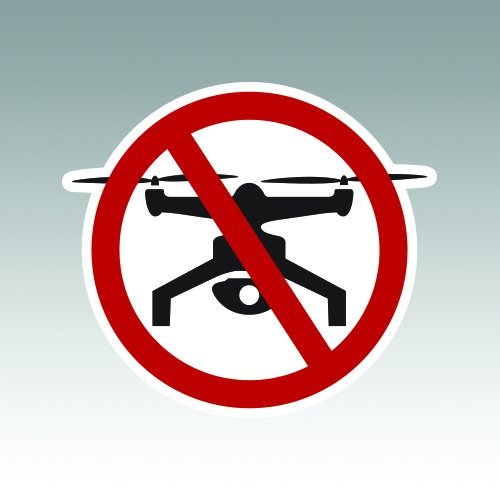
No Drone Zone Sticker – Die Cut – Decal – RDW V2 Drones Privacy Symbol Anti-Drone 4.47" x 4.00"
Decal Size is 4.47" W x 4.00" H with a bonus 9-11 special edition metallic sticker.
As an affiliate, we earn on qualifying purchases.
As an affiliate, we earn on qualifying purchases.
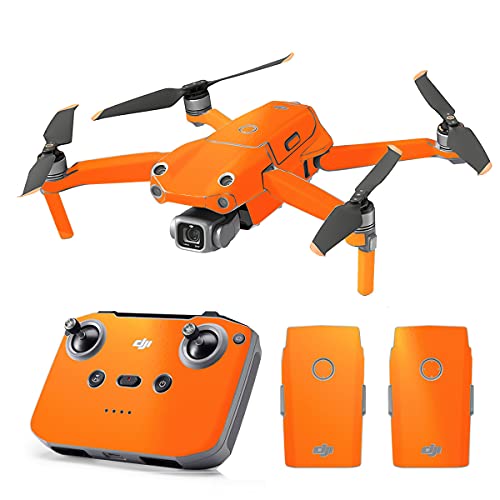
SopiGuard Skin for DJI Mavic Air 2s Precision Vinyl Sticker Full Drone Set + Controller + 3 Battery Skins (Gloss Orange)
Compatible with Mavic Air 2s, will NOT fit Mavic Air 2
As an affiliate, we earn on qualifying purchases.
As an affiliate, we earn on qualifying purchases.