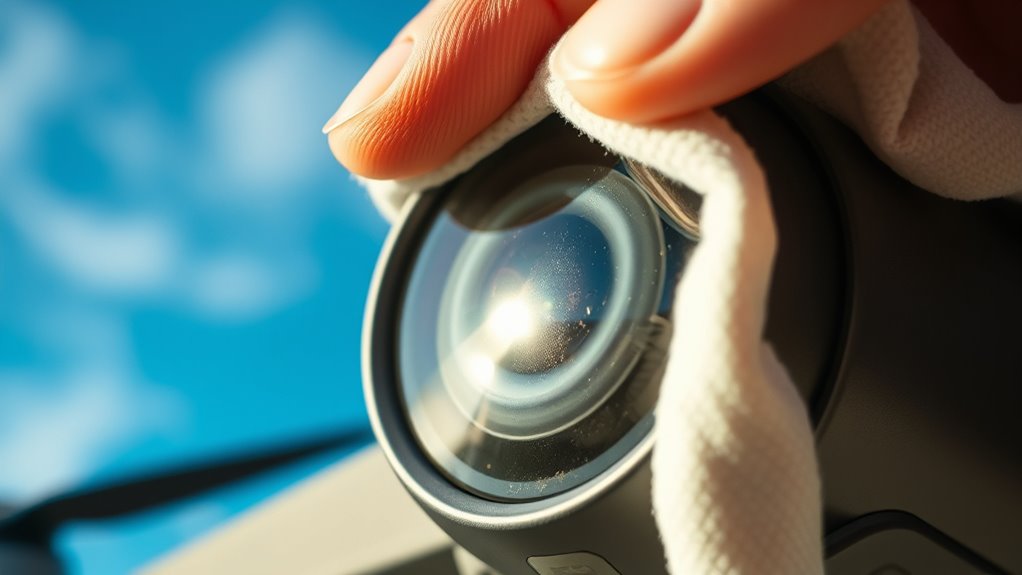
To keep your drone footage clear, regularly clean your camera lens using a soft, lint-free cloth or specialized lens wipes. Avoid harsh materials and never spray cleaning solutions directly onto the lens—apply them to the cloth first. Gentle circular motions with minimal pressure work best, and dust or debris should be removed beforehand using a soft brush or compressed air. For more tips on maintaining pristine footage and extending your drone’s lifespan, keep exploring these expert suggestions.
Key Takeaways
- Power off the drone before cleaning to prevent damage and ensure safety.
- Use a soft, lint-free cloth or specialized lens wipe, lightly dampened with lens cleaner or isopropyl alcohol.
- Gently clean the lens in circular motions, avoiding harsh materials or direct spray of cleaning solutions.
- Remove dust and debris with a soft brush or compressed air before wiping the lens surface.
- Regularly inspect and calibrate the camera after cleaning to maintain optimal image clarity.
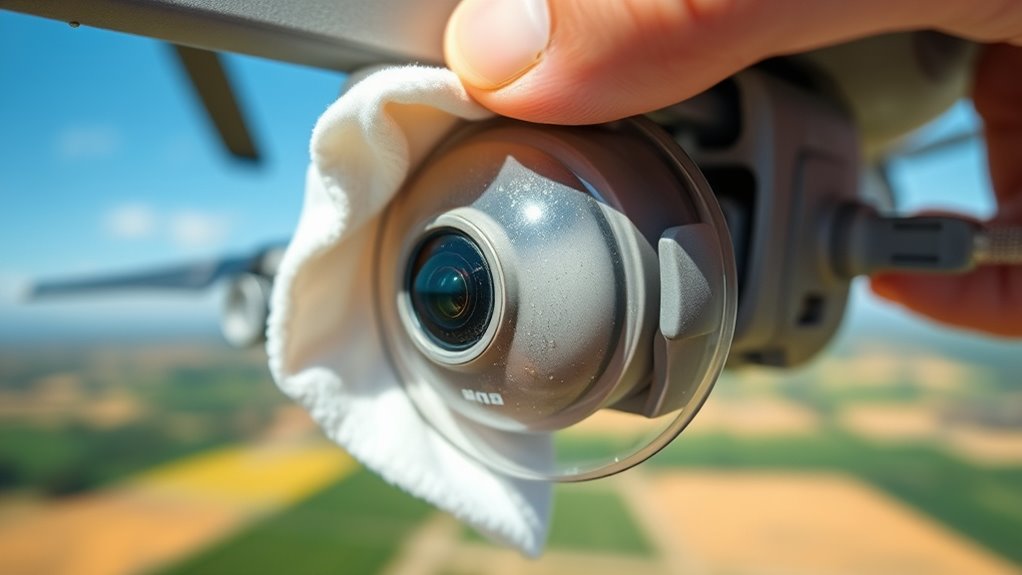
Keeping your drone’s camera lens clean is vital for capturing clear, high-quality footage. Dirt, smudges, or dust particles can obscure the lens and ruin your shots, so regular cleaning is a must. Before you start cleaning, verify that your drone’s sensor calibration is up to date. Proper calibration helps your drone’s camera focus correctly, minimizing distortions caused by minor misalignments. It’s a good idea to perform sensor calibration after cleaning the lens or whenever you notice image quality issues. Additionally, maintaining your drone’s battery is essential, as a healthy battery guarantees stable flight and prevents unexpected power loss during filming, which could lead to shaky footage or crashes that damage the lens.
When cleaning your drone’s camera lens, always power off the drone first to prevent accidental activation or damage. Use a soft, lint-free cloth or specialized lens cleaning wipes designed for delicate optics. Avoid harsh materials like paper towels or rough cloths that can scratch the lens surface. Lightly dampen the cloth with a small amount of lens cleaning solution or isopropyl alcohol if stubborn smudges persist. Gently wipe the lens in a circular motion, applying minimal pressure, to remove fingerprints, dust, or debris. If dust is trapped in crevices, use a soft brush or compressed air to dislodge particles before wiping. Never spray cleaning solutions directly onto the lens; always apply them to the cloth first. Regularly inspecting the camera lens helps catch dirt or smudges early, preventing buildup that can degrade image quality over time. Keep the drone in a clean, dry environment when not in use, and consider storing it with a protective cover or lens cap. This helps reduce exposure to dust and other contaminants. In addition to cleaning, verify your drone’s firmware is up to date, as manufacturers often release updates that improve sensor calibration and overall camera performance. These updates can help your drone compensate for minor misalignments and enhance image clarity. Proper lens maintenance is essential for maintaining optimal image quality and prolonging your drone’s lifespan.

EVEO Screen Cleaner Spray - Large Screen Cleaner Bottle - TV Screen Cleaner, Computer Screen Cleaner, for Laptop, Phone, Ipad - Computer Cleaning kit Electronic Cleaner (1 Pack)
Screen Cleaner is Your Screen’s New Bestfriend! - EVEO is proud to present a screen cleaner that’s perfectly...
As an affiliate, we earn on qualifying purchases.
Frequently Asked Questions
Can Cleaning Damage the Drone’s Delicate Camera Components?
Cleaning your drone’s camera lens carefully won’t damage delicate components or cause lens scratches if you follow proper techniques. Use a soft, microfiber cloth and avoid harsh chemicals, cleaning only when necessary to prevent unnecessary wear. Regular cleaning frequency helps maintain clear footage without risking damage. Be gentle, avoid excessive pressure, and never use abrasive materials, ensuring your drone’s camera stays in top shape for stunning aerial shots.
What Cleaning Products Are Safest for Drone Lenses?
You should use lens cleaning solutions specifically designed for camera lenses, avoiding harsh chemicals that could damage your drone’s delicate components. Opt for safe cleaning tools like microfiber cloths, which gently remove dirt and smudges without scratching. Always apply the lens cleaning solution to the cloth rather than directly onto the lens, ensuring a safe, effective clean that preserves your drone’s camera quality and prevents potential damage.
How Often Should I Clean My Drone Camera Lens?
You should clean your drone camera lens whenever you notice dirt buildup or smudges that could affect your footage. Regular lens maintenance, such as after each flight or weekly if used frequently, helps prevent dirt accumulation. Keep an eye on your lens and clean it as needed to guarantee clear, sharp aerial footage. Consistent maintenance stops dirt from causing long-term damage and keeps your drone’s camera in top condition.
Is It Necessary to Calibrate the Camera After Cleaning?
Think of your drone’s camera like a finely tuned instrument; after cleaning, calibration isn’t always necessary, but it’s wise to check your calibration frequency to guarantee ideal performance. If cleaning affects the lens coating or you notice color shifts or focus issues, calibrate to keep your footage crystal clear. Regular calibration maintains accuracy, especially after lens cleaning, so your aerial shots stay sharp and true to life.
Can Cleaning Techniques Vary Between Different Drone Models?
Yes, cleaning techniques can vary between different drone models because of material compatibility and cleaning frequency. You should always check your drone’s manual to see which cleaning materials are safe for your camera lens and body. Some drones require gentle wipes, while others might handle a slightly more robust cleaning. Adjust your cleaning frequency based on your flying environment to keep your camera clear without risking damage.

iO CLEAN Screen Cleaner Spray (16oz - 473ml) – Best Large Cleaning Kit
Screen cleaner spray and cloth. Screen cleaner spray and cloth are designed for high-end devices and work flawlessly...
As an affiliate, we earn on qualifying purchases.
Conclusion
Now, picture your drone soaring high, capturing crystal-clear footage that reflects the world below. With a clean lens, every detail—from shimmering lakes to bustling streets—comes into sharp focus, creating stunning aerial vistas. Remember, a simple wipe with a soft cloth transforms blurry, clouded images into crisp, vibrant scenes. Keep your lens spotless, and watch your drone’s camera become a window to breathtaking views, turning ordinary flights into extraordinary visual stories.
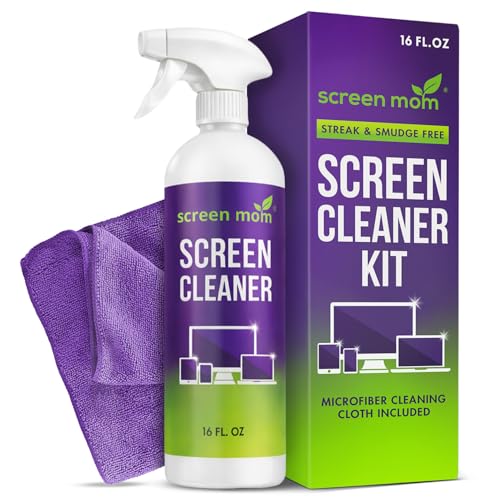
Screen Mom Screen Cleaner Spray 16oz Bottle for TV, Car, Laptop & Computer
STREAK FREE FORMULA FOR CRYSTAL CLEAR SCREENS: Screen Mom tv cleaner spray and cloth advanced streak-free screen cleaner...
As an affiliate, we earn on qualifying purchases.

Screen Cleaner Spray 16oz (4oz x 4 Pack) - TV & Computer Screen Cleaner with 2 Microfiber Cloths for Multiple Devices
Quality Screen Care Kit: The kit includes 4 bottles of tv screen cleaner for smart tv and 2...
As an affiliate, we earn on qualifying purchases.