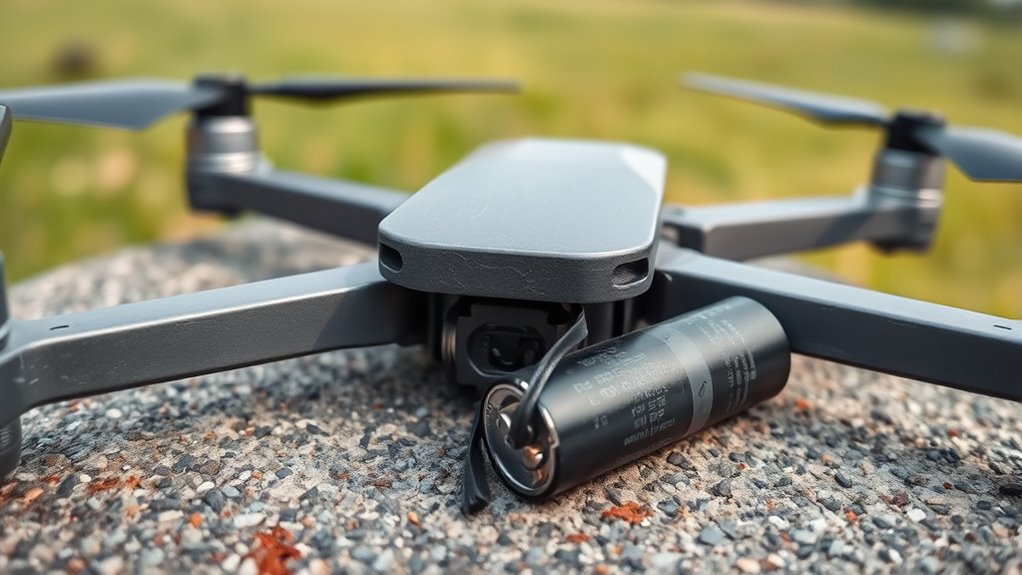

You should replace your drone’s battery after about 200–300 charge cycles or if it shows signs like reduced flight time, swelling, or overheating. For propellers, look for cracks, chips, or vibrations during flight, and replace them immediately if damaged. Regular maintenance, proper storage, and firmware updates help prolong component lifespan. Understanding these signs and upkeep tips ensures safe flying—continue exploring to learn detailed tips for ideal drone performance.
Key Takeaways
- Replace batteries after 200–500 charge cycles or if capacity drops below 80%.
- Inspect propellers regularly and replace immediately if cracked, chipped, or warped.
- Watch for signs like vibrations, wobbling, or reduced flight time indicating part deterioration.
- Store batteries properly at 40–60% charge and avoid overuse or extreme temperatures.
- Keep firmware updated to ensure compatibility and optimal performance of drone components.
Signs That Indicate a Battery Needs Replacing
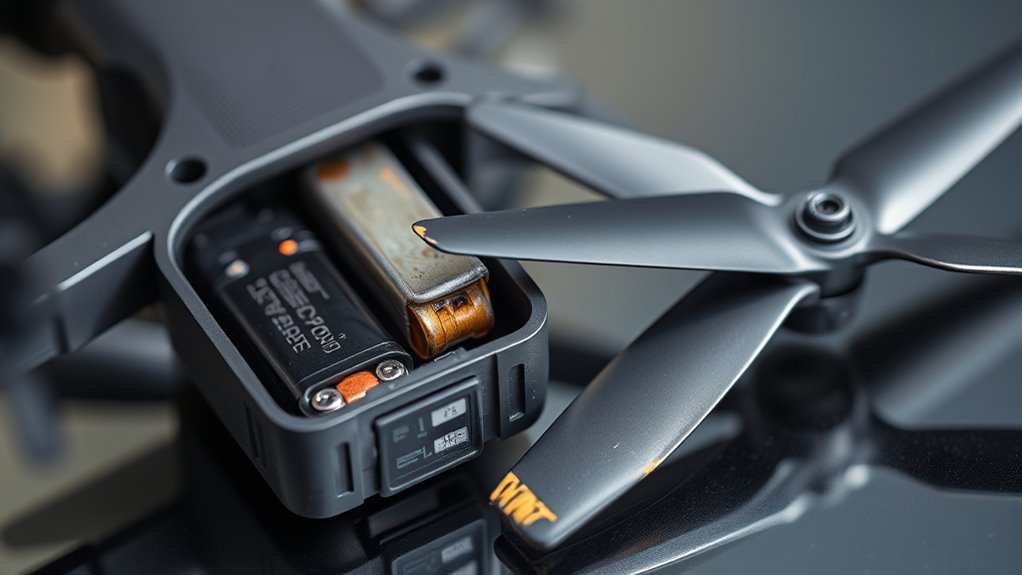
Your drone’s battery will give you clear signals when it’s time for a replacement. If you notice it swelling or puffing, replace it immediately—these are signs of internal damage and potential safety risks. A noticeable decrease in flight time compared to when you first bought the drone indicates the battery’s capacity is degrading. Unusual odors or excessive heat after charging or use are warning signs that the battery is compromised. Visible damage like cracks, leaks, or deformation in the casing also point to the need for a new battery. Additionally, if your drone or the app displays error notifications or firmware warnings related to the battery, it’s time to think about a replacement. Ignoring these signs can lead to reduced performance or safety hazards. Proper battery maintenance can extend its lifespan and ensure safe operation. Regularly monitoring battery health can also prevent unexpected failures during flight, especially when combined with appropriate storage conditions to preserve battery integrity. Maintaining optimal battery storage practices helps prevent capacity loss and extends overall lifespan.
Understanding Your Battery’s Lifespan and Cycle Count
Understanding how many charge cycles your drone’s battery can handle helps you plan for replacements and maintain ideal performance. Most drone batteries last between 200 and 500 cycles before their capacity drops considerably. Typically, after 200-300 cycles, your battery’s capacity may fall to 80% or less of its original. Keep track of each full charge and discharge to gauge how many cycles you’ve used. A cycle isn’t just one charge; it’s a complete 100% discharge, which might happen over multiple partial charges. Well-maintained batteries can last 1 to 3 years, depending on usage and storage conditions. Proper storage practices can further extend the lifespan of your drone’s power source. Premium batteries may reach 500 cycles with proper care. Monitoring cycle count helps you decide when it’s time for a replacement before performance drops. Battery health monitoring techniques can further extend the lifespan of your drone’s power source. Additionally, understanding the battery’s chemistry can help you select the best maintenance practices for longevity. Regularly checking the battery’s capacity can also provide early warnings of declining performance. Knowing the charge cycle limits specific to your battery model ensures you don’t exceed its lifespan.
Best Practices for Maintaining Drone Batteries
To keep your drone battery in top shape, you should follow proper storage techniques, like keeping it at 40–60% charge when not in use for a long time. Establishing a regular charging routine, such as charging every few months, helps maintain battery health. Also, staying up-to-date with firmware updates and ensuring compatibility can prevent performance issues and extend your battery’s lifespan. Additionally, understanding the washability of your batteries and components can help prevent damage during cleaning and maintenance. Incorporating battery safety practices is essential for avoiding hazards and ensuring reliable performance over time. Being aware of water resistance features can also inform proper handling and storage to avoid water-related damage and preserve your drone’s longevity. Furthermore, utilizing battery management systems can optimize charging cycles and prevent overcharging, significantly contributing to battery longevity. Regularly monitoring your battery’s performance metrics can help detect early signs of degradation and plan timely replacements.
Proper Storage Techniques
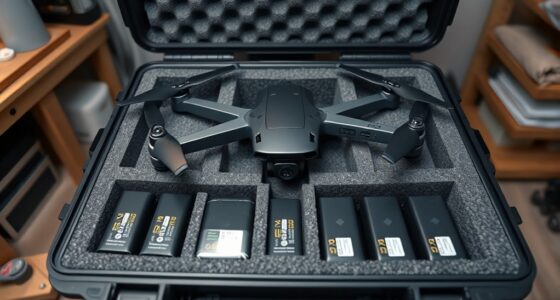
Proper storage is essential for maintaining drone battery health over time. When you store batteries correctly, you prevent capacity loss and extend their lifespan. Keep batteries in a cool, dry place away from direct sunlight and extreme temperatures. Store them at around 40-60% charge, as fully charged or discharged batteries degrade faster during long-term storage. Avoid leaving batteries in the drone or charger for extended periods. Regularly check and recharge batteries every 2-3 months to keep them in good condition. Ensure they are stored separately and in a fireproof container if possible for added safety. Proper storage helps maintain battery performance and reduces the risk of damage or safety hazards. Additionally, understanding battery maintenance best practices can further prolong their lifespan. Emphasizing preventive care and careful handling can significantly impact overall battery longevity.
Regular Charging Routine
Establishing a regular charging routine is essential for maintaining your drone battery’s health and longevity. Consistent, proper charging prevents capacity loss and extends lifespan. Always use the manufacturer’s recommended charger and avoid overcharging. Don’t charge immediately after flying; let the battery cool down to prevent heat damage. Aim to keep batteries between 40-60% for storage or long periods. Regularly check and cycle your batteries every 2-3 months to maintain performance. Proper charging habits reduce the risk of swelling, overheating, or failure. Using a battery management system can help monitor and optimize charging cycles for better longevity.
Firmware Updates and Compatibility
Regular firmware updates are essential for keeping your drone’s batteries running safely and efficiently. They improve performance, fix bugs, and enhance safety features. To guarantee compatibility, always verify that your battery firmware matches the drone’s firmware version before updating. Using mismatched firmware can cause malfunctions or prevent the battery from charging properly. Make sure your battery charge is above 50% before installing updates to avoid interruptions. Keep your drone and batteries updated regularly, especially after new firmware releases. Use only manufacturer-approved updates and avoid third-party firmware to prevent compatibility issues. Remember, outdated firmware can lead to reduced battery performance or even damage, so stay current to maximize lifespan and safety.
- Check manufacturer instructions before updating.
- Confirm firmware versions are compatible.
- Use original chargers during updates.
- Avoid updating in extreme temperatures.
How to Identify When Propellers Require Replacement

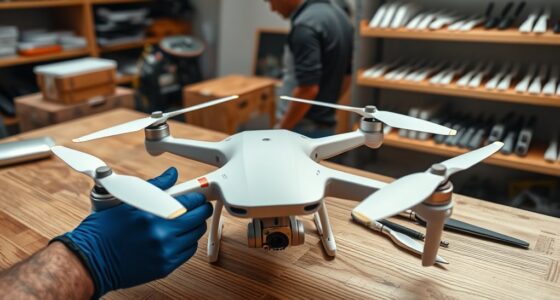
You should replace your drone’s propellers if you notice visible cracks, chips, or warping. Changes in flight performance, like vibrations or instability, also signal it’s time for a swap. Regularly inspecting your propellers helps catch damage early and keeps your drone flying smoothly.
Visible Damage Signs
Visible damage signs are clear indicators that your drone’s propellers need replacement. You should inspect your propellers regularly for any physical issues that could compromise flight safety and stability. Cracks, chips, or splinters on the blades weaken their structure and can cause vibrations or crashes. Bent or warped blades distort airflow, reducing control and efficiency. If you notice any missing pieces or visible dents, it’s time to replace the propellers immediately. Additionally, after crashes or hard impacts, even minor damage can be hidden beneath the surface but still affect performance. Regular visual checks are essential to guarantee safe operation and avoid sudden failures that could damage your drone or cause accidents.
- Cracks, chips, or splinters on blades
- Bent or warped propeller arms
- Missing or broken pieces
- Damage after crashes or impacts
Flight Performance Changes
When propellers sustain damage or wear over time, changes in flight performance often become noticeable. You might experience decreased stability, making the drone harder to control. Unusual vibrations or noise during flight indicate that something’s off. You may also notice reduced flight time or inconsistent behavior, such as drifting or wobbling. These issues often stem from bent, warped, or imbalanced propellers that no longer spin smoothly. If your drone feels less responsive or begins to jerk unexpectedly, it’s a sign your propellers may need replacing. Even minor cracks or chips can compromise flight quality and safety. Regularly pay attention to how your drone handles, and don’t ignore subtle shifts—timely replacement guarantees peak performance and prevents further damage.
Routine Inspection Checks
Regularly inspecting your drone’s propellers is essential to guarantee safe and ideal flight performance. Check for visible damage such as cracks, chips, or broken blades, which can compromise stability. Look for bent or warped propeller arms, as these affect balance and flight smoothness. Listen for unusual vibrations or noises during flight, indicating possible damage or imbalance. Also, monitor flight behavior—reduced stability or erratic movements often signal worn or damaged propellers.
- Examine each blade carefully before and after flights for any signs of damage
- Replace propellers immediately if you notice cracks or chips
- Ensure propellers are securely attached and not loose
- Store propellers in a protective case to prevent bending or accidental damage
Propeller Usage and Maintenance Tips for Longevity

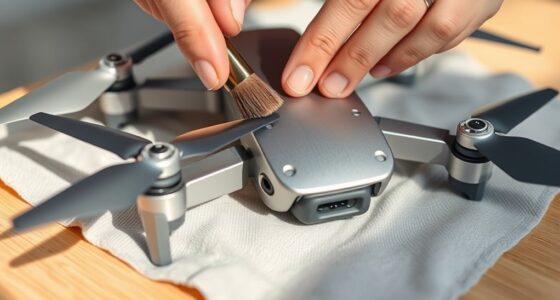
Proper handling and maintenance of your drone’s propellers are essential for ensuring they last as long as possible. Always inspect your propellers before and after each flight for cracks, chips, or bends. Replace damaged propellers immediately to prevent crashes or further damage. Clean them regularly with a dry cloth to remove dirt and debris, which can cause imbalance and vibrations. Store propellers in a protective case to avoid bending or breaking when not in use. Avoid exposing them to extreme temperatures or direct sunlight, as this weakens the material over time. Be gentle during installation and removal, ensuring they are securely attached without over-tightening. Following these tips helps maintain peak performance and extends the lifespan of your propellers.
The Importance of Firmware Updates for Battery and Propeller Compatibility

Firmware updates are essential for guaranteeing your drone’s batteries and propellers work seamlessly together. They improve compatibility, enhance safety, and optimize performance. Without updates, mismatched firmware can cause connection issues or reduce efficiency. Updating firmware ensures your drone recognizes new battery models or propeller designs, preventing malfunctions. It also patches bugs that might cause errors or crashes during flight. To get the best results, always update both the drone and its components regularly. Keep in mind, firmware updates often require batteries to be charged above 50%, and using incompatible versions can lead to serious issues. Staying current guarantees smoother operation, better safety, and longer-lasting parts.
- Compatibility between drone, battery, and propellers is maintained
- Firmware patches fix bugs and security vulnerabilities
- Updated firmware improves flight stability and efficiency
- Ensures new parts work correctly with existing hardware
Factors That Affect the Overall Durability of Drone Components

Several factors directly influence the durability of your drone’s components, including batteries and propellers. Usage habits play a significant role; aggressive flying, sudden accelerations, or hard landings increase wear and tear. Environmental conditions also matter—exposing your drone to extreme temperatures, moisture, or dust accelerates degradation. Proper maintenance is essential; regular inspections for damage, cleaning, and timely replacements preserve component lifespan. Storage practices impact durability too; storing batteries at ideal charge levels in cool, dry places prevents capacity loss. Firmware updates guarantee compatibility and performance but can’t offset physical damage. Lastly, manufacturing quality influences longevity—higher-quality parts tend to withstand stress better. By understanding these factors, you can extend your drone’s lifespan and know when components need replacing.
Frequently Asked Questions
How Often Should I Calibrate My Drone’s Sensors for Optimal Performance?
You should calibrate your drone’s sensors whenever you notice unstable flight, drifting, or after a firmware update. It’s best to calibrate before each major flight session or if you’ve traveled to a different flying location. Regular calibration guarantees accurate navigation and stable flight. Also, perform calibration if you’ve crashed or bumped into objects. Doing this consistently keeps your drone operating smoothly and prevents potential crashes or performance issues.
What Are the Signs of Motor Wear Affecting Drone Flight?
Imagine your drone trembling like a leaf in strong wind—this signals motor wear. You might notice unusual vibrations, strange noises, or erratic movements during flight. Reduced responsiveness or sluggish acceleration also point to motor issues. If your drone struggles to hover steadily or drifts unexpectedly, it’s time to inspect those motors. Regular checks help catch wear early, ensuring smooth, stable flights and preventing sudden crashes.
Can Environmental Conditions Impact Battery or Propeller Lifespan?
Environmental conditions definitely impact your drone’s battery and propeller lifespan. Exposure to extreme temperatures, humidity, or direct sunlight accelerates battery degradation and can cause swelling or leaks. High winds and rough conditions strain propellers, leading to chips, cracks, or warping. Always store your drone in a cool, dry place, avoid harsh weather during flights, and inspect parts regularly to extend their lifespan and guarantee safe flying.
How Do I Safely Dispose of Old Drone Batteries and Propellers?
You should safely dispose of old drone batteries by taking them to a certified recycling facility or hazardous waste collection site. Never throw batteries or propellers in regular trash, as they can be dangerous. Before disposal, drain or discharge batteries completely if possible, and handle them carefully to avoid leaks or damage. Proper disposal helps prevent environmental harm and guarantees safety for everyone.
Are Third-Party Batteries or Propellers Safe to Use With My Drone?
Third-party batteries and propellers can be safe if you choose reputable brands, guarantee compatibility, and follow installation instructions carefully. You need to verify their quality, check for proper certifications, and test them in controlled conditions. Always monitor performance during flights, watch for signs of damage or malfunction, and avoid cheap or unbranded parts. Proper maintenance and cautious use help you enjoy safe, reliable drone operation with third-party components.
Conclusion
By paying close attention to signs like reduced flight time and unusual noises, you guarantee your drone stays at peak performance. Regular maintenance and timely replacements can extend your drone’s life far beyond ordinary expectations—turning it into a reliable flying companion that defies the limits of durability. Remember, neglecting these signs could turn your trusty drone into a forgotten relic, so stay vigilant, proactive, and keep your drone soaring smoothly through the skies.