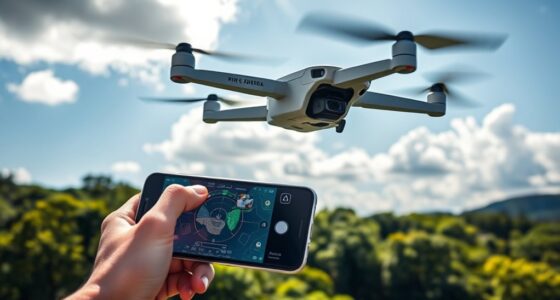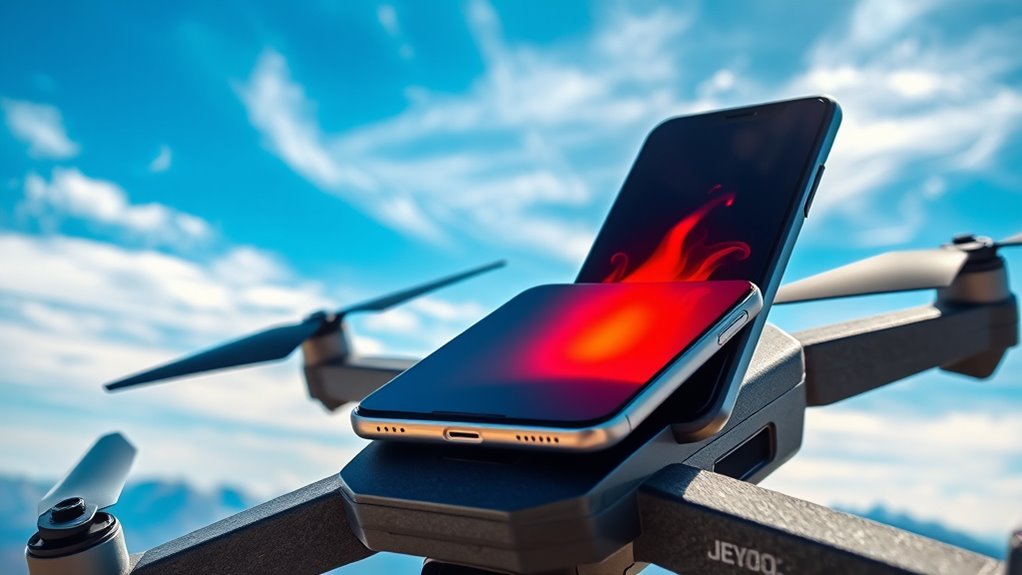
When flying a drone, your phone can heat up quickly due to constant signal searches, high processing demands, and limited airflow. To keep it cool, activate airplane mode if you don’t need cellular service, or enable Wi-Fi and Bluetooth instead. Avoid charging during the flight, lower screen brightness, and close unnecessary apps. Using external cooling methods or keeping the device in shade can also help, and there’s more tips to prevent overheating if you continue exploring.
Key Takeaways
- Enable airplane mode to prevent cellular signal searches, reducing processor strain and heat buildup during drone flights.
- Use Wi-Fi or Bluetooth instead of cellular data for essential connectivity, minimizing network activity.
- Keep your device in a cool, shaded area and avoid charging it during flight to prevent overheating.
- Disable unnecessary background apps and reduce screen brightness to lower power consumption and heat generation.
- Consider external cooling aids like portable fans or cooling pads for prolonged drone sessions.
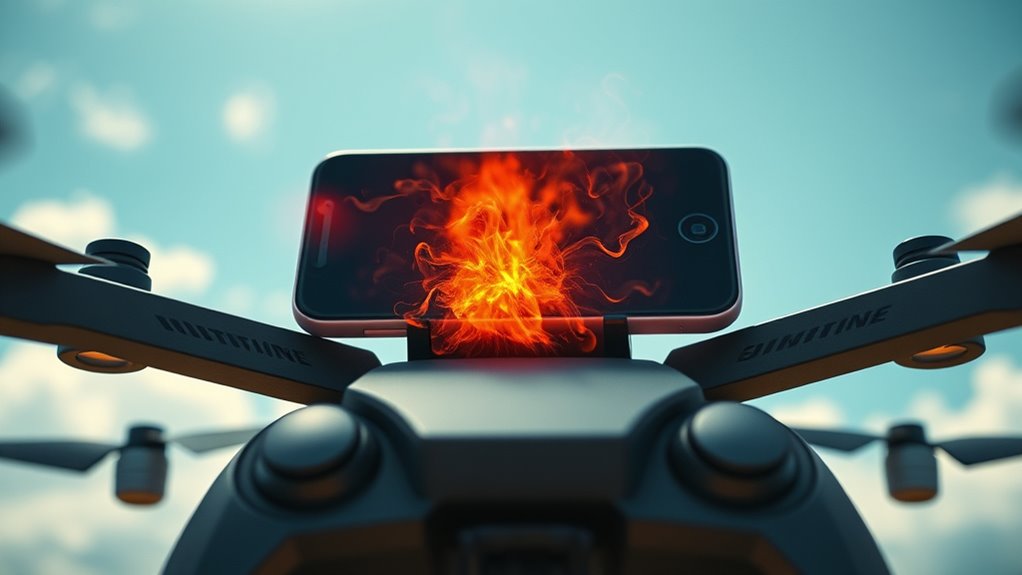
When you’re flying, your phone can unexpectedly overheat, even if you’re not actively using it. This sudden increase in temperature can be frustrating, especially if you’re trying to capture photos or record videos. Overheating not only affects your device’s performance but can also cause long-term damage to its battery health. To keep your phone cool during flight, it’s essential to understand what triggers this heat buildup and how to prevent it.
One common reason for overheating is signal interference. When you’re in the air, your phone constantly searches for a strong cellular signal, which can put a strain on its processor. This continuous effort to connect with distant towers forces your device to work harder, generating more heat. Additionally, flying often involves flying through areas with fluctuating signal strength, causing your phone to repeatedly boost its antenna power to maintain connection. This constant cycle of searching and reconnecting increases the internal temperature, making your device hot to the touch.
Constantly searching for cellular signals during flights causes overheating and device strain.
To mitigate these issues, start by turning on airplane mode when you don’t need cellular service. This simple step cuts off signal interference and prevents your device from constantly trying to connect, reducing heat buildup. If you want to stay connected for emergency calls or Bluetooth devices, consider switching on airplane mode but enabling Wi-Fi and Bluetooth separately. This way, you keep essential features while minimizing unnecessary network activity that causes overheating.
Another vital factor is your battery health. Over time, batteries degrade, and their ability to handle high temperatures diminishes. If your device’s battery health is poor, it’s more susceptible to overheating during high-demand situations like flying. Keep an eye on your battery’s condition and replace it if it’s notably degraded. Also, avoid charging your phone during the flight, as charging generates additional heat and can worsen temperature issues.
Additionally, reducing background app activity can help keep your device cooler. Close unnecessary apps and disable location services when not needed. Brightness levels also play a role; lowering screen brightness reduces power consumption and heat generation. Using a portable fan or cooling pad can provide physical cooling, especially during long flights or if your phone tends to heat up quickly.

ELUTENG Dual Cooling Fan Whisper Quiet 80mm USB Fan 3 Adjustable High Speed USB Port Heatsink Fans Compatible for PS4, PS5, Router, Laptop, PC, Xbox Cooling Electronics
【2-in-1 Dual Row 80mm USB Cooling Fan】 ELUTENG dual-row 8cm USB fan is USB powered and supports plug…
As an affiliate, we earn on qualifying purchases.
As an affiliate, we earn on qualifying purchases.
Frequently Asked Questions
Can Overheating Damage My Drone’s Hardware?
Overheating can indeed damage your drone’s hardware, especially the battery and internal components. Excess heat accelerates battery degradation and risks causing malfunctions. To protect your drone, avoid prolonged exposure to high temperatures and consider using cooling accessories like fans or heatsinks. Keeping your device cool helps maintain ideal battery health and prevents thermal damage, ensuring your drone stays operational and reliable during flights.
What Temperature Is Too Hot for My Phone During Flight?
Your phone is too hot during flight if it reaches 35°C (95°F) or higher, as this risks battery safety and hampers thermal management. To prevent overheating, avoid direct sunlight, reduce screen brightness, and close unnecessary apps. Monitoring your device’s temperature helps protect its hardware, ensuring safe operation. Keeping it cool not only extends battery life but also maintains ideal performance during your drone flights.
Are There Specific Phone Models More Resistant to Overheating?
Some phone models are more resistant to overheating because of their superior durability and advanced cooling features. For instance, high-end phones like the Samsung Galaxy S23 Ultra and iPhone 15 Pro often have better thermal management compared to budget models. When comparing models, look for those with enhanced heat dissipation, water resistance, and rugged designs, as these factors contribute to better resistance against overheating during intense use like drone flying.
Does Environmental Humidity Affect Device Overheating?
Imagine flying your drone on a humid summer day; high humidity impacts your device’s overheating risk. Moisture risks increase as humidity levels rise, trapping heat inside your phone. This environment hampers cooling, causing potential overheating. To prevent this, avoid flying in very humid conditions or keep your phone in a dry, cool place. Managing humidity impact helps protect your device from overheating and preserves its performance during drone use.
How Often Should I Let My Phone Cool Down During Flights?
You should let your phone cool down every 15-20 minutes during flights to protect its battery health. Use cooling accessories like fans or thermal cases to help prevent overheating. Regular breaks allow your device to dissipate heat, reducing the risk of damage. Monitoring your phone’s temperature with apps can also help you decide when to pause and cool down, ensuring your device stays safe and functions *best* during drone use.

Phone Cooling Plate & Heatsink Pad – Advanced Thermal Dissipation for Gaming & Streaming Enhanced Heat Absorption Radiator Fan Ready Compatible with iPhone & Smartphones with Left-Positioned Cameras
❄️ Superior Heat Dissipation Efficiency – Crafted from pure copper, this cooling plate delivers a 500% increase in…
As an affiliate, we earn on qualifying purchases.
As an affiliate, we earn on qualifying purchases.
Conclusion
To keep your device cool while flying, think of your phone as a delicate bird in the sky—flapping its wings, needing cool breezes to soar smoothly. By taking simple steps like avoiding direct sunlight and giving your phone breaks, you’ll prevent it from overheating and keep your drone journey smooth as a gentle breeze. Stay mindful, stay cool, and let your device glide effortlessly through the skies, capturing those perfect shots without breaking a sweat.

Portable Mini Fan – 5 in 1 with Power Bank, Phone Holder, Handheld & Desk Fan – USB Rechargeable, 3000 mAh Power Bank, 3 Speed Adjustable, Neck Lanyard – Black
Small and Foldable – This portable small personal fan is foldable design, adjustable 180 degree folding on the…
As an affiliate, we earn on qualifying purchases.
As an affiliate, we earn on qualifying purchases.
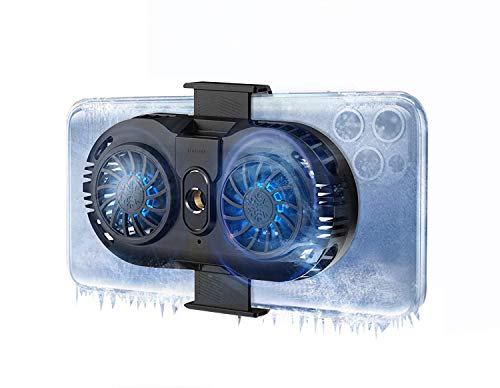
NEVEIKA Phone Cooler, Cellphone Radiator with Dual Semi-Conductor Cooling Chip, Mobile Phones with a Width of 6 to 8 cm for Tiktok Live Streaming, Outdoor Vlog, Mobile Gaming.
Linear Damping Telescopic Clip: Easy to adjust, perfect for all types of phones with a width of 6…
As an affiliate, we earn on qualifying purchases.
As an affiliate, we earn on qualifying purchases.