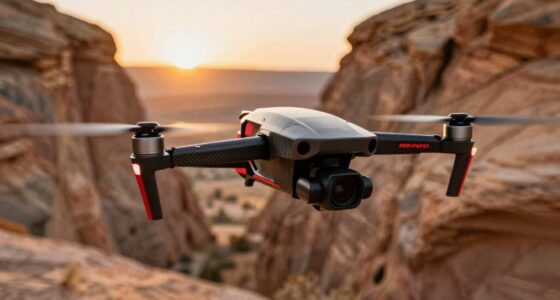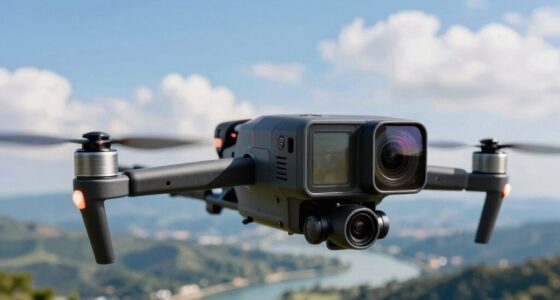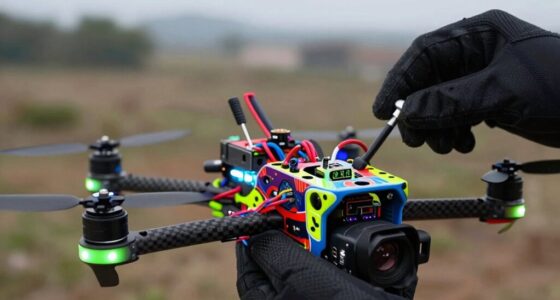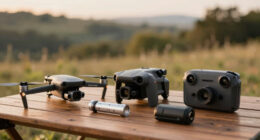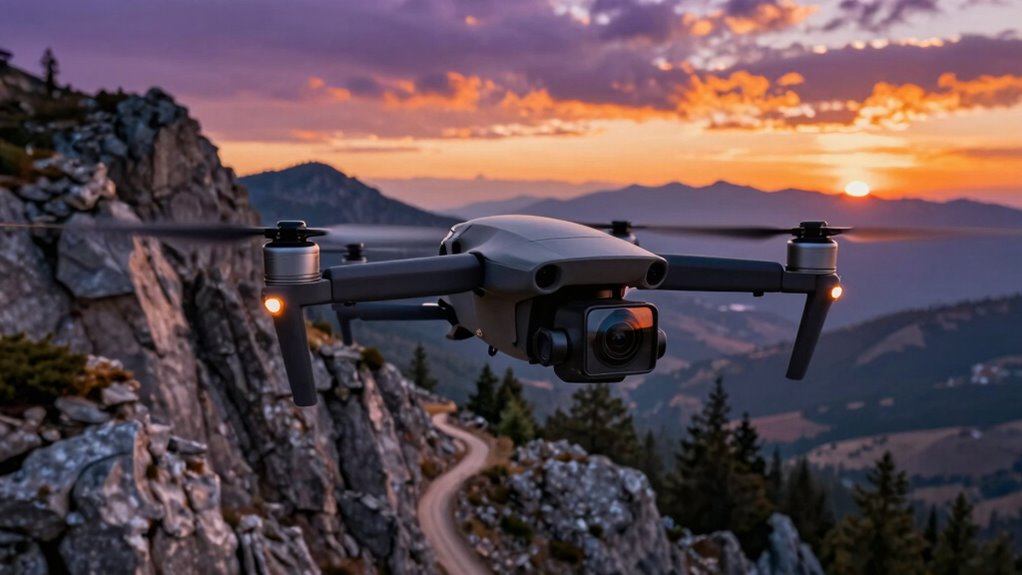
Before flying with action cameras on your FPV drone, you need to take into account mounting stability and weight balance for smooth footage and better flight control. Keep in mind that extra weight drains batteries faster, reducing flight time. Properly test your setup to understand how long you can fly safely with the camera attached. Using accessories like gimbals can improve stabilization. To guarantee consistent results, explore how your drone handles with added gear for peak performance.

Get the latest gadgets delivered free — and shop member deals
- Fast, free delivery on millions of items
- Access to Prime Big Deal Days deals on October 6–7
- Prime Video, Amazon Music and more included
Key Takeaways
- Ensure proper mounting and stabilization to prevent shaky footage and maintain smooth video quality.
- Balance the camera’s weight to optimize drone handling, flight time, and power consumption.
- Use high-capacity batteries and monitor energy use to extend flight duration with added camera equipment.
- Conduct thorough testing to understand how the camera impacts flight endurance and performance.
- Regularly assess drone performance and adjust setup for optimal footage quality and safe operation.

Have you ever wondered what it takes to successfully mount and fly action cameras on your FPV drones? It’s not just about attaching the camera; it’s about guaranteeing your footage is smooth and your drone operates efficiently. When you’re adding an action camera, camera stabilization becomes a top priority. Without proper stabilization, your videos can turn out shaky and distracting, ruining the immersive experience you’re aiming for. Many action cameras come with built-in stabilization features, but you may also want to consider additional gimbals or mounts designed specifically for FPV drones. These accessories help absorb vibrations and minor bumps, giving you cleaner, more professional-looking footage.
Effective stabilization and proper mounting are key to capturing smooth, professional FPV drone footage.
However, stabilization isn’t the only factor to weigh. Battery life plays a vital role when you’re flying with an action camera attached. Cameras consume power differently depending on their settings and features, such as high-resolution recording or stabilization modes. When you add a camera to your drone, it draws extra energy, which can considerably reduce your flight time. This means you need to plan your flights carefully and possibly upgrade your drone’s battery capacity if you want longer sessions. Keep in mind that heavier cameras and mounts also demand more power and put additional strain on your drone’s motors, further impacting battery life. Additionally, understanding your drone’s power consumption helps optimize your setup for longer flights. It’s also beneficial to regularly monitor your drone’s performance metrics to ensure your setup remains efficient during each flight.
Before you start flying, it’s essential to balance your camera’s weight with your drone’s capabilities. A heavier setup might require more power, decreasing your flight duration and possibly affecting handling. To get the most out of your flights, test your setup thoroughly and note how long your drone can stay in the air with the camera mounted. This helps you plan your shoots better and avoid mid-air power loss. Also, consider carrying spare batteries if you plan to record for longer periods. Remember, the quality of your footage isn’t just about the camera itself but also about how well your drone can support it throughout your flight.
As an affiliate, we earn on qualifying purchases.
Frequently Asked Questions
How Do Action Cameras Affect Drone Battery Life?
Action cameras can drain your drone’s battery faster because they require extra power during recording and live streaming. Proper camera mounting helps reduce unnecessary weight, which can improve battery life. To optimize your battery, turn off the camera when not in use and choose energy-efficient settings. Regularly check your drone’s battery levels and carry spare batteries, so your flights remain smooth and avoid unexpected power loss.
Are There Weight Restrictions for Mounting Cameras?
Camera mounting considerations can’t be ignored; weight restrictions are vital. You should check your drone’s maximum payload capacity before attaching any camera. If you mount a camera that’s too heavy, it can destabilize your drone’s flight, cause damage, or reduce battery life. Keep weight considerations in mind, choose lightweight cameras, and make certain your mounting method is secure. This way, your flights stay smooth, safe, and successful.
Can Action Cameras Record in 4K During High-Speed Flights?
Yes, action cameras can record in 4K during high-speed flights, but it depends on your camera’s capabilities and camera mounting. Make certain your camera supports high video resolution and can handle the drone’s vibrations at speed. Proper camera mounting is essential to keep the camera stable, allowing you to capture clear footage. Keep in mind that recording in 4K may drain your battery faster and require higher storage capacity.
How Do I Prevent Water Damage to the Camera?
Protect your camera like a knight shielding a treasure, especially from water. To prevent water damage, use a waterproof housing designed for your action camera. Make sure it’s sealed tightly before flying and check for any cracks or gaps. Additionally, consider moisture prevention techniques like silica gel packs or desiccants inside the housing. Regularly inspect and maintain the waterproof casing to keep water out and your footage crystal clear.
What’s the Best Way to Stabilize Camera Footage?
To stabilize your camera footage, focus on proper camera mounting and stabilization techniques. Use a gimbal or vibration dampers to minimize shake during flight, and guarantee your camera is securely mounted to prevent jarring movements. Apply software stabilization in post-processing if needed. By combining these methods, you’ll achieve smooth, clear footage that captures your flight experience beautifully. Always double-check your camera’s mounting before each flight for ideal results.
As an affiliate, we earn on qualifying purchases.
Conclusion
Before you take your FPV drone for a spin with an action camera, remember that balancing performance and weight is like walking a tightrope—too much weight can make your flight unstable. Make certain your camera is securely mounted and properly configured to avoid surprises mid-air. Think of it as adding a splash of color to an already vibrant painting; with the right setup, your footage will soar to new heights, capturing every thrilling moment with clarity and style.
As an affiliate, we earn on qualifying purchases.
drone weight balance accessories
As an affiliate, we earn on qualifying purchases.
As an affiliate, we earn on qualifying purchases.
Fall Picks
fall essentials
As an affiliate, we earn on qualifying purchases.