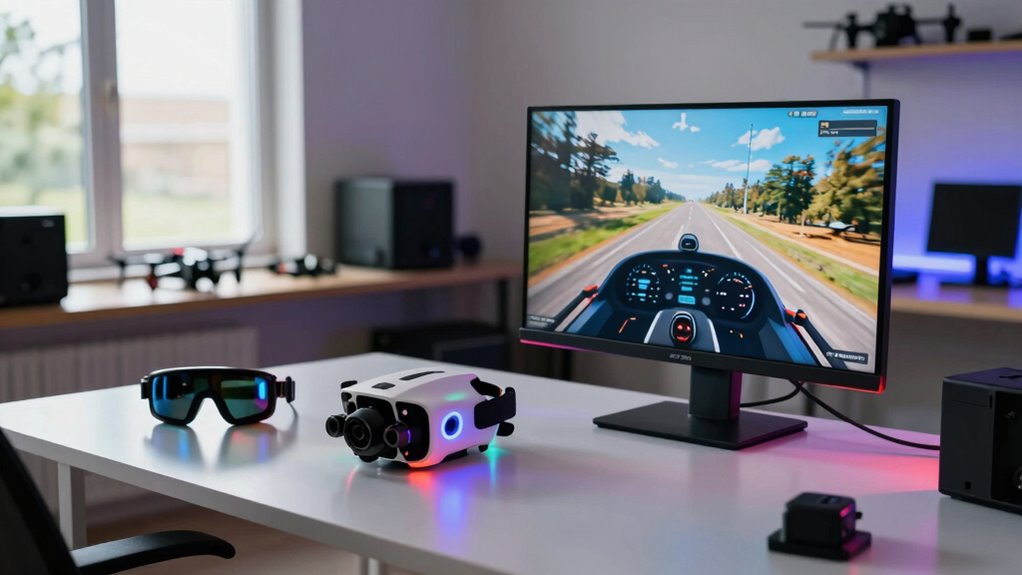
Using flight simulators helps you improve as a new FPV pilot by providing a safe environment to practice key skills like tight turns, complex maneuvers, and emergency recovery. They allow you to fine-tune controls and develop muscle memory without risking damage or costly repairs. Simulators also let you experiment with different scenarios and conditions, building confidence quickly. Keep exploring, and you’ll discover even more ways to accelerate your flying skills and enjoy your FPV journey.

Get the latest gadgets delivered free with Prime
- Fast, free delivery on millions of items
- Prime Video, Amazon Music and more included
- Member-only deals all year
Key Takeaways
- Simulators allow repetitive practice of maneuvers, building muscle memory and improving reaction times.
- They enable precise equipment calibration, reducing control errors during real flights.
- Simulators provide a safe environment to practice emergency recovery and obstacle avoidance.
- They simulate realistic flight conditions, helping pilots adapt to diverse scenarios without risks.
- Consistent practice in simulators accelerates skill development and boosts pilot confidence.

Flying FPV drones can be incredibly exciting, but it also demands skill, practice, and quick reflexes. That’s where simulators come in, offering a safe and cost-effective way to sharpen your flying abilities before taking your drone into real-world scenarios. When you start using a simulator, you get the chance to practice aerial maneuvering in a controlled environment. This is vital because aerial maneuvering involves precise control of your drone’s movements, and the more you practice, the more instinctive it becomes. You learn to navigate tight turns, figure eights, and complex flight paths without risking damage to your equipment or losing your drone.
Practicing aerial maneuvering in simulators builds instinctive control without risking damage or loss.
Simulators also help you understand the importance of equipment calibration. Before you fly for real, you can tweak and fine-tune your controller settings within the simulation. This process is fundamental because correct calibration ensures your inputs translate accurately to your drone’s movements. When you get comfortable with calibration in a simulator, you reduce the likelihood of crashes caused by misaligned controls or unresponsive inputs. This foundational knowledge makes your real-world flying smoother and more confident, as you’re already familiar with how your equipment responds under different flight conditions. Additionally, practicing calibration can help you troubleshoot issues more effectively when flying outside the simulator.
Another major benefit of simulators is the ability to practice emergency procedures and recoveries. In a real situation, quick reactions can save your drone from crashing, but practicing those reactions in a simulator allows you to develop muscle memory. Over time, you’ll react faster and more instinctively when faced with unexpected obstacles or turbulence. This type of training is invaluable because it builds your confidence, making you more comfortable with high-speed flying and tight spaces. Additionally, practicing in a simulator can help you understand and adapt to different physics models, which enhances your overall flying skills. Understanding how different environmental conditions impact flight helps prepare you for diverse outdoor scenarios. Developing a good understanding of simulator physics** ensures that your training translates effectively to real-world flying. Moreover, many simulators incorporate learning curves** that help you gradually increase difficulty as your skills improve.
Simulators also give you unlimited practice time, regardless of weather conditions or battery life. You can spend hours perfecting your aerial maneuvering skills, experimenting with different flight styles, and mastering complex tricks without the cost of replacing props or repairing damage. Plus, many simulators offer realistic graphics and physics, which closely mimic real-world flying, so your skills transfer seamlessly when you take your drone outside. In fact, some simulators even incorporate realistic environmental conditions, further preparing you for diverse outdoor scenarios.
Ultimately, simulators are an essential tool for new FPV pilots aiming to improve faster. They provide a risk-free environment to learn aerial maneuvering, refine equipment calibration, and develop quick reflexes. By practicing consistently in a simulator, you’ll build the confidence and skills needed to fly more aggressively and safely in real-world conditions, making your FPV journey more enjoyable and successful.
Products Worth Considering

Logitech MX Brio Ultra HD 4K Webcam, Graphite

Jackery Explorer 300 Portable Power Station, 292Wh

Jackery Explorer 2000 v2 Portable Power Station with Two 200W Solar Panels
As an affiliate, we earn on qualifying purchases.
Frequently Asked Questions
Can Simulators Fully Replicate Real-World Flying Experiences?
Simulators can’t fully replicate real-world flying experiences, but they offer excellent virtual realism that closely mimics actual conditions. You can practice maneuvers and develop skills transfer, making your shift to real flights smoother. While some tactile feedback is missing, simulators help you build confidence, improve reaction times, and understand flight dynamics, all of which accelerate your progress as a new FPV pilot.
What Is the Best Simulator for Beginner FPV Pilots?
Don’t put all your eggs in one basket—your best simulator for beginner FPV pilots is the DRL Simulator. It offers an immersive experience, perfect for honing skills before hitting real skies. Plus, it’s compatible with a wide range of hardware, making setup a breeze. This simulator helps you build confidence and muscle memory, ensuring you’re ready to take on actual flights with less of a steep learning curve.
How Much Should I Invest in FPV Simulator Hardware?
You should plan to spend around $50 to $150 on FPV simulator hardware, focusing on cost-effective options that offer good hardware compatibility. To get started, consider a basic but reliable controller compatible with popular simulators. This investment helps you practice safely and efficiently without breaking the bank. As your skills improve, you can upgrade your hardware, but initial spending should be balanced between affordability and quality.
Do Simulators Help Improve Actual Flying Skills Quickly?
Did you know that nearly 85% of FPV pilots report improved flying skills after using simulators? Virtual reality and simulator training substantially boost your skill transfer, allowing you to practice complex maneuvers safely. Simulators help you develop muscle memory, reaction times, and confidence, which translate directly to real-world flying. So yes, they help improve your actual flying skills quickly by providing a risk-free environment for intensive practice.
Are There Specific Simulator Settings for Different Drone Types?
Yes, there are specific simulator settings for different drone types. You should adjust flight physics to match your drone’s weight, motor power, and agility, which helps you develop realistic flying skills. Controller customization is also essential, allowing you to set stick sensitivity and response curves similar to your actual drone. These tailored settings provide a more authentic experience, making your shift from simulator to real drone smoother and faster.
Conclusion
Using FPV simulators isn’t just a training tool—it’s your launchpad to mastery. They let you practice, make mistakes, and learn faster without risking your gear. As you fly through virtual skies, every maneuver sharpens your skills, building confidence with each session. So, embrace the digital domain, for it’s where your real flights begin—where patience, practice, and perseverance turn novices into seasoned pilots, soaring higher with every simulated step.