To learn FPV flying with simulators, start by choosing beginner-friendly options like FPV.SkyDive or Liftoff that match your skill level. Practice basic controls such as throttle, pitch, and yaw, gradually progressing to complex maneuvers. Use custom features like track editors and adjustable physics to refine your skills. Opt for simulators with realistic graphics and reliable online connectivity to enhance immersion and practice efficiency. Keep exploring these tips to open your full FPV potential.
Key Takeaways
- Choose beginner-friendly simulators like FPV.SkyDive or Liftoff to build foundational skills comfortably.
- Focus on mastering basic controls such as throttle, pitch, roll, and yaw through repetitive practice.
- Use custom track creation and adjustable settings to target specific skills and improve adaptability.
- Select simulators with realistic physics and high-quality visuals to enhance immersion and prepare for real-world flying.
- Practice with multiplayer modes and stable online connections to simulate real race conditions and accelerate learning.
Choosing the Right Simulator for Your Skill Level

Selecting the right FPV simulator depends on your current skill level and goals. If you’re just starting out, look for beginner-friendly options like FPV.SkyDive or Liftoff, which feature simple controls and guided tutorials. These simulators help you build foundational skills without overwhelming you. If you’re more experienced and aiming to race, Velocidrone offers realistic physics and track recreations suited for competitive flying. For freestyle pilots, Uncrashed or TRYP FPV provide advanced graphics and versatile environments to practice tricks. Budget-conscious pilots should consider free options like Tiny Whoop Go or FPV Freerider. Additionally, choosing a simulator that leverages European cloud servers can enhance your experience through improved latency and reliability, especially if you participate in online multiplayer modes, which is crucial for maintaining reliable connectivity during practice sessions. Incorporating simulators with high refresh rates can further improve your reaction times and flying precision. Furthermore, selecting a simulator with realistic physics ensures a more authentic flying experience that closely mimics real-world conditions. Using simulators that incorporate advanced rendering techniques can also boost your immersion and help you better anticipate real-world visuals.
Mastering Basic Controls and Maneuvers
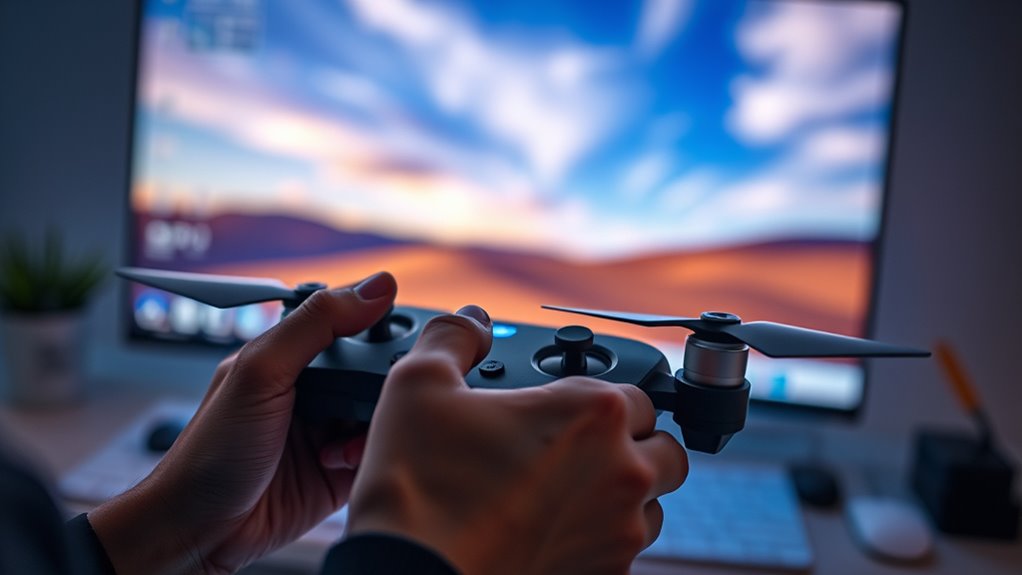
Mastering basic controls and maneuvers is essential for building a solid foundation in FPV flying. Start by familiarizing yourself with the throttle, pitch, roll, and yaw controls. Practice gentle movements to get a feel for how your drone responds. Use beginner modes in simulators like Liftoff or FPV.SkyDive to focus on core skills without overwhelming yourself. Practice simple maneuvers such as hovering, straight-line flying, and basic turns. Once comfortable, progress to more complex actions like figure eights or small loops. Consistent repetition helps develop muscle memory, making real-world flying more intuitive. Remember, patience is key. Building confidence with the basics guarantees you’ll handle more advanced flying confidently later on. Incorporating Free Floating techniques can further improve your control and stability during flights.
Utilizing Advanced Features and Customization Options
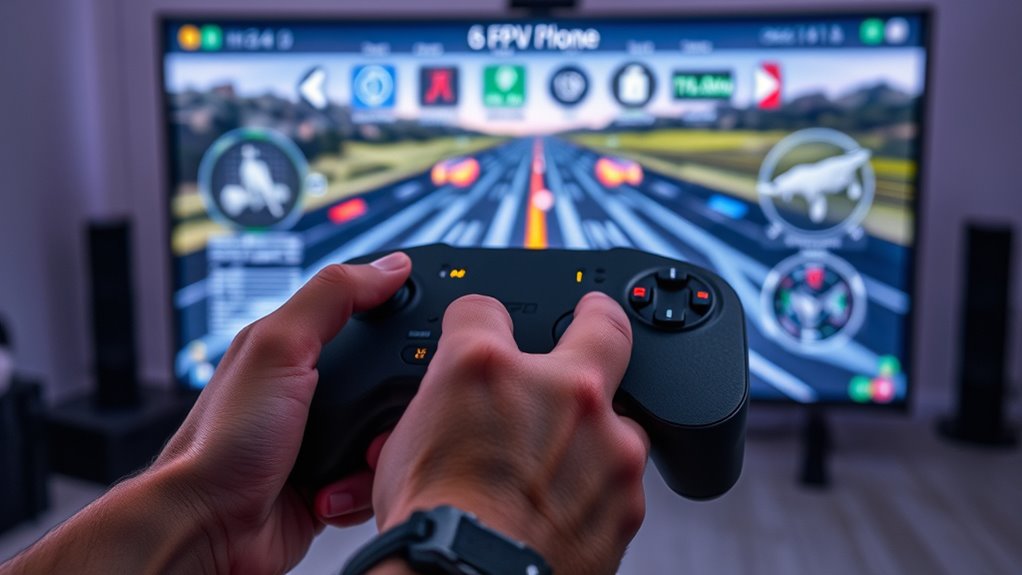
Taking advantage of advanced features and customization options in FPV simulators can considerably enhance your flying skills. These tools let you tailor your practice to match real-world conditions and challenge yourself. Here’s what you should explore:
- Custom Track Creation: Use track editors in simulators like Velocidrone to design courses that target your weak spots.
- Drone Settings Adjustment: Fine-tune parameters like camera angle, PID settings, and physics to replicate your real drone’s behavior.
- Weather and Lighting Effects: Practice in different conditions to improve adaptability and confidence.
- Controller Mapping: Customize control layouts to find what feels most natural and efficient for your flying style.
- Understanding Flight Physics: Grasping the flight physics simulated in the software helps you better predict how your drone reacts under various scenarios.
Mastering these options helps you develop precision, consistency, and confidence for actual flights.
Frequently Asked Questions
Can I Use My Real FPV Drone Controller With Simulators?
Yes, you can use your real FPV drone controller with simulators. Most popular simulators like Velocidrone, Liftoff, and DRL Simulator support real radio transmitters, providing a more authentic flying experience. Just connect your controller via USB or compatible wireless methods, and configure it within the simulator’s settings. Using your actual controller helps you develop muscle memory and shift seamlessly from simulated to real-world flying.
How Do I Set up My Simulator for Optimal Performance?
You can set up your simulator for peak performance by first connecting your FPV controller via USB or compatible wireless link. Make sure your controller’s firmware is up-to-date, then calibrate it within the simulator settings to match your drone’s controls. Adjust sensitivity and response curves for smooth handling. Finally, test the setup in a practice flight to fine-tune your experience, making sure your controls feel natural and responsive.
Are There Specific Simulators Recommended for Racing Versus Freestyle Flying?
For racing, Velocidrone is your best choice because it offers pixel-perfect track recreations, supports multiple drone types, and has multiplayer events and leaderboards. For freestyle flying, Liftoff and Uncrashed shine, with Liftoff providing diverse environments and tricks, and Uncrashed offering smooth controls and advanced graphics. Both simulators let you practice tricks and explore freestyle concepts, helping you improve your skills for real-world flying.
How Often Should I Practice on a Simulator Before Flying Real Drones?
You should practice on a simulator for at least 10 to 20 hours before flying real drones. Research shows new pilots who dedicate this time improve their control skills by over 50%. During this period, focus on mastering basic maneuvers, throttle control, and orientation. Consistent practice helps you build confidence and muscle memory, making your initial flights safer and more enjoyable once you shift to real flying.
Do Simulators Help Improve Reaction Time and Decision-Making Skills?
Simulators definitely help improve your reaction time and decision-making skills. When you practice regularly, you become more familiar with controls, track layouts, and flying techniques, which speeds up your responses in real flight. They train your brain to process visual cues quickly and make split-second decisions. Over time, this reduces hesitation and enhances your overall piloting skills, making you more confident and precise when flying actual drones.
Conclusion
As you soar through the virtual skies, remember that each flight sharpens your skills like a steady hand carving through clouds. Choosing the right simulator is your launchpad, mastering controls keeps you steady, and exploring advanced features open new horizons. Keep practicing, stay curious, and let your confidence grow like a wingspan stretching wider with every flight. Soon, you’ll be gliding through real skies with the grace of a seasoned pilot—your journey to flight begins now.