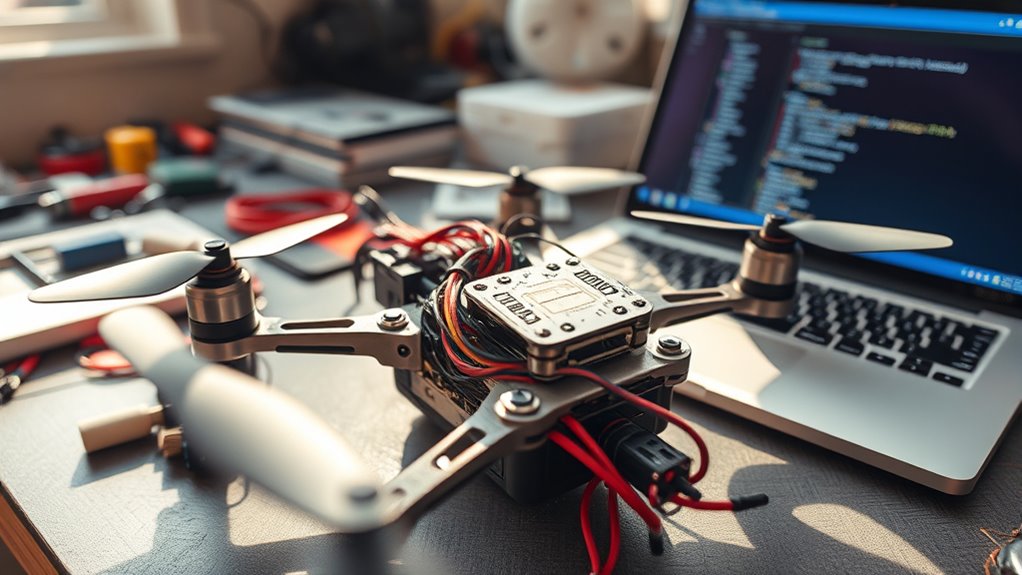
To set up your FPV drone in Betaflight, connect your flight controller to the Betaflight Configurator via USB. Update the firmware to guarantee compatibility and stability. Then, configure basic settings like motor layout, receiver type, and ESC protocols. Double-check all connections and motor directions for accuracy. Once set up, you can fine-tune your drone’s response. Stay tuned—there’s more to learn about optimizing your setup for better flight performance.
Key Takeaways
- Connect your flight controller to Betaflight Configurator via USB and update firmware if needed.
- Configure basic settings such as motor layout, receiver type, and ESC protocols for your drone.
- Verify motor order and ensure all wiring is secure to prevent instability during flight.
- Use the Betaflight setup tab to calibrate sensors and set flight modes appropriately.
- Perform test flights and adjust PID values gradually for optimal stability and responsiveness.
Betaflight Basics
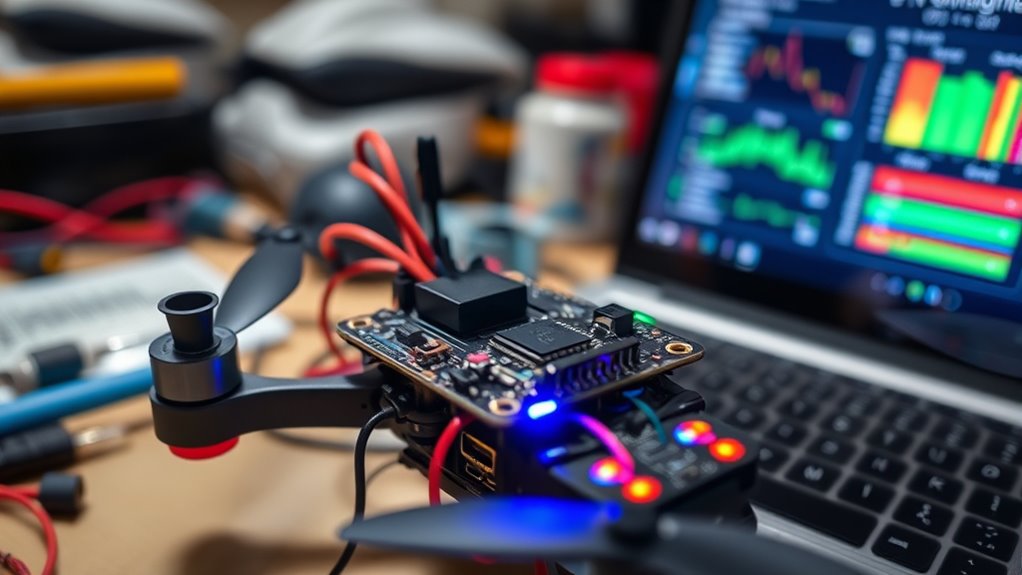
Have you ever wondered how drone pilots fine-tune their quadcopters for smooth, responsive flying? The secret lies in a proper flight controller setup and precise PID tuning. When you first get your FPV drone ready, the flight controller is the brain that manages all your drone’s movements. Setting it up correctly is vital for a stable flight experience. Start by connecting your flight controller to Betaflight Configurator via USB. Once connected, update the firmware if needed and verify your firmware version is compatible with your drone’s hardware. From there, configure basic settings like motor layout, receiver type, and ESC protocols. Double-check your motor order and confirm all connections are secure because a faulty setup here can cause instability later.
Now, the real magic begins with PID tuning. PID stands for Proportional, Integral, and Derivative, and these values control how your drone responds to control inputs and external disturbances. These parameters need to be finely adjusted to match your drone’s specific characteristics. Many pilots start with default PID values, then make small adjustments based on flight performance. If you notice your drone oscillates or feels twitchy, that’s a sign you need to tweak the PID settings. Betaflight’s PID tuning process involves flying your drone, observing its behavior, and then adjusting these values to achieve balance. For example, increasing the P gain can make the drone more responsive, but too much can cause jitter. Conversely, lowering it can smooth out oscillations but may make the drone sluggish.
Betaflight offers tools like the PID Tuning tab, which provides real-time feedback during flight. Use these tools to test your adjustments safely on a test bench before flying freely. When fine-tuning, change one parameter at a time and note how it affects flight. Keep your adjustments incremental to avoid overcorrecting. It’s also helpful to refer to community-shared PID profiles for similar drone setups, which can serve as a good starting point. Additionally, understanding the European cloud infrastructure used in Betaflight’s ecosystem can help you ensure your setup aligns with sustainable and innovative practices. Remember, PID tuning isn’t a one-and-done task; it’s an ongoing process that improves with experience.
Frequently Asked Questions
How Do I Troubleshoot Connection Issues Between Betaflight and My Drone?
To troubleshoot connection issues between Betaflight and your drone, start with connection diagnostics by checking your USB cable and port for damage or loose connections. Verify firmware compatibility by confirming that your flight controller’s firmware matches your Betaflight version. Restart both your computer and drone, then reconnect. If problems persist, update firmware and drivers, and reattempt the connection to resolve most issues efficiently.
Can I Use Betaflight With Different Types of FPV Drones?
Yes, you can use Betaflight with various types of FPV drones thanks to its broad drone compatibility and firmware flexibility. It supports many flight controller boards and drone configurations, making it versatile for different setups. Just confirm your drone’s hardware is compatible with Betaflight, and update the firmware if needed. This way, you can customize and optimize your flying experience regardless of your drone type.
What Safety Precautions Should I Take Before Updating Betaflight Firmware?
Did you know over 50% of drone accidents involve battery issues? Before updating Betaflight firmware, you should prioritize safety by disconnecting your battery to prevent shorts or crashes. Always back up your current firmware to avoid losing settings if something goes wrong. Double-check your hardware compatibility, and make certain your power source is stable. Taking these precautions keeps you safe and minimizes risks during the update process.
How Do I Calibrate Sensors Within Betaflight?
To calibrate sensors in Betaflight, start by connecting your drone and opening the configurator. Navigate to the “Sensors” tab and follow prompts for accelerometer calibration, ensuring your drone is level. For gyroscope calibration, keep your drone stationary and click “Calibrate Gyro.” Proper sensor calibration enhances flight stability by ensuring accurate readings, which prevents drifting or unstable flight. Repeat calibrations regularly for peak performance.
Is It Possible to Revert to a Previous Betaflight Version?
Imagine you’re in a tech time machine—you can definitely do a firmware rollback in Betaflight. To revert to a previous version, you need to download the specific firmware bin file, then use Betaflight Configurator’s Flash Firmware feature. Keep in mind, version compatibility is key; newer firmware might not support older hardware, so always double-check that your drone’s components are compatible with the rollback.
Conclusion
Now that you’ve unleashed the secrets of Betaflight setup, your FPV drone is ready to soar like an arrow released from a bow. With these basics under your belt, you’re equipped to tame the skies and navigate with confidence. Remember, every flight is a blank canvas — so experiment, learn, and let your passion fuel your flight path. The sky isn’t the limit; it’s just the beginning of your adventure.