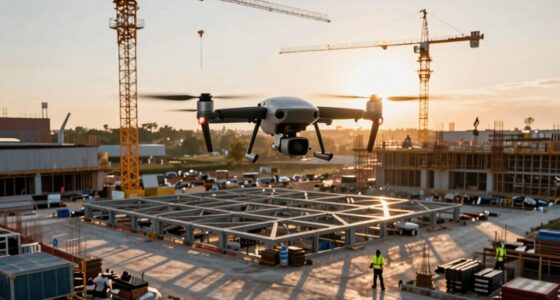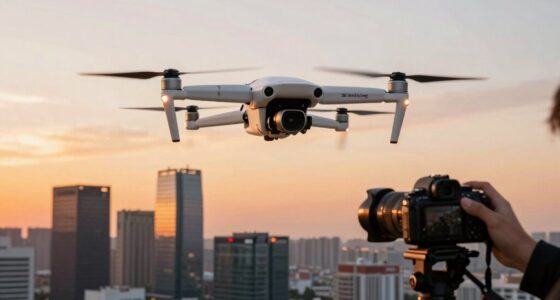

To prepare like a pro, check all your equipment—batteries, memory cards, and propellers—then verify everything’s fully charged and in good condition. Review local airspace rules and no-fly zones to stay compliant, and plan your flight in open areas free of obstacles. Monitor weather conditions to fly safely and avoid issues. For a seamless shoot, communicate with your team, perform pre-flight checks, and calibrate your drone. Keep learning more tips to make your session spot-on.

Get the latest gadgets delivered free — and shop member deals
- Fast, free delivery on millions of items
- Access to Prime Big Deal Days deals on October 6–7
- Prime Video, Amazon Music and more included
Key Takeaways
- Thoroughly check and charge all equipment, including batteries, memory cards, and spare parts, before the session.
- Review local regulations and airspace restrictions to ensure compliance and avoid legal issues.
- Assess weather conditions, avoiding wind, rain, or fog to ensure stable flight and high-quality footage.
- Select an obstacle-free, open flight area with clear communication with the team or property owner.
- Conduct pre-flight inspections and calibrations to optimize drone performance and safety during the shoot.
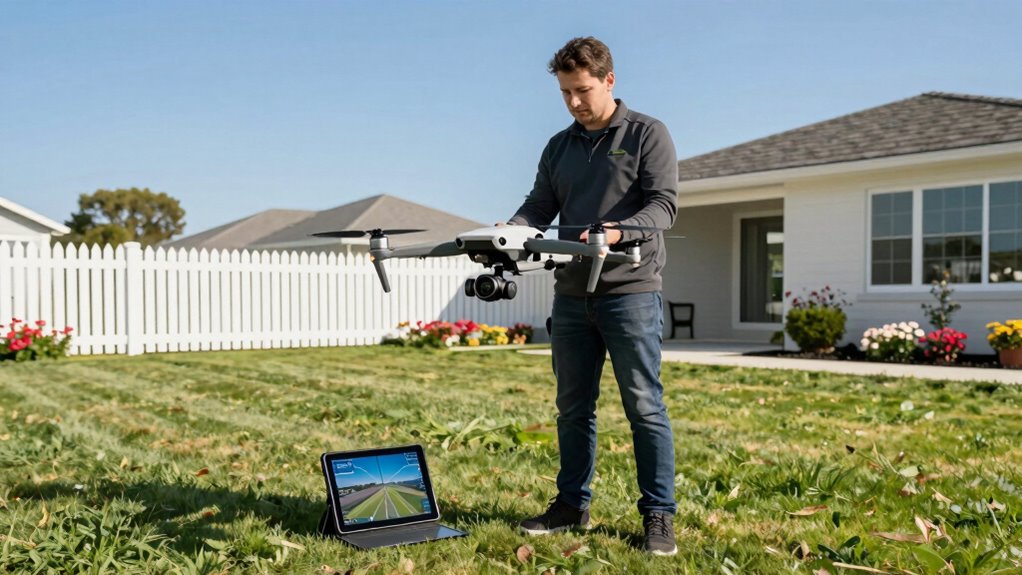
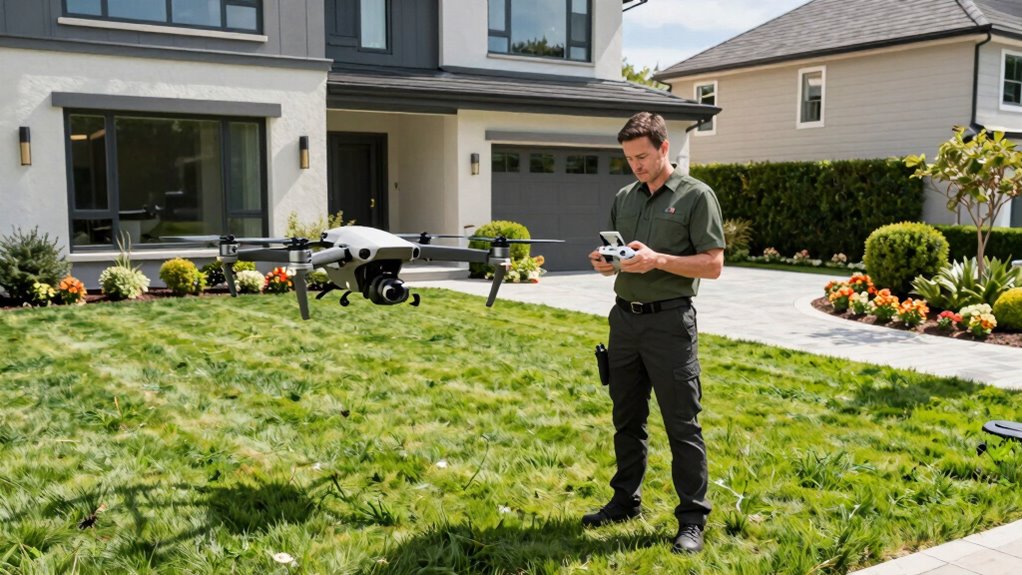
Preparing for a real estate drone session is vital to capturing stunning, professional-quality footage that highlights a property’s best features. Before you take off, you need to double-check your equipment and prioritize drone safety. Having an extensive equipment checklist guarantees you don’t forget critical items like batteries, memory cards, remote controllers, and spare propellers. Make sure your drone is fully charged, especially the batteries for both the drone and your controller, so you don’t run out of power mid-flight. A well-prepared checklist helps streamline your setup and prevents avoidable delays or technical issues.
Drone safety should always be at the forefront of your planning. Familiarize yourself with local regulations and airspace restrictions before your shoot. Check for no-fly zones and temporary flight restrictions that might impact your session. Always conduct a pre-flight inspection—look for any damage, loose parts, or debris that could interfere with drone operation. Perform a quick calibration of the compass and IMU, and ensure GPS connectivity is strong to help with stability and precise positioning. These steps reduce the risk of crashes or loss of control, protecting both your equipment and the safety of people around you. Understanding drone regulations and airspace restrictions can help you stay compliant and avoid legal issues. Incorporating proper planning based on weather and environment factors is key to a successful shoot.
Weather conditions play a vital role. Avoid flying if it’s too windy, rainy, or foggy, as these can compromise drone stability and image quality. Keep an eye on the wind speed and temperature forecasts, and plan your session during ideal weather conditions. When you’re ready to fly, choose a safe, open area free of obstacles such as trees, power lines, or buildings. Establish clear communication with your team or property owner, ensuring everyone understands the flight plan and safety protocols. Additionally, understanding local airspace restrictions and regulations can help you stay compliant and avoid legal issues. Proper flight planning and considering environmental factors can significantly impact the success of your session. Being aware of weather conditions and how they influence flight safety can help you make better decisions in real time.
As an affiliate, we earn on qualifying purchases.
Frequently Asked Questions
What Are the Latest Drone Regulations for Real Estate Photography?
You need to stay updated on the latest drone regulations for real estate photography, focusing on drone safety and airspace restrictions. Check FAA rules and local laws, especially around controlled airspace and near airports. Always fly below 400 feet, avoid flying over people, and get necessary permissions if required. Staying informed guarantees safe, legal drone use, and protects your reputation as a professional in real estate photography.
How Do I Choose the Right Drone for Real Estate Filming?
You should choose a drone with a high-quality drone camera that captures sharp, detailed images and videos. Look for one with excellent flight stability to guarantee smooth footage, even in windy conditions. Consider battery life, ease of operation, and compatibility with your editing software. A drone with obstacle avoidance features can also help prevent accidents. Investing in the right drone ensures professional results that attract potential buyers.
What Insurance Coverage Is Recommended for Drone Operations?
You should get liability coverage to protect against property damage or injury, and equipment insurance to cover your drone in case of crashes or theft. Check if your policies include both, or consider specialized drone insurance providers. Make sure you understand the coverage limits and any exclusions. Having thorough insurance guarantees you’re protected during your real estate drone sessions, giving you peace of mind to focus on capturing stunning shots.
How Can I Ensure Client Privacy During Drone Shoots?
You can guarantee client privacy during drone shoots by clearly communicating your plans and addressing any privacy concerns upfront. Follow legal considerations by avoiding private property without permission and sticking to permitted flight zones. Use flight path planning to minimize capturing sensitive areas, and consider editing footage if needed. Respecting privacy guidelines and being transparent builds trust, ensuring your drone sessions are professional and privacy-conscious.
What Editing Tools Are Best for Real Estate Drone Footage?
For real estate drone footage, you should use editing tools that focus on drone stabilization and color grading, like Adobe Premiere Pro or Final Cut Pro. These tools help smooth out shaky footage and enhance colors to make properties look appealing. By stabilizing your shots and applying professional color grading, you guarantee your videos are polished, eye-catching, and truly showcase the property’s best features, attracting more potential buyers.
As an affiliate, we earn on qualifying purchases.
Conclusion
As you finish your drone session, remember that each flight is like planting a seed—carefully prepared, guided by skill, and nurtured with attention. With every shot, you’re cultivating a visual story that blooms into compelling property showcases. Embrace your role as both gardener and artist, knowing that your preparation today will yield breathtaking views tomorrow. Let your confidence soar, and watch your aerial imagery grow into a soaring symbol of success.
As an affiliate, we earn on qualifying purchases.
As an affiliate, we earn on qualifying purchases.
Halloween Picks
halloween
As an affiliate, we earn on qualifying purchases.