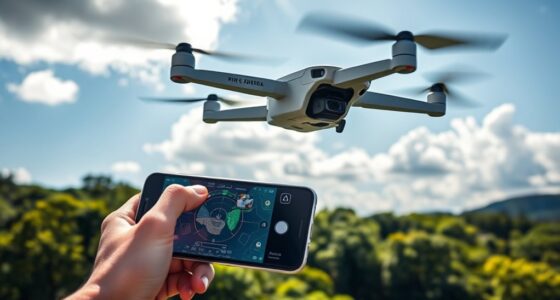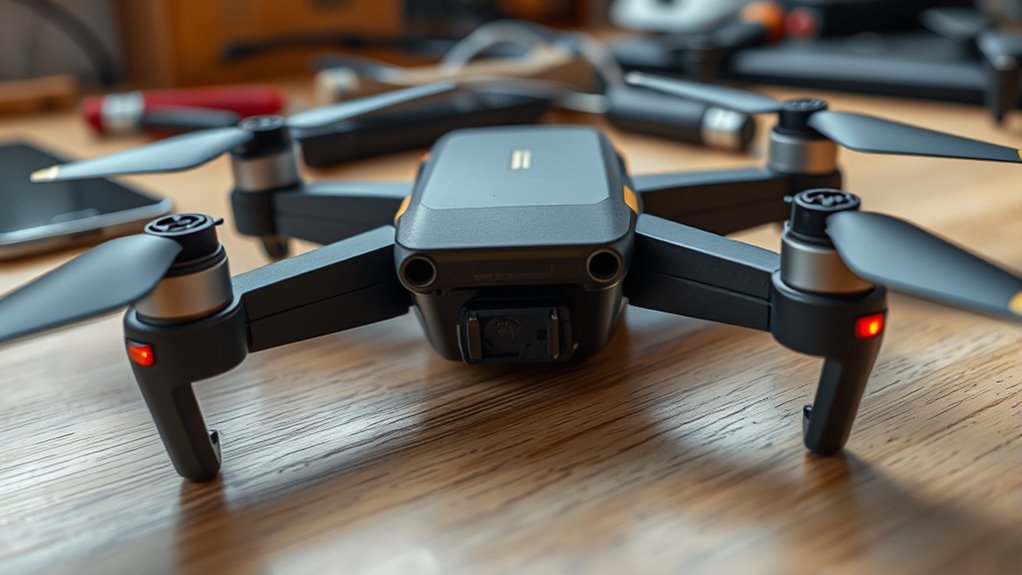

If your drone won’t turn on, start by checking the battery’s charge and connection, as a dead or poorly connected battery is a common cause. Next, verify the firmware is up to date, since outdated software can cause power issues. Inspect the power button and internal components for damage or debris. If these steps don’t help, try resetting the drone or testing with a different battery. More detailed tips follow to help you troubleshoot effectively.

Get the latest gadgets delivered free with Prime
- Fast, free delivery on millions of items
- Prime Video, Amazon Music and more included
- Member-only deals all year
Key Takeaways
- Check and fully charge or replace the drone’s battery, ensuring proper connection and no physical damage.
- Update the drone firmware to the latest version via manufacturer’s app or software.
- Inspect the power button, contacts, and internal circuitry for damage or debris.
- Perform a factory reset or hard reset following manufacturer instructions.
- Test with different batteries and verify all power system components for proper function.

When your drone refuses to power up, it can be frustrating, but many issues are simple to fix. The first thing to check is the battery. Battery issues are among the most common reasons a drone won’t turn on. Make certain that your battery is fully charged; sometimes, a drained battery can give the illusion of a malfunction. Remove the battery from the drone and connect it to a compatible charger. If it doesn’t hold a charge or the indicator lights don’t light up, it might be time for a replacement. Also, examine the battery for any physical damage or corrosion, which can interfere with proper power flow. Sometimes, simply reseating the battery or cleaning the contacts can restore connection and power.
Check and fully charge your drone’s battery; inspect for damage or corrosion to ensure proper power connection.
Next, consider whether your drone’s firmware is up to date. Firmware updates are vital because they fix bugs, improve stability, and sometimes resolve power-related issues. If your drone isn’t turning on, connect it to the manufacturer’s app or software and check for any available updates. Outdated firmware can cause compatibility problems with hardware components, including the power system. Follow the manufacturer’s instructions carefully to perform the update; many updates require your drone to be powered on, but some can be done through the app while the drone is off. Confirming your firmware is current can prevent many startup issues and improve overall performance.
If the battery and firmware are both in good shape, move on to inspecting other components. Check the power button or switch for any damage or debris that might prevent proper contact. Sometimes, dirt or debris can obstruct the button’s mechanism, so clean it gently. If your drone has a removable battery, try installing a different one if you have a spare. This can help determine whether the issue lies with the battery itself or the drone’s internal power circuitry.
Finally, if these steps don’t resolve the problem, consider resetting the drone to factory settings or performing a hard reset if your model supports it. This can sometimes clear any software glitches preventing startup. If none of these solutions work, it might be a hardware failure beyond simple troubleshooting, and contacting customer support or visiting a technician could be your next step.
One helpful step is to verify the drone’s power system components, which can sometimes be overlooked but are critical for proper operation. In most cases, addressing battery health and firmware updates will solve the majority of power-up issues. These are often quick fixes that don’t require technical expertise, so don’t hesitate to troubleshoot these areas first. With a little patience and careful inspection, you’re likely to get your drone powered up and ready to fly again.
As an affiliate, we earn on qualifying purchases.
Frequently Asked Questions
Can a Drone Turn on Without a Fully Charged Battery?
No, your drone generally won’t turn on without a fully charged battery because the battery capacity needs to meet the minimum power requirements. Even if the charging indicators show some charge, insufficient power can prevent startup. Make sure the battery is fully charged before attempting to power on your drone. If it still won’t turn on, check the charging indicators to confirm the battery’s charge level and verify the connection is secure.
What Firmware Issues Can Prevent a Drone From Powering Up?
Firmware issues can prevent your drone from powering up if there’s a compatibility problem or update errors. If the firmware isn’t compatible with your drone model, it might fail to initialize properly. Similarly, incomplete or corrupted firmware updates can cause startup failures. To fix this, make certain you download the correct firmware version from the manufacturer’s website and follow their update instructions carefully. Reinstalling or updating firmware often resolves power-up issues caused by software glitches.
Is There a Way to Reset a Drone’s Power System?
Yes, you can reset your drone’s power system by performing a power cycle. First, turn off the drone completely. Then, press and hold the reset button if your drone has one, or simply disconnect the battery for a few seconds. Reconnect the power source, turn it back on, and see if it powers up. This process often clears minor glitches and can restore proper function.
How Do I Check if the Battery Contacts Are Clean?
Imagine tiny bridges connecting your drone’s heart to its limbs—these are the battery contacts. You check if they’re clean by inspecting for corrosion—like white or greenish deposits. If you see corrosion, gently clean the contacts with a soft brush or a cloth dipped in isopropyl alcohol. Make sure they’re dry and free of debris so the electrical current can flow smoothly, bringing your drone back to life.
Can Extreme Temperatures Damage a Drone’s Power Components?
Extreme temperatures can damage your drone’s power components. Battery overheating from hot weather can cause swelling, reduced lifespan, or failure, while cold weather effects can slow down chemical reactions in the battery, decreasing its capacity and risking power loss. Always avoid exposing your drone to extreme heat or cold, and store it in a temperature-controlled environment to protect its battery and internal electronics.
As an affiliate, we earn on qualifying purchases.
Conclusion
So, your drone refuses to power up? Maybe it’s just playing hard to get or practicing a dramatic pause before flight. Before you curse the device, double-check your battery, connections, and power button—because sometimes, the issue is as simple as a loose wire or dead battery. Remember, even the most advanced tech needs a little TLC. If all else fails, maybe it’s time to start practicing your drone repair skills—who knew troubleshooting could be so thrilling?
As an affiliate, we earn on qualifying purchases.
As an affiliate, we earn on qualifying purchases.
Fall Picks
fall essentials
As an affiliate, we earn on qualifying purchases.