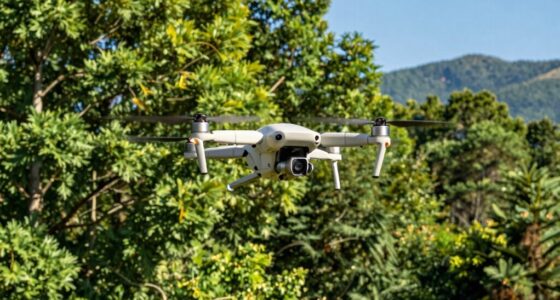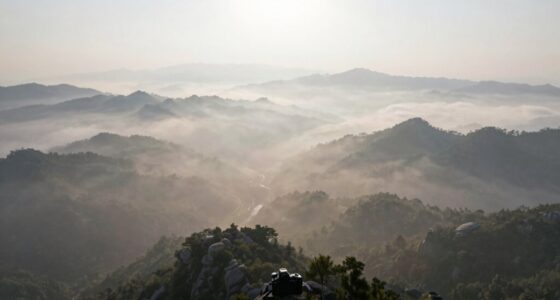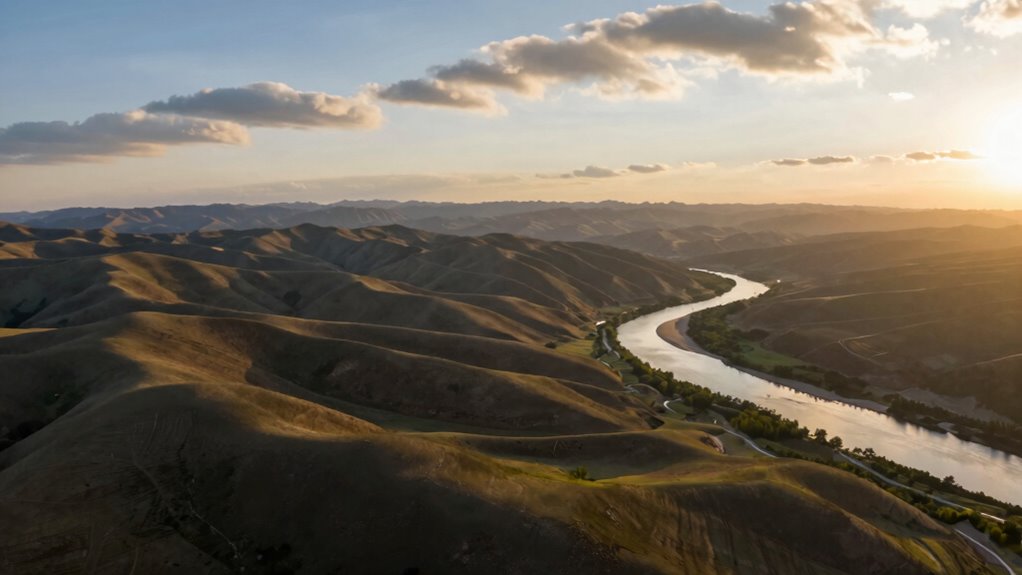
Drone videos often fail in editing because of poor lighting management during filming, which leads to inconsistencies like shadows, bright spots, and color shifts. To prevent this, focus on planning shots during ideal lighting conditions, such as the golden hour, and keep lighting uniform. Managing camera settings and environmental factors also helps. By ensuring proper lighting from the start, you can avoid extensive corrections later and produce polished, professional videos—continue to discover how to perfect your drone footage.

Get the latest gadgets delivered free — and shop member deals
- Fast, free delivery on millions of items
- Access to Prime Big Deal Days deals on October 6–7
- Prime Video, Amazon Music and more included
Key Takeaways
- Inconsistent lighting during filming leads to difficult color correction and visual discrepancies in editing.
- Poorly planned shots without lighting considerations increase the need for extensive post-production adjustments.
- Over-reliance on editing to fix lighting issues causes unnatural results and distracts viewers.
- Capturing footage in variable lighting conditions complicates achieving uniformity in post-production.
- Proper planning and control of environmental factors during shooting minimize editing challenges related to lighting.
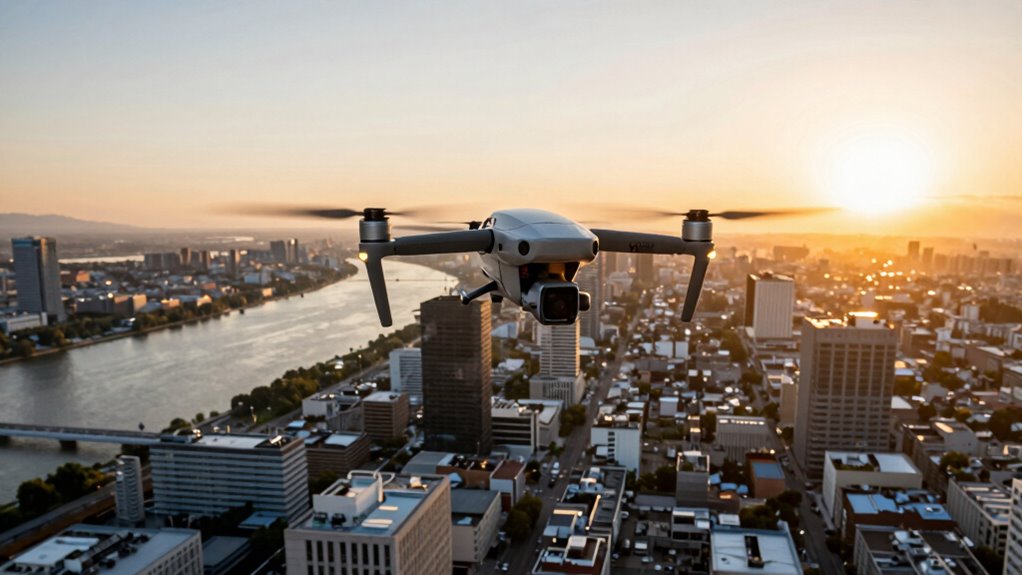
Flying a drone is just the first step; editing the footage effectively is where many amateurs stumble. Even if you capture stunning aerial shots, poor editing can ruin the entire project. One common mistake is neglecting lighting consistency. If your footage has uneven lighting—bright spots, shadows, or color shifts—it will look unprofessional and distracting. To prevent this, pay close attention to how your footage looks during editing. Use tools like color correction to balance exposure and white balance across clips. When shooting, aim for consistent lighting conditions by avoiding drastic changes in sunlight or shadows, and consider filming during the golden hour when lighting is more uniform. This foresight makes post-production adjustments much smoother. Additionally, understanding and managing lighting conditions during shooting can help you achieve a more polished final product. Planning your shots with lighting considerations in mind ensures better results during editing. Being aware of environmental factors such as weather and time of day can also significantly impact your footage quality. Moreover, maintaining awareness of camera settings while filming can contribute to more consistent footage, easing the editing process. Properly managing exposure settings during filming further reduces the need for extensive corrections in post-production.
As an affiliate, we earn on qualifying purchases.
Frequently Asked Questions
How Do Lighting Conditions Affect Drone Footage Quality?
Lighting conditions directly impact your drone footage quality. Poor lighting causes challenges like unwanted shadows or overexposure, making footage look harsh or dull. To combat this, you should make exposure adjustments on your drone before filming, ensuring proper brightness and contrast. Good lighting enhances detail and color accuracy, reducing the need for extensive editing later. Paying attention to lighting conditions during your shoot helps produce more professional, visually appealing drone videos.
What Are the Best Editing Software Options for Drone Videos?
Like a painter with a blank canvas, you should choose editing software that’s versatile and easy to learn. Adobe Premiere Pro and Final Cut Pro X are top options, offering powerful tools for refining drone footage. Use drone camera settings and aerial shot planning within these programs to enhance your clips. They help you correct color, stabilize images, and craft seamless smooth moments, ensuring your drone videos look professional and engaging.
How Can I Stabilize Shaky Drone Footage Easily?
To stabilize shaky drone footage easily, start by checking your camera mounting system to guarantee it’s secure and minimize vibrations. Use your drone’s built-in flight stability features, like gimbal stabilization, to smooth out the footage during flight. In post-production, apply stabilization tools in editing software like Adobe Premiere Pro or Final Cut Pro. These steps help you achieve steady, professional-looking videos effortlessly.
What Are Common Mistakes in Drone Shot Composition?
You often make the mistake of neglecting your drone flight’s composition, resulting in cluttered or unbalanced shots. To improve, think about the aerial perspective and use the rule of thirds to frame your subject. Avoid shaky or overly busy shots, and make sure your drone moves smoothly to create compelling visuals. Remember, intentionality in your drone flight and shot composition transforms a simple aerial view into mesmerizing imagery.
How Do Color Grading Techniques Improve Drone Video Appeal?
Color grading techniques, like color correction and tone mapping, markedly enhance your drone videos. Color correction fixes exposure and color inconsistencies, making your footage look professional. Tone mapping adjusts contrast and dynamic range, adding depth and vibrancy. By applying these techniques, you create a cohesive, visually appealing story that captivates viewers. Proper color grading transforms raw drone footage into polished, cinematic visuals, elevating your video’s overall impact and appeal.
drone camera filters for daylight
As an affiliate, we earn on qualifying purchases.
As an affiliate, we earn on qualifying purchases.
Conclusion
To avoid drone video editing failures, you need to plan your shots carefully, shoot with stability, and keep your footage organized. Are you imagining your final edit as a seamless story or a jumbled mess? By paying attention to details and applying proper editing techniques, you’ll create stunning videos that captivate your viewers. Remember, the key to a successful edit is in the prep—so take the time to get it right from the start.
color correction software for drone videos
As an affiliate, we earn on qualifying purchases.
As an affiliate, we earn on qualifying purchases.
As an affiliate, we earn on qualifying purchases.
Halloween Picks
halloween
As an affiliate, we earn on qualifying purchases.