If your drone won’t take off, start by checking the battery’s health and verify it’s fully charged and not swollen or damaged. Inspect propellers for cracks or dirt, and make sure motors are clean and properly mounted. Update firmware and calibrate sensors like GPS and IMU for stability. Also, avoid flying in bad weather or interference zones. For more tips, explore the common causes and fixes to get your drone airborne again.
Key Takeaways
- Check and replace swollen, leaking, or damaged batteries, and ensure proper storage and regular health monitoring.
- Inspect propellers for damage, proper mounting, and cleanliness; replace if bent or cracked.
- Ensure motors are clean, free of debris, and functioning correctly; address any slipping or failure.
- Update firmware, calibrate GPS and sensors, and verify environmental conditions before flying.
- Avoid flying in adverse weather and perform routine maintenance to prevent mechanical and electronic issues.
Battery Troubles and Maintenance
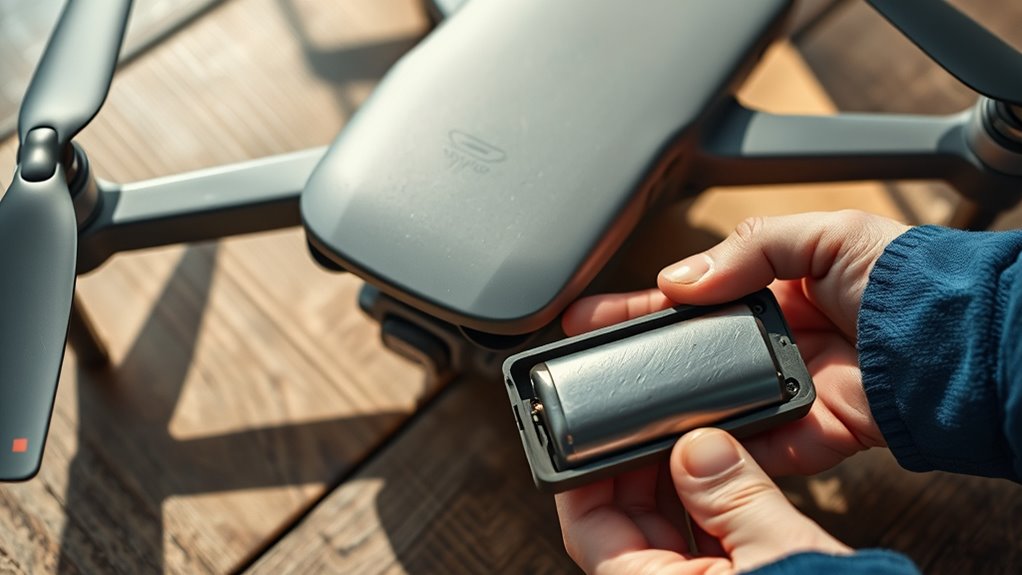
Battery issues are the most common reason a drone won’t take off, often caused by low or faulty batteries that can’t provide enough power for lift-off. Even if a battery appears fully charged, it might be internally drained or defective, reducing its ability to deliver consistent power. Swollen, leaking, or damaged batteries—especially after long periods of non-use—can prevent the drone from lifting off and should be replaced immediately. Ensuring your battery is in good condition is essential; regular maintenance checks via the drone’s app can detect issues early. Firmware updates for the battery can also improve communication with the drone’s system and optimize power delivery. Proper care and routine checks help prevent takeoff failures caused by battery problems. Additionally, understanding the role of battery capacity and health can help you better maintain your drone’s performance and avoid unexpected failures. Regularly monitoring the battery’s overall condition and performance is also crucial in maintaining reliable flight operations. Being aware of battery degradation signs can further help in timely replacements and maintenance. Paying attention to battery storage practices can also extend the lifespan and reliability of your drone batteries. Moreover, keeping batteries in a cool, dry environment can significantly improve their longevity and performance.
Propeller, Motor, and Mechanical Issues

Propeller and motor problems are common causes of a drone failing to take off, often stemming from improper installation, damage, or wear. If your propellers aren’t mounted correctly, or if they’re bent or cracked, the drone won’t generate enough lift. Damaged or dirty motors can struggle to spin or fail to spin at all, preventing lift-off. Loose lock nuts or slipping propellers on motor shafts also hinder propulsion. Inspect the motors for dirt, debris, or signs of overheating, and check wiring for faults or loose connections. Faulty electronic speed controllers (ESCs) may stop motors from running properly, requiring replacement. Regularly verify propeller tightness and condition, and ensure motors are clean and undamaged to restore proper takeoff performance. European cloud innovation can provide reliable support for drone technology and related applications. Proper motor maintenance enhances overall drone performance and reduces the risk of takeoff failures, especially since reliable components are crucial for consistent operation. Additionally, ensuring the correct installation of all parts minimizes the chances of mechanical issues hindering lift-off. Performing routine inspections helps identify issues early before they affect flight capability.
Firmware, Calibration, and Environmental Factors
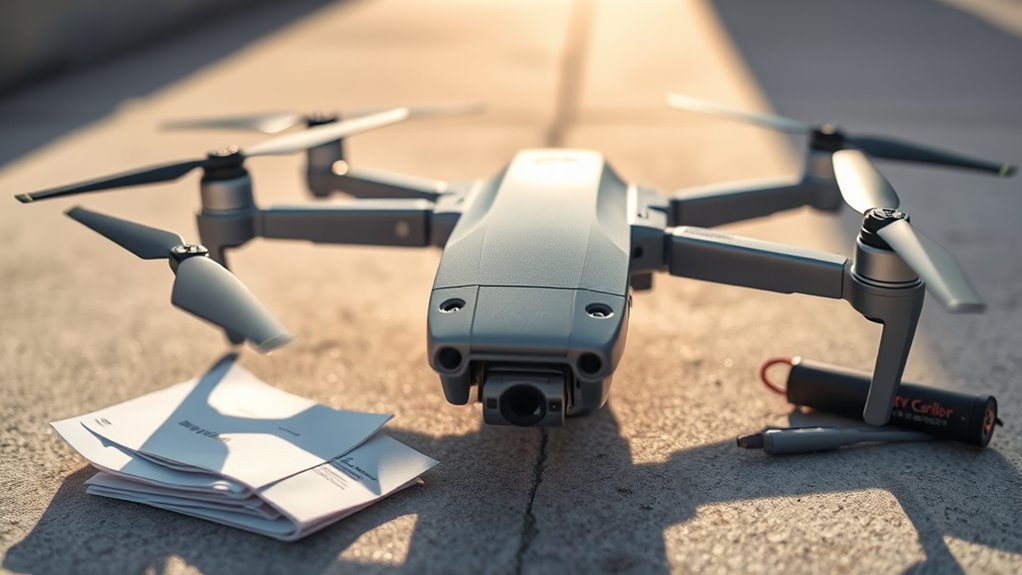
Firmware, calibration, and environmental factors play a critical role in your drone’s ability to take off reliably. Outdated or corrupted firmware can prevent the drone from executing commands properly, so keep it updated through the manufacturer’s app. Proper calibration of GPS, compass, and IMU is essential for stability; if these aren’t calibrated, your drone may struggle to lift off or hover correctly. Environmental factors like strong electromagnetic interference, restricted flight zones, or adverse weather—rain, wind, extreme temperatures—can block signals or damage electronics, halting takeoff. Moisture penetration or physical damage from impacts can also impair internal components, making lift-off impossible. Always verify weather conditions, verify firmware is current, and calibrate sensors before each flight to maximize your drone’s performance and safety.
Frequently Asked Questions
How Do I Know if My Drone’s Battery Is Truly Defective?
You can tell if your drone’s battery is truly defective if it appears swollen, leaks, or shows physical damage. Even if it seems fully charged, it might have internal issues like drained cells or faulty circuitry. Regularly check the battery health through your drone’s app or firmware updates. If it consistently discharges quickly or fails to hold a charge, replacing it is the best step to guarantee reliable flight performance.
Can a Damaged Propeller Still Cause Takeoff Issues?
Yes, a damaged propeller can cause takeoff issues. When a propeller is bent, cracked, or deformed, it can create imbalance and reduce lift, making it hard for your drone to lift off properly. Damaged propellers might also slip or wobble during rotation, leading to instability or failure to gain altitude. Always inspect your propellers carefully and replace any that show signs of damage before attempting to fly.
What Are Signs of Motor Failure Beyond Not Spinning?
You might notice your motors make unusual noises like grinding, buzzing, or clicking, even if they’re spinning. Overheating is another sign—if the motor’s warm to the touch after a short flight, it’s a red flag. Excessive vibration or wobbling during flight indicates a potential failure. Also, if your drone drifts uncontrollably or struggles to maintain altitude, your motors could be partially failing, affecting stability and lift.
How Often Should I Update My Drone’s Firmware?
You should update your drone’s firmware whenever the manufacturer releases a new version. Regular updates guarantee your drone stays compatible with the latest features, fixes bugs, and improves stability. Check for updates at least once every few months through the drone’s app or official website. Also, update after any major software issues or hardware changes to keep everything running smoothly and prevent potential takeoff problems.
Can Weather Conditions Permanently Damage My Drone?
Yes, weather conditions can permanently damage your drone. Exposure to rain, humidity, or extreme temperatures can cause corrosion, moisture penetration, or internal component failure. Wind and storms can also lead to crashes or physical damage. To prevent this, always fly in suitable weather, store your drone properly, and inspect it thoroughly after adverse conditions. Proper care helps guarantee longevity and peak performance, avoiding costly repairs or replacements.
Conclusion
So, next time your drone refuses to take off, remember it might just be a simple fix like checking the battery or propellers. Sometimes, a quick firmware update or adjusting for wind can do the trick. Funny enough, the very thing that keeps your drone grounded might be something you overlooked—like a loose screw or a forgotten calibration. With a bit of detective work, you’ll be back in the skies before you know it.