If one drone motor doesn’t spin, start by inspecting the propeller for damage and verify it’s securely mounted and aligned. Next, check the wiring from the motor to the ESC for loose or damaged connections. Calibrate the ESC properly and update its firmware if necessary. You might also swap the suspected motor with a working one to see if the issue follows the motor or stays with the ESC. Continuing will guide you through more specific steps to fix the problem.

Get the latest gadgets delivered free with Prime
- Fast, free delivery on millions of items
- Prime Video, Amazon Music and more included
- Member-only deals all year
Key Takeaways
- Inspect the propeller for damage, proper mounting, and alignment; replace if damaged or bent.
- Verify ESC calibration and signal; recalibrate or update firmware if motor doesn’t respond.
- Check wiring connections for looseness, corrosion, or damage; reconnect or replace as needed.
- Test the motor by swapping with a known working one to identify if the motor itself is faulty.
- Ensure firmware and software are up-to-date for reliable communication and optimal performance.
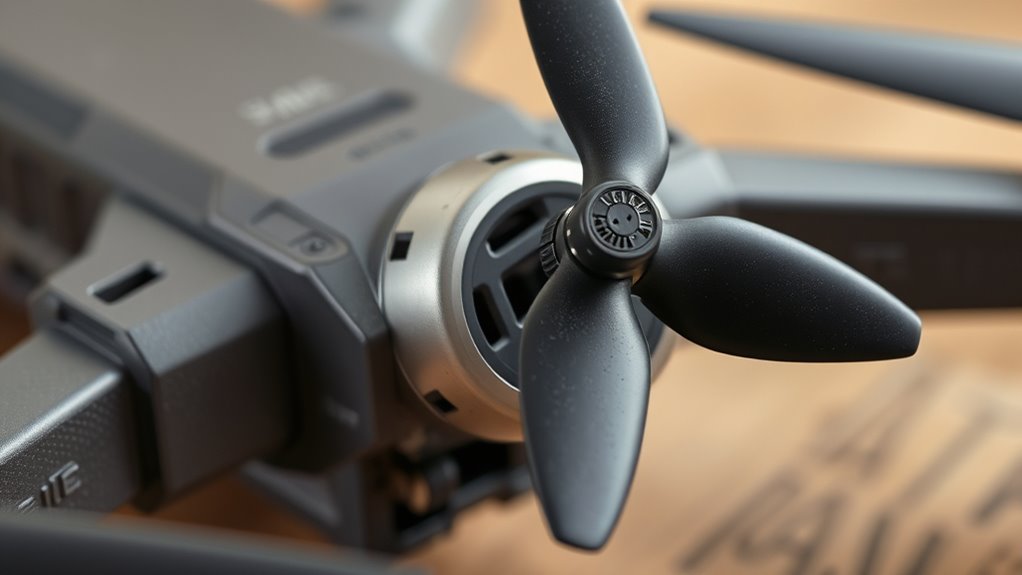
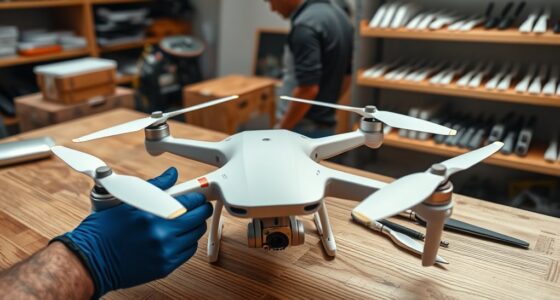
Are you experiencing issues with your drone’s performance? If one of your drone motors isn’t spinning, it can be frustrating and confusing. The good news is that diagnosing and fixing this problem often involves straightforward checks. Start by inspecting the propeller installation. A loose or improperly mounted propeller can cause that motor to seem inactive or underperforming. Make sure the propeller is securely attached and properly aligned. If it’s loose, tighten it gently but firmly. If it’s damaged or bent, replace it to guarantee smooth operation. Sometimes, a faulty propeller can lead to uneven motor load, making the motor appear unresponsive.
Check and secure your propellers; loose or damaged blades can cause motors not to spin properly.
Next, examine the electronic speed controller (ESC) calibration. The ESC acts as the brain for your motor, translating signals from the flight controller into precise power delivery. If it’s out of calibration, the motor might not respond correctly, or it might not spin at all. Many drones require periodic ESC calibration to maintain superior performance. To do this, follow your drone’s specific calibration procedure, which typically involves transmitting a full throttle command, then reducing to zero, and waiting for the ESC to acknowledge the calibration. This process helps synchronize the ESC with the flight controller, ensuring the motor receives accurate signals.
While checking the propeller installation and calibrating the ESC, also inspect the wiring connecting the motor to the ESC. Loose or damaged wires can prevent the motor from receiving power, resulting in it not spinning. Disconnect and reconnect these connections carefully, ensuring they’re secure and free of corrosion. If you notice any damaged wires, replace them before proceeding.
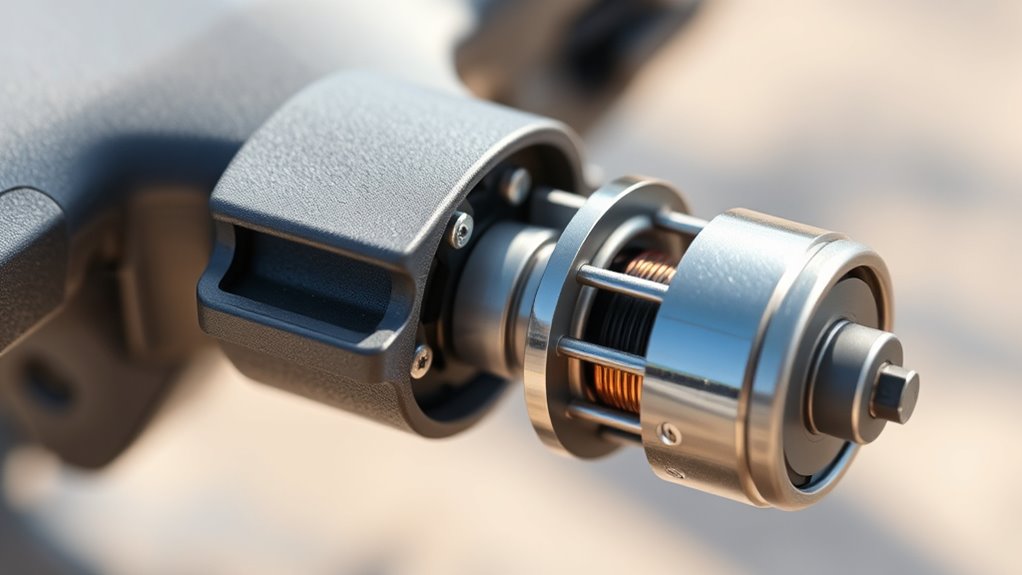
If the propeller and ESC calibration don’t resolve the issue, consider testing the motor itself. Swap the suspect motor with a known working one from another position on your drone. If the new motor spins when connected, the problem likely lies with the original motor. If it still doesn’t spin, the issue could be with the ESC or the flight controller’s output signal. In that case, try recalibrating the ESC again or resetting the flight controller settings.
Lastly, check the drone’s firmware and software updates. Sometimes, outdated firmware can cause communication issues between components, leading to a motor not spinning. Updating your drone’s software ensures all components communicate effectively, reducing the chance of hardware misbehavior. Troubleshooting a non-spinning motor involves methodically checking these areas—propeller installation, ESC calibration, wiring, and the motor itself—so you can get your drone back in the air quickly and safely. Additionally, understanding the coaching and mentoring dynamics involved can help you approach troubleshooting with a clear plan and confidence.
Products Worth Considering

Anker SOLIX C200 DC Portable Power Station, 192Wh, 200W

LG 34GX90SA-W 34-inch Ultragear WQHD OLED Curved Gaming Monitor

Logitech MX Mechanical Wireless Illuminated Keyboard, Tactile Quiet, Graphite
As an affiliate, we earn on qualifying purchases.
Frequently Asked Questions
Can a Faulty ESC Cause a Drone Motor Not to Spin?
Yes, a faulty ESC can cause your drone motor not to spin. When the ESC fails, it can’t properly control power delivery, leading to motor issues. To prevent problems, always prioritize battery safety by avoiding damaged batteries and make sure firmware updates are current, as they can fix ESC bugs. Regularly check your ESCs for damage or loose connections, and update firmware to keep your drone running smoothly.
How Do I Safely Test a Drone Motor Without Risking Damage?
Think of testing your drone motor as a delicate dance, where safety takes the lead. Always disconnect the battery before starting, ensuring no sparks fly like fireworks. Use a dedicated testing rig or a small, controlled power source, following proper testing procedures. Keep hands clear of moving parts, and wear safety glasses. By respecting battery safety and following careful steps, you can test your motor confidently without risking damage.
What Tools Are Recommended for Diagnosing Motor Issues?
You should use a multimeter to perform testing on your drone motor, checking for proper electrical resistance and continuity. A visual inspection is also essential—you’ll want to look for damaged wires, loose connections, or debris that could hinder performance. Combining multimeter testing with a thorough visual inspection helps you quickly identify issues, making it easier to diagnose and fix your drone motor efficiently and safely.
Is It Possible to Repair a Burnt-Out Drone Motor?
Yes, you can repair a burnt-out drone motor, but it depends on the damage. If the motor winding is burned, replacing the entire motor is often best. However, if the brushes are worn, you might simply replace the brushes. Carefully inspect the motor for burned winding or damaged brushes, then decide if a brush replacement suffices or if a new motor is necessary. Repairing saves cost but isn’t always reliable for severe damage.
How Long Does a Typical Drone Motor Troubleshooting Process Take?
The troubleshooting process usually takes about 15 to 30 minutes. First, you calibrate your battery to guarantee proper power delivery. Then, you inspect the propeller for damage or obstructions. Next, check the motor connections and test the motor’s response. If needed, reprogram or replace the motor. Taking these steps quickly helps identify issues efficiently, getting your drone back in the air sooner.
Conclusion
Remember, even the most reliable drone can have its quiet moments. A gentle check often reveals the subtle whispers of what’s not quite right. Patience and careful observation will guide you through the quiet pauses and bring clarity to the silence. Sometimes, what seems like a minor hiccup is just a reminder to look closer and nurture your equipment. With a little attention, harmony can be restored, allowing your drone to sing its flight once again.