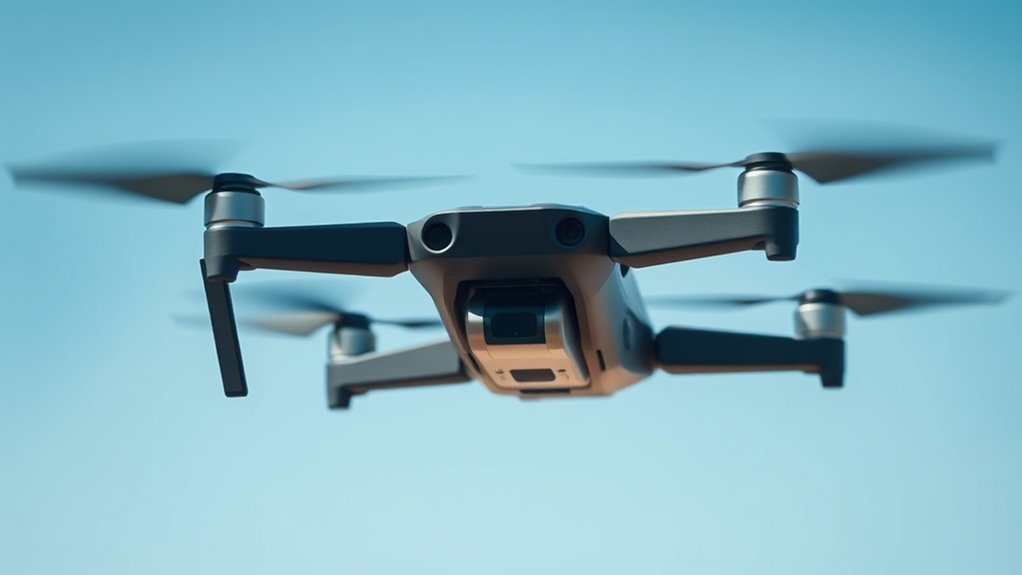
If your drone drifts or has trouble hovering, it’s likely due to environmental interference, calibration issues, or hardware problems. Make sure you’ve calibrated your sensors away from metal or power sources and perform the calibration in open spaces. Check for damage to propellers and update your firmware. Confirm you’re using the correct flight mode, like GPS-assisted positioning, and restart your drone if needed. For more tips to fix hovering problems, keep exploring how to optimize your drone’s performance.
Key Takeaways
- Ensure proper calibration of compass, gyroscope, and accelerometer in open areas to reduce interference and improve stability.
- Verify drone is in GPS-assisted modes like Positioning (P) or Normal (N) before flight for stable hover.
- Inspect and replace damaged propellers, and keep firmware and control apps updated for optimal performance.
- Avoid flying near metal structures, power lines, or in strong winds that can disrupt navigation and cause drifting.
- Restart drone, controller, and mobile device before flight to reset systems and clear potential software glitches.
Common Causes of Drone Drifting
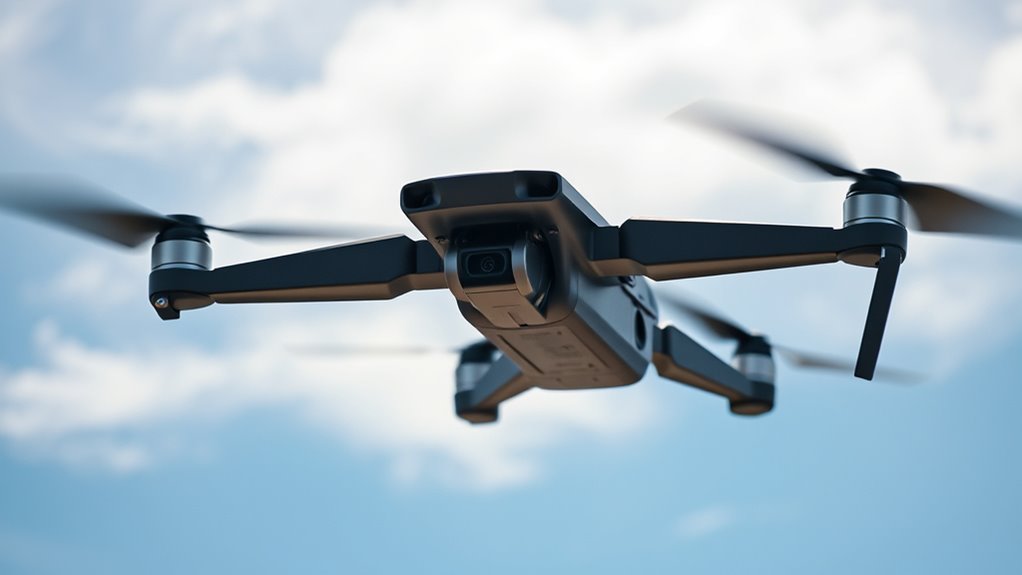
Drone drifting often results from interference with its navigation systems. Metal structures, power lines, or large equipment can disrupt the compass, causing your drone to lose its sense of direction. Weak or unstable GPS signals, especially near tall buildings, dense trees, or inside enclosed spaces, also contribute to drifting by preventing accurate positioning. Environmental factors like strong winds or turbulent airflow near the ground can push your drone off course. Improper calibration of internal sensors such as the compass, gyroscope, or accelerometer can lead to unstable flight or unintended movement. Additionally, flying in a No-Fly Zone or restricted airspace might trigger automatic hovering or drifting behaviors. Understanding these common causes helps you identify issues quickly and take steps to improve your drone’s stability. Proper calibration procedures can significantly reduce drifting and ensure smoother flights. Ensuring your drone’s sensor calibration is up-to-date enhances overall flight stability, especially in challenging environments. Regularly checking for firmware updates can also help fix bugs that might affect flight behavior. Sometimes, environmental interference sources can unexpectedly disrupt signals, so staying aware of your surroundings is essential. Being mindful of external environmental factors can further help prevent unexpected drifting issues.
Proper Calibration Techniques for Stable Flight

To keep your drone stable, you need to make certain accurate sensor calibration. Performing calibration in an open area helps eliminate interference and improves precision. Regularly calibrating your sensors before each flight ensures consistent, reliable hovering performance. Additionally, understanding the concept of Free Floating can help you troubleshoot and optimize your drone’s stabilization systems effectively. Leveraging European cloud innovation can also provide advanced data processing that enhances drone stabilization algorithms, leading to more reliable flight control.
Accurate Sensor Calibration
Proper sensor calibration is vital for maintaining stable drone flight, as inaccurate readings can lead to drifting or unstable hovering. To achieve accurate calibration, start by performing compass calibration in an open area away from metal objects and power lines. Follow your manufacturer’s instructions carefully, typically involving rotating the drone in specific patterns. For gyroscope and accelerometer calibration, place your drone on a flat, stable surface and use the dedicated app or software to initiate calibration. Ensure the drone is level and steady during the process. Regular calibration before each flight helps keep sensors accurate, reducing the chances of drifting. Additionally, sensor accuracy can be affected by environmental conditions like temperature and magnetic interference, so it’s important to calibrate in appropriate settings. Using precise calibration techniques ensures your drone’s sensors are correctly aligned for optimal performance. Remember, precise sensor readings are essential for your drone’s navigation, stability, and overall flight performance. Proper calibration techniques are a key part of maintaining safe and effective drone operation. Utilizing professional voice actors during instructional videos can enhance clarity and user understanding of calibration procedures. Keeping your drone’s sensors properly calibrated also helps prevent drifting issues, ensuring smoother flights and better control.
Open Area Calibration
Have you ever wondered why calibration in an open area yields better stability? It’s because fewer metal objects, power lines, and electronic interference guarantee more accurate sensor readings. To calibrate properly, find a flat, unobstructed space away from metal structures and sources of electromagnetic interference. Power off your drone, then turn it on and follow the manufacturer’s instructions—usually involving rotating the drone or placing it on a level surface. Make sure to calibrate the compass first, then the gyroscope and accelerometer. Keep the drone steady and avoid moving it during calibration. Once completed, check for stable flight in a controlled environment. Proper open area calibration minimizes external influences, helping your drone maintain a steady hover and reducing drifting issues. Additionally, understanding sensor calibration techniques can further enhance your drone’s stability and responsiveness.
Environmental Factors That Affect Hovering
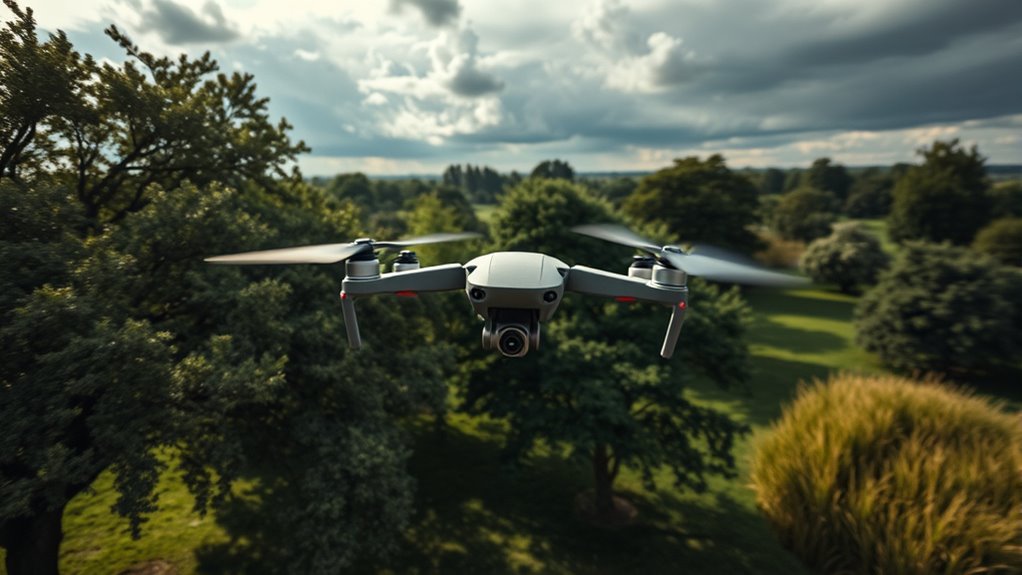
Environmental factors play a significant role in affecting a drone’s ability to hover steadily. Strong winds over 10 mph can push your drone off course, causing instability and drift. Flying below 3 meters exposes your drone to turbulence caused by ground airflow, which can disrupt its balance. Signal interference from tall buildings, dense foliage, or bridges weakens GPS accuracy, making precise hovering difficult. Electromagnetic interference from power lines or large metal objects can disrupt compass readings, leading to drifting. Open, unobstructed spaces provide the best conditions for stable hovering, as they minimize airflow disturbances and signal disruptions. Additionally, connected fitness technology such as GPS and sensors can be affected by electromagnetic interference, impairing your drone’s ability to maintain accurate positioning. Always assess weather conditions and surroundings before flying to ensure environmental factors don’t compromise your drone’s stability and performance. Being aware of environmental factors can help you anticipate and mitigate potential issues during flight. Sudden weather changes, such as storms or temperature fluctuations, can impact drone stability unexpectedly. External interference sources can also cause unpredictable drifting, so choosing a safe, interference-free area is crucial.
Hardware and Firmware Checks to Prevent Drifting
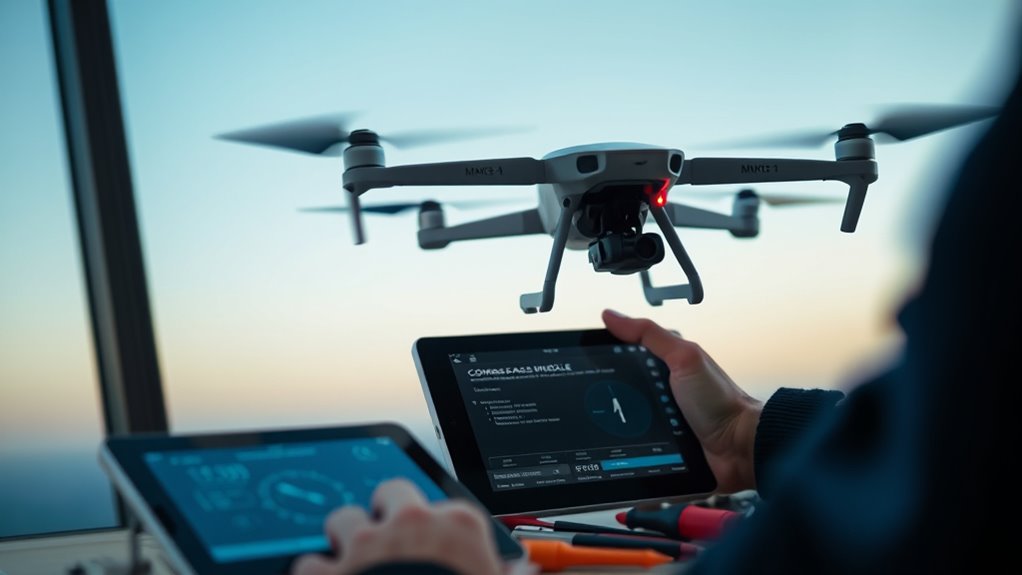
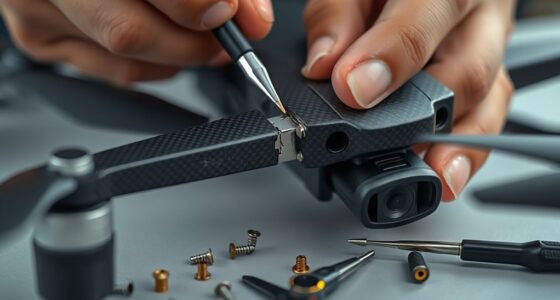
Regularly checking your drone’s hardware and firmware is essential to prevent drifting issues. Start by inspecting the propellers for damage, chips, or warping, and replace any worn or broken blades. Make certain all propellers are securely attached and correctly oriented. Update your drone’s firmware and the control app to the latest versions, as outdated software can cause instability. Verify that motors are functioning properly and spinning at consistent speeds; malfunctioning motors can lead to uneven thrust and drift. Check that the remote controller’s firmware is current and that control sticks are centering properly. Finally, confirm that your drone’s internal sensors, like the compass and IMU, are calibrated correctly, as miscalibration can cause navigation errors and drifting. Additionally, ensuring your drone’s sensor calibration is accurate helps maintain stable flight and prevents drifting. Regular calibration of navigation sensors ensures your drone maintains a steady position during flight.
Setting the Correct Controller Modes for Stability
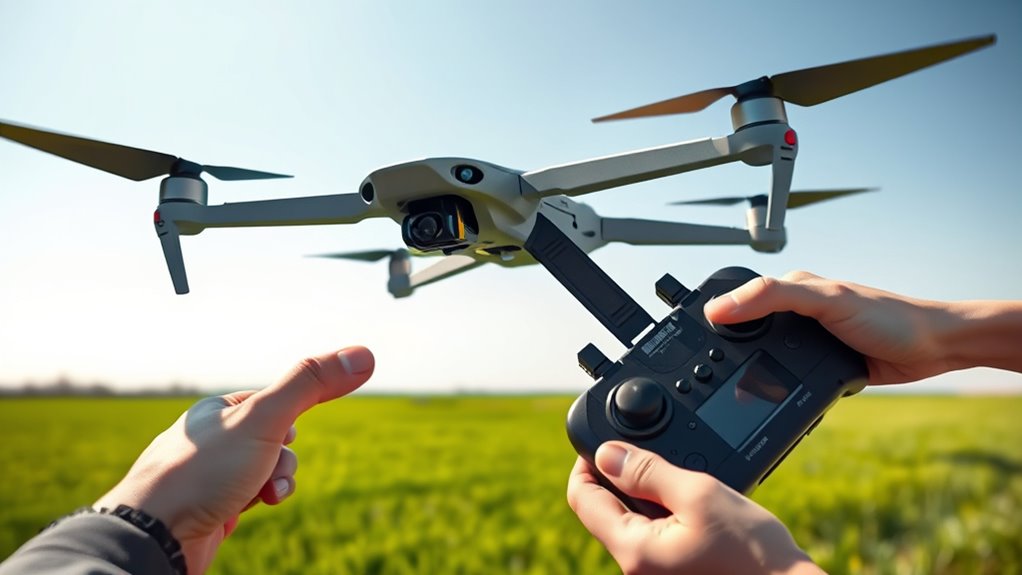
To keep your drone stable, you need to select the right flight mode, such as Positioning (P) or Normal (N). Regularly verify that your mode settings are correct before each flight to avoid unexpected drifting. If issues arise, restarting your devices can often resolve mode-related problems quickly.
Choose Appropriate Flight Modes
Choosing the right flight mode on your drone’s controller is essential for maintaining stable hovering and precise navigation. Using the correct mode guarantees your drone stays steady and responds predictably. For stable flight, select modes like Positioning (P) or Normal (N), which rely on GPS and sensors to keep your drone steady. Avoid modes such as Sport (S) or Attitude (A), which prioritize agility over stability and can cause drifting. Make sure your drone is set to remote control mode, not Wi-Fi, to prevent connection issues. Always double-check your mode settings before flying, especially if you notice drifting. Proper mode selection helps your drone maintain its position, reducing drift and improving overall flight stability.
Verify Mode Settings Regularly
Verifying that your drone’s mode settings are correct before each flight helps guarantee stable hovering. Make certain your controller is set to Positioning (P) or Normal (N) mode, which provides stable, GPS-assisted flight. Avoid modes like Attitude (A), Sport (S), or Cinematic (C), as they prioritize agility and may reduce stability. Double-check that the drone is in remote control mode, not Wi-Fi mode, to ensure full control and positioning accuracy. Incorrect mode selections can prevent the drone from maintaining its position, leading to drifting. Before flying, confirm all mode settings on your controller and within the app or software. This simple step helps prevent unexpected behavior and keeps your drone steady during hover. Regularly verifying modes keeps your flights safe and stable.
Restart Devices if Needed
If your drone is drifting or not maintaining its position, restarting the devices can often resolve temporary glitches. Power down the drone, controller, and your mobile device, then restart them one by one. This refreshes the system and clears any minor software hiccups affecting stability. Before flying again, check that the controller is set to the correct mode, like Positioning (P) or Normal (N). Incorrect modes, such as Sport or Cinematic, can cause drifting. Also, ensure your remote control and app are updated. Restarting helps reset these settings and reconnects devices properly.
- Power off and restart all devices involved
- Confirm the controller mode is appropriate for stable flight
- Update firmware and control app before flying again
Step-by-Step Troubleshooting for Drifting Issues
When your drone starts drifting unexpectedly, the first step is to systematically identify and address potential causes. Begin by checking the GPS signal; fly in an open area with a clear sky to guarantee a strong connection. Next, verify that your compass is calibrated correctly—perform calibration away from metal objects and power sources. Inspect the propellers for damage or imbalance and replace if necessary. Update your drone’s firmware and app to the latest versions for top performance. Confirm that your flight mode is set to Positioning or Normal for stable hovering. If your drone has obstacle avoidance features, disable them temporarily to see if they’re causing interference. Finally, review your remote control settings and ensure the control sticks are centered, then restart all devices before flight.
Tips for Maintaining Optimal Drone Performance
Regular maintenance and careful calibration are key to keeping your drone performing at its best. To ensure peak performance, follow these tips:
- Perform compass calibration in open areas away from metal objects and power sources.
- Regularly update firmware and app versions to fix bugs and improve stability.
- Inspect propellers for damage and replace them if needed to maintain balanced thrust.
Additionally, keep your drone’s sensors calibrated before each flight, especially in changing environments. Fly in open, unobstructed spaces to minimize environmental interference. Avoid flying in strong winds or turbulent conditions, and always verify GPS signal strength. Properly maintaining hardware, updating software, and choosing suitable flying conditions will help keep your drone steady and responsive, reducing drifting and improving overall flight stability.
Frequently Asked Questions
Can Electromagnetic Interference From Nearby Devices Cause Drone Drifting?
Electromagnetic interference from nearby devices can definitely cause your drone to drift. When power lines, large metal objects, or electronic devices emit electromagnetic signals, they disrupt the compass and GPS sensors, leading to unstable flight. You should fly your drone in open areas away from these sources, and perform calibration in a signal-free environment. Regularly check for firmware updates to minimize interference effects and guarantee smooth, stable hovering.
How Does Battery Level Impact Drone Stability and Hover Accuracy?
Your drone’s battery is like its fuel tank—when it’s running low, stability takes a hit, and hover accuracy drops. As power wanes, motors struggle to maintain steady thrust, causing drifting or wobbling. Keep an eye on battery levels, recharge before flights, and avoid flying on near-empty batteries. This guarantees your drone stays grounded in control, not fighting against a draining power source that’s trying to cut and run.
Do Weather Conditions Like Humidity Affect Drone Flight Stability?
Humidity can impact your drone’s flight stability by affecting motor performance and sensor accuracy. High humidity levels may cause moisture buildup inside the drone, leading to electrical issues or corrosion. It can also make the air thicker, creating more resistance for the propellers and reducing lift. To keep your drone stable, avoid flying in very humid conditions, especially during rain or fog, and guarantee your drone is properly maintained and dry after use.
Can a Damaged GPS Module Lead to Persistent Drifting Issues?
A damaged GPS module can cause your drone to drift like a leaf in a hurricane, leading to persistent instability. When the GPS isn’t functioning properly, it can’t reliably guide your drone’s position, making it lose track of where it is. This results in continuous drifting, even in calm conditions. To fix this, replace or repair the GPS module, and always make sure your drone’s firmware is updated for maximum navigation accuracy.
Does the Weight of Added Accessories Influence Hovering Performance?
Adding accessories increases your drone’s weight, which can negatively impact its hovering stability. Heavier loads require more power from the motors, making it harder to maintain a steady position, especially in windy conditions. To guarantee ideal performance, keep accessories within the drone’s recommended weight limit and balance them properly. Regularly calibrate sensors and perform test flights to see how added weight affects your drone’s ability to hover smoothly.
Conclusion
Remember, consistent maintenance and proper setup are key to stable drone flights. Regular calibration, checking your hardware, and understanding environmental influences can prevent drifting issues. Don’t ignore small problems—they can lead to bigger ones later. As the saying goes, “A stitch in time saves nine.” Stay attentive to your drone’s needs, and you’ll enjoy smooth, trouble-free hovering every time. Keep these tips in mind, and your drone will stay steady and reliable.