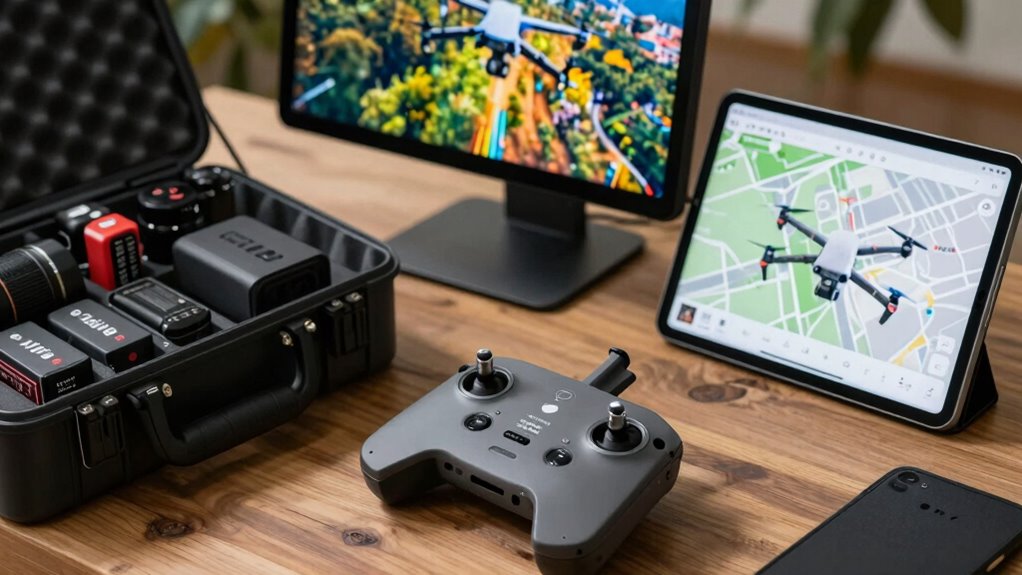
To make drone shoots easier beyond the drone itself, use flight planning software to map out your shots before flying, setting waypoints, altitudes, and obstacle avoidance. Incorporate aerial editing tools to stabilize and color-correct footage efficiently. Take advantage of automated flight modes like follow-me and orbit, which handle complex shots for you. These creator tools boost safety, save time, and improve footage quality—stay with us to discover how to access their full potential.
Key Takeaways
- Flight planning software enables pre-mapping, waypoints, and obstacle avoidance for safer, more efficient flights.
- Aerial editing tools enhance footage quality through stabilization, color correction, and quick workflow templates.
- Automated flight modes like orbit and follow-me reduce manual effort and enable complex shot execution.
- Real-time telemetry and navigation assistance improve accuracy and safety during drone operations.
- Combining planning and editing tools streamlines workflows, resulting in higher-quality, professional drone footage.
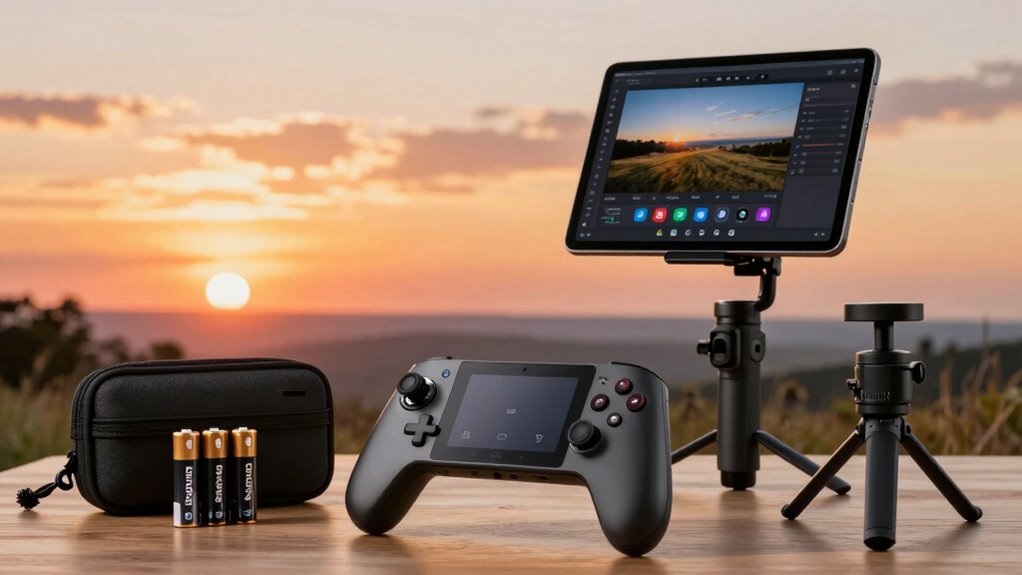
Flying a drone can be challenging, especially when you’re trying to capture smooth, professional shots. That’s where creator tools beyond the drone itself come into play, making your filming process more efficient and your footage more polished. One of the most valuable tools you can use is flight planning software. These apps allow you to map out your shot before you even lift off, giving you precise control over your drone’s path and camera angles. With flight planning, you can set waypoints, define altitudes, and program smooth, repeatable movements, reducing the guesswork during your flight. This not only saves time but also minimizes the risk of mistakes that could ruin a shot. Plus, many flight planning tools come with obstacle avoidance features and real-time telemetry, helping you navigate complex environments safely. Incorporating flight planning tools can also assist in optimizing your drone’s battery life by plotting the most efficient routes. Understanding autonomous flight modes can further streamline your shooting process, allowing for even more complex shots to be executed effortlessly.
Once you’ve captured your footage, aerial editing tools become essential. These specialized programs are designed to handle drone footage efficiently, offering features like stabilization, color correction, and frame adjustments specifically tailored for aerial shots. With aerial editing, you can transform shaky, raw footage into smooth, cinematic clips that look professionally shot. Some editing tools even include automated stabilization, allowing you to fix jittery footage with minimal effort. This is especially helpful when you’re working with handheld or less-than-perfect flight conditions. Additionally, these tools often have templates and presets that speed up your workflow, so you can prepare your videos for sharing or client delivery faster.
Another creator tool that makes drone shoots easier is the integration of automated flight modes and intelligent flight features. Modern drones come equipped with modes like orbit, follow-me, and waypoints that take much of the manual effort out of filming complex shots. When you combine these features with flight planning software, you can execute intricate shots with minimal fuss. You simply set your parameters beforehand, and the drone handles the execution, freeing you up to focus on framing or adjusting other settings.

REALFLIGHT Evolution RC Flight Simulator Software with Interlink DX Controller Included RFL2000 Air/Heli Simulators Compatible with VR headsets Online Multiplayer Options
A fresh and modern user interface that’s even easier and more intuitive to use, virtually eliminating the need…
As an affiliate, we earn on qualifying purchases.
As an affiliate, we earn on qualifying purchases.
Frequently Asked Questions
What Accessories Improve Drone Stability During Filming?
To improve drone stability during filming, you should use gimbal stabilizers, which keep your camera steady even in windy conditions. Propeller guards also help by preventing sudden shifts or collisions that could destabilize your drone. These accessories work together to guarantee smooth footage, reduce vibrations, and protect your drone from damage, making your shoots more professional and hassle-free.
How Do Editing Software Tools Enhance Aerial Footage?
Editing software tools enhance your aerial footage by offering aesthetic presets and advanced color grading options, allowing you to elevate your visuals effortlessly. You can quickly apply cinematic looks or customize color tones to match your creative vision. These tools help smooth out any inconsistencies, highlight key elements, and add a professional polish, making your drone footage more enthralling and visually striking without needing extensive editing skills.
Are There Apps for Real-Time Drone Flight Planning?
Think of apps for real-time drone flight planning as your navigational compass in a vast digital sea. These apps enable you to perform flight planning and waypoint mapping seamlessly, ensuring precise control over your drone’s path. With intuitive interfaces, they let you set waypoints on the fly, adjust routes in real time, and optimize your shoot. This way, you stay in command, capturing stunning footage without missing a beat.
What Safety Tools Assist in Drone Operation?
You can enhance safety during drone operations by using safety tools like geofencing and obstacle avoidance systems, which help prevent accidents. Following safety protocols guarantees you stay within legal and safety boundaries. It’s also vital to have emergency procedures in place, such as quickly landing the drone or activating return-to-home features if something goes wrong. These tools and procedures help you operate confidently and protect both your equipment and others around you.
Which Storage Options Are Best for Drone Footage?
Imagine you just captured stunning aerial footage and need quick, reliable storage. Portable drives are ideal for on-the-go editing, offering fast transfers and ample space. For long-term security, cloud backup guarantees your footage stays safe and accessible from anywhere. Combining portable drives for immediate use with cloud storage for backup provides a flexible, efficient solution, letting you focus on your creative process without worrying about losing your valuable drone footage.

Computer Vision in Control Systems-3: Aerial and Satellite Image Processing (Intelligent Systems Reference Library, 135)
As an affiliate, we earn on qualifying purchases.
As an affiliate, we earn on qualifying purchases.
Conclusion
With the right creator tools, drone shoots become as smooth as a well-choreographed dance, transforming complex shots into seamless captures. These tools are your trusted companions, simplifying everything from planning to post-editing. They help you focus on your creativity, not technical hiccups. Think of them as the secret ingredients in your filmmaking recipe—making your drone adventures as effortless as a breeze, so you can truly elevate your content with confidence and ease.

ASFSFQ PRO Drone with Camera for Adults 4K,Brushless Motors Drone for Kids Beginners,40mins Flight Time with 2 Batteries,FPV Foldable RC Quadcopter,Toys Gifts for Teen Boys Girls, Beginner(Grey)
【4K Ultra HD Camera with Gesture Control】Enhance your aerial photography with a 4K ultra-high-definition camera,adjustable to 90°to capture…
As an affiliate, we earn on qualifying purchases.
As an affiliate, we earn on qualifying purchases.

Drone with Camera for Adults LCD Screen FPV Live Video, Brushless Motor 270° Obstacle Avoidance 3D Flips, Foldable RC Mini Drones for Kids Beginners 32G SD Card Max Under 250G Gifts for Boys and Girls
【Drone with Camera for Adults】Although the TT19LCD is not a drone with 4K camera, it features a FPV…
As an affiliate, we earn on qualifying purchases.
As an affiliate, we earn on qualifying purchases.