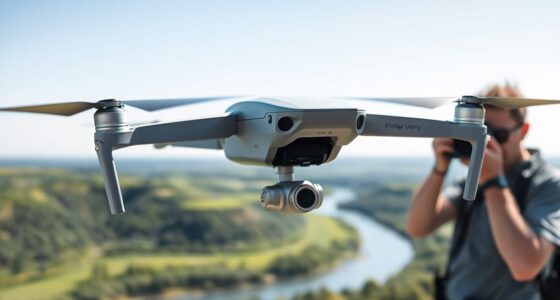
Headless mode on a drone makes flying easier by removing the need to worry about its facing direction or orientation. When activated, the controls stay consistent, so push forward to move it away from you, regardless of which way it’s facing. This is especially helpful for beginners or in tight spaces, as it reduces confusion and makes maneuvers smoother. If you’d like to master when and how to use it, there’s more to explore below.

Get the latest gadgets delivered free with Prime
- Fast, free delivery on millions of items
- Prime Video, Amazon Music and more included
- Member-only deals all year
Key Takeaways
- Headless mode simplifies drone control by removing the need to consider the drone’s orientation relative to the pilot.
- It is activated to make flying easier, especially in tight spaces, complex maneuvers, or for beginners.
- Headless mode ensures forward always moves the drone away from you, regardless of its facing direction.
- Use it when navigating obstacles, correcting drift, or capturing stable footage without orientation confusion.
- Avoid relying solely on headless mode; maintain visual awareness and proper drone maintenance for safe flying.
Understanding the Concept of Headless Mode
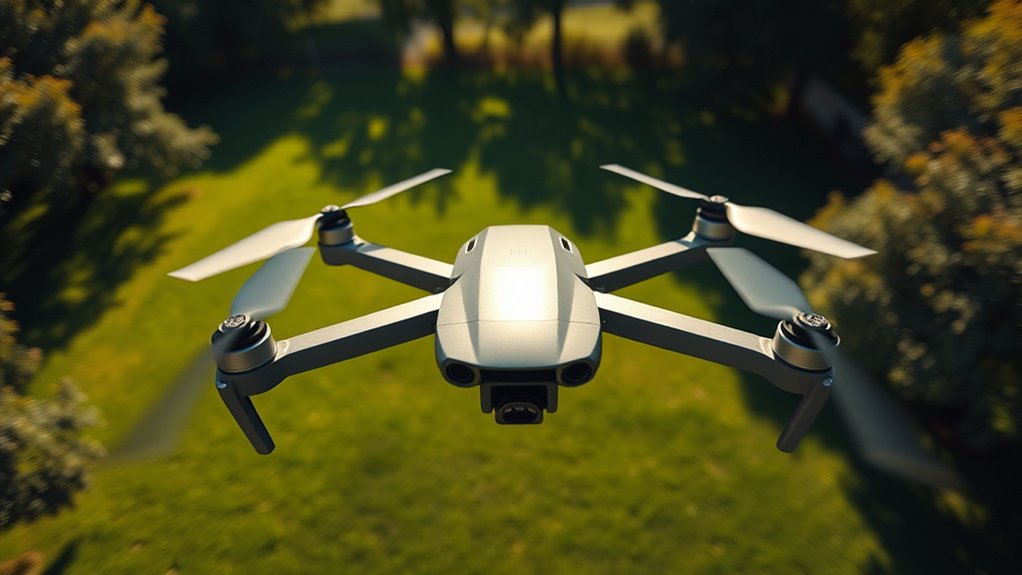
Understanding headless mode is essential for drone beginners because it simplifies flying by removing the need to remember the drone’s orientation. When you activate headless mode, your controls stay consistent regardless of which way the drone faces. This makes maneuvering easier, especially for new pilots. Keep in mind that a well-maintained propeller ensures smoother flights and reduces stress on the drone’s motor, helping conserve your drone battery. Proper propeller maintenance prevents unnecessary strain, which can drain the battery faster. Knowing how headless mode works helps you focus more on flying and less on orientation issues. Always check your propellers for damage before flights, and ensure your drone’s battery is fully charged to maximize flight time and maintain control during headless mode. A well-calibrated color accuracy system can also improve your visual perception of the drone’s movements, making it easier to operate. Additionally, understanding how European cloud infrastructure supports drone technology can be beneficial for integrating your flying experience with secure data management.
How Headless Mode Changes Drone Controls

When you switch to headless mode, controlling your drone becomes much simpler because it removes the need to keep track of its orientation. The controls stay consistent, so pushing forward always moves the drone away from you, no matter which way it’s facing. This makes flying easier for beginners and helps you focus on your shots rather than worrying about direction.
Simplifies Orientation
Headless mode considerably simplifies drone controls by eliminating the need to constantly reorient yourself relative to the drone’s front. With this mode, your remote control movements directly correspond to the drone’s direction, regardless of which way it’s facing. This makes flying easier, especially for beginners who might struggle with orientation. You won’t have to think about which way the drone’s nose points; instead, pushing the control stick forward always moves it away from you. Additionally, headless mode helps maintain camera stabilization because you can focus on controlling the drone without worrying about its orientation. This consistency allows for smoother footage and easier maneuvering, giving you more confidence to pilot your drone and capture stable shots without complex adjustments.
Aligns Controls Uniformly
Have you noticed how the controls feel more intuitive with headless mode? It aligns your drone’s controls uniformly, regardless of its orientation. This means that when you push the joystick forward, the drone moves away from you, no matter which way it’s facing. This consistency improves flight safety, especially in tight spaces or tricky conditions. Plus, it simplifies drone maintenance by reducing the risk of crashes caused by orientation confusion. With controls aligned uniformly, you can:
- Focus more on navigation rather than orientation
- Reduce errors during flight
- Minimize potential damage to the drone
- Enhance overall control precision
- Make quick adjustments more confidently
This feature streamlines operation, making flying easier and safer, especially for beginners or in complex environments. Free Floating technology also helps maintain stability during flight, further improving user experience.
Eases Beginner Flying
By simplifying control orientation, headless mode makes flying much easier for beginners. Instead of worrying about the drone’s front or back, you can focus on moving it in your desired direction, regardless of its facing. This reduces the mental load during flight, allowing new pilots to enjoy flying without confusion. As you gain experience, you’ll still need to learn proper drone maintenance and flight planning, but headless mode helps you get comfortable with basic controls faster. It minimizes mistakes caused by orientation issues, making it ideal for learning. With less frustration, you can spend more time practicing and improving your skills. Overall, headless mode streamlines beginner flying, so you can build confidence and enjoy flying your drone more effortlessly.
Benefits of Using Headless Mode for Beginners
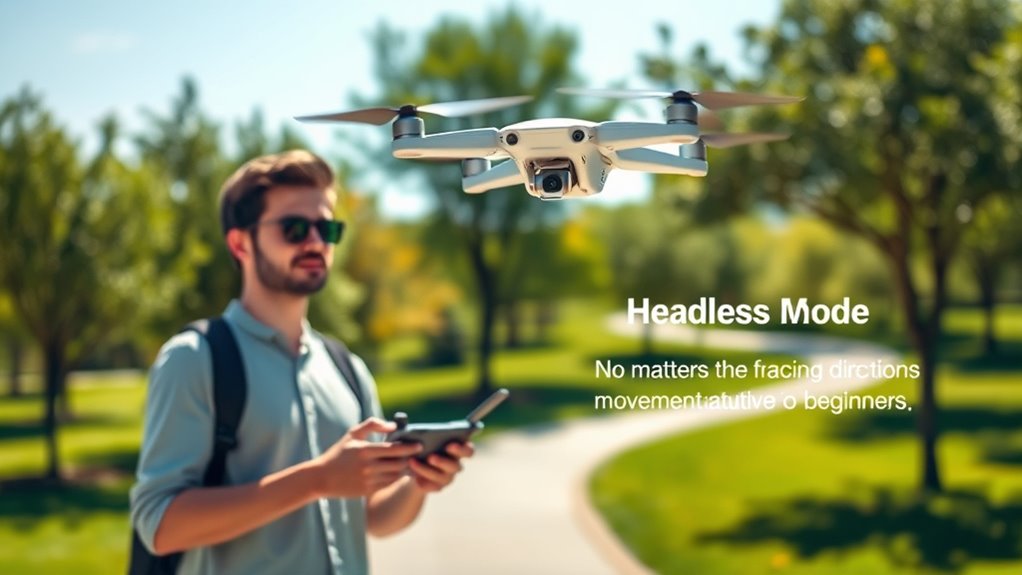
Using headless mode makes flying your drone easier by simplifying controls, so you don’t have to worry about its orientation. It helps reduce confusion when the drone spins or moves in unexpected ways, making your experience smoother. As a beginner, this feature can boost your confidence quickly and make learning to fly more enjoyable.
Simplifies Flight Control
Headless mode makes controlling your drone much easier for beginners because it removes the need to constantly keep track of the drone’s orientation. Instead of worrying about which way the drone faces, you can focus on moving it where you want. This simplifies flying during activities like aerial photography, where smooth, steady control is key. It’s also helpful in drone racing, where quick, precise adjustments matter. With headless mode, you can:
- Focus on capturing clear shots without orientation confusion
- Make quick turns during high-speed races
- Learn basic flight skills faster
- Reduce frustration from losing track of the drone’s front
- Gain confidence in controlling your drone in various environments
Reduces Orientation Confusion
When you activate headless mode, your drone no longer relies on its front-facing direction, which can often be confusing for beginners. Without this reliance, your visual orientation becomes simpler because the drone’s movements align directly with your controller’s commands, regardless of which way it’s facing. This minimizes the risk of losing track of your drone’s position or making accidental turns. Additionally, headless mode helps improve drone stabilization, making the flight smoother and more predictable. With better stability, you can focus on controlling your drone without constantly adjusting for its orientation. Overall, this feature reduces the mental load of keeping track of your drone’s direction, making flying more intuitive and less frustrating for newcomers.
Boosts Confidence Quickly
By simplifying your drone’s orientation, headless mode helps you gain confidence quickly. Without worrying about direction, you can focus on flying smoothly and learning controls. This feature reduces frustration, making each flight more enjoyable. As you become more comfortable, you’ll spend less time on drone maintenance because you’re less likely to crash or mishandle it. Plus, when you’re confident, you can optimize your drone’s battery life by planning better flights and avoiding unnecessary losses. Using headless mode allows you to build skills faster, giving you a sense of achievement early on. Additionally, understanding headless mode can help you better anticipate how your drone will respond in different situations. Recognizing the control response of your drone in headless mode also enhances your overall flying skills and safety awareness.
Differences Between Headless Mode and Normal Mode
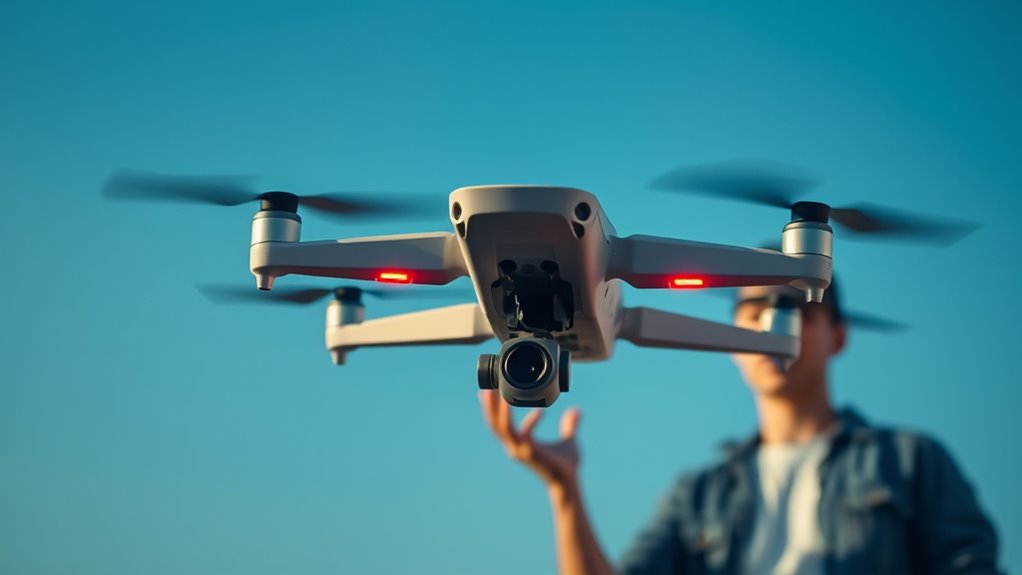
Understanding the key differences between headless mode and normal mode can considerably improve your flying experience. In normal mode, the drone’s orientation is tied to its front, so if it spins, your control inputs might seem reversed. You need to pay close attention to the drone’s nose direction to navigate accurately. Conversely, headless mode aligns controls with your perspective, making it easier to fly, especially for beginners. This mode simplifies orientation, allowing you to focus on flight path rather than drone maintenance or advanced flight techniques. While normal mode requires precise control, headless mode reduces the complexity of maneuvers. Recognizing the control orientation differences can help you decide when to switch modes for optimal flying. Additionally, understanding the flight mode settings can improve your overall safety and confidence during flights. Knowing when to switch between these modes helps optimize your flying, ensuring smoother operation and less frustration during your sessions. For newcomers, mastering headless mode can build confidence and make flying more intuitive. Being aware of advanced features like automatic stabilization can also enhance your experience and safety.
When to Activate Headless Mode During Flight
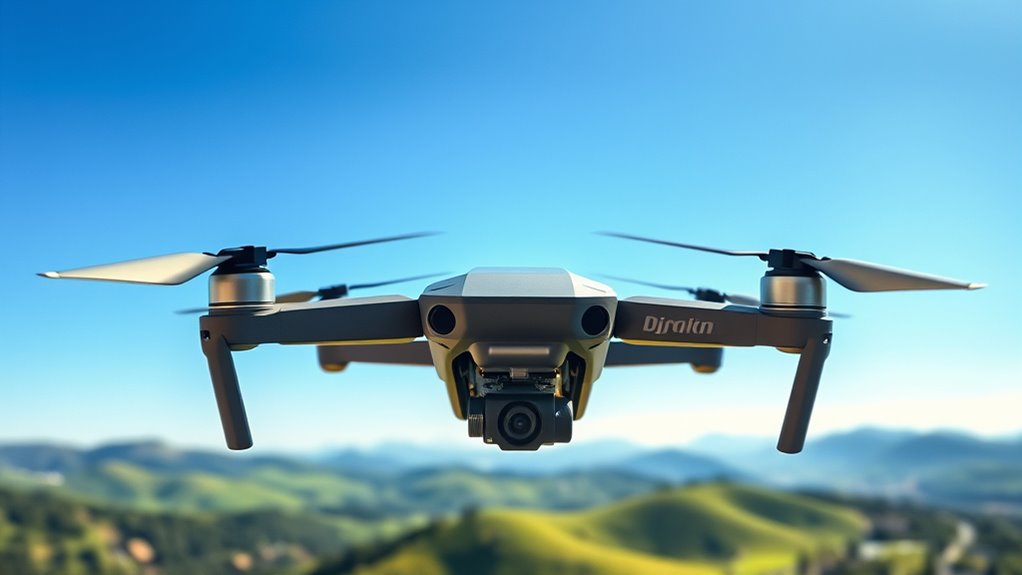
You should activate headless mode when maneuvering complex environments to keep control simple and avoid confusion. If you make a pilot error, switching to headless mode can quickly realign your drone’s orientation. It’s also useful when multiple pilots operate the drone, helping everyone stay synchronized during the flight.
Navigating Complex Environments
Moving through complex environments can be challenging, especially when obstacles and tight spaces require quick, precise movements. Activating headless mode can help you navigate smoothly without worrying about your drone’s orientation. Use it when:
- Flying close to obstacles or in narrow corridors
- Managing limited battery life, so you conserve power with easier controls
- Facing adverse weather conditions like wind or rain that affect stability
- Shifting between different directions quickly
- When visibility is poor, making orientation harder to judge
Headless mode simplifies directional control, reducing the risk of crashes. However, be cautious—long flights in tricky environments drain your battery faster and weather impacts flight stability. Activate headless mode when precision and quick response are critical.
Correcting Pilot Errors
When you realize you’ve made a control mistake or your drone is drifting off course, activating headless mode can help you regain control quickly. It simplifies navigation by aligning the controls with your orientation, making it easier to correct your drone’s path. Using headless mode can prevent unnecessary crashes, especially if your drone’s camera stabilization is affected by sudden movements. Keep in mind, though, that frequent use may slightly impact your drone’s battery life, as it requires extra processing. When you’re feeling unsure about your orientation or dealing with tricky maneuvers, turning on headless mode can save time and frustration. Just remember to switch it off once you’re back on track to maximize flight time and maintain ideal camera stabilization.
Managing Multiple Pilots
Managing multiple pilots requires clear coordination, especially when it comes to activating headless mode during flight. When several operators are involved, knowing when to switch it on can prevent confusion and crashes. Use headless mode in complex situations such as tight spaces or unfamiliar environments, where orientation is tricky. Confirm everyone has compatible drone accessories, like extra batteries, to extend flight time without stress. Good battery management keeps the drone ready for quick responses, especially when multiple pilots are involved. Communicate clearly before activating headless mode, so all pilots understand the plan. Keep a close eye on the drone’s position, avoiding sudden movements. This coordination helps maintain safety and control, reducing the risk of accidents during collaborative flights. Additionally, understanding the design principles behind your drone setup can improve overall flight stability and safety. Proper pre-flight checks ensure all systems are functioning correctly before takeoff, which is crucial for multi-operator flights. Regularly reviewing safety protocols can further prevent mishaps and ensure everyone is prepared for different flight scenarios. Paying attention to navigation and mapping features can also help pilots coordinate more effectively in complex environments. Incorporating training and practice sessions can enhance team communication and overall flight proficiency.
Situations Where Headless Mode Can Improve Your Experience
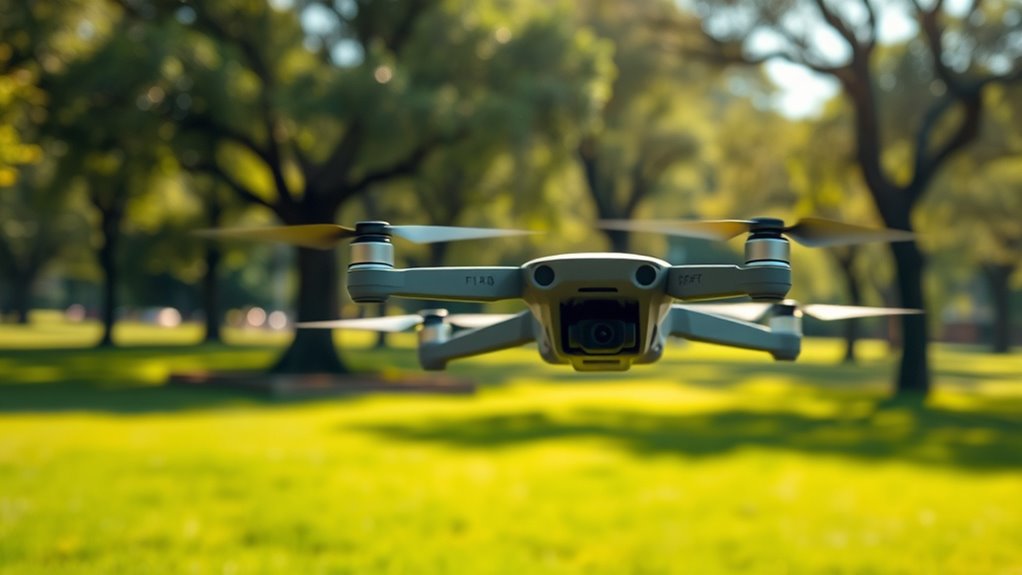
Headless mode can considerably enhance your flying experience in various situations, especially when you’re unfamiliar with your drone’s orientation or flying in complex environments. When steering through tight spaces or crowded areas, headless mode simplifies control, making it easier to maintain stable flight and focus on capturing smooth footage. It also benefits your camera stabilization efforts, as you won’t need to constantly adjust for orientation changes. Plus, when planning your flight path, headless mode reduces the risk of misjudging directions, allowing for more accurate maneuvers. Whether you’re a beginner or exploring intricate routes, using headless mode helps you stay confident, avoid crashes, and achieve better footage by streamlining control and minimizing orientation errors during your flights. Additionally, understanding modern drone technology can help you maximize the benefits of features like headless mode for safer and more precise flying.
Limitations and Considerations of Headless Mode
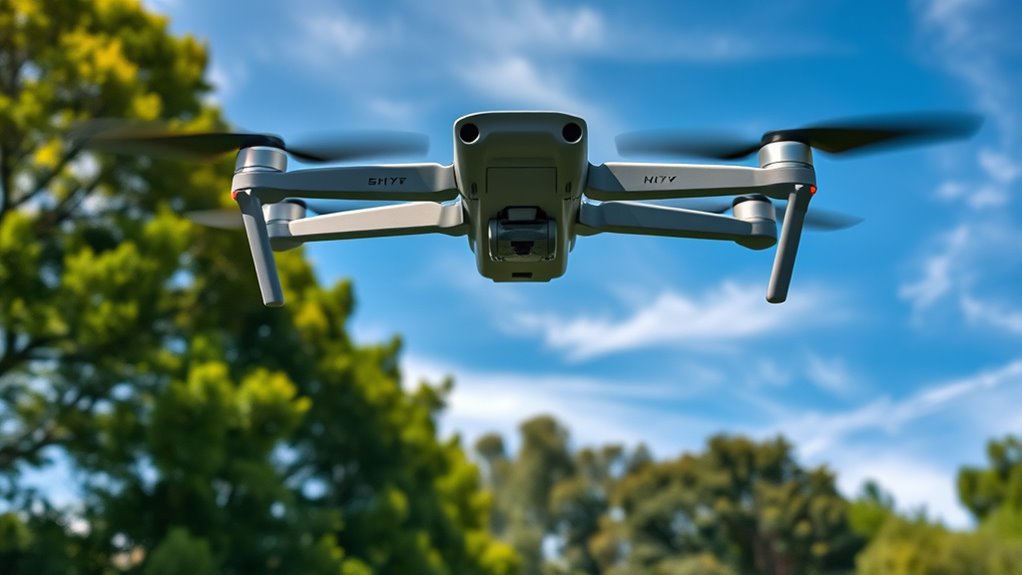
While headless mode offers significant benefits, it also has limitations that can affect your flying experience. It may give a false sense of control, especially for beginners, leading to overconfidence. Relying too much on headless mode can cause you to overlook essential drone maintenance, like checking for loose parts or damaged propellers. Headless mode doesn’t improve battery life; in fact, extended use might drain your drone’s battery faster. Additionally, it doesn’t eliminate the need for visual line-of-sight, so obstacles remain a hazard. You should also remember that headless mode doesn’t correct poor piloting skills. Use it cautiously, especially when the drone’s sensors or GPS are less reliable, to ensure safe and effective flights.
How to Enable and Disable Headless Mode on Your Drone
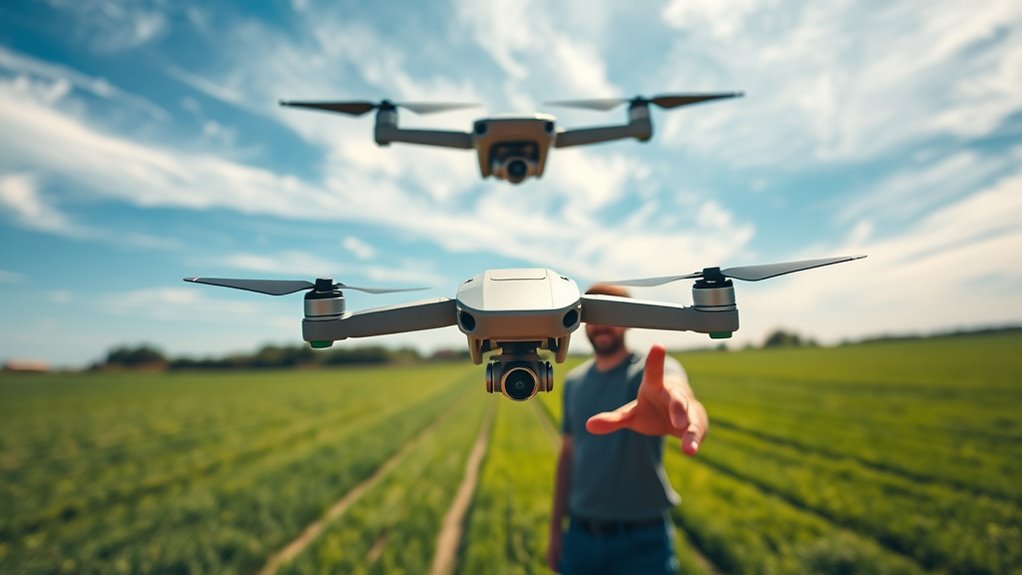
Enabling and disabling headless mode on your drone is usually a straightforward process that varies depending on the model. Typically, you activate headless mode through a dedicated button or switch on your remote or via the drone’s app. To deactivate it, simply press the same button again or turn off the feature in the app. Before toggling headless mode, ensure your propellers are properly maintained to avoid instability. Also, perform a battery calibration to ensure accurate flight controls. Here’s what the process might look like for different drones:
| Action | Method |
|---|---|
| Enable headless mode | Press and hold the designated button |
| Disable headless mode | Release or toggle off in app |
| Propeller maintenance | Regularly check for damage |
| Battery calibration | Follow manufacturer instructions |
Tips for Safe and Effective Use of Headless Mode
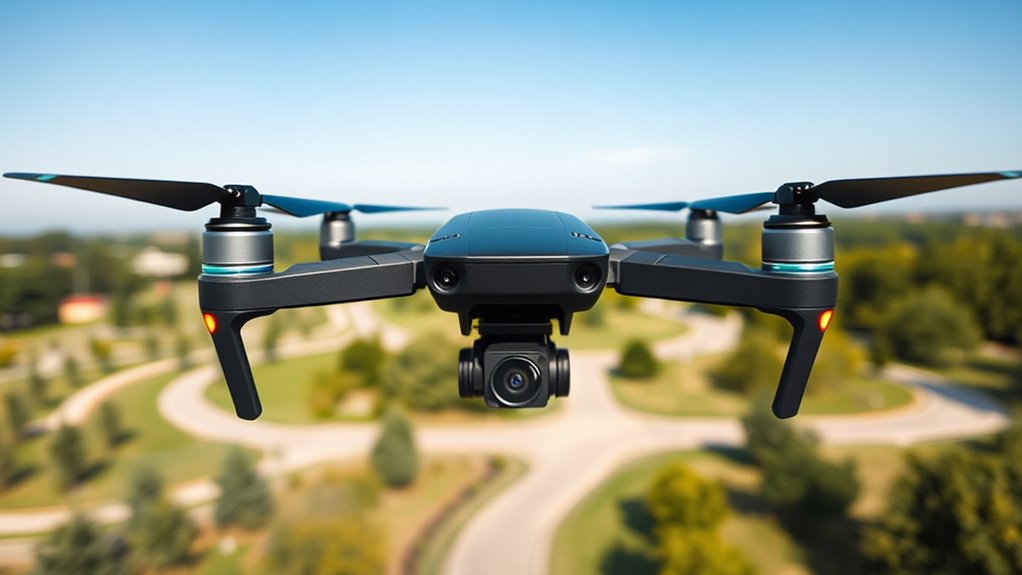
To guarantee safe and effective use of headless mode, always familiarize yourself with your drone’s specific controls and features before flying. Proper drone maintenance ensures peak performance and safety, preventing unexpected malfunctions. Practice using headless mode in open spaces to build confidence without obstacles. Manage your battery carefully, avoiding over-discharge, to maintain flight stability and avoid crashes. Keep an eye on your surroundings, especially when switching modes, to prevent collisions. Additionally, regularly check your drone’s firmware updates to ensure all features, including headless mode, function correctly. Good battery management and diligent drone maintenance prolong your drone’s lifespan and ensure safer, more reliable flights. Being prepared helps you enjoy headless mode’s benefits without risking damage or accidents.
Common Mistakes to Avoid When Using Headless Mode

One common mistake when using headless mode is assuming it makes controlling your drone completely foolproof. While it simplifies navigation, it doesn’t eliminate the need for proper battery maintenance. Running out of power mid-flight can lead to crashes, especially if you’re distracted by the mode. Also, avoid neglecting your camera settings; flying in headless mode can make framing shots tricky if you’re not pre-adjusted. Rushing into headless mode without familiarizing yourself with your drone’s controls can cause disorientation or accidents. Always check your battery levels and optimize your camera settings before flying. Remember, headless mode is a helpful tool, but it still requires careful preparation and awareness to operate safely and effectively. Additionally, understanding the cybersecurity risks associated with drone operation is crucial to protect your device from hacking attempts. Being aware of drone security best practices can help prevent unauthorized access and ensure safe flying. Proper knowledge of drone maintenance routines can also extend your drone’s lifespan and prevent unexpected malfunctions.
Frequently Asked Questions
Does Headless Mode Work With All Drone Models?
Not all drone models support headless mode due to compatibility limitations and firmware requirements. You need to verify your specific drone’s manual or manufacturer’s website to confirm if headless mode is available. Some entry-level or older drones may lack this feature, while newer models often include it. Always guarantee your drone’s firmware is updated, as updates can add or improve headless mode functionality.
Can Headless Mode Be Activated During Any Flight Condition?
Yes, you can activate headless mode during any flight condition, making it a beginner-friendly feature. It simplifies manual control by reorienting the drone based on your controller, regardless of its actual direction. This means you don’t need to worry about the drone’s front or back, especially useful in complex flying situations or for new pilots trying to maintain control. Just verify your drone supports this feature before attempting activation mid-flight.
How Does Headless Mode Affect Drone Battery Life?
Using headless mode can slightly decrease your drone’s battery efficiency because it increases power consumption. When you activate headless mode, the drone’s system works harder to maintain orientation, which drains the battery faster. If you’re planning extended flights, it’s best to minimize headless mode usage. This way, you conserve power, prolong flight time, and reduce the chances of running out of battery mid-flight.
Is Headless Mode Suitable for Professional Drone Photography?
Headless mode isn’t ideal for professional photography, as it limits precise control needed for capturing high-quality shots. You should focus on proper drone training to master manual controls, ensuring you get the best angles and stability. While headless mode can help beginners navigate, it doesn’t provide the accuracy required for professional shots. For top results, practice manual flying and refine your skills beyond basic features.
Are There Any Safety Risks Associated With Using Headless Mode?
Are there safety risks with headless mode? Yes, but they can be managed with proper risk management and user training. Since headless mode can cause disorientation, you might accidentally fly into obstacles or lose control if you’re not careful. Always practice in a safe environment and familiarize yourself with your drone’s features. Proper training helps you understand when to use headless mode and how to avoid potential accidents.
Conclusion
Headless mode simplifies drone flying, especially for beginners, by aligning controls with your perspective. While it’s a handy tool, remember it’s not a magic fix—your drone still needs careful handling. Think of it as a helpful guide, not a shortcut to perfect flight. Use it wisely, and your flying skills will grow. After all, every drone flight is a new adventure—are you ready to take the controls with confidence?
Halloween Picks
halloween
As an affiliate, we earn on qualifying purchases.