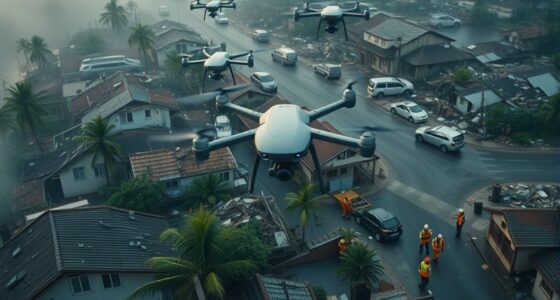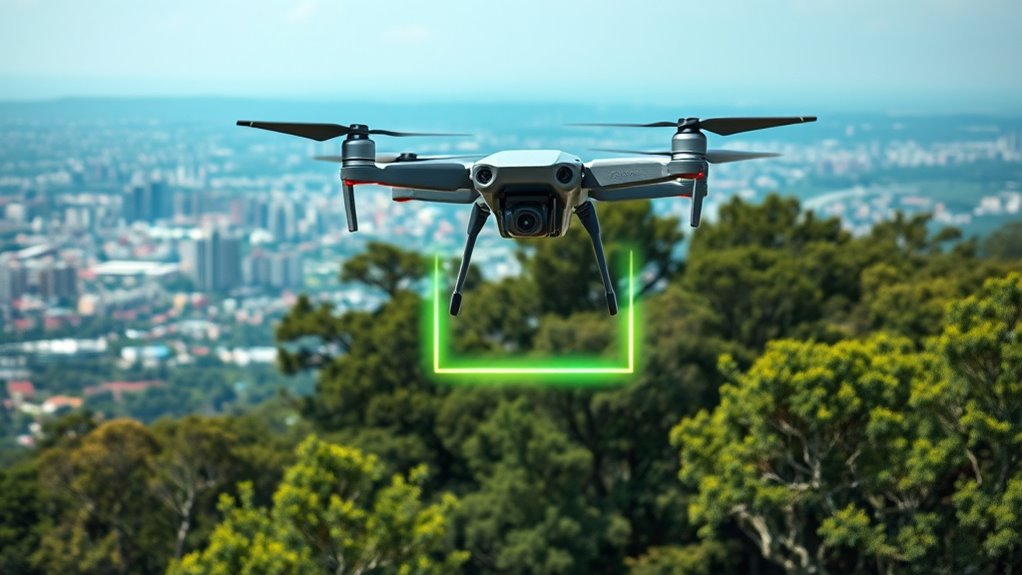

Drone geofencing uses GPS, digital maps, and real-time data to create virtual boundaries that prevent your drone from taking off in restricted areas like airports or private property. When your drone approaches these zones, it automatically detects the boundaries and stops or lands to keep safe and legal. If you’re curious about how this technology works and how to stay compliant, there’s a lot more to explore.
Key Takeaways
- Geofencing uses GPS and digital maps to create virtual boundaries, preventing drone takeoff or entry into restricted zones.
- Drones automatically detect when they approach or cross these boundaries and may be restricted from lifting off.
- Software enforces altitude limits and no-fly zones, blocking drone operation in sensitive or regulated areas.
- Restricted areas often require permits; without proper authorization, drones are programmed to remain grounded.
- Geofencing acts as an automatic safety and compliance measure, ensuring drones do not operate in prohibited or unsafe locations.

Drone Cleaning Kit for DJI, Holy Stone, Scoot, FPV Drone, Hobby RC Quadcopters Multirotors - with Spray Cleaner for Screen Lens
【Comprehensive Cleaning Solution】: Our cleaning kit is meticulously designed to address every cleaning pain point of your drone....
As an affiliate, we earn on qualifying purchases.
What Is Drone Geofencing and How Does It Work?
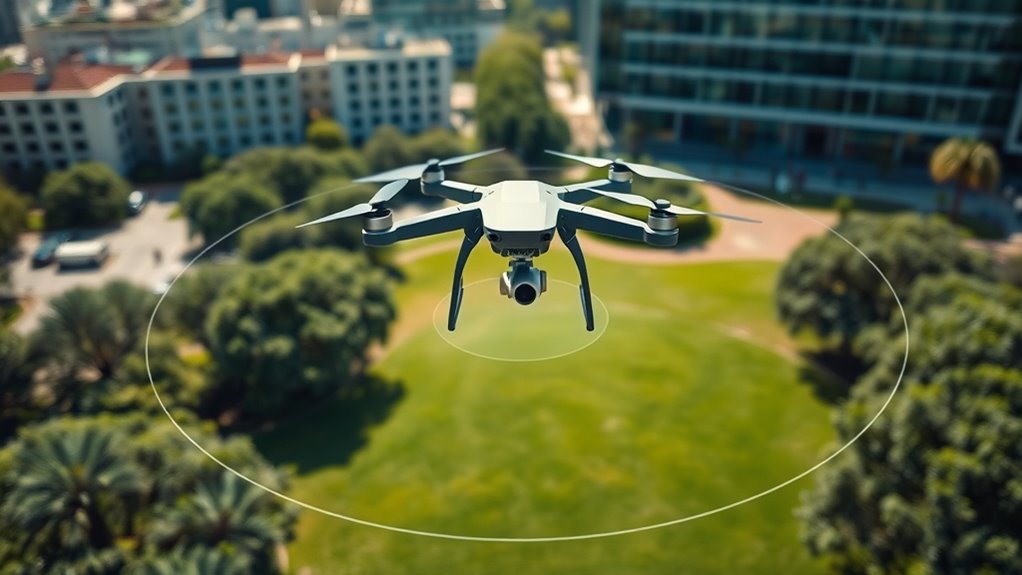
Have you ever wondered how drones avoid flying into restricted areas? It’s all thanks to geofencing—a virtual boundary system that uses GPS and other location tech to keep drones in check. Your drone’s GPS receiver constantly tracks its position and compares it to pre-set boundaries stored in its software. When it gets close to or crosses these borders, the system reacts—either by giving a warning, forcing the drone to land, or blocking takeoff altogether. Geofencing technology can also incorporate WiFi, RFID, cellular, or Bluetooth signals for added accuracy. Most commercial drones come with built-in geofencing software that uses digital maps, ensuring the drone stays within safe zones and avoids sensitive or protected areas automatically. Additionally, the system can be updated regularly to reflect new restricted zones, maintaining safety and compliance. This safety feature is especially important for regulatory compliance and environmental protection. Moreover, advancements in location tracking accuracy help in reducing false alarms and improve overall system reliability.

STARTRC Drone Strobe Light, Rechargable Flash Led Lamplight for FAA DroneNight Flying, Fits for DJI Neo 2,Mini 5 Pro/ 4 Pro/3/4k, Avata 2,Air 3S and All RC Drones Accessory(2pc)
【Fits All Drones】Suitable for most drones like for DJI Neo2, Mini 5 Pro,Mini 4 Pro, Avata 2,Avata 360,...
As an affiliate, we earn on qualifying purchases.
Types of Geofences and Their Purposes

You’ll notice that geofences come in different types, mainly static and dynamic boundaries, each serving unique purposes. Static geofences are fixed around a set area, while dynamic ones change based on real-time data or events. Understanding the differences between regulated zones and personal areas helps you navigate drone restrictions effectively. Additionally, sticking wall decor can be used to visually delineate certain zones or boundaries within indoor spaces, enhancing safety and awareness. Recognizing geofence regulations can help you stay compliant with local and national drone laws, avoiding potential penalties. Incorporating AI-driven location data can further improve the accuracy and responsiveness of geofencing systems, especially when considering piercings and other body modifications that may affect electronic device functionality.
Static vs. Dynamic Boundaries
Static (circular) and dynamic (polygonal) geofences serve different purposes in drone operations, each with unique advantages. Static geofences are fixed, circular boundaries set around specific locations, like airports or sensitive sites. They’re simple to implement, providing quick, consistent restrictions that don’t change during a flight. Dynamic geofences, on the other hand, are polygonal and can adapt in real time. They use multiple reference points to create complex shapes, ideal for areas with variable boundaries, such as temporary event zones or construction sites. Dynamic geofences offer more flexibility, allowing operators to adjust restrictions based on changing circumstances. Both types help enforce safety and regulatory compliance, but choosing the right one depends on the specific needs of your operation and the environment you’re working in.
Regulated vs. Personal Zones
Regulated zones are established by authorities to guarantee safety and compliance with aviation laws, and they typically include areas like airports, military installations, and government facilities. These zones are enforced through official geofences that prevent drones from entering sensitive or restricted airspace, often requiring permits for authorized operations. You can also encounter different geofence types depending on the region or purpose, which adds layers of complexity to drone navigation. Understanding airspace regulations is essential for safe and legal drone operation. These regulations are designed to prevent accidents and ensure the safety of both drone operators and the public. Personal zones, on the other hand, are created by individuals or organizations to protect private property, ensure privacy, or avoid hazards. You can set these custom geofences to restrict drone access around your home, construction site, or event. While regulated zones are mandated by law, personal zones give you control over where your drone can or cannot fly. Both types of geofences serve to enhance safety, privacy, and operational compliance. Proper geofence setup is essential for safe and responsible drone operation, especially as new technologies and regulations continue to evolve.

Universal Drone Airdrop System, Release Device, Payload Clip, Airdropper, Fish Bait Delivery Device , Drone Accessories, Compatible with DJI Mavic Mini5 Pro,Mini 4 Pro, Mini 3, Mini 2, Air 2, Air 2S, Air 3, Mavic 3, Mavic 2, Spark (Airdrop Device)
【Broad compatibility】Universally Drone Airdrop System, for DJI Mini4/Mini3/Mini2/Air2/Air2S/Mavic 3/Mavic 2 DJI Series Drone/Spark.(Note: but not suitable for DJI...
As an affiliate, we earn on qualifying purchases.
How Digital Maps Play a Role in Geofencing Systems

Digital maps are essential tools that enable precise and dynamic geofencing by providing accurate, real-time visual representations of restricted and safe zones. These maps integrate geographic data with regulatory boundaries, allowing your drone’s software to interpret its location within complex airspace layouts. When your drone approaches a no-fly zone, the digital map updates instantly, ensuring the system recognizes boundaries and triggers alerts or restrictions. They also incorporate current information from aviation authorities, so restrictions stay up-to-date. By mapping out both static and dynamic zones, digital maps help your drone navigate safely, avoid violations, and comply with regulations. They serve as the visual backbone for geofencing, making sure your drone operates only within authorized areas and respects no-fly boundaries. Accurate geographic data is crucial for maintaining reliable and effective geofencing systems, especially as they rely on real-time updates to adapt to changing conditions.

Top Race Drone Clip Remote Control Object Launcher - Drone Drop Release Device, Fits Most Drones and DJI, Holds up to 2 Lbs, and 300 Feet Distance Remote Control
PATENTED PRODUCT: The Top Race Drone Clip is a breakthrough in the drone industry which will finally allow...
As an affiliate, we earn on qualifying purchases.
Common Areas Where Drones Are Restricted
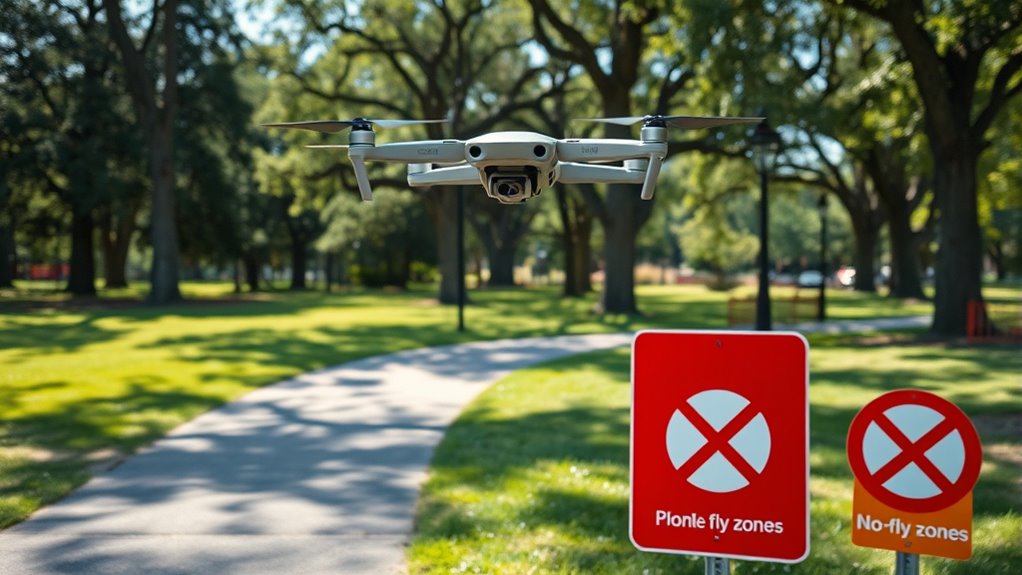
Many areas are off-limits for drone flights to guarantee safety and privacy. You’ll find geofences blocking access around sensitive locations. Picture flying near:
- Major airports, where runways and air traffic control towers are protected from interference.
- Government buildings, such as military bases or police stations, to prevent security breaches.
- Private properties with strict privacy rules, where homeowners want to avoid intrusion.
These restrictions are enforced to prevent accidents, protect national security, and respect individual privacy. When you approach these zones, your drone’s geofencing system will activate, stopping takeoff or limiting flight. Ignoring these boundaries can lead to legal issues or flight bans. Always check for restricted areas before you plan your drone’s route. Geofencing technology is used to enforce these boundaries effectively and ensure compliance.
Regulatory Rules and Compliance Through Geofencing
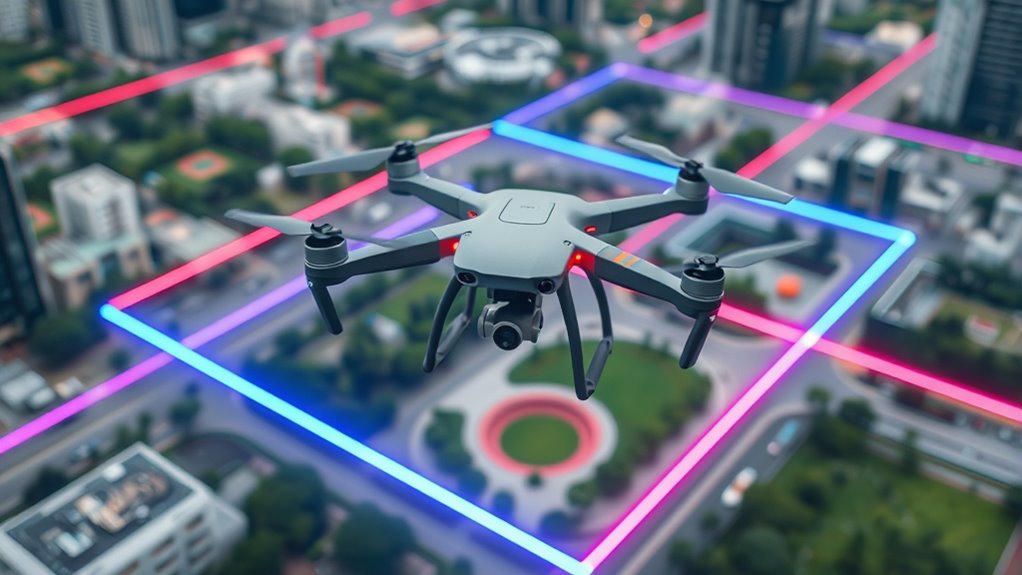
When flying your drone, geofencing helps you stay within regulatory boundaries like no-fly zones and altitude limits. You need to follow these rules closely, as violations can lead to penalties or loss of access. In some cases, permits are required, so understanding how geofencing enforces compliance keeps your operations safe and legal. Additionally, the use of regulatory-compliant geofencing technology ensures that your drone adheres to the designated safety parameters.
Adherence to No-Fly Zones
Adherence to no-fly zones is essential for ensuring safety and regulatory compliance when operating a drone. You must respect these boundaries to avoid accidents, legal penalties, and privacy violations. When approaching restricted areas, geofencing systems automatically prevent your drone from entering, acting as an invisible barrier. Imagine your drone’s software alerting you as you near an airport, or the drone halting mid-air just before crossing into a government facility. Visualize the boundary lines on your app, glowing red to warn you of danger zones. These geofences create a clear mental image of protected spaces, helping you plan your flights responsibly. Understanding geofencing technology enhances your ability to operate safely within these boundaries. Implementing proper airspace regulation adherence ensures your drone operations remain lawful, safe, and respectful of privacy concerns. Recognizing the importance of regulatory compliance is crucial for responsible drone usage.
Enforcement of Altitude Limits
Have you ever wondered how drones automatically stay within legal altitude limits? It’s thanks to geofencing systems integrated into your drone’s software. These systems use GPS and other location tech to constantly monitor your drone’s altitude and position. When you approach or exceed the specified altitude limit, the system responds by restricting further ascent or issuing warnings. Some drones may automatically limit altitude, preventing you from flying too high and violating regulations. This enforcement helps protect manned aircraft, ground personnel, and sensitive areas. It also ensures compliance with aviation rules set by authorities like the FAA. By continuously comparing your drone’s altitude with pre-set boundaries, geofencing keeps your flights safe, legal, and within the designated airspace.
Permits for Restricted Areas
Do you know that obtaining permits is often required to operate drones in restricted areas? Without proper authorization, your drone might be prevented from taking off or automatically land if it enters a restricted zone. These permits ensure you’re complying with local laws and safety protocols. Imagine:
- Presenting official documentation to authorities before your flight.
- Managing complex application processes for airport or government zone access.
- Gaining approval that allows your drone to fly legally in sensitive areas.
Permits are essential because they confirm your operations meet safety and privacy standards. They also help you avoid fines or legal issues. Even with geofencing in place, having the proper permits guarantees you stay compliant and can safely conduct your missions in restricted zones.
The Technology Behind Drone Geofencing Components

The technology behind drone geofencing components relies on a combination of hardware and software systems that work together to monitor and control drone movements. Hardware includes GPS receivers, communication modules, and sensors that determine real-time locations and transmit data. Software manages the creation and enforcement of geofence boundaries, comparing your drone’s position to predefined zones using digital maps and GPS coordinates. These systems integrate multiple location technologies like WiFi, RFID, and cellular data for accuracy. Regular updates ensure data integrity, preventing outdated information from causing errors. When your drone approaches or crosses a boundary, the software triggers responses such as warnings, automatic landings, or flight restrictions. This seamless integration helps ensure safety, regulatory compliance, and reliable operation in restricted areas. Accurate location data is essential for maintaining effective geofencing, as it ensures all components work with current and precise information.
How Operators Can Manage and Adjust Geofence Settings
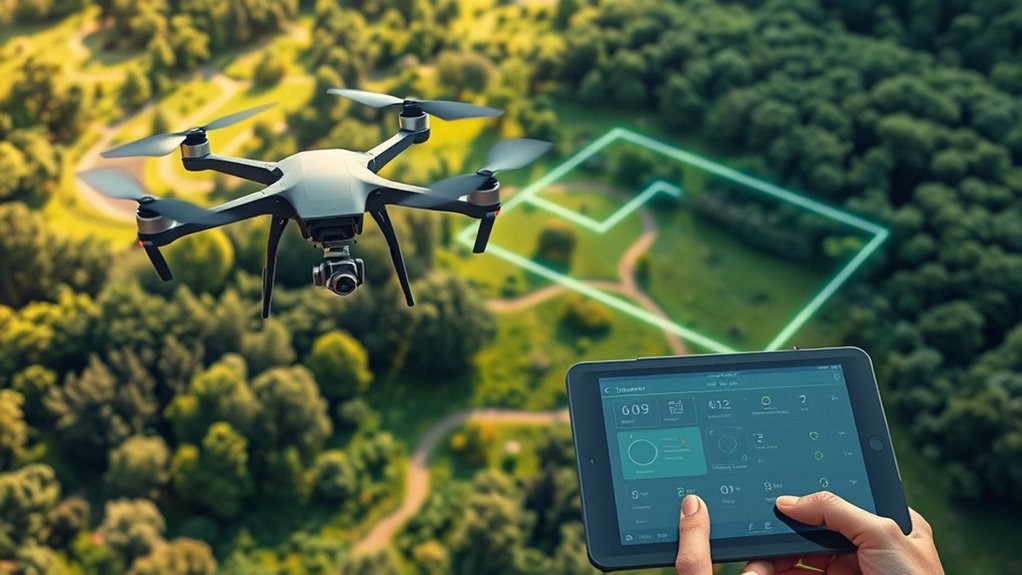
Managing and adjusting geofence settings is a critical part of ensuring safe drone operations. You need to regularly review and update boundaries to stay compliant and avoid unnecessary restrictions. Most drone software allows you to customize geofence parameters through user-friendly apps or control panels. You can:
Regularly review and update geofence boundaries using user-friendly apps to ensure safety and compliance.
- Define new exclusion zones based on changing local conditions or hazards.
- Modify existing boundaries to expand or shrink operational areas.
- Request permission or authorization for entry into restricted zones when applicable.
Visualize setting precise borders around sensitive sites or adjusting no-fly zones for temporary events. This proactive management helps you maintain control, guarantees safety, and prevents unintentional violations. Always verify updates before each flight to keep your operations smooth and compliant.
What Happens When a Drone Encounters a Geofence?

When a drone approaches or crosses a geofence boundary, its onboard systems instantly respond to prevent further intrusion. You’ll typically receive an alert or warning indicating you’re near restricted airspace. If you dismiss this warning and continue, the drone’s software may automatically restrict movement, halt the flight, or initiate a safe landing. Some drones simply refuse to take off in restricted zones, preventing any accidental violations. In other cases, the drone might continue flying but with limited functions or reduced control. This automated response aims to keep your drone compliant with regulations and avoid safety risks. If a breach occurs, your drone’s system ensures it doesn’t enter forbidden areas, protecting both your equipment and the surrounding environment.
Practical Tips for Safe and Legal Drone Operations
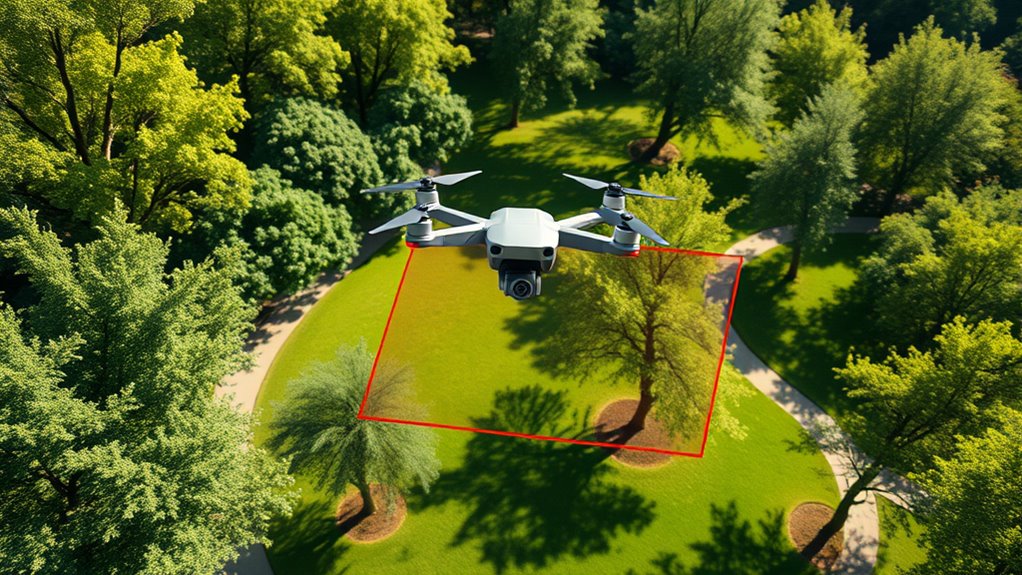
To guarantee safe and legal drone operations, always check for updated geofence data before each flight. This assures you’re aware of any restrictions or temporary zones that could affect your plans. Keep these tips in mind:
- Visualize flight paths avoiding red zones, like airports or government buildings, to prevent accidental violations.
- Confirm permissions when flying near restricted areas, such as private property or special event zones.
- Regularly update your drone’s software and geofence maps to stay current with new or changed boundaries.
Frequently Asked Questions
Can I Override or Disable Drone Geofencing Features Temporarily?
Yes, you can override or disable drone geofencing temporarily, but it depends on your drone model and local regulations. Some drones allow you to disable geofencing through manufacturer settings or specialized software, often requiring you to release features with a password or account. However, doing so may void warranties, violate laws, or compromise safety. Always check the rules in your area before disabling geofencing, and use it responsibly.
Are There Legal Consequences for Intentionally Bypassing Geofences?
Yes, there are legal consequences if you intentionally bypass geofences. You could face fines, penalties, or even criminal charges, especially if your actions endanger safety or violate privacy laws. Regulatory authorities take unauthorized drone operations in restricted zones seriously. Ignoring geofence warnings shows disregard for safety regulations and can lead to license suspension or legal action. Always follow local laws and respect geofences to avoid these serious consequences.
How Often Are Geofence Databases Updated for Accuracy?
Think of geofence databases like a weather forecast that updates daily. They’re refreshed regularly—often weekly or monthly—by manufacturers and authorities to guarantee accuracy. This keeps drone boundaries current, just like weather reports reflect recent conditions. You should check for updates before each flight, because outdated info could lead to restrictions or violations. Staying informed helps you operate safely, legally, and avoid surprises in restricted zones.
Do All Consumer Drones Have Built-In Geofencing Capabilities?
Not all consumer drones have built-in geofencing capabilities. You’ll find higher-end models often include integrated geofencing to help you stay compliant and safe. However, budget drones or older models might lack this feature, meaning you need to rely on external apps or manual checks. Always verify your drone’s specifications before flying, so you know whether it has geofencing and how it helps prevent accidental violations.
Can Geofencing Systems Detect Unauthorized Modifications?
You might think you can outsmart the system, but geofencing systems are pretty good at catching unauthorized tweaks. They use multiple layers of security, like checksums and firmware verification, to detect tampering. When something’s off, the drone can refuse to fly or trigger alarms. While no system is foolproof, manufacturers continuously update security features to stay ahead of troublemakers, so don’t count on bending the rules without consequences.
Conclusion
Think of drone geofencing as an invisible fence guiding your flight, like a shepherd’s herding staff keeping sheep within safe pastures. It protects you from danger, restricted zones, and legal trouble, ensuring your drone stays on the right path. By respecting these boundaries, you navigate smoothly through the skies, avoiding abrupt stops or crashes. Embrace geofencing as your trusted guide, helping you fly responsibly and confidently wherever your journey takes you.