TL;DR
Portable external hard drives are vital for data backup and transfer. SSDs lead in speed and durability, while HDDs offer affordability. Choose based on capacity, speed, security, and how tough you need it to be.
Imagine your external drive failing just when you’re about to finish a project or before a big trip. That’s a nightmare many face with outdated or underpowered tech. The good news—modern portable external hard drives pack incredible speed, durability, and security into tiny packages. Whether you’re a creative copying massive files or a traveler needing tough gear, understanding what to look for can save you frustration and data loss.
In this guide, you’ll learn how to pick the perfect drive—considering capacity, speed, security, and toughness. Plus, we’ll reveal recent trends that might just change how you think about portable storage.
Choose SSDs for faster speeds, better durability, and lighter weight, especially for mobile professionals.
Capacity depends on your specific needs—think about how much data you’ll store and transfer regularly.
Look for rugged models with water and shock resistance if you’ll be outdoors or traveling often.
Regularly update firmware and handle your drive gently to extend its lifespan.
Compare features like transfer speed, security, and compatibility before settling on a model.
What Makes a Portable External Hard Drive a Smart Choice?
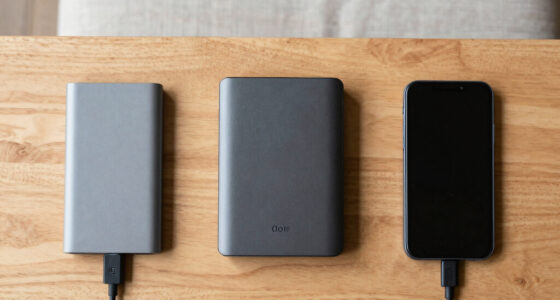
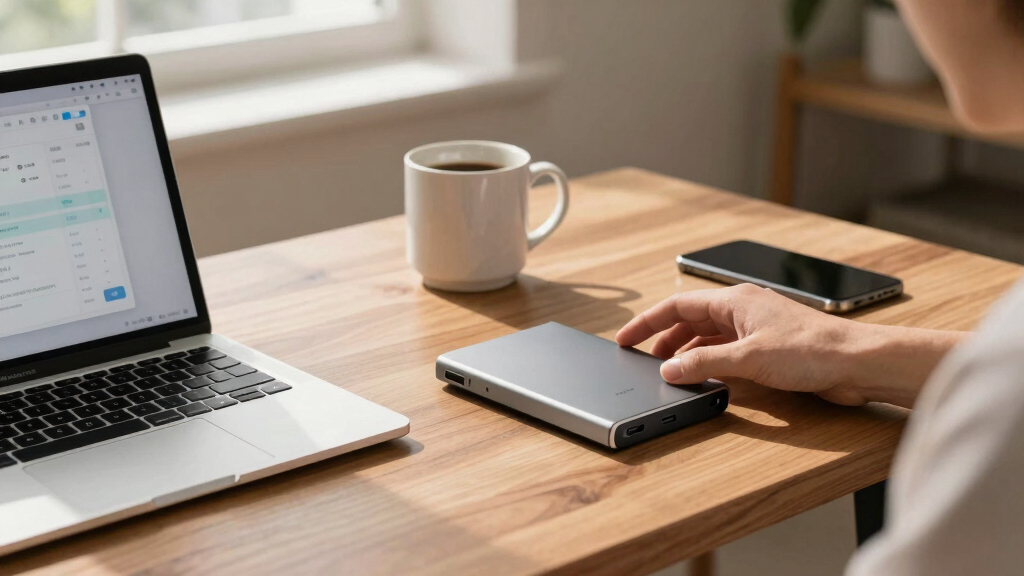
Portable external hard drives are compact, plug-and-play devices designed for quick data access and transfer. They’re perfect for on-the-go use—think of a photographer traveling with a rugged drive to offload photos or a student carrying their coursework. The key? They combine size with speed and durability.
For example, a photographer might stash a 2TB drive in their camera bag, ready for a shoot. These drives come with features like shock resistance and water protection, making them resilient in real-world scenarios. The main advantage? You get reliable, fast storage wherever you are—no bulky desktops or tangled cables required.

Samsung T7 Portable SSD, 2TB External Solid State Drive, Speeds Up to 1,050MB/s, USB 3.2 Gen 2, Reliable Storage for Gaming, Students, Professionals, MU-PC2T0T/AM, Gray
MADE FOR THE MAKERS: Create; Explore; Store; The T7 Portable SSD delivers fast speeds and durable features to…
As an affiliate, we earn on qualifying purchases.
As an affiliate, we earn on qualifying purchases.
How to Pick the Right Capacity for Your Needs
Choosing capacity is like picking a suitcase—size depends on what you pack. If you shoot high-res photos or 4K videos, you’ll want at least 2TB or more. For casual backups or document storage, 500GB to 1TB might suffice.
Here’s a quick guide:
- 500GB-1TB: For documents, photos, and small backups.
- 2TB-4TB: Ideal for media files, projects, and frequent backups.
- 5TB+: For large media libraries or professional workflows.
**Practical step:** Assess your current storage habits and future needs. If you frequently work with large files, opt for a drive with at least 2-4 times your current storage usage to avoid constant management. Keep in mind, investing in a slightly larger capacity now can save time and money later, as upgrading frequently can be inconvenient and costly.
**Decision framework:** If unsure, choose a drive that exceeds your current needs by 50-100%. For example, if you regularly use 1TB, consider a 2TB drive. This approach gives you room to grow without immediate upgrades, ensuring smoother workflows and less stress over space constraints.

ADATA HD710 Pro – 2 TB External Hard Drive – Shockproof, Waterproof & Dustproof – Durable Storage – For Gamers, Students & Professionals – Mac, PC & Linux Compatible – Blue – AHD710P-2TU31-CBL
Safe Data Storage: ADATA HD710 Pro External Hard Drive is a ruggedized hard drive built to keep your…
As an affiliate, we earn on qualifying purchases.
As an affiliate, we earn on qualifying purchases.
Why SSDs Are Winning the Race Over Traditional HDDs
SSD external drives are faster, lighter, and more durable than HDDs—think of them like flashlights versus lanterns. They transfer data at speeds exceeding 500MB/s, compared to HDDs which often top out around 160MB/s. This speed difference is critical because it directly impacts your workflow—faster transfers mean less waiting, more productivity, and less frustration, especially when handling large files like 4K videos or extensive photo libraries.
Moreover, SSDs have no moving parts, which means they are inherently more resistant to shocks, drops, and vibrations. If you’re often on the move—traveling, commuting, or working outdoors—this resilience reduces the risk of data loss due to physical impacts. While SSDs cost more per gigabyte—roughly 3-4 times the price—they can significantly improve efficiency for professionals and power users. The tradeoff involves balancing budget against performance; for instance, a professional photographer might prioritize speed and durability, justifying the higher cost, whereas a casual user might opt for a more economical HDD.
**Practical takeaway:** When choosing between SSD and HDD, consider your typical usage. If you regularly work with large files or need quick access on the go, investing in an SSD can streamline your workflow and reduce downtime. For occasional backups or bulk storage where speed isn’t critical, HDDs remain a cost-effective choice. The key is aligning the drive type with your actual needs to avoid overspending or underperforming.

Samsung T7 Shield 1TB, up to 1050MB/s, USB 3.2 Gen2, Rugged, IP65 Rated, for Photographers, Content Creators and Gaming, Portable External Solid State Drive (MU-PE1T0S/AM, 2022), Black
GO THE DISTANCE: Withstand whatever adventure with the wildly reliable T7 Shield; It’s designed for the elements with…
As an affiliate, we earn on qualifying purchases.
As an affiliate, we earn on qualifying purchases.
The Latest Tech Trends in Portable External Drives
Recent advances make modern drives smarter and tougher. SSDs now dominate the market, especially with Thunderbolt 3/4 and USB 3.2 Gen 2 interfaces, pushing speeds over 10Gbps. This means transferring a full 4K movie or large project can take seconds rather than minutes. Rugged models like the LaCie Rugged SSD Pro can withstand drops from 3 meters, water splashes, and dust—making them ideal for outdoor adventures or challenging environments. These enhancements are not just about durability but also about efficiency, enabling professionals to work seamlessly even in harsh conditions.
Some drives now bundle encrypted hardware, protecting sensitive work or personal info with simple PINs or biometric locks. This added layer of security is vital as portable drives often contain valuable or confidential data. Sleek designs that mimic jewelry or tech gadgets aren’t just about aesthetics—they also aim to appeal to style-conscious users while offering robustness. For example, SanDisk Extreme Portable SSD boasts both speed and IP55 water resistance, making it a versatile choice for busy outdoor professionals. These innovations reflect a broader trend: combining high performance with security and durability, ensuring users can rely on their drives in any situation.
**Practical insight:** Keep abreast of these trends and prioritize drives that align with your environment and security needs. For instance, if you’re frequently outdoors, opt for rugged, water-resistant models. For sensitive data, choose drives with hardware encryption. Staying informed about technological advancements allows you to select a drive that not only meets your current needs but also adapts to future demands, maximizing your investment.
secure portable external hard drive 4TB
As an affiliate, we earn on qualifying purchases.
As an affiliate, we earn on qualifying purchases.
Frequently Asked Questions
Should I go for a portable HDD or SSD?
If speed, durability, and portability matter most, go for an SSD. SSDs offer significantly faster data transfer rates, which can make a big difference in professional workflows or when handling large files. They are also more resistant to shocks, drops, and environmental factors, making them ideal for frequent travel or outdoor use. However, SSDs tend to be more expensive per gigabyte, so if you need large storage capacity on a tight budget, an HDD might still be suitable. The choice depends on your specific needs—consider whether speed and resilience outweigh cost for your use case.
How much capacity do I really need?
Think about your typical files and how often you transfer data. For casual users backing up documents, photos, and a few videos, 1TB is usually sufficient. If you regularly work with large files like 4K videos or extensive photo libraries, 2TB or more can save you from constant management. Keep in mind that choosing a capacity slightly larger than your current needs provides room for growth, reducing the need for frequent upgrades. The main tradeoff is between paying upfront for more storage versus the inconvenience of managing limited space—select wisely based on your workflow and future plans.
Are portable drives secure enough for sensitive data?
Many modern drives incorporate hardware encryption and password protection features, which significantly enhance security. For sensitive or confidential data, look for drives with built-in encryption—AES 256-bit is a common standard—and biometric or PIN locks. These features prevent unauthorized access even if the drive is lost or stolen. However, security measures are only as effective as their implementation; regularly updating firmware and avoiding sharing passwords are essential practices. For high-security needs, consider drives specifically designed for enterprise use, which offer advanced encryption and remote wipe capabilities.
How fast can I realistically transfer files?
Transfer speeds vary greatly: SSD drives with Thunderbolt 3/4 or USB 3.2 Gen 2 interfaces can reach speeds over 1,000MB/s, allowing you to move terabytes of data in minutes. This is especially valuable for professionals dealing with large multimedia files. In contrast, HDDs typically max out around 160MB/s, which means transferring large files can take considerable time—potentially hours for multi-gigabyte projects. Your actual transfer time depends on the drive’s interface, the file size, and your computer’s hardware. For time-sensitive workflows, investing in faster SSDs with modern interfaces makes a noticeable difference in productivity.
Can I use the same drive with Windows and Mac?
Yes, most portable drives are compatible with both Windows and Mac, but you may need to reformat the drive to a compatible file system like exFAT, which supports read/write access on both operating systems. Before doing so, back up any important data, as reformatting erases all existing files. Some drives come pre-formatted for Windows or Mac, so check the specifications. Additionally, software tools are available to facilitate cross-platform compatibility without reformatting, but for maximum flexibility and ease of use, exFAT is generally recommended. Ensuring compatibility before purchase helps avoid surprises when switching between systems.
Conclusion
Your portable hard drive isn’t just a storage box—it’s a tool that keeps your life moving. Picking the right one means thinking about speed, toughness, and security, not just price. The best drives now combine cutting-edge tech with rugged design, ready for whatever you throw at them.
Ask yourself: what’s the one feature I can’t live without? Then find a drive that ticks that box—and treat it well. Your data deserves it, and you’ll thank yourself every time you transfer a file without waiting or worry.