
TL;DR

Get the latest gadgets delivered free — and shop member deals
- Fast, free delivery on millions of items
- Access to Prime Big Deal Days deals on October 6–7
- Prime Video, Amazon Music and more included
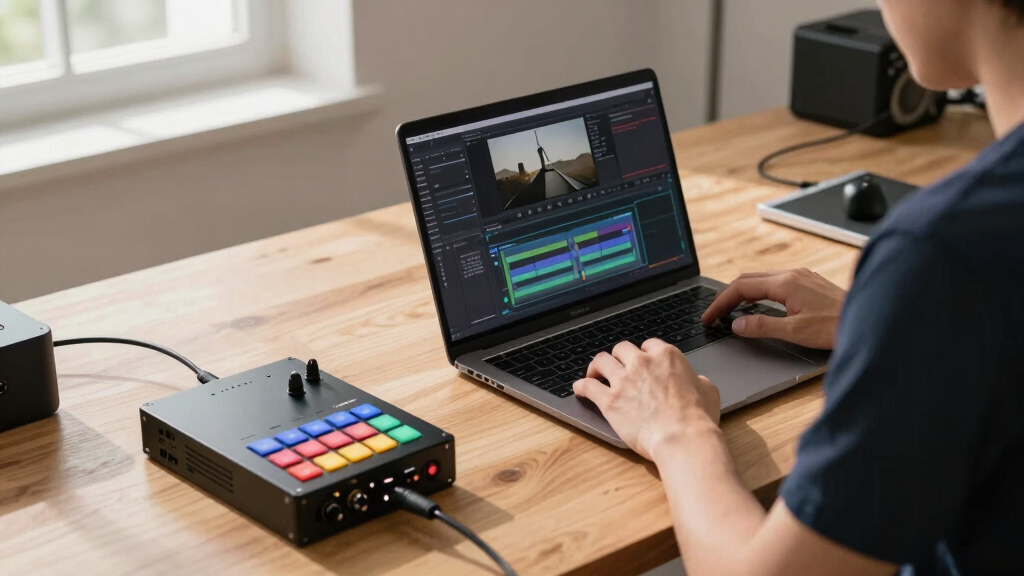
A single video can become a complete publishing kit—covering social posts, media kits, and promotional assets—using a local system. This approach boosts control, privacy, and speed, avoiding cloud dependency while streamlining multi-platform distribution.
Imagine finishing a single video and having an entire set of promotional materials ready to go—without uploading to a cloud service or waiting on remote servers. This isn’t just a pipe dream. It’s now possible with advanced local workflows that handle everything from transcripts to social clips, all on your own hardware.
If you’re tired of juggling multiple tools, cloud subscriptions, and endless export cycles, this approach cuts through the noise. You’ll learn how a single video can generate a full publishing kit—think thumbnails, social snippets, press-ready media kits—fast, private, and with total control. Ready to see how it works? Let’s go.
Key Takeaways
- A single video can generate a comprehensive set of promotional assets—social clips, media kits, blog drafts—without cloud reliance.
- Doing everything locally offers better control over privacy, security, and file management, especially for sensitive or high-value content.
- Automated workflows speed up content packaging, saving hours and reducing errors in multi-platform publishing.
- High-quality assets are possible without sacrificing branding consistency—professional results are within reach for small teams.
- This approach is ideal for creators who value privacy, offline work, and fast turnaround over cloud collaboration.
As an affiliate, we earn on qualifying purchases.
How one video turns into a complete publishing kit—step by step
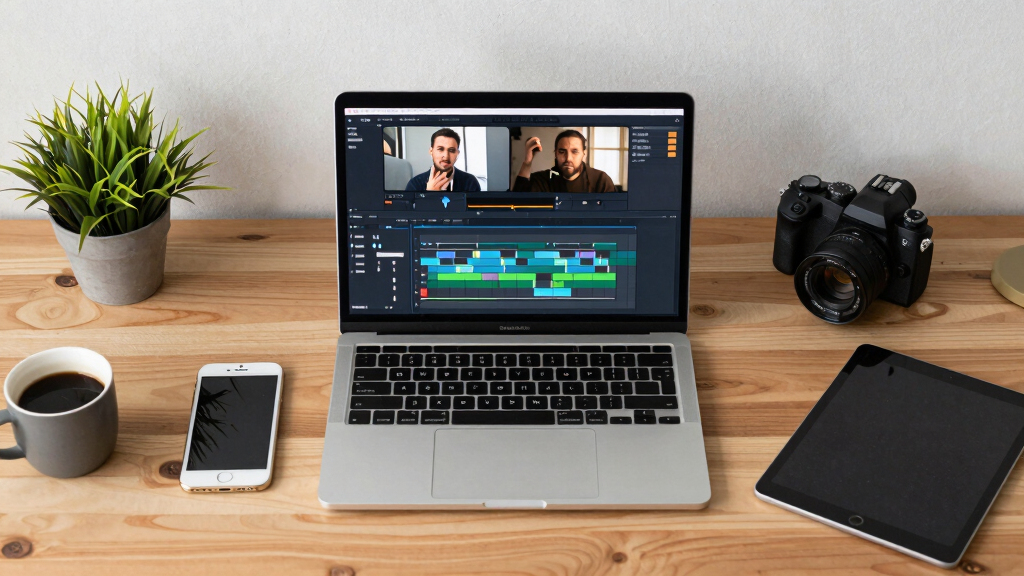
Start with your raw video. Then, a local system analyzes it on four layers: audio, visuals, fused data, and intelligence. This deep understanding lets it generate tailored assets—titles, descriptions, clips—without sending your files to the cloud.
For example, a 10-minute interview yields a punchy social clip, a press-ready media kit PDF, multiple captioned videos for TikTok and Instagram, and blog drafts—all from one process that keeps everything on your machine.
This layered analysis is crucial because it enables the system to understand context and highlight key moments, which enhances the relevance and quality of the assets produced. The tradeoff is that initial setup might require calibration, but once configured, it provides a fast, repeatable process that respects your control and privacy.
video to social media clip converter
As an affiliate, we earn on qualifying purchases.
As an affiliate, we earn on qualifying purchases.
What exactly gets created from a single video? The full list
When you drop a video into the system, it can produce: a complete publishing kit for your content.
- A set of social media clips, in vertical and square formats
- Thumbnail concepts based on peak moments
- Titles and descriptions scored for engagement
- Media kits with high-res images, bios, and press info
- Blog drafts and newsletter summaries
- Multiple versions of promotional copy, with tailored language for each platform
This isn’t just content snippets. It’s a complete toolkit for launching, promoting, and repurposing your video across channels. The significance lies in how these assets, when generated cohesively, ensure brand consistency and save you from the tedious task of manual editing. The tradeoff, however, is that relying on automated tools may sometimes produce assets that need minor refinement to your brand voice or style. Still, this method dramatically reduces production time and keeps control firmly in your hands.

As an affiliate, we earn on qualifying purchases.
Why doing all this locally beats cloud-based workflows
Cloud tools are popular because they promise easy sharing and collaboration. But they come with downsides—cost, security concerns, and dependency on internet stability. Doing everything locally means you keep your files private, avoid ongoing fees, and work even offline.
For example, a small indie creator might prefer a local workflow when dealing with sensitive content or limited internet. They can generate, refine, and publish assets without uploading gigabytes of raw footage to a remote server. This approach not only enhances security but also reduces latency, enabling faster iteration cycles. The tradeoff is that local workflows might require more initial setup and hardware investment, but they offer superior control and resilience against outages or breaches. In essence, local workflows empower creators to maintain sovereignty over their assets, which is increasingly important in an age of data privacy concerns and cyber threats.

offline video publishing software
As an affiliate, we earn on qualifying purchases.
As an affiliate, we earn on qualifying purchases.
Supported formats and outputs—what you get and why it matters
The system produces high- and low-res versions of every asset—crucial for different outlets. Need a 4K media kit for press, but a compressed version for social media? Done. Want a PDF brochure, a web-optimized image gallery, or raw video clips? All available. Learn more about formatting options and output flexibility.
This flexibility is vital because different platforms and audiences demand different formats and quality levels. High-res assets are essential for print and professional distribution, while lower-res or optimized formats speed up web loading times and reduce storage needs for online sharing. The ability to generate multiple versions from a single source streamlines your workflow, eliminates repetitive reformatting, and ensures consistency across all channels. The tradeoff is that managing multiple formats can increase complexity, but automation minimizes this, giving you control over how your assets look and perform in each context.
How good is the output? Can it match professional standards?
Yes. The assets are designed to be press-ready and on-brand. The system preserves your logo placement, color palette, and typography. It generates clean, pixel-perfect images and videos that look professional—even if you’re a one-person operation.
Imagine a small publisher creating a media kit that looks as polished as a big press release. Or a course creator having captioned videos and social posts that match their branding perfectly. That’s the power of controlled, high-quality output. The system’s ability to consistently produce professional-grade assets means you can confidently present your content without the need for extensive manual editing. For more insights on professional media assets, explore our resources.
Frequently Asked Questions
Absolutely. It creates polished, on-brand assets suitable for press, media outreach, and social sharing. While some fine-tuning may help, the system’s output is professional and ready for use.
Is it really possible to do all this offline? Won’t I lose collaboration features?
Yes, everything runs locally. You won’t lose core functionality like asset generation, formatting, and previewing. Collaboration and remote access are tradeoffs you make for control and privacy.acy, but you can still share finished assets manually.
What formats can I export? Will I get high- and low-res versions?
Yes. It supports multiple formats—PDFs, images, videos, text files—and automatically creates both high- and low-resolution versions tailored for different outlets and platforms.
Who is this workflow best suited for?
Ideal for self-publishers, independent creators, small media teams, and anyone needing quick, private, multi-platform asset generation without cloud dependency.
How does this system integrate into my existing launch strategy?
It accelerates pre-launch prep, creates assets for social, email, and media outreach, and streamlines post-launch follow-up—making your entire campaign more efficient and cohesive.
Conclusion
Controlling your content pipeline without the cloud isn’t just a technical choice—it’s a strategic advantage. You gain faster turnaround, better privacy, and a workflow that adapts to your pace. Think of it as having a full publishing studio right on your desktop, ready whenever inspiration strikes.
Next time you finish a video, ask yourself: what if all your promotional assets were just one click away—without the cloud? The future of publishing is local, fast, and in your hands.

Halloween Picks
halloween
As an affiliate, we earn on qualifying purchases.