
TL;DR

Get the latest gadgets delivered free with Prime
- Fast, free delivery on millions of items
- Prime Video, Amazon Music and more included
- Member-only deals all year
Bigwords.page is a web tool that turns a link into a full-screen sign, message, timer or rotating slide display. Its site says the message is kept in the URL fragment and is not sent to the server; the service requires no account or app.
Bigwords.page is a browser-based tool for turning a link into a full-screen sign, message, countdown or slide display, according to the service’s website and its Show HN description. It is designed to run in a web browser without an account or installed app, making it possible to display text on devices ranging from phones to smart TVs.
The site offers an editor for creating a display, while also allowing users to construct or share a link directly. It says text automatically scales to fit the screen and supports basic Markdown formatting, including bold and italic text, headings and line breaks. Messages can be split into slides with a separator, then rotated on a timer.
Bigwords.page also describes countdowns that can be set to a date or a duration. Its site lists QR codes and links for uses such as Wi-Fi details, calls, texts and email, saying these are generated in the browser. Examples offered by the service include showing a name at an airport arrival, putting a countdown on a television or displaying a Wi-Fi password at a front desk.
According to the site, the message is placed in the URL fragment, the part of a web address after the # character, which browsers do not send to the server in standard requests. The service says it stores nothing on a server and describes the design as private. These are claims made by the site; the supplied material does not include an independent technical review.
A Display That Travels as a Link
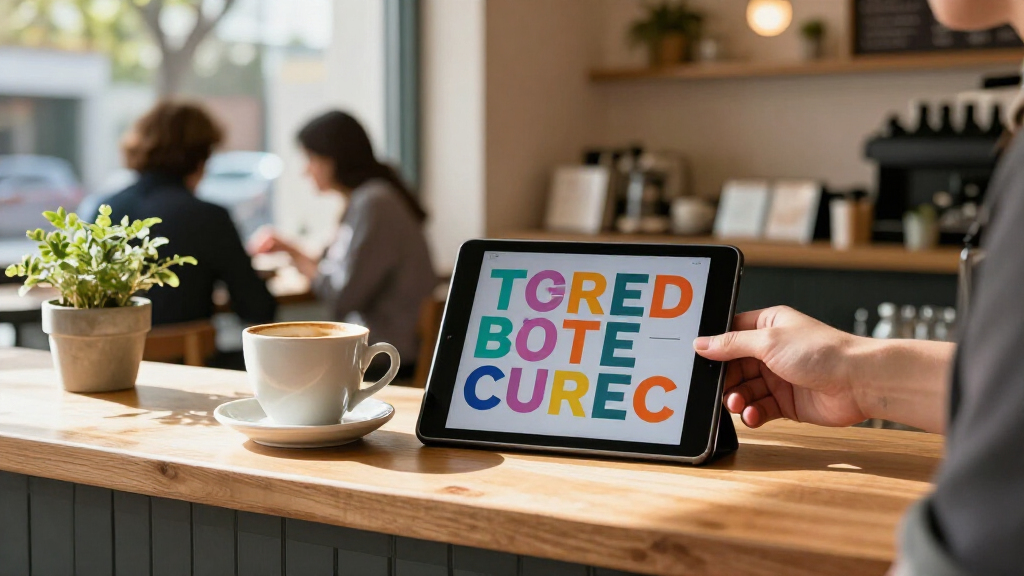
The tool’s central proposition is that a screen can become a simple sign without installing dedicated software or creating an account. That may be useful for temporary displays in everyday settings, where a user can open a link on an available browser rather than set up a separate presentation or signage system. The same approach may also make a message easy to share with someone who needs to display it on another device.
Keeping the content in the link fragment could reduce what is sent to the service’s server, if the implementation works as described. But the URL itself becomes the container for the message: anyone who receives or can access the full link may be able to view its contents. Users should treat links containing sensitive information carefully, even when the site says it does not store the message server-side.
The project is a small example of a broader web pattern: using a browser as a lightweight utility rather than requiring a dedicated app. Its practical reach depends on how reliably the display behaves across browsers and screens, details not established by the source description.
large screen digital signage display
As an affiliate, we earn on qualifying purchases.
As an affiliate, we earn on qualifying purchases.
How the Link Creates the Display
Bigwords.page describes each sign or card as a working link. Users can open that link directly in a browser or load it into the site’s editor to change the content. This means the URL is not just an address to a saved page; according to the project, it carries the message that the page renders.
The site lists support for phones, tablets, laptops and smart TVs, as well as automatic text sizing intended to fill different screens. It also outlines features for Markdown, timed slides, countdowns and browser-generated QR codes. The source material does not provide testing results, supported browser versions, performance measures or details about accessibility.
“The URL is the whole display.”
— Bigwords.page website
As an affiliate, we earn on qualifying purchases.
Privacy and Compatibility Still Need Testing
The available source is the project’s own website and Show HN description. It does not establish whether the privacy behavior has been independently audited, what data the site may collect outside the message itself, or how links are handled by analytics and hosting infrastructure. The claim that no message is stored on a server should therefore be understood as the service’s stated design, not an independently confirmed finding.
It is also unclear how the tool performs across specific browsers, smart-TV systems and screen sizes, or whether features such as countdowns and rotating slides continue to work reliably when a device sleeps or loses connectivity. The source does not state when the project launched, who built it, whether it is open source, or whether there are usage limits or paid features.
As an affiliate, we earn on qualifying purchases.
The Project’s Use and Support
The supplied material does not announce a release schedule, roadmap or upcoming milestone. The next indicators will be how the project responds to user feedback and whether it publishes further details about compatibility, data handling and implementation. Until then, the service can be assessed through its live editor and example links, while users should avoid placing sensitive material in a URL unless they are comfortable sharing it.
QR code generator for Wi-Fi sharing
As an affiliate, we earn on qualifying purchases.
As an affiliate, we earn on qualifying purchases.
Key Questions
What does Bigwords.page do?
It creates browser-based full-screen displays for text signs, messages, countdowns and rotating slides, using a link that can be opened on a compatible device.
Does it require an app or account?
The website says no app or account is needed; users can open a display in a web browser or use the built-in editor.
How does the site say it handles message privacy?
Bigwords.page says message content is held in the URL fragment and is not sent to its server. That is the service’s description; the supplied source does not include an independent audit.
Can it show more than a static message?
According to the site, displays can include countdowns, timed slides and QR codes, in addition to formatted text. The source does not provide independent tests of these features.
Source: hn
Halloween Picks
halloween
As an affiliate, we earn on qualifying purchases.