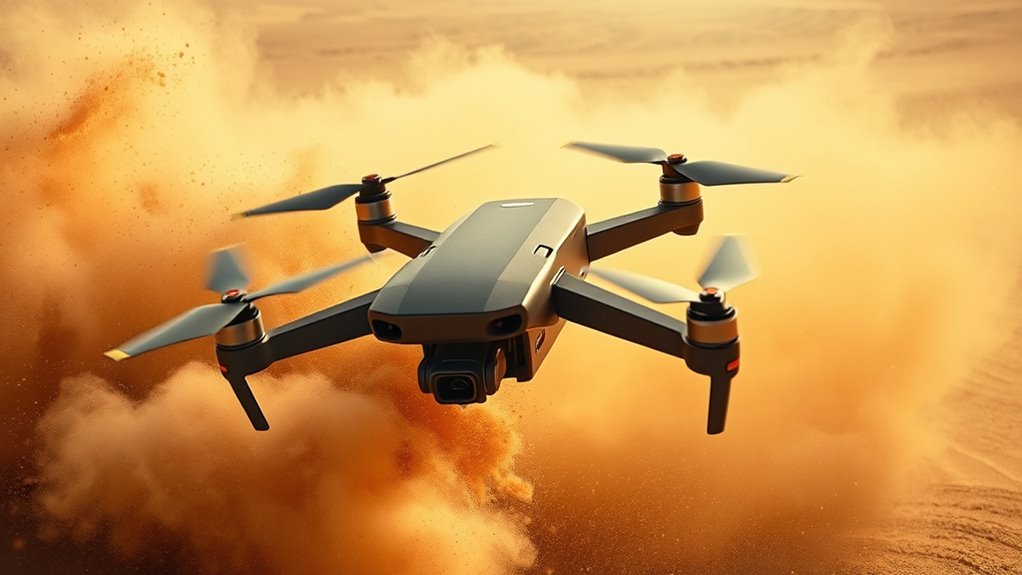

When flying in dust or sand, protect your drone by regularly inspecting and cleaning the camera lens and motors with microfiber cloths and compressed air. Use UV filters and protective covers to minimize dust impact and reduce cleaning needs. Always perform pre- and post-flight maintenance to prevent dust buildup, and keep cleaning tools handy. Proper protection and maintenance can prevent damage and extend your drone’s lifespan—if you want to learn more about these essential techniques, continue exploring tips for harsh environment flying.
Key Takeaways
- Use UV filters and protective covers to shield lenses and motors from dust and sand ingress.
- Regularly inspect and clean motors and vents with compressed air before and after flights in dusty environments.
- Keep a toolkit with microfiber cloths, brushes, and compressed air for quick maintenance during and after flights.
- Avoid touching lenses directly; clean with gentle lens cleaner and microfiber cloth to prevent smudges and scratches.
- Conduct thorough pre-flight checks to ensure all components are clear of debris, maintaining optimal drone performance.

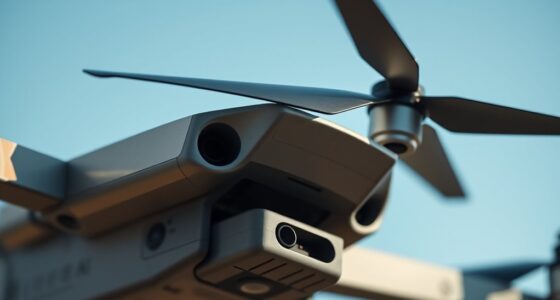
Flying through dust or sand can be a challenging experience, especially when you’re caught in a gusty environment. These particles can quickly infiltrate your drone’s sensitive components, risking damage and affecting performance. To keep your drone flying smoothly, you need to pay close attention to lens cleaning and motor maintenance. Dust and sand tend to settle on the camera lens, fogging your view and impairing image quality. Regular lens cleaning is essential to maintain clear footage. Use a soft microfiber cloth and a gentle lens cleaner to wipe away any debris, and avoid touching the lens with your fingers to prevent smudges. This simple step ensures your camera stays in top condition, providing sharp images even in harsh conditions. Additionally, understanding the contrast ratio of your drone’s camera can help you optimize image quality in varying lighting conditions.
Motor maintenance is equally critical. Dust and sand can clog the drone’s motors, causing overheating, reduced efficiency, or even failure. Before each flight, inspect your motors for any buildup. Use compressed air to blow out particles from the motor vents carefully—never insert anything that could damage the delicate parts. After flying in dusty environments, perform a thorough motor check and cleaning. This keeps the bearings lubricated and prevents dust from causing unnecessary wear. Regular maintenance extends your drone’s lifespan and helps avoid unexpected failures mid-flight, especially in environments where dust storms are common.
In addition to cleaning, consider protecting your drone with filters or covers, especially for the camera lens. A UV filter can act as a barrier against dust, making lens cleaning easier and reducing the risk of scratches. For the motors, some pilots use protective shields or covers to minimize dust ingress during flight. Remember, though, that these accessories should not compromise your drone’s aerodynamics or cooling.
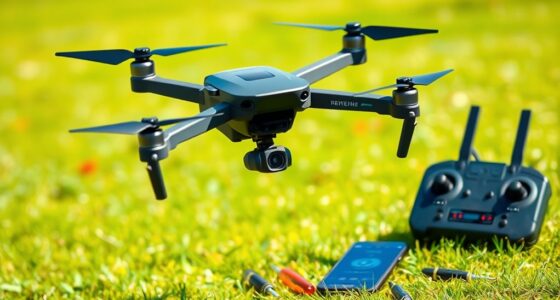
Pre-flight checks are crucial. Before launching into a dusty or sandy environment, ensure all components are clean and functioning properly. Keep a small toolkit handy, including cleaning wipes, compressed air, and brushes, to perform quick maintenance if needed. During the flight, monitor your drone’s behavior; any unusual vibrations or sluggish responses could indicate dust-related issues. After landing, immediately clean the lens and motors to prevent particles from settling and causing long-term damage.
Flying in dusty conditions demands extra vigilance and proactive maintenance. Prioritizing lens cleaning and motor upkeep will help you avoid costly repairs, preserve image quality, and ensure your drone remains reliable in tough environments. With these precautions, you can confidently navigate gusty dust storms and sandy landscapes, capturing stunning footage without compromising your equipment’s health.

Ruko F11PRO 2 Drone with 6K Camera for Adults, 3-Axis Gimbal Stabilizer, 2 Batteries for 70-Min Flight Time, Long-Range Transmission, Auto Return & Beginner-Friendly, Ideal Tech Gift
【A Fun Tech Gift for Him】 The perfect high-value tech gift for holidays. Whether for parent-child activities or...
As an affiliate, we earn on qualifying purchases.
Frequently Asked Questions
How Do Dust and Sand Affect Drone Battery Life?
Dust and sand can considerably reduce your drone’s battery life by causing battery degradation and dust infiltration. As tiny particles enter the battery, they create internal damage, leading to decreased performance and shorter flight times. To protect your drone, avoid flying in dusty environments or use protective covers. Regularly clean your drone’s components, especially the battery area, to prevent dust buildup and prolong your battery’s lifespan.
Can Dust Damage a Drone’s Motors Permanently?
Dust can cause permanent damage to your drone’s motors by leading to motor corrosion and dust ingress. If dust gets inside the motor, it can cause friction, overheating, and wear over time, potentially damaging the motor permanently. To prevent this, regularly clean your drone and use protective covers or filters when flying in dusty environments. Proper maintenance helps guarantee your motors stay in good condition and last longer.
What Are the Best Storage Methods in Sandy Environments?
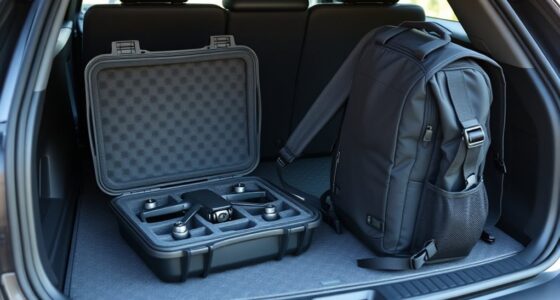
Think of your drone’s storage like a treasure chest buried deep in the desert. Use sand-resistant cases for desert storage to keep out dust and sand, preventing damage. Always store your drone in a cool, dry place, away from direct sunlight. Wrap it in anti-static bags if possible, and avoid leaving it on sandy surfaces. These steps guarantee your drone remains pristine, ready for your next adventure.
How Often Should Filters Be Replaced After Flying in Dust?
You should replace your drone filters after every few flights in dusty conditions, especially if you notice dust accumulation or reduced airflow. Regular filter maintenance is essential to prevent dust buildup from affecting your drone’s performance. Check filters before each flight, and if they appear clogged or dirty, replace them immediately. Staying proactive ensures your drone remains protected and operates smoothly in harsh environments.
Are There Specific Drone Models Better Suited for Sandy Conditions?
Choosing rugged drones or sand-resistant aircraft is your best bet for harsh sandy conditions. These models are specifically designed to withstand extreme environments, with sealed motors and filters to prevent dust intrusion. You’re better off with drones that have reinforced casings and advanced filtration systems, making them more durable and reliable. Don’t settle for fragile models—they’ll turn into dust faster than you can say “sandstorm.” Opt for the toughest, most resilient drone available.

Ruko U11MINI 4K (RC3), Professional 8K Drone with 5.5" Touchcreen, Drones with camera for Adults 4K Video, 3-Axis Gimbal, 20000ft FPV Transmission, Under 249g FAA Exempt, Beginner (64-Min Flight)
【Smart Touchscreen, No Phone Needed】The integrated 5.5" 1080P touchscreen controller eliminates the need for phone tethering or messy...
As an affiliate, we earn on qualifying purchases.
Conclusion
Just like explorers venturing into uncharted territories, you must respect the environment to keep your drone safe. Dust and sand may seem harmless, but they can quickly turn into your worst enemies—like the Trojan horse hiding hidden dangers. By taking proper precautions, you’re not only protecting your equipment but also ensuring your adventure continues smoothly. Embrace these tips, and your drone will navigate the harshest terrains, proving that even in chaos, mastery prevails.

DJI Mini 4K, Drone with 4K UHD Camera for Adults, Under 249 g, 3-Axis Gimbal Stabilization, 10km Video Transmission, Auto Return, Wind Resistance, 1 Battery for 31-Min Max Flight Time, Intelligent
No Registration Needed - Under 249 g, this drone with camera for adults 4K does not require FAA...
As an affiliate, we earn on qualifying purchases.

GPS Drone with 4K Camera for Adults, FPV RC Quadcopter, 90-min Flight Time, Auto Return, GPS Follow, Circle Fly, 5-inch LCD Tablet Screen, Brushless Motor, Lightweight Foldable Drone for Beginners
Drones with 4K Camera: Features a 90° adjustable HD camera for capturing 4K photos and high resolution videos....
As an affiliate, we earn on qualifying purchases.