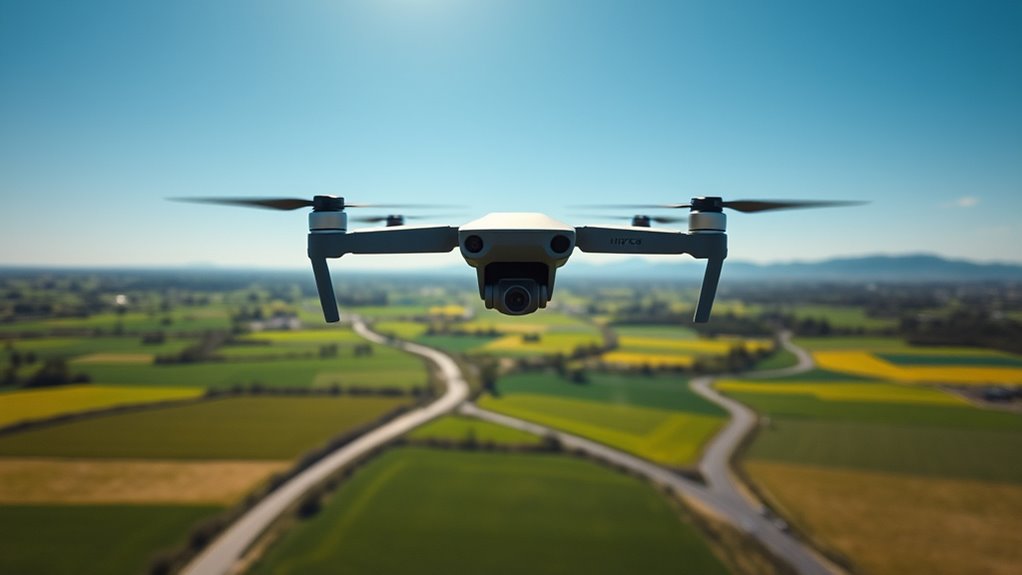
To effectively use a GoPro on your drone, secure it with a vibration-dampening mount or gimbal to guarantee steady footage. Make sure the camera’s settings are optimized for lighting and environment, and turn off unnecessary features to save power. Practice smooth, controlled flying to reduce shake and improve shots. Keep batteries charged and carry extras for longer sessions. If you want to learn how to get the best results, further tips are just ahead.
Key Takeaways
- Mount the GoPro securely using vibration-dampening mounts or gimbals to ensure stable footage during flight.
- Fully charge batteries and carry extras, while turning off Wi-Fi and GPS to conserve power and extend flight time.
- Adjust camera settings based on environmental conditions, like resolution and frame rate, for optimal footage quality.
- Practice smooth, controlled drone movements to produce steady shots and reduce reliance on stabilization features.
- Test your setup with short flights to check for vibrations and stability, ensuring high-quality aerial videos.

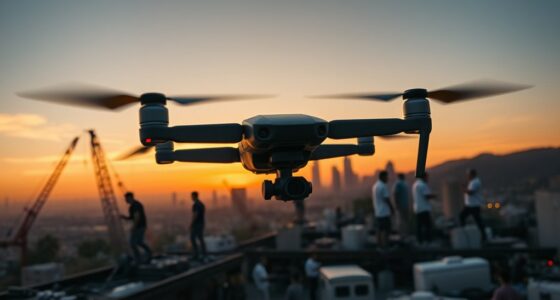
Flying a GoPro on a drone opens up exciting possibilities for capturing stunning aerial footage, but it requires some planning and skill. To get smooth, professional-looking shots, you need to pay attention to camera stabilization. Most GoPro models come with built-in stabilization features, but mounting your camera securely is just as important. Use a gimbal or a vibration-dampening mount designed for action cameras to minimize shaky footage caused by drone movements. Before your flight, ensure your GoPro is firmly attached and that all mounts are secure. Test the setup by doing short flights to check for any vibrations or instability. Proper stabilization lets you focus on framing your shot without worrying about shaky footage ruining the scene.
Battery life management is another key factor. Flying a drone with a GoPro can drain your batteries quickly, especially if you’re recording in high resolution or using features like stabilization and wide-angle modes. To maximize your flight time, start with fully charged batteries and carry extras if possible. Turn off any unnecessary features on your GoPro, such as Wi-Fi or GPS, during flight to conserve power. Also, keep an eye on your drone’s battery level, and plan your shots accordingly. It’s wise to set a mental or physical reminder to land before your battery gets critically low, preventing abrupt drops or crashes. Managing your battery life effectively means you get more footage without risking your drone or camera.
When preparing for your flight, consider the environment and flight conditions. Wind, temperature, and obstacles can all affect your drone’s stability and battery performance. Avoid flying in strong winds or extreme temperatures, which can cause your drone to work harder and drain batteries faster. Keep your GoPro’s settings optimized for the conditions—lower resolutions or frame rates can extend battery life and still produce great footage. Additionally, understanding the importance of contrast ratio in projectors can help you choose equipment that ensures your footage looks vibrant and detailed during playback, especially in varying lighting conditions.
Lastly, practice smooth flying techniques. Gentle, controlled movements help your stabilization system perform better and produce cleaner footage. The more you practice flying steadily, the less you’ll need to rely heavily on stabilization features post-capture. As you get more comfortable, you’ll find it easier to plan shots that capitalize on your drone’s agility and your camera’s stabilization capabilities. With good preparation, proper stabilization, and smart battery management, you’ll be able to capture breathtaking aerial videos that truly stand out.

EVEO Screen Cleaner Spray - Large Screen Cleaner Bottle - TV Screen Cleaner, Computer Screen Cleaner, for Laptop, Phone, Ipad - Computer Cleaning kit Electronic Cleaner (1 Pack)
Screen Cleaner is Your Screen’s New Bestfriend! - EVEO is proud to present a screen cleaner that’s perfectly...
As an affiliate, we earn on qualifying purchases.
Frequently Asked Questions
What Are the Best Drone Models Compatible With Gopro Cameras?
You’ll want to contemplate drone models like the DJI Inspire 2, Autel Evo Lite+, or Skydio 2 for the best drone camera compatibility with your GoPro. These drones offer versatile gopro mounting options and solid stability for high-quality footage. Make certain to check each drone’s gopro mounting options to guarantee secure attachment. These models provide excellent performance, assuring your GoPro captures smooth, stunning shots during your flights.
How Do I Troubleshoot Video Stabilization Issues During Flight?
If you’re experiencing video stabilization issues during flight, start by checking your gimbal calibration and re-calibrating if needed. Make certain your drone’s firmware is up to date, as updates often fix bugs affecting stabilization. Also, verify the GoPro is mounted securely and that settings are optimized for stability. Regularly maintaining calibration and updating firmware can prevent and resolve most stabilization problems, ensuring smooth, professional-quality footage.
Can I Use a Gopro With a Drone in Windy Conditions?
Yes, you can use a GoPro with a drone in windy conditions, but make certain it has good wind resistance and camera stabilization. You’ll want a drone designed for stability in gusts, with features like gimbal stabilization and strong build quality. By prioritizing wind resistance and camera stabilization, you’ll capture smooth footage despite the wind, making your flying experience more enjoyable and your videos more professional.
What Are the Legal Restrictions for Drone Filming With a Gopro?
You need to follow legal restrictions like respecting privacy concerns and obtaining licensing requirements before drone filming with a GoPro. Always avoid capturing private property or individuals without permission, as it could violate privacy laws. Check local regulations, which often mandate registration and pilot certification for certain drone weights. Staying informed and compliant guarantees you can enjoy filming responsibly and avoid legal issues while using your GoPro on a drone.
How Do I Optimize Battery Life When Flying With a Gopro?
To get the most out of your drone and GoPro, focus on smart battery management and power optimization. You can do this by lowering camera settings like resolution and frame rate, turning off Wi-Fi and GPS when not needed, and using a spare battery. Also, avoid flying in extreme temperatures and keep your batteries partially charged. These steps help extend your flight time, ensuring you capture more with less worry about power.

Screen Cleaner Spray (16oz - 473ml) – Best Large Cleaning Kit for LCD LED OLED TV, Smartphone, iPad, Laptop, Touchscreen, Computer Monitor, Electronic Devices, Microfiber Cloth Wipes and 2 Nozzles
SCREEN CLEANER SPRAY and cloth are designed for the high-end devices and works flawlessly for all electronic screens,...
As an affiliate, we earn on qualifying purchases.
Conclusion
Now that you know how to set up and use your GoPro on your drone, you’re ready to capture stunning footage from the skies. Think of your drone and GoPro as a perfect team, like a bird and its wings, working together to create amazing visuals. Just remember to check your settings, secure your gear, and fly responsibly. With practice, you’ll be capturing breathtaking shots that leave everyone in awe. Happy flying and filming!
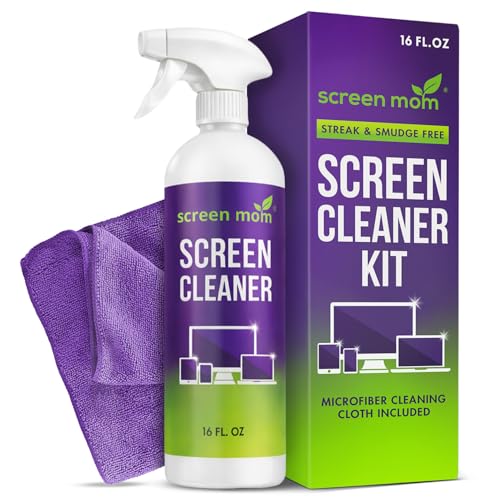
Screen Mom Screen Cleaner Spray and Microfiber Cloth 16oz Screen Cleaner Spray and Wipe for TV, Laptop, Computer, Phone, iPad, Car Screen Cleaning Kit Electronic Cleaner Spray
STREAK FREE FORMULA FOR CRYSTAL CLEAR SCREENS: Screen Mom tv cleaner spray and cloth advanced streak-free screen cleaner...
As an affiliate, we earn on qualifying purchases.

DJI Mini 5 Pro Fly More Combo with DJI RC 2, Drone with Camera, 1-Inch CMOS, 4K Drone for Beginners with Omnidirectional Obstacle Sensing, ActiveTrack 360°, 225° Gimbal Rotation, 3 Batteries
Ultra-Light, Palm-Sized Foldable Design - Compact and foldable, this palm-sized drone slips easily into a pocket and offers...
As an affiliate, we earn on qualifying purchases.