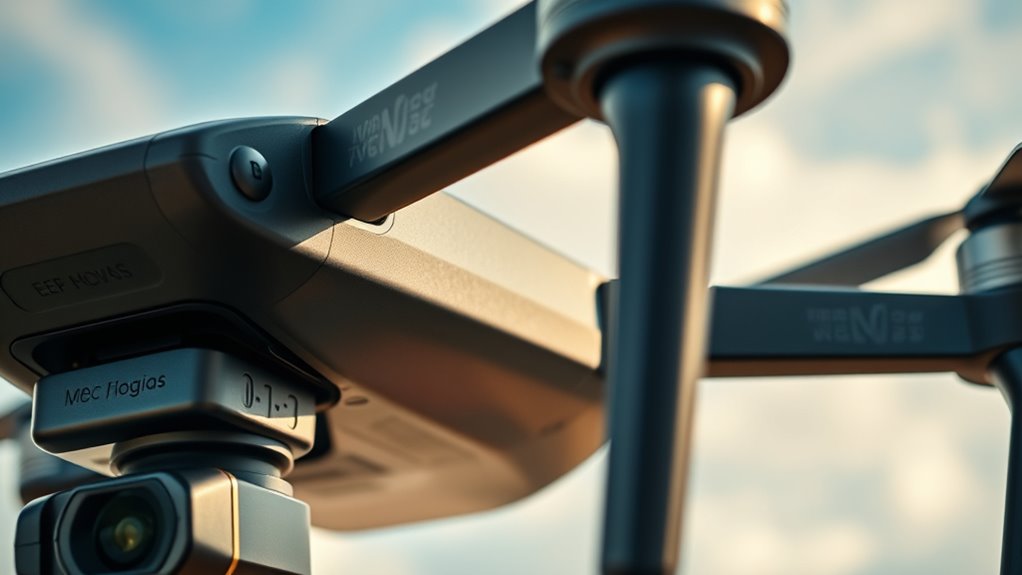
Before your flight, always remove gimbal guards and lens caps from your camera gear. Leaving them on can interfere with balance, cause damage during transit, or get caught on luggage straps. Lens caps protect your lens but can come loose or cause issues if left on while operating or during flight. Properly removing these accessories helps keep your equipment safe and ready for use. Keep these tips in mind to protect your gear and learn more about best practices.
Key Takeaways
- Removing gimbal guards and lens caps prevents damage, dust ingress, and impacts during transit.
- Leaving accessories on can cause imbalance, affecting camera stability and performance during flight.
- Caps can loosen or fall off, exposing lenses to pressure changes and environmental hazards.
- Forgetting to remove these accessories increases the risk of equipment malfunction or accidental damage.
- Developing a routine to check and remove guards and caps ensures equipment safety and optimal operation.
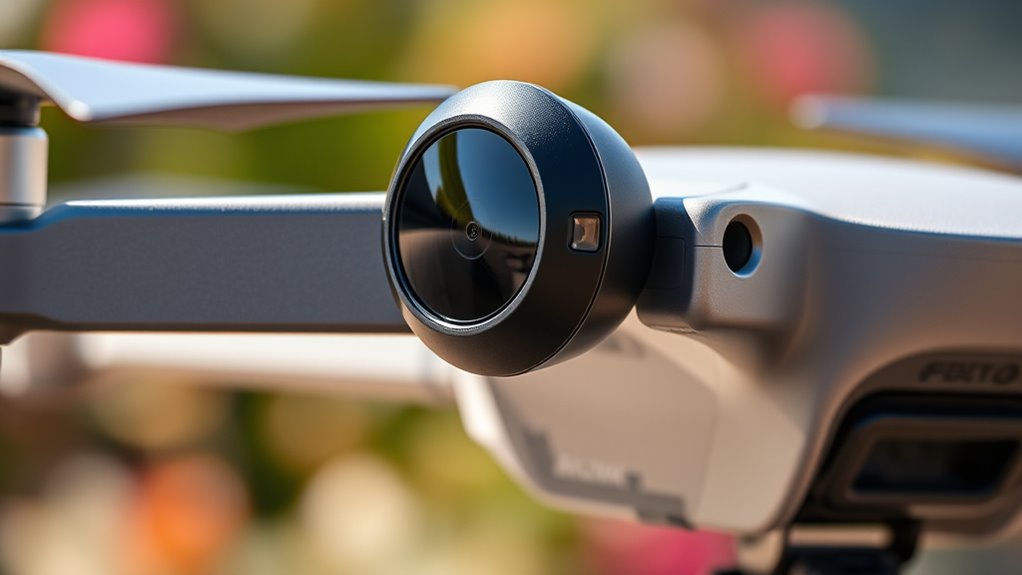
Have you ever wondered how to protect your camera gear from damage during shoots or transport? One of the simplest yet most overlooked steps is guaranteeing that your gimbal guards and lens caps are properly handled before flying. These small accessories play a big role in maintaining camera stability and providing essential equipment protection, especially during travel or when you’re not actively shooting. Leaving them on during flights or transport can lead to unnecessary risks, so it’s crucial to remember to remove them before heading to the airport or moving your gear from one location to another.
Always remove gimbal guards and lens caps before flying to protect your gear and ensure optimal performance.
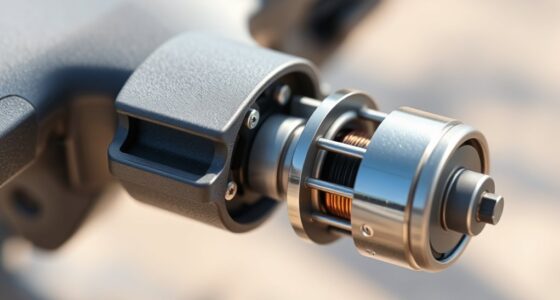
Gimbal guards are designed to shield your stabilizer from impacts, dust, and scratches, but they can also interfere with camera balance if left on during transport. When you forget to take them off, you risk compromising camera stability, which can cause issues when you’re ready to shoot. Additionally, a gimbal guard that’s still attached can get caught on luggage straps or other gear, increasing the chance of accidental drops or damage. By removing the guard, you allow your gimbal to sit securely and safely during transit, reducing the risk of damage and ensuring it remains properly balanced once you arrive on location.
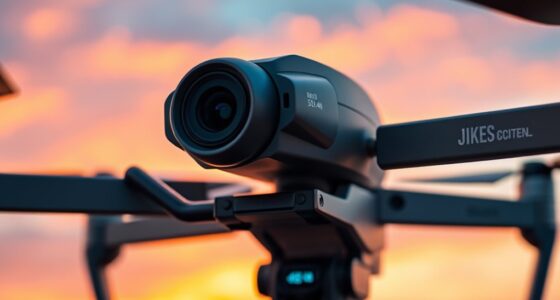
Similarly, lens caps are meant to protect your lens elements from dust, scratches, and other environmental hazards. While they’re essential during storage and idle periods, leaving a lens cap on during flights can cause more harm than good. During air travel, pressure changes and rough handling can sometimes cause the cap to become loose or even fall off, exposing your lens to potential damage. Furthermore, if you forget to remove the lens cap before powering on your camera or changing lenses, you might encounter issues with autofocus or image quality. Removing the lens cap before flight not only keeps your gear safer but also ensures that you’re ready to shoot immediately once you land.
It’s easy to get into the habit of leaving these accessories on, especially when rushing or packing quickly. However, developing a routine—checking that your gimbal guard and lens caps are removed—can save you from costly repairs and image quality problems down the line. Remember, equipment protection isn’t just about safeguarding against drops but also about guaranteeing your gear remains in optimal condition for every shoot. Proper handling of accessories can also help prevent damage caused by device impact or environmental factors during transit. Taking a few extra seconds to remove these accessories before traveling keeps your setup ready to go and prevents unexpected mishaps during transit. Ultimately, this small step helps maintain your camera’s stability and longevity, giving you peace of mind and more time to focus on capturing great shots.
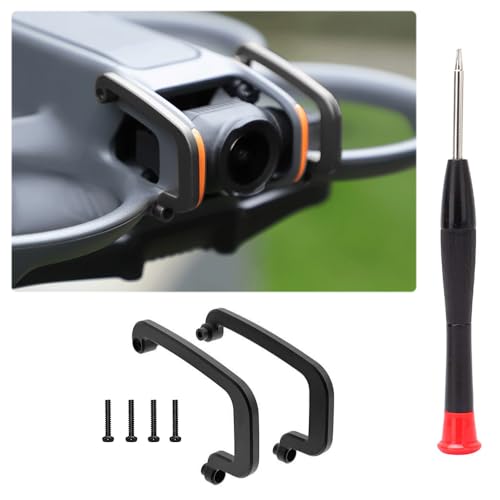
Arzroic Gimbal Bumper/Guard for DJI Avata 2 Accessories, Gimbal and Camera Lens Protector for DJI Avata 2, Black
- Protects Gimbal and Camera Lens: Prevents damage from collisions
- Made of Aerial Aluminum Alloy: Lightweight, durable, impact-resistant
- Lightweight Design: Weighs only 5.4g, no flight impact
As an affiliate, we earn on qualifying purchases.
As an affiliate, we earn on qualifying purchases.
Frequently Asked Questions
Can Leaving the Gimbal Guard on Damage the Drone During Flight?
Leaving the gimbal guard on can cause gimbal damage during flight, especially if the drone encounters strong winds or sudden movements. It may interfere with the gimbal’s stabilization, risking mechanical stress and compromising flight safety. Always remove the gimbal guard before flying to guarantee ideal performance, prevent damage, and maintain safe flying conditions. Taking this simple step helps protect your drone and ensures smooth, safe operation.
How Often Should Lens Caps Be Cleaned or Replaced?
You should clean your lens cap regularly, ideally every few uses, to prevent dust and smudges from transferring to your camera lens. Replace the lens cap if it becomes cracked or damaged to guarantee proper protection. Maintaining a consistent lens cleaning frequency keeps your images clear and sharp. Don’t forget to inspect the cap for wear and tear and replace it when necessary, so your gear stays protected and in top condition.
Are There Specific Gimbal Guards for Different Drone Models?
Ever wondered if your drone needs specific gimbal guards? Yes, many models have custom fit guards designed for their unique size and shape, guaranteeing perfect protection. However, some universal compatibility options exist that fit a range of drones. This means you can choose a guard that offers the right balance of security and convenience. Always verify compatibility before purchasing to prevent damage and ensure smooth flight operations.
Will Removing the Lens Cap Affect Camera Calibration?
Removing the lens cap won’t affect your camera calibration, as it’s primarily related to the gimbal’s stability and positioning. When you remove the lens cap, verify the camera and gimbal are stable and free of dust or debris. Proper camera calibration is usually done separately, and lens cap removal doesn’t interfere with it. Just make sure to put the cap back on after your flight to protect the lens.
What Are the Signs of a Damaged Gimbal Guard or Lens Cap?
A damaged gimbal guard or lens cap can be obvious, like cracks in the gimbal guard or scratches on the lens cap—signs that your gear has endured battles. You might also notice wobbling or uneven footage, indicating gimbal issues. These damages are serious; they compromise your equipment’s safety and performance. Regularly inspect for cracks and scratches, because ignoring them could turn your camera’s flawless shots into a nightmare.
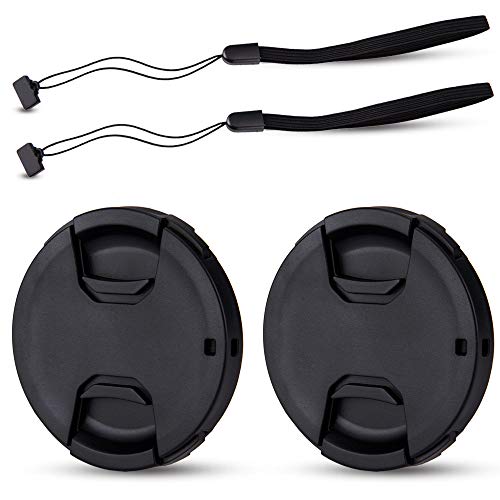
JJC 2-Pack 58mm Front Lens Cap Cover for Canon Rebel T7 T6 T5+18-55mm Lens
- Package Includes: 2 plastic lens caps and 2 keepers
- Lens Protection: Prevents scratches, fingerprints, and elements
- Easy Attachment: Pinch to attach, with optional keeper
As an affiliate, we earn on qualifying purchases.
As an affiliate, we earn on qualifying purchases.
Conclusion
Always remove your gimbal guards and lens caps before flying—it’s a simple step that prevents potential damage and guarantees peak footage. Some believe these accessories protect your gear during transport, but studies show they can cause more harm than good if left on during flight, like overheating or interference. Trusting in proper pre-flight checks, including removal of these covers, isn’t just best practice—it’s backed by experts who understand that the tiniest oversight can impact your entire shoot.

JJC Multi-Function Camera Battery Memory Card Storage Case for 6 SD Card,6 CFexpress Type-B/XQD Cards,5 CFexpress Type-A Cards,8 AA Batteries,3 Camera Batteries Holder Box for LP-E6 NP-FZ100 NPW235
- Large Capacity Storage: Holds SD, CFexpress, XQD cards, and batteries
- Compact and Portable: Small size with high storage capacity
- Includes Ejector Tool: Comes with card ejector and screwdriver
As an affiliate, we earn on qualifying purchases.
As an affiliate, we earn on qualifying purchases.

2Pack Camera Rain Cover Clear Waterproof Sleeve for Camera w Lens up to 11"
- Camera Rain Cover Pack: 2 clear waterproof covers
- Fits DSLR Cameras: Lens up to 11 inches
- See-Through Design: Polyethylene material with drawstring
As an affiliate, we earn on qualifying purchases.
As an affiliate, we earn on qualifying purchases.