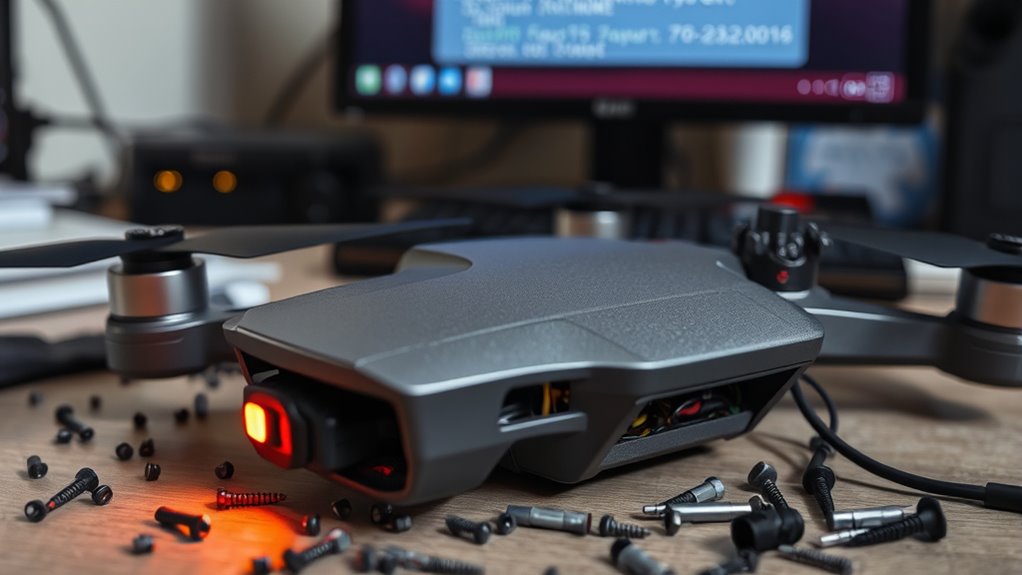

If your drone’s firmware update fails and it becomes bricked, start by performing a battery calibration—fully charge and then completely discharge the battery multiple times to reset internal circuitry. If it’s unresponsive, try a hardware reset or connect it to your computer using recovery tools or specialized software to re-flash a stable firmware version. Patience and careful following of manufacturer instructions are key; more tips can help you bring your drone back to life.

Get the latest gadgets delivered free — and shop member deals
- Fast, free delivery on millions of items
- Access to Prime Big Deal Days deals on October 6–7
- Prime Video, Amazon Music and more included
Key Takeaways
- Attempt battery calibration by fully charging and discharging the drone to reset internal circuitry.
- Download and reinstall the previous stable firmware version using manufacturer-recommended tools.
- Connect the drone to a computer and utilize dedicated recovery or flashing software to reflash firmware.
- Perform hardware resets or disconnect the battery if the drone is unresponsive, following manufacturer instructions.
- Be patient and try multiple recovery attempts, consulting official guides or support to avoid further damage.
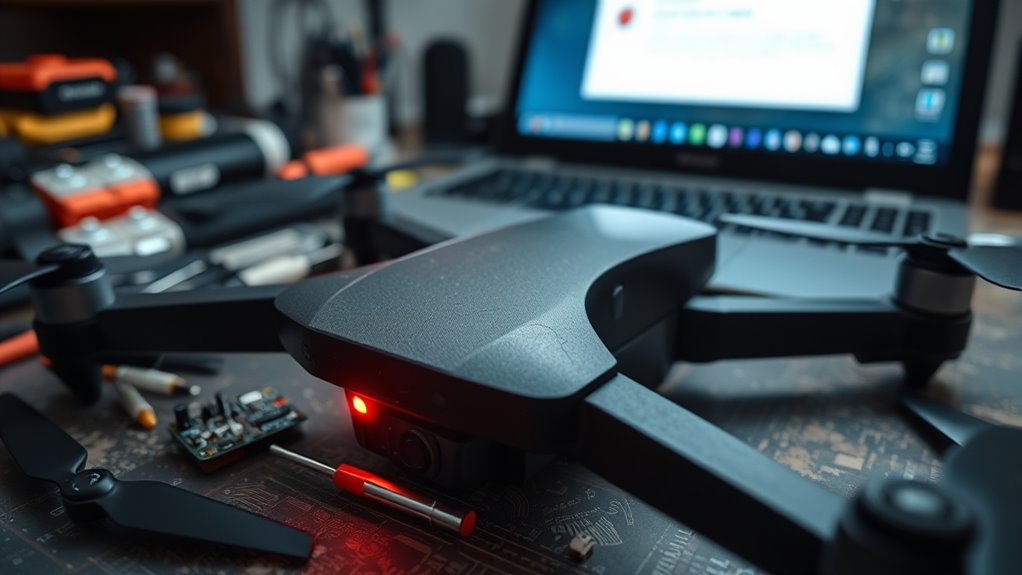
When a firmware update fails, it can disrupt your device’s performance and leave you feeling frustrated. Your drone might refuse to turn on, behave erratically, or become completely unresponsive. This situation is often called “bricking,” and it can be intimidating. The good news is, many issues caused by failed updates aren’t permanent. With the right steps, you can often recover your drone and restore its functionality. One of the first things you should consider is performing a battery calibration if your drone shows signs of power irregularities after the failed update. Battery calibration helps ensure your drone’s battery level readings are accurate, which can prevent unexpected shutdowns or inconsistent flight times. To do this, fully charge your drone’s battery, then let it discharge completely during a normal flight until it powers off automatically. Repeat this process a couple of times to reset the battery’s internal circuitry. This step can sometimes stabilize your drone’s behavior and make it more receptive to recovery procedures. Additionally, understanding firmware integrity is essential, as corrupted firmware often leads to bricking. If calibration doesn’t resolve the issues, your next move might be to perform a firmware rollback. Firmware rollback involves reinstalling a previous stable version of the firmware, especially if the latest update is causing the problems. This process often requires downloading the correct firmware version from the manufacturer’s website and using specialized software or tools to manually flash it onto your drone. Be cautious and follow instructions carefully, as improper flashing can further complicate recovery. Firmware rollback can revert your drone to a known working state, effectively undoing the problematic update. It’s a common solution when a firmware update becomes corrupted or incompatible with your drone’s hardware. Sometimes, the bricked device might still be somewhat responsive, which allows you to connect it to your computer and use dedicated recovery tools. These tools often have options to re-flash or manually install firmware, including previous versions, helping you bypass the failed update. If your drone isn’t responding at all, you might need to explore hardware reset options, such as pressing specific buttons or disconnecting the battery temporarily to force a reset. Remember, patience is key; recovery can take multiple attempts. Also, consult the manufacturer’s guides or customer support if you’re unsure about the process. They often provide detailed instructions tailored for your drone model.
Frequently Asked Questions
Can I Prevent Firmware Update Failures in the Future?
To prevent firmware update failures, you should prioritize update safety by ensuring your drone has a stable power source and a reliable internet connection. Before updating, perform a firmware rollback if needed, and always follow the manufacturer’s instructions carefully. Avoid interrupting the update process, and keep your drone’s firmware current to reduce the risk of issues. These steps help you maintain a smooth update process and prevent future failures.
What Are Common Signs My Drone Is Bricked?
If your drone is bricked, you’ll notice it won’t power on or respond to controls, and the LEDs may flicker or stay off. Firmware corruption caused by update interruption often leads to this, making your drone unresponsive. You might also see error messages or be unable to connect to the drone’s app. These signs indicate that the firmware update didn’t complete properly, and your drone needs recovery efforts.
Is Professional Repair Necessary for a Bricked Drone?
No, professional repair isn’t always necessary for a bricked drone. You can try DIY fixes like reconnecting firmware or resetting the device, saving you from costly repair bills. But beware—the repair costs for DIY attempts might be less than a pro’s fee, or maybe even more if you cause further damage. If you’re out of your depth, a professional might save you time, money, and the frustration of flying a “dead” drone.
How Long Does It Typically Take to Recover a Bricked Drone?
Recovering your bricked drone usually takes about 30 minutes to an hour, depending on factors like battery health and firmware compatibility. You should first make certain your battery is fully charged and that the firmware you’re trying to install is compatible with your drone model. Follow the recovery instructions carefully, and avoid rushing the process. If issues persist, professional repair might be necessary to prevent further damage.
Are There Any Warranties Covering Firmware Recovery Issues?
You should check your drone’s warranty coverage and repair policies to see if firmware recovery issues are protected. Many manufacturers offer limited warranties that include firmware-related problems, but coverage varies. Contact customer support to clarify whether your situation qualifies for free repair or replacement. Keep your proof of purchase handy, and follow their instructions carefully to ensure the best chance of a successful repair under warranty.
Conclusion
Think of your drone as a delicate sailboat caught in a storm—you can steer it back to calm waters. Even when a firmware update leaves you stranded, patience and careful steps can guide you to recovery. With the right tools and a steady hand, you’ll navigate through the turbulent waters and bring your drone back to life. Remember, every setback is just a gust in your journey to mastering your flying craft.
Fall Picks
fall essentials
As an affiliate, we earn on qualifying purchases.