
📊 Full opportunity report: Unlock The Potential Of AI-Driven Data Visualization With Sheets Canvas on ThorstenMeyerAI.com — validation score, market gap, and execution plan.
Open a free Amazon Business account
Business pricing, bulk buying and tax-exempt orders.
Create a free accountAs an affiliate, we earn on qualifying purchases.
TL;DR
Google has launched Sheets Canvas, a new feature that uses AI to convert spreadsheet data into interactive dashboards and visual tools through natural-language prompts. It is currently rolling out to select Google Workspace and AI subscribers, promising easier data visualization without coding.
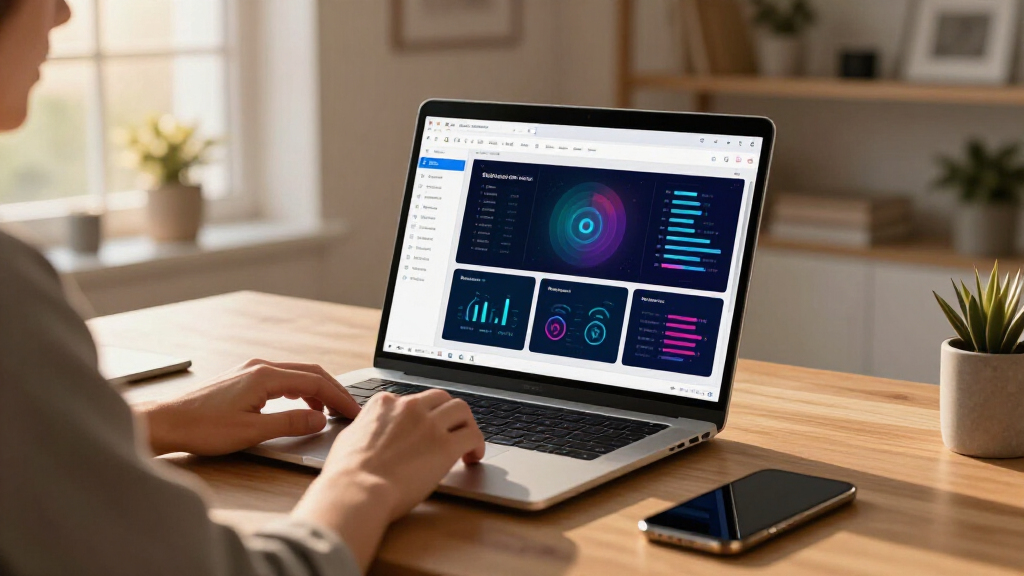
Google has launched Sheets Canvas, a Gemini-powered feature integrated into Google Sheets that transforms spreadsheet data into interactive dashboards and visual tools based on natural-language prompts. For more details, see the original analysis. The feature is available globally in English for Google AI Pro and Ultra subscribers and is beginning to reach selected Google Workspace and education customers, offering a new way to visualize and interact with data without requiring coding skills.
Sheets Canvas operates as a read-write visual layer over existing spreadsheet data, allowing users to ask Gemini to generate interfaces such as study trackers, sports dashboards, or seating charts. This feature is a good example of how AI can enhance data visualization, as detailed in the original analysis. The generated visualizations appear as a tab within Google Sheets, and any changes made through the canvas or directly in the sheet are synced in real time.
Google states that users can send follow-up prompts to modify the layout, appearance, or functionality of the Canvas, maintaining the familiar collaboration model of Sheets. Learn more about AI-powered data tools in the original analysis. The rollout is phased, starting August 13, with availability expanding to Workspace Business, Enterprise, and education plans. However, details about performance limits, handling complex data, and language support remain undisclosed as the feature is in early stages.
Potential Impact on Data Visualization and Collaboration
This development could significantly lower the technical barriers for creating purpose-built data interfaces within spreadsheets, making advanced visualization accessible to a broader user base including students, small businesses, and households. By integrating AI-driven visual tools directly into Sheets, Google aims to streamline data analysis, reporting, and collaboration without the need for external software or manual dashboard creation.
However, the reliability and scalability of the feature in complex or large datasets are still untested, and its effectiveness will depend on how well Gemini interprets user prompts and handles dynamic data.
As an affiliate, we earn on qualifying purchases.
Google’s AI Integration in Workspace Continues to Expand
Google has been gradually integrating Gemini AI tools across Workspace, enhancing functionalities such as content generation, data interpretation, and now, visualization. Previous updates focused on automating tasks at the cell level; Sheets Canvas extends this by enabling AI to generate entire interfaces based on user prompts. The rollout follows Google’s broader strategy to embed AI deeply within its productivity tools, aiming to improve user efficiency and data accessibility.
Initial demonstrations by Google highlight use cases like project tracking, sports data comparison, and event planning, but independent testing and user feedback are still pending as the feature is in early deployment.
“Sheets Canvas offers a dynamic, read-write layer that sits directly on top of your spreadsheet data, enabling users to create interactive visual interfaces effortlessly.”
— Google spokesperson
interactive dashboard tools for Google Sheets
As an affiliate, we earn on qualifying purchases.
As an affiliate, we earn on qualifying purchases.
Unresolved Questions About Performance and Scope
Details about the performance limits, such as dataset size, complexity, and speed, are not yet available. It remains unclear how well Sheets Canvas will handle advanced formulas, permissions, or large-scale data. Additionally, the availability beyond English and across all subscription tiers has not been fully detailed, and independent assessments of accuracy and reliability are still pending.
As an affiliate, we earn on qualifying purchases.
Next Steps in Sheets Canvas Adoption and Evaluation
Google is expected to expand access gradually, providing more technical details and user feedback over the coming months. Users and organizations should monitor official updates for improvements in performance, expanded language support, and broader compatibility. Independent testing and real-world usage will determine how effective Sheets Canvas is for diverse data visualization needs.
AI-powered spreadsheet visualization
As an affiliate, we earn on qualifying purchases.
As an affiliate, we earn on qualifying purchases.
Key Questions
What exactly is Sheets Canvas?
Sheets Canvas is an AI-powered feature in Google Sheets that creates interactive dashboards and visual tools from spreadsheet data based on natural-language prompts, without requiring coding.
Do I need coding skills to use Sheets Canvas?
No, Google states that no coding or formulas are required. Users describe the desired interface in a prompt, and Gemini generates the visualization.
Will changes in the Canvas update the spreadsheet automatically?
Yes, according to Google, edits made in the Canvas and directly in the spreadsheet are intended to sync in real time, maintaining data consistency.
Who can access this feature now?
Initially, it is available globally in English for Google AI Pro and Ultra subscribers, with phased rollout to Workspace Business, Enterprise, and education plans starting August 13, 2026.
What are the limitations or risks?
Performance limits, handling of complex data, and reliability are still untested. The feature’s effectiveness for large or complicated datasets remains to be seen as it is in early deployment.
Source: ThorstenMeyerAI.com
Summer Picks
summer essentials
As an affiliate, we earn on qualifying purchases.