
Right after a drone shoot, instantly organize your files into a dedicated folder labeled with the date and location, using clear subfolder labels for scenes or angles. Immediately copy your footage to at least two storage devices or cloud services for backup, ensuring different physical locations for safety. Verify the transfer by checking file sizes and playback clips. Regularly practicing these steps helps protect your footage and keeps your workflow smooth—stick around to learn how to optimize your data management even further.
Listen free for 30 days with Audible
Thousands of audiobooks and originals — cancel anytime.
As an affiliate, we earn on qualifying purchases.
Key Takeaways
- Immediately create a dedicated folder labeled with date and location, organizing subfolders by scenes or camera settings.
- Copy footage to at least two separate storage devices or cloud services for redundancy.
- Use fast transfer methods to back up files quickly and efficiently.
- Verify backups by checking file sizes and playing samples to ensure integrity.
- Keep your workspace organized to reduce stress and streamline future editing or processing.
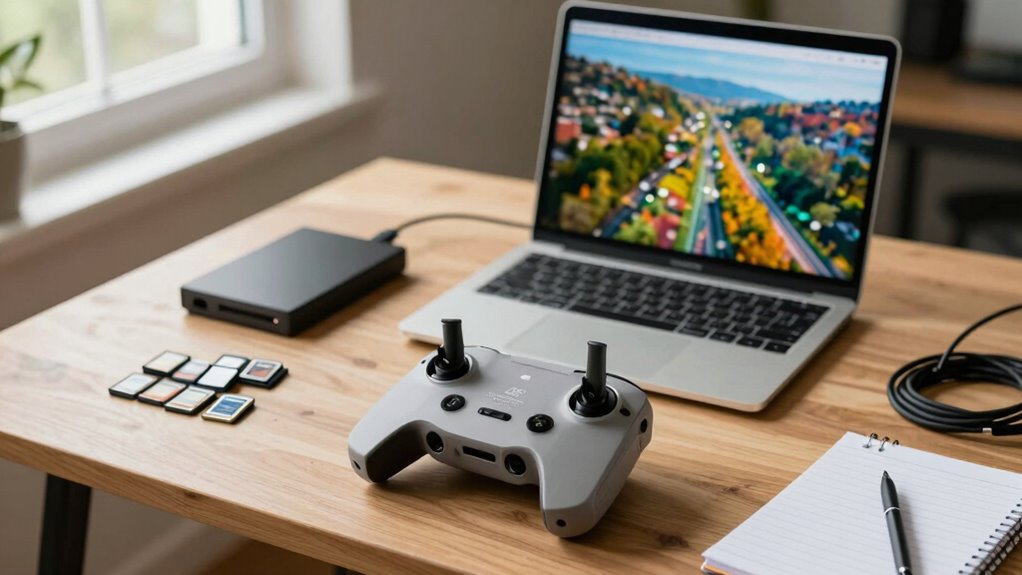
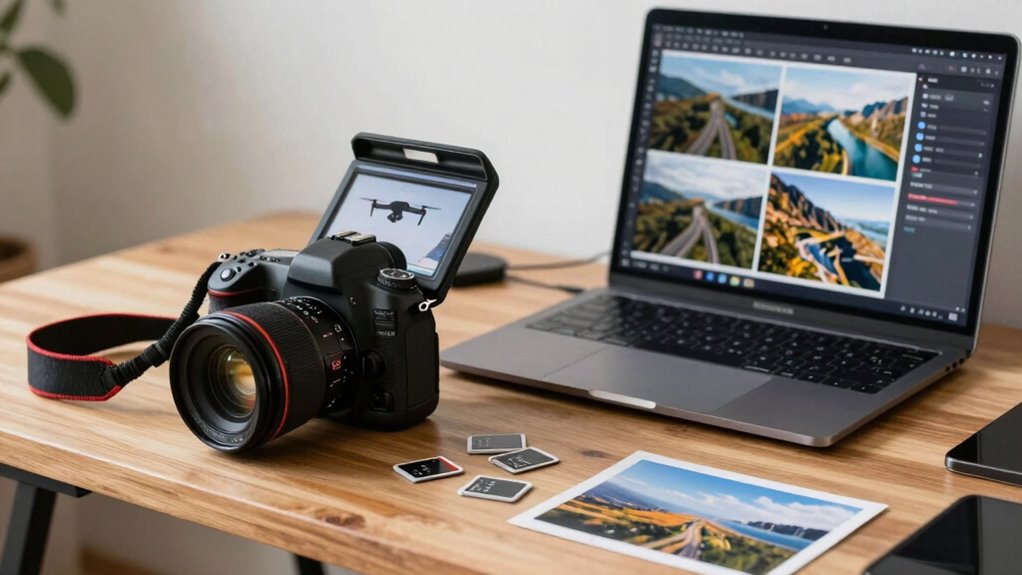
Right after a drone shoot, your priority should be to quickly organize and back up your files to prevent any data loss. The moment you land, your mind might be flooded with the excitement of the footage you’ve captured, but it’s essential to stay disciplined about how you handle your data. Start by creating a dedicated folder on your computer or external drive labeled with the date and location of the shoot. This initial step sets the foundation for effective file organization, making it easier to locate specific footage later. Keep your files in clearly labeled folders, perhaps dividing them by scenes, angles, or camera settings, depending on the project’s complexity. A consistent naming convention helps streamline the process, so consider including details like shoot date, drone ID, or shot sequence numbers.
Once your files are organized into logical folders, don’t forget the importance of data backup. Immediately copying your footage to at least one separate storage device—whether an external hard drive or cloud storage—is vital. Relying on a single storage location leaves you vulnerable to accidental deletion, hardware failure, or other unforeseen issues. Use reliable backup solutions, and if possible, maintain at least two copies of your data in different physical locations. This redundancy ensures your footage remains safe, even if one device encounters problems. Automating backups can save time and reduce errors, so consider setting up automatic syncing or backup software right after the shoot. Additionally, understanding file transfer speeds and storage media capabilities can help ensure a smooth and efficient backup process. Optimizing transfer speeds can significantly reduce the time needed to secure your files, especially when working with high-resolution footage.
Taking these steps right away also helps you clear mental clutter, allowing you to focus on editing or further processing without worrying about data safety. As you transfer files, verify each copy’s integrity by checking file sizes or playing back a few clips. This confirms your backup process was successful and your footage remains intact. If you’re working with large files or high-resolution images, make sure your storage media has ample space and fast transfer speeds to avoid frustration or delays. Developing a routine for post-shoot data management not only safeguards your work but also improves workflow efficiency. Over time, this habit becomes second nature, making each shoot less stressful and more productive.
external hard drive for data backup
As an affiliate, we earn on qualifying purchases.
As an affiliate, we earn on qualifying purchases.
Frequently Asked Questions
How Should I Organize My Drone Footage Immediately After Shooting?
You should immediately organize your drone footage by applying clear file naming conventions, like date and location, to keep everything tidy. Save your files in designated storage location options, such as external drives or cloud services, to guarantee quick access and backup. Create folders for different shoots or projects, and transfer files promptly to prevent data loss. This systematic approach saves time and keeps your footage ready for editing when needed.
What Are the Best Practices for Backing up Drone Files?
Did you know that 30% of data is lost annually due to poor backups? You should back up your drone files by using consistent file naming to keep everything organized. Upload copies to cloud storage for easy access and security. Always double-check that your backups are complete before deleting any original footage. This way, your valuable drone footage stays safe, accessible, and easy to find whenever you need it.
How Do I Verify the Quality of My Drone Footage Right After the Shoot?
You should quickly review your footage on a calibrated monitor, checking for sharpness, exposure, and color accuracy. Look for any noise, especially in low-light shots, and consider applying noise reduction if needed. Use basic color correction to assess how the footage holds up. This immediate check helps you identify any issues early, ensuring you can reshoot if necessary or plan for post-processing adjustments.
Should I Delete Any Files Right After the Drone Session?
You shouldn’t delete any files immediately after your drone session. Keep all footage for proper review and backup, as premature file deletion can lead to data loss. Focus on memory management by copying your files to a secure storage device first. Once you’re sure the footage is good and safely backed up, then you can delete unnecessary files to free up space. This approach guarantees your files stay protected and organized.
What’s the Recommended File Format for Editing Drone Footage?
You should shoot in a high-quality, editable format like ProRes or CineForm, then convert to a widely compatible format like MP4 for editing. Keep file compression minimal to preserve quality, and manage metadata carefully to stay organized. This way, your footage remains detailed for editing, and you can easily locate and manage files. Always back up your originals to prevent data loss during your editing process.
cloud storage service subscription
As an affiliate, we earn on qualifying purchases.
As an affiliate, we earn on qualifying purchases.
Conclusion
Once you’ve backed up your files and organized them properly, you’re basically ready to conquer the world with your stunning drone footage! Ignoring this step is like leaving your treasure chest wide open for pirates—don’t risk losing those epic shots. Act quickly, stay organized, and keep your files safe. Because if you don’t, all that breathtaking footage could vanish into the abyss of forgotten data—never to be seen again! Stay sharp, and your drone adventures will last forever.
As an affiliate, we earn on qualifying purchases.
As an affiliate, we earn on qualifying purchases.
Labor Day sales Picks
labor day deals
As an affiliate, we earn on qualifying purchases.